
qbrin
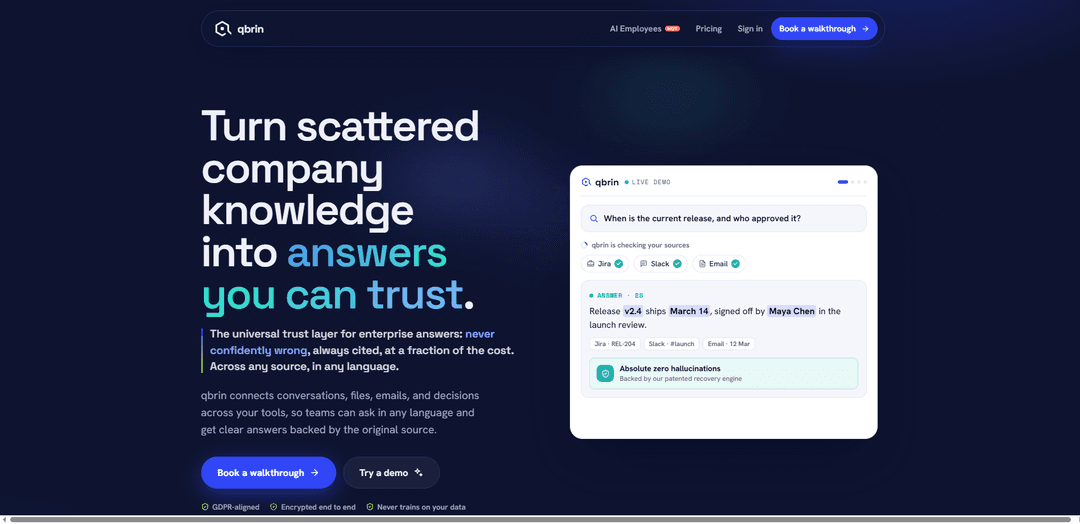
qbrin is an enterprise AI search and answer layer that connects your company’s tools to deliver fast, permission-aware answers with reliable citations, designed to avoid hallucinations and never train on your data.
https://qbrin.com/?ref=producthunt
Product Information
Updated:Jul 8, 2026
What is qbrin
qbrin is an enterprise knowledge and AI search platform built to turn scattered internal information—across emails, chats, files, and work tools—into clear, source-backed answers that teams can trust. Positioned as a “universal trust layer for enterprise answers,” it emphasizes grounded responses with links to the original documents or messages, strong privacy and security (GDPR-aligned, encrypted end-to-end), and a safety-first approach that prefers abstaining over guessing when evidence is insufficient. It’s designed for organizations that need accurate, auditable answers and want to reduce the time spent hunting across systems for the same information.
Key Features of qbrin
qbrin is an enterprise AI search and answering layer that connects to a company’s existing tools (e.g., email, chat, docs, and work systems) to turn scattered internal knowledge into clear answers backed by citations. It emphasizes trust and safety by abstaining when it can’t support an answer, providing permission-aware responses, and keeping data encrypted and not used for training. It also supports multilingual querying, continuous ingestion via connectors, and lightweight, cost-efficient answering compared with traditional RAG approaches.
Cited, source-grounded answers: Answers are generated from your company’s actual emails, files, chats, and decisions, and each claim links back to the original source so users can verify in one click.
Hallucination-resistant “abstain” behavior: Designed to avoid confidently wrong outputs by using verification gates and returning an honest “I don’t have enough information” when the data doesn’t support an answer.
Broad connector ecosystem + continuous sync: Connects to many workplace tools (e.g., Gmail/Drive, Slack, Notion, Jira, Salesforce and more) and keeps reading new information automatically; newly added documents can become answerable with citations in under ~30 seconds (measured).
Permission-aware enterprise access control: Mirrors existing permissions from connected tools so users only receive answers and sources they’re already allowed to access.
Multilingual Q&A across sources: Teams can ask in any language and get answers grounded in the underlying sources, supporting multilingual parity across languages (as claimed in benchmarking highlights).
Prebuilt “AI employees” / assistants: Provides ready-to-use assistants (e.g., Onboarding Buddy, Policy Helper, Meeting Prep, Account Brief) that answer only from company knowledge, without requiring code.
Use Cases of qbrin
Employee onboarding (HR / IT / Engineering): New hires can ask how to set up environments, find policies, or locate internal docs and decisions, getting step-by-step answers with direct citations to handbooks, tickets, and threads.
Sales & Customer Success account briefings: Before renewal or executive calls, teams can generate an account brief from emails, CRM signals, invoices, and prior QBR notes to highlight health, risks, and next steps.
Legal & compliance policy guidance: Employees can ask questions like whether a deck can be shared with a vendor and receive an answer grounded in approved policy documents and prior legal decisions.
Leadership decision tracking and org visibility: Creates a “whole company at a glance” view by pulling out people, decisions, and commitments from everyday conversations so leaders can understand what was decided and by whom.
Support and operations incident context: Support/Ops teams can quickly retrieve the latest known status, prior resolutions, and relevant tickets/messages across tools, reducing time spent searching and avoiding stale information.
Pros
Strong emphasis on trust: citations and verification-driven abstention reduce confidently wrong answers.
Enterprise-ready security posture: encrypted connections, GDPR-aligned claims, and data not used to train other models.
Integrates with many common workplace systems and keeps content continuously up to date.
Permission-aware answers help prevent accidental leakage of restricted information.
Cons
Answer coverage can trade off with caution: a calibration/abstention posture may return “not enough information” more often than systems optimized for always answering.
Performance depends on connector coverage and data quality—if key tools aren’t connected or content is fragmented, answers may be incomplete.
Some benchmark claims are based on qbrin-run measurements and may vary by corpus and configuration (e.g., retrieval strengths/weaknesses).
How to Use qbrin
1. Sign in to qbrin: Go to https://app.qbrin.com/ and sign in to access the product workspace where you can connect sources and start asking questions.
2. Start a demo (optional): If you want to see how qbrin answers with citations before connecting your own tools, use the demo entry point at https://app.qbrin.com/try.
3. Book a walkthrough (recommended for first-time setup): Schedule a 20-minute walkthrough at https://qbrin.com/book. In the walkthrough, qbrin connects one source read-only, answers one real question with sources, and does not change anything in your tools.
4. Connect a source (read-only) to ground answers in your company knowledge: Connect one of your tools (e.g., Gmail, Google Drive, Slack, Notion, Jira, etc.) so qbrin can read your company’s conversations/files and answer from them with linked citations.
5. Verify permissions are respected: Ensure the connected tool permissions are correct. qbrin mirrors existing access controls so users only see answers and sources they could access directly in the underlying tools.
6. Ask a question in natural language (any language): Use qbrin’s ask interface to query company knowledge in plain language. qbrin returns a clear answer backed by links to the exact emails, files, or messages it used.
7. Open citations to confirm the source: Click the linked source (email/file/message) under the answer to review the original context and confirm the claim is supported by the cited material.
8. Use qbrin for common workflows (no code): Create or use assistants for repeatable tasks such as: Onboarding Buddy (setup instructions), Policy Helper (policy/approval checks), Meeting Prep (renewal/QBR prep), and Account Brief (customer health/renewal/invoices).
9. Add more connectors to expand coverage: Plug in additional tools once; qbrin continuously reads new information as it appears so answers stay current without manual uploads or copy-paste.
10. Confirm freshness for newly added content: After adding a new document or source content, test by asking about it—qbrin is designed to answer with citations from newly added documents in under ~30 seconds (measured).
11. Handle unknowns safely: If qbrin can’t find solid support in your connected sources, it will abstain (e.g., ‘I don’t have enough information’) rather than guessing. Use this as a signal to connect missing tools or add the needed documentation.
12. Follow up on ‘missing tool’ recommendations: If qbrin detects frequent references to an unconnected system in your records, treat that as a gap in coverage and connect that tool (or request a connector) to improve answer completeness.
13. Request a connector if your tool isn’t listed: If a required system isn’t available, request a connector—qbrin states it builds connectors on demand.
14. Confirm data handling expectations: Operate with qbrin’s stated guarantees in mind: encrypted connections, GDPR-aligned controls, and your company data is not used to train other tools.
qbrin FAQs
qbrin is an enterprise AI search/answer system that connects to company tools (such as email, chat, and files) so teams can ask questions and receive clear answers backed by citations to the original sources.
Popular Articles

Proferex: A Cloud-Based Ad Tracking and Campaign Optimization Platform
Nov 4, 2026

How to Create Viral Talking Baby Podcast Videos with AI: Step-by-Step Guide
Nov 2, 2026

Vosko AI: Localize and Dub Videos for Global Audiences
Oct 15, 2026

Atoms: A Multi-Agent AI Platform That Transforms Ideas into Launch-Ready Products
Oct 13, 2026
Latest AI Tools Similar to qbrin
Snapmark
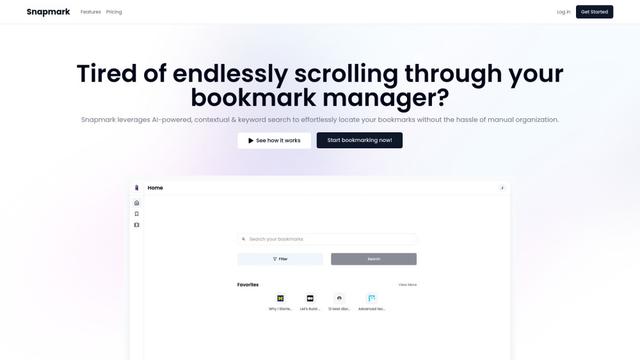
Snapmark is an AI-powered search engine for bookmarks that allows users to save, search, and organize websites, images, and text without manual tagging or categorization.
Uměl.cz
Uměl.cz is a Czech AI-powered search engine that provides intelligent and contextual answers to user queries.
想读 (WantRead)
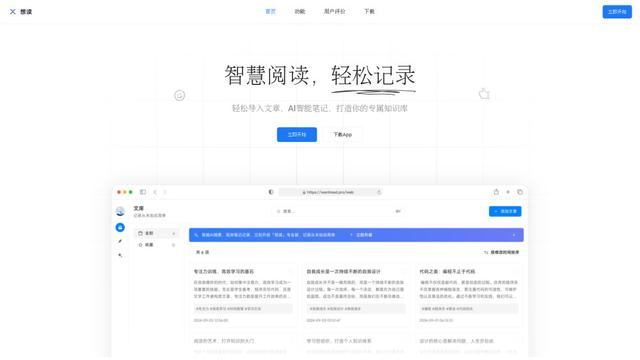
想读(WantRead) is an AI-powered reading and note-taking platform that helps users easily import, read, annotate and build their personal knowledge base.
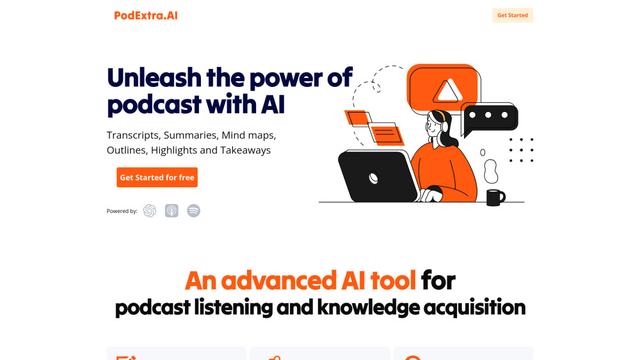
PodExtra AI
PodExtra AI is an advanced AI-powered podcast tool that transforms podcast content into digestible formats through transcripts, summaries, mind maps, outlines, highlights and takeaways.
Popular AI Tools Like qbrin
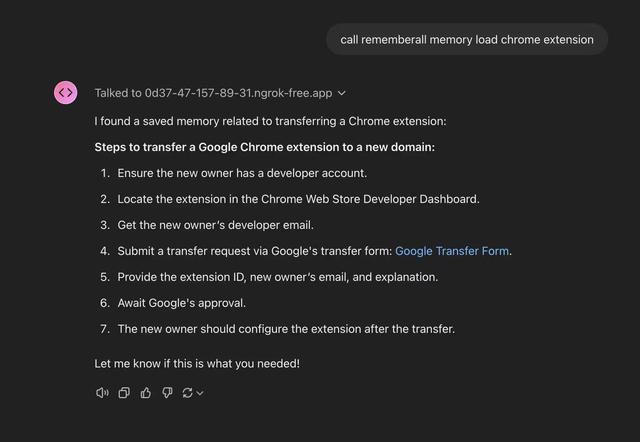
Rememberall
Rememberall is a secure, open-source long-term memory solution that enables AI applications and GPT models to maintain persistent memory across conversations through semantic search and vector storage capabilities.
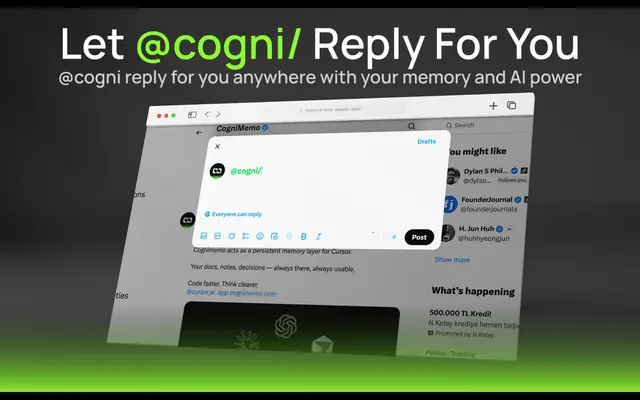
CogniMemo Extension
CogniMemo is a browser extension that adds long-term memory capabilities to AI tools like ChatGPT, Claude, Gemini, and DeepSeek by enabling context-aware conversations and knowledge management through saved notes and past chats.
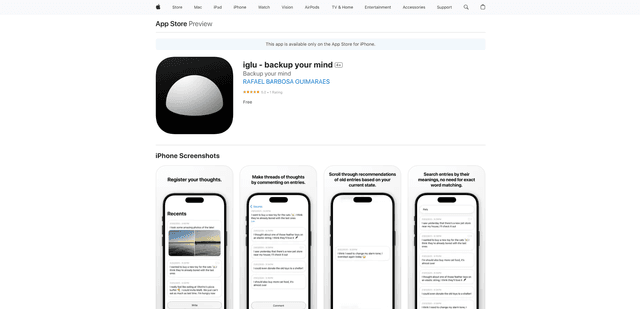
iglu
Iglu is a private, AI-powered micro-journaling app that helps users record, organize, and revisit their thoughts, memories, and ideas through text and media entries with intelligent search and recommendation features.
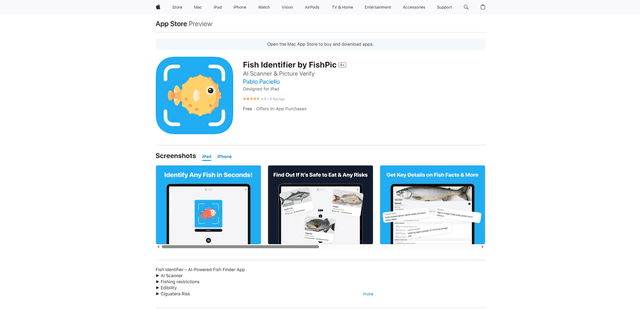
FishPic
FishPic is an AI-powered fish identification app that instantly recognizes fish species from photos while providing comprehensive information about edibility, regulations, and recipes.