
Premast
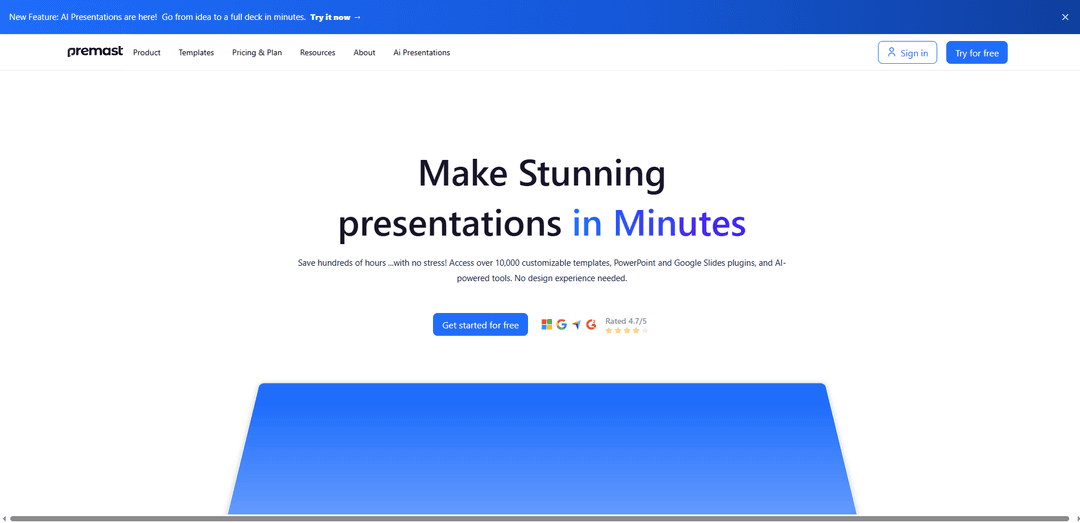
Premast is an all-in-one presentation design platform offering 10,000+ customizable templates, PowerPoint and Google Slides plugins, brand-kit tools, and AI-powered features to create professional decks in minutes.
https://premast.com/?ref=producthunt
Product Information
Updated:Jul 8, 2026
What is Premast
Premast is a web-based presentation design solution built to help anyone create impactful, professional-looking slides without needing design experience. It combines a large library of ready-made templates, icons, and graphics with workflow-friendly integrations for Microsoft PowerPoint and Google Slides. Premast also supports modern presentation needs such as branded content management and AI-assisted creation, making it useful for entrepreneurs, educators, consultants, students, teams, and businesses that rely on presentations to communicate ideas clearly and quickly.
Key Features of Premast
Premast is a cloud-based presentation design platform that helps users create professional slide decks quickly using a large library of customizable templates, icons, illustrations, and other design assets. It integrates directly into PowerPoint and Google Slides via plugins/add-ons, enabling drag-and-drop editing without leaving the presentation workflow. Premast also includes branding tools (Brand Kit) to apply consistent logos, colors, and fonts, plus collaboration-friendly cloud storage and libraries for managing and sharing assets and decks. Newer AI-powered tools can generate presentations and images from prompts to accelerate drafting and ideation, and Premast Studio offers expert design services for teams that need polished, bespoke decks.
10,000+ customizable templates & slides: Access a large library of professionally designed templates and slide layouts across common business, education, marketing, medical, and infographic needs, editable in PowerPoint and Google Slides.
PowerPoint & Google Slides plugin workflow: Install the Premast add-in to browse assets and templates, then drag-and-drop elements directly into your deck without switching tools or importing files manually.
Brand Kit for consistent design: Store and apply brand assets (logos, colors, fonts) to keep presentations on-brand and reduce repetitive formatting work.
Cloud library, collections & sharing: Upload your own presentations/templates to the Premast cloud, organize slides into collections, and simplify collaboration and reuse of approved assets.
AI presentation & image generation: Generate draft decks from an idea by choosing tone/style, and create images in selected visual styles to speed up content creation and iteration.
One-click updates & productivity tools: Sync changes across slides with a single click and use built-in asset search (e.g., image search) and import/export options to streamline production.
Use Cases of Premast
Sales & pitch decks: Create investor presentations, sales proposals, and product pitches faster using ready-made structures, branded themes, and polished visuals inside PowerPoint/Google Slides.
Marketing campaigns & reporting: Build campaign presentations, performance reports, and go-to-market decks with infographic slides, icons, and consistent brand styling for client-ready outputs.
Education & training materials: Teachers, trainers, and course creators can produce lecture slides, workshop decks, and learning modules quickly using editable templates and visual elements.
Corporate communications: Standardize internal updates (QBRs, OKR reviews, executive summaries) by sharing approved templates and brand assets across teams via the cloud library.
Consulting & client deliverables: Consultants can rapidly assemble professional deliverables and tailor visuals per client using the Brand Kit, reusable slide collections, and template library.
Design support for high-stakes decks (Studio): Teams can use Premast Studio for presentation redesign, formatting, infographics, and animations when they need expert-level polish beyond templates.
Pros
Fast creation of professional-looking presentations via templates and drag-and-drop assets.
Native workflow through PowerPoint and Google Slides plugins, reducing manual downloading/importing.
Strong brand consistency support with Brand Kit and centralized asset management.
AI tools and optional Studio services can accelerate ideation and improve polish for time-sensitive work.
Cons
Some reviews indicate the template selection may feel limited in certain areas despite the large library claim.
Feature depth may be uneven (some users note “not many features available” beyond templates/asset library).
Potential product/login fragmentation noted by users (e.g., separate access for Premast Plus vs. Premast Templates).
How to Use Premast
1) Create a Premast account: Go to https://app.premast.com/sign-up, then sign up using your email + password or continue with your Google account.
2) Sign in to the Premast platform: Open https://app.premast.com/login and log in. After login, you can access the Premast library and dashboard.
3) Explore the Premast library (templates & assets): From the platform, browse available elements such as Templates, Icons, Graphics, Images, and GIFs. Choose items that fit your project and brand style.
4) Install the Premast plugin (PowerPoint or Google Slides): Install the Premast add-in from the relevant marketplace: Microsoft AppSource for PowerPoint or Google Workspace Marketplace for Google Slides. In Google Slides, you can also go to Add-ons → Get add-ons and search for “Premast”.
5) Log in to the plugin using your Premast account: Open PowerPoint or Google Slides, launch the Premast plugin, and sign in with the same account you created on the platform.
6) Browse and select a template/slide inside your workflow: Use the plugin to browse Premast’s professionally designed templates and slides without leaving PowerPoint/Google Slides. Pick a full template or individual slides.
7) Add slides/elements to your presentation: Insert or drag-and-drop the selected slides/elements into your deck. You can download individual slides or full templates and start customizing them.
8) Customize the design (drag-and-drop editing): Edit text, layouts, and visuals directly in PowerPoint/Google Slides using the plugin workflow. No design experience is required—Premast is built for quick customization.
9) Apply your branding with Brand Kit (optional): If available on your plan, set up a Brand Kit to auto-apply your logo, colors, and fonts for consistent branded presentations.
10) Use AI tools to generate content and images (optional): Use Premast’s AI-powered tools (including AI presentations) to help generate slide content and images and speed up building a full deck from an idea.
11) Keep designs consistent with one-click updates (optional): If supported, use one-click update/sync features to apply changes across slides quickly instead of making many manual edits.
12) Manage downloads and plan limits: Be mindful of download limits based on your plan (e.g., free users have a limited number of downloads per day; premium users have higher limits). Upgrade if you reach your limit and need more downloads or premium features.
13) Access and organize assets in your user library (optional): Use the platform’s library features to manage and organize your presentation assets for reuse across projects.
14) Get help or contact support if needed: Use the Help Center (http://support.premast.com/) or contact support via https://support.premast.com/contact-support. You can also email [email protected].
Premast FAQs
Premast is a presentation design platform that helps users create professional slide decks quickly using 10,000+ customizable templates, PowerPoint and Google Slides plugins, and AI-powered tools.
Premast Video
Popular Articles

Atoms: A Multi-Agent AI Platform That Transforms Ideas into Launch-Ready Products
May 22, 2026

Nano Banana SBTI: What It Is, How It Works, and How to Use It in 2026
Apr 15, 2026

Atoms Review — The AI Product Builder Redefining Digital Creation in 2026
Apr 10, 2026

Kilo Claw: How to Deploy and Use a True "Do‑It‑For‑You" AI Agent(2026 Update)
Apr 3, 2026
Latest AI Tools Similar to Premast
PPTalker
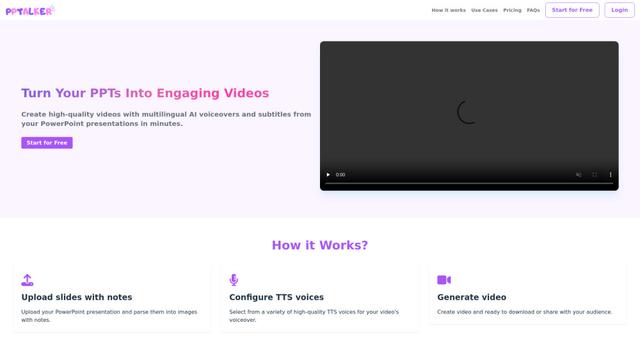
PPTalker is an online PowerPoint to video converter that transforms presentations into engaging videos with AI-powered multilingual voiceovers and subtitles.
Napkin
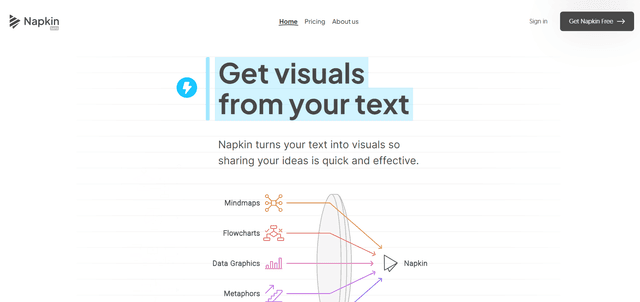
Napkin AI is an innovative AI-powered tool that automatically transforms text into visually appealing graphics, diagrams, and illustrations to enhance business communication and storytelling.
Aidocmaker.com
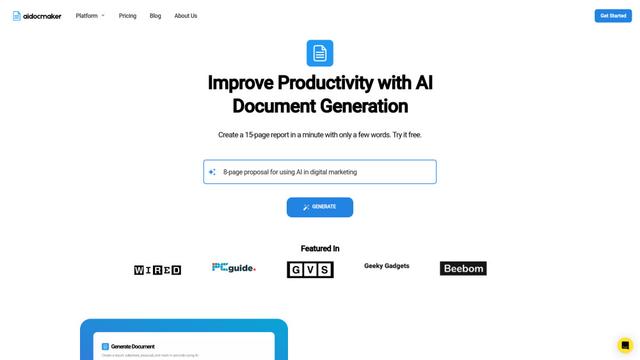
Aidocmaker.com is an AI-powered document creation platform that allows users to effortlessly generate professional documents, presentations, spreadsheets, and voiceovers in minutes.

Yanbi AI
Yanbi AI is a free AI-powered writing tool that generates high-quality content for various writing scenarios with one click.
Popular AI Tools Like Premast

MulmoCast
MulmoCast is an AI-native multi-modal presentation tool that automatically generates videos, podcasts, slides, PDFs, and manga-style content from a single script using various AI technologies.
MulmoCast Vision
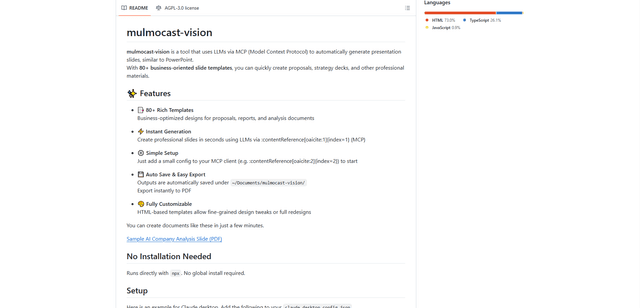
MulmoCast Vision is an AI-powered tool that automatically generates professional presentation slides through LLMs via Model Context Protocol (MCP), featuring 80+ business-oriented templates for various corporate needs.
Gamma
Free TrialAI Presentation Generator
Gamma App is an AI-powered tool for creating beautiful presentations, documents, and websites with no design or coding skills required.
SLIDESGO
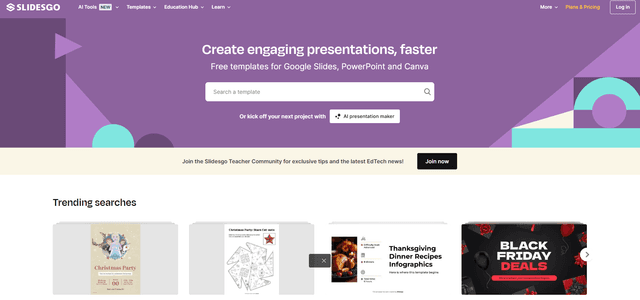
Slidesgo is a free online platform that provides professionally designed presentation templates for Google Slides and PowerPoint with customizable themes, infographics, and AI-powered tools to help create engaging presentations faster.