
Prefactor
Prefactor is a real-time agent performance platform that traces every run, scores it for quality/drift/risk, and can enforce actions (hold, approve, block) at runtime via SDK/API.
https://prefactor.tech/producthunt?ref=producthunt

Product Information
Updated:Aug 8, 2026
What is Prefactor
Prefactor is an observability, evaluation, and enforcement layer for production AI agents. It records each agent run as structured traces and spans—covering LLM calls, tool invocations, decisions, latency, cost, and sensitive-data risk—so teams can see exactly what agents did and how they performed. Unlike tools that stop at dashboards, Prefactor is built to “close the loop” by wiring evaluation results into runtime controls, helping teams operate agents safely and reliably as they scale across environments (dev, staging, production).
Key Features of Prefactor
Prefactor is a production agent observability, evaluation, and enforcement platform that captures every AI agent run as structured traces (LLM calls, tool invocations, decisions), scores those runs in real time for quality, drift, and risk, and then turns those evaluations into runtime controls (block/hold/throttle or route to human approval). It integrates quickly via TypeScript/Python SDKs, native connectors (e.g., LangChain, Claude, Vercel AI, OpenClaw, LiveKit) and OpenTelemetry, adds security primitives like least-privilege and auditability, and supports an agent lifecycle with versioning, environments, eval-gated promotion, and rollback.
Real-time run tracing (observability): Captures every agent run as spans/traces—including each model call, tool invocation, and decision—with cost, latency, and contextual metadata so teams can see exactly what happened in production.
Continuous evaluations on production traffic: Scores outputs as they occur using evals you define (LLM-as-judge, technical checks like schema validity, and qualitative metrics), enabling detection of drift and regressions before users notice.
Runtime enforcement and human-in-the-loop controls: Turns risk signals into action by pausing a run before high-risk actions execute, routing to a human to approve/modify/reject, or automatically blocking/throttling—enforced via SDK or API with full decision logging.
Custom spans with grounded context: Lets you attach ground-truth context from internal/external systems (e.g., GitHub, Jira/Linear, databases, internal APIs) to specific steps in a run so evaluations are based on what actually occurred.
Agent lifecycle management (dev → staging → prod): Versions agents, tracks schema conformance, supports environments, and enables eval-gated promotion with instant rollback—helping teams ship agents with software-style release discipline.
Security posture for agents (least privilege + auditability): Designed for agents that act with real access, emphasizing scoped permissions, complete auditable records, sensitive-data detection and risk classification, and enterprise features like SSO (with SOC 2 Type II in progress per the source).
Use Cases of Prefactor
Customer support agents with safe action gating: For support copilots that can issue refunds or change accounts, Prefactor can detect sensitive-data risk and hold the action for manager approval before execution, preventing damaging automated outcomes.
Financial services compliance and audit readiness: In regulated environments, teams can maintain a complete audit trail of agent decisions and tool calls, continuously score quality/safety, and enforce least-privilege controls to reduce compliance and operational risk.
Healthcare and insurance workflow automation: For claims processing or clinical admin agents, Prefactor can monitor for PII exposure, validate structured outputs (schemas), and require human review for high-risk steps to support safer automation.
Enterprise data access governance for internal agents: When agents query internal databases or export to systems like SAP, Prefactor can throttle or block risky exports, attach contextual spans from internal systems, and centralize visibility across stakeholders.
AI platform engineering for multi-agent fleets: Teams running many agents across frameworks can standardize tracing, compare performance across versions/environments, catch drift on real traffic, and roll back quickly when scores degrade.
Pros
Closed-loop reliability: combines observe → evaluate → act, including runtime enforcement (not just dashboards).
Fast integration via TypeScript/Python SDKs, native framework support, and OpenTelemetry compatibility.
Strong operational controls: human-in-the-loop approvals, blocking/throttling, and comprehensive audit logging.
Cons
Some enterprise controls are still evolving (e.g., RBAC noted as on the roadmap; SOC 2 Type II listed as in progress).
Requires thoughtful eval/policy design to get maximum value (teams must define what “good” and “risky” mean for their agents).
How to Use Prefactor
1) Create a Prefactor workspace and connect it with the CLI: In your terminal, run the Prefactor CLI init flow to connect your local environment to your Prefactor workspace and auto-discover agents across your runtimes (no migration or rip-and-replace required). Example shown in the source: `prefactor init` → CLI connected → scanning runtimes → agents discovered.
2) Instrument your agent with the Prefactor SDK (TypeScript or Python): Add Prefactor instrumentation to your agent so each model call, tool invocation, and decision becomes a trace/span streamed to Prefactor. Use the native SDK integration for your framework (e.g., LangChain, Claude, Vercel AI, OpenClaw, LiveKit) or the core SDK for anything else.
3) (LangChain example) Initialize Prefactor middleware and identify the agent: For LangChain in TypeScript, initialize Prefactor with an agent identifier so runs are attributed correctly. Example shown in the source: `import { init } from "@prefactor/langchain"; const mw = init({ agentIdentifier: "claims-processor" });` Then attach the middleware to your agent execution path so spans stream to Prefactor.
4) Verify live runtime visibility (traces, spans, cost, and data-risk): After instrumentation, run your agent normally and confirm Prefactor is receiving live runs. Prefactor should show full traces for every model call, tool, and decision, with cost and data-risk attached, streaming in real time.
5) Define and run evaluations on every run (quality, drift, and risk): Configure the evals you care about and have Prefactor score production runs as they happen. Supported eval types in the source include LLM-as-judge, technical checks (e.g., schema validity), and qualitative metrics (e.g., tone & safety). These scores help catch drift/regressions on real traffic.
6) Add custom spans for the steps that matter (retrievals, tool calls, sub-agents): Create custom spans to mark important steps and attach ground-truth context from your systems (GitHub, Linear, Jira, databases, internal APIs). This enriches the run so evaluations are grounded in what actually happened, not just the final output.
7) Attach external context to a custom span (example pattern): Use a custom span to pull in context and make it available to every eval. Example shown in the source: create a span (e.g., `pf.customSpan('enrich_review_context')`), attach artifacts like a GitHub PR and customer tier, then optionally score/annotate the span (e.g., `span.score({ grounded: true })`).
8) Monitor score trends and latency (including P95/P99) per step, not just final answers: Use Prefactor’s per-span/per-step scoring to see where quality changes over time and correlate it with performance. The source highlights trending scores over time alongside P95/P99 latency, enabling you to pinpoint regressions in specific steps (retrieval, tool call, sub-agent).
9) Enable human-in-the-loop (HITL) for high-risk actions: Configure Prefactor so that when a run crosses a risk threshold (e.g., sensitive-data detection or a critical action), the run/action is paused and routed to a person to approve, modify, or reject before execution. The source describes holding a high-risk action for approval and enforcing the decision at runtime via SDK or API, with every decision logged.
10) Enforce runtime controls (block, throttle, or require approval): Wire evaluations and risk signals into action so Prefactor can intervene immediately—blocking, throttling, or pausing runs/actions the moment they cross a line. Enforcement is performed at runtime through the SDK or API (not just dashboards/alerts).
11) Version and promote agents through dev → staging → prod with eval-gated promotion: Adopt Prefactor’s lifecycle workflow: version agents (e.g., semver/commit/tag), track schema conformance, and promote deployments across environments only when evals pass. The source describes dev/staging/prod as first-class environments, eval-gated promotion, and instant rollback.
12) Integrate with the rest of your stack via native SDKs or OpenTelemetry: If you’re not using a natively supported agent framework, send spans through OpenTelemetry or instrument with the TypeScript/Python core SDK. The source notes Prefactor works as a layer over agent frameworks, coding tools, and workflow platforms, connected through native SDKs, OpenTelemetry, and core SDKs.
Prefactor FAQs
Prefactor is a platform to evaluate, observe, and improve AI agents in production. It scores every agent run in real time for quality, drift, and risk, and can wire those evaluations into runtime actions (e.g., hold, approve, or block risky steps).
Prefactor Video
Popular Articles

Vosko AI: Localize and Dub Videos for Global Audiences
Oct 15, 2026

Atoms: A Multi-Agent AI Platform That Transforms Ideas into Launch-Ready Products
Oct 13, 2026

Nano Banana SBTI: What It Is, How It Works, and How to Use It in 2026
Apr 15, 2026

Atoms Review — The AI Product Builder Redefining Digital Creation in 2026
Apr 10, 2026
Latest AI Tools Similar to Prefactor

Hapticlabs
Hapticlabs is a no-code toolkit that enables designers, developers and researchers to easily design, prototype and deploy immersive haptic interactions across devices without coding.
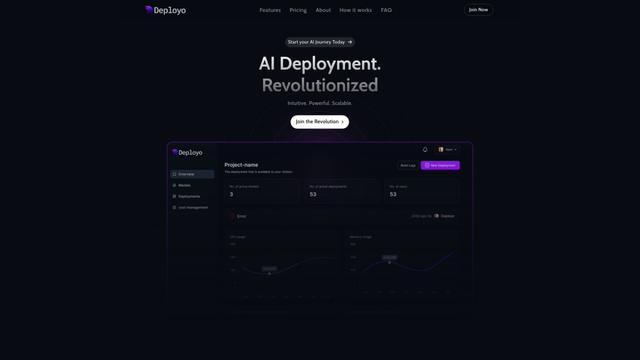
Deployo.ai
Deployo.ai is a comprehensive AI deployment platform that enables seamless model deployment, monitoring, and scaling with built-in ethical AI frameworks and cross-cloud compatibility.
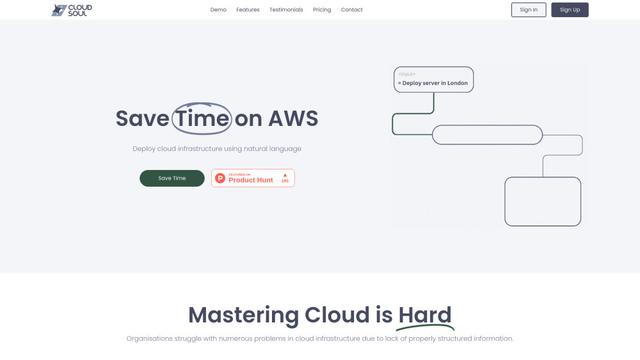
CloudSoul
CloudSoul is an AI-powered SaaS platform that enables users to instantly deploy and manage cloud infrastructure through natural language conversations, making AWS resource management more accessible and efficient.

Devozy.ai
Devozy.ai is an AI-powered developer self-service platform that combines Agile project management, DevSecOps, multi-cloud infrastructure management, and IT service management into a unified solution for accelerating software delivery.
Popular AI Tools Like Prefactor

A2A Protocol
A2A (Agent2Agent) Protocol is an open interoperability protocol developed by Google that enables seamless communication and collaboration between AI agents across different frameworks and vendors, regardless of their underlying architecture.
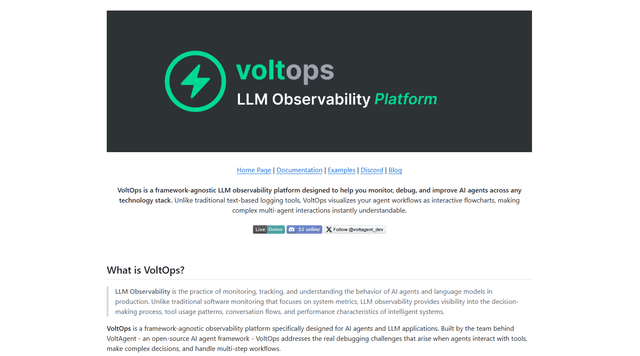
VoltOps
VoltOps is a framework-agnostic LLM observability platform that provides real-time visual monitoring, debugging, and optimization tools for AI agents across any technology stack.
Chaterm
Chaterm is an open-source AI-native terminal and SRE copilot that enables engineers to manage complex infrastructure through natural language, automating deployment, troubleshooting, and operations without memorizing commands.
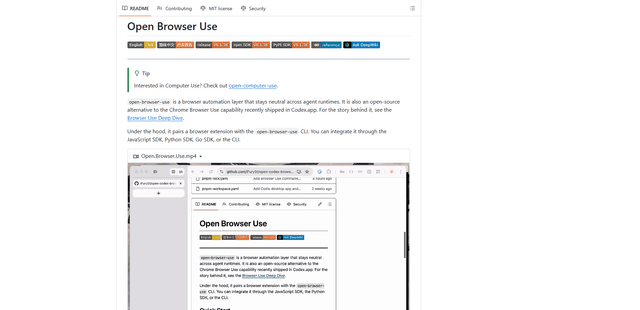
Open Browser Use
Open Browser Use is an open-source, agent-runtime-neutral browser automation layer that pairs a Chrome extension with a CLI/SDK/MCP to enable DOM-aware, CDP-powered tab control, navigation, and actions across different AI agent tools.