Pocket Fit
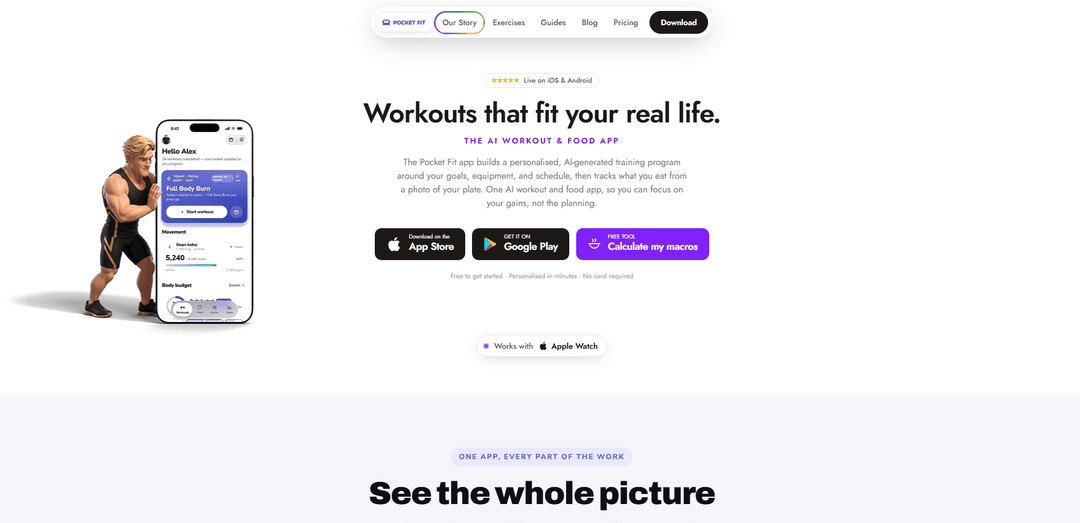
Pocket Fit is an AI-powered workout and food app that builds personalized training programs, tracks every lift and your progress, and logs meals from a photo or barcode to help you transform consistently.
https://www.pocket-fit.app/?ref=producthunt
Product Information
Updated:Aug 14, 2026
What is Pocket Fit
Pocket Fit is an all-in-one fitness app designed to plan your training, simplify workout logging, and support nutrition tracking in a single place. Built around your goals, schedule, and available equipment, it acts like a personal trainer in your pocket—generating structured workouts, handling progressive overload, and helping you stay consistent whether you train at home, in the gym, or on the go. It also supports Apple Watch and emphasizes privacy, stating that user data is protected with encryption and not sold.
Key Features of Pocket Fit
Pocket Fit is an AI-powered workout and food tracking app that plans and schedules training sessions, logs every lift, and applies progressive overload so users can focus on execution rather than programming. It combines strength training tracking and adaptive workout generation with nutrition logging (including photo-based plate scanning and barcode scanning) and progress analytics, while adding gamified motivation through an evolving avatar/level system and AI chat coaches that can guide, demonstrate exercises, and adjust sessions on the fly. It also supports Apple Watch and emphasizes privacy with encryption and a stated commitment not to sell user data.
AI-built training programs + smart scheduling: Generates personalized workout plans around goals, experience, schedule, and available equipment, then auto-schedules sessions (including moving/rescheduling when you miss a day) with progressive overload handled for you.
Fast workout logging and lift tracking: Logs sets, reps, and weight efficiently during sessions and tracks key strength metrics over time (e.g., top sets, weekly volume, streaks) so you can see what’s improving week over week.
AI coach chat (Kai & Maia) for live guidance: In-session chatbot can log sets, tell you what’s next, provide personalized advice, and swap exercises when equipment isn’t available—useful for both gym and home training.
Food tracking with photo plate scan + barcode scan: Lets users log meals by scanning a plate photo or barcodes, then confirm calories and macros quickly—designed to reduce friction and “no shame” nutrition tracking.
Gamified transformation: evolving avatar + leveling: Turns real training consistency into an RPG-like progression system where your character levels up as you complete workouts, adding motivation and shareable progress moments.
Progress analytics + sharing: Provides progress views (strength changes, volume trends) and shareable “gym wins” cards to help users stay accountable and celebrate milestones.
Use Cases of Pocket Fit
Beginner-to-intermediate strength training onboarding: New lifters can get a structured program instantly, follow scheduled sessions, and rely on progressive overload and AI guidance to build consistency without needing to design routines.
Home training or travel with limited equipment: When equipment is missing (home gym, hotel gym, travel), users can ask the AI coach to replace exercises for that session and keep training continuity.
Powerlifting and serious lifting progress tracking: Lifters focused on measurable strength can track top sets, weekly volume, and historical performance, making it easier to monitor progression and adjust training blocks.
Nutrition adherence for cutting, bulking, or maintenance: Users can quickly log meals via photo or barcode and track daily macros/calories to support body composition goals alongside training.
Habit-building and motivation through gamification: The leveling avatar and streak/analytics views provide a motivational loop for users who respond well to visible milestones and shareable achievements.
Wearable-supported training sessions (Apple Watch users): Apple Watch compatibility supports users who want lightweight workout interaction and tracking while training without constantly using their phone.
Pros
All-in-one: combines workout programming/logging with nutrition tracking (photo + barcode) in a single app.
Adaptive coaching: AI chat can adjust exercises and provide guidance in real time, improving flexibility when plans change.
Motivating progress loop: strong progress analytics plus avatar leveling and shareable wins can help adherence.
Privacy-forward positioning: states data isn’t sold and is protected with encryption/industry-standard security.
Cons
Subscription required for full access (priced around $9.99/month or $59.99/year), which may be a barrier for some users.
Meal photo scanning and AI estimates may require user confirmation and can be imperfect versus weighed/verified nutrition logging.
Some users may prefer fully manual programming/logging and find AI-driven planning unnecessary for advanced, highly individualized routines.
How to Use Pocket Fit
1. Download Pocket Fit and create your account: Install Pocket Fit on your phone, open it, and sign up/log in. Complete the quick onboarding questions so the app can tailor training and nutrition to your goals and level.
2. Connect Apple Watch (optional): If you use an Apple Watch, connect it so your training sessions and activity data can be tracked together (Pocket Fit supports Apple Watch).
3. Set your training goal and schedule: Choose your goal (e.g., cutting, bulking, getting started) and set how many workouts per week you want. Use the calendar to plan your week and see what’s planned, completed, or missed.
4. Get a personalized program (AI-generated or from your own notes): Use the in-app AI to generate a structured program tailored to your needs. If you already have a routine, paste your notes into the chat—Pocket Fit can convert them into a full program with exercises, sets, reps, and suggested weights.
5. Start today’s workout session: Open the ‘Today’ workout (already built and scheduled) and press Start. Pocket Fit handles progressive overload planning so your sessions progress over time.
6. Log sets as you train: During the session, record each set (weight and reps). You can also use Pocket Fit Chat to log sets quickly (e.g., ‘I did 80 kg for 8 reps’) and the app will record it and suggest what’s next.
7. Adjust on the fly with Pocket Fit Chat: If you’re missing equipment or need a change, ask the chatbot to swap an exercise for that session. You can also ask what your next set is, or request tweaks to weight/reps.
8. Finish the session and review the summary: End the workout to see your session recap (e.g., exercises completed, sets, and total volume). Use this to confirm you hit your targets and to support recovery planning.
9. Track strength progress week over week: Go to Progress to see how lifts are improving (e.g., top set increases, weekly volume, streaks). Use these insights to understand what’s getting stronger and stay consistent.
10. Log food by scanning a plate photo or barcode: Open Fuel (nutrition), then scan your plate with a photo or scan a barcode. Confirm the suggested macros and calories, then save—your meal is logged.
11. Monitor your daily macros and calories: Check your remaining calories and macro targets (protein, carbs, fat) for the day. Use the dashboard to keep nutrition aligned with your training goal.
12. Use the ‘Balance’ / energy ledger view to stay on track: Review your daily ‘deposits’ (like workouts and nutrition actions) and see how they contribute to your overall body budget/balance for the day.
13. Watch your avatar evolve as you progress: As you complete workouts and stay consistent, your character levels up. Visit the Transform/Journey area to see your current level and what’s needed to reach the next one.
14. (Optional) Try AI body projection: Upload a photo to view an AI projection of your future self (e.g., a 3-month comparison). Use it as motivation and to visualize progress.
15. Keep your plan adaptive and consistent: Use scheduling tools and the AI coach to move sessions when life happens, maintain your streak, and keep progressive overload and nutrition tracking aligned over time.
Pocket Fit FAQs
Pocket Fit is an AI-powered workout and food tracking app that acts like a personal digital trainer. It builds personalized training programs around your goals, equipment, and schedule, helps you log workouts, and tracks progress over time.
Popular Articles

How to Create Viral Talking Baby Podcast Videos with AI: Step-by-Step Guide
Nov 2, 2026

Proferex: A Cloud-Based Ad Tracking and Campaign Optimization Platform
Nov 2, 2026

Vosko AI: Localize and Dub Videos for Global Audiences
Oct 15, 2026

Atoms: A Multi-Agent AI Platform That Transforms Ideas into Launch-Ready Products
Oct 13, 2026
Latest AI Tools Similar to Pocket Fit
Fit Aura
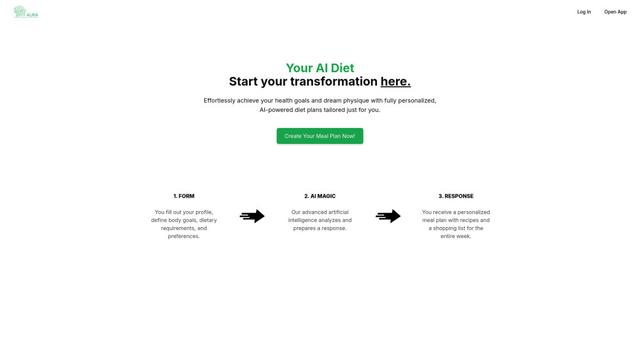
Fit Aura is an AI-powered diet and nutrition platform that creates personalized meal plans, generates recipes, and helps track fitness progress for achieving health goals.
QuazaAI
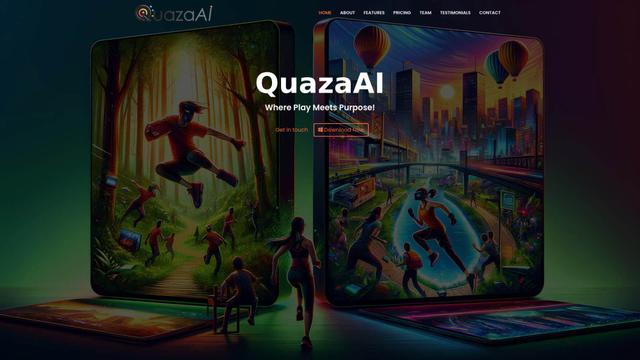
QuazaAI is an innovative fitness platform that combines artificial intelligence, motion tracking technology, and gaming elements to transform traditional workouts into engaging, interactive adventures.
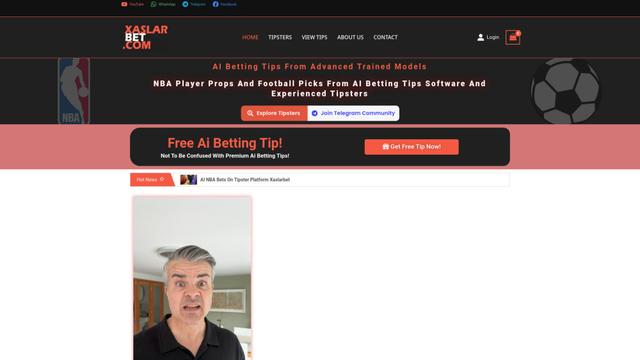
Xaslar Bet
Xaslar Bet is an AI-powered sports betting platform offering tips and predictions for NBA player props and football matches.
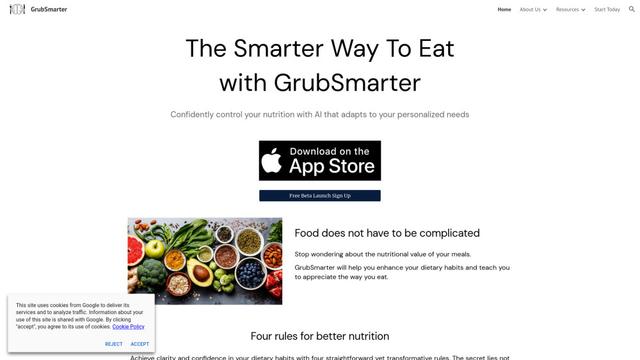
GrubSmarter
GrubSmarter is an AI-powered nutrition app that helps users confidently control their diet by adapting to personalized needs and teaching better eating habits.
Popular AI Tools Like Pocket Fit
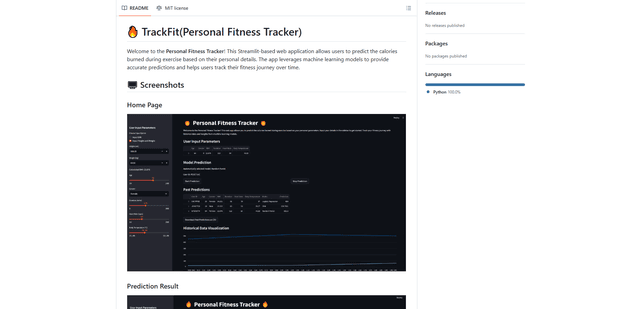
TrackFit
TrackFit is a comprehensive AI-powered fitness tracking system that combines smartwatch sensor data, machine learning models, and personalized analytics to help users monitor workouts, track progress, and improve exercise form in real-time.
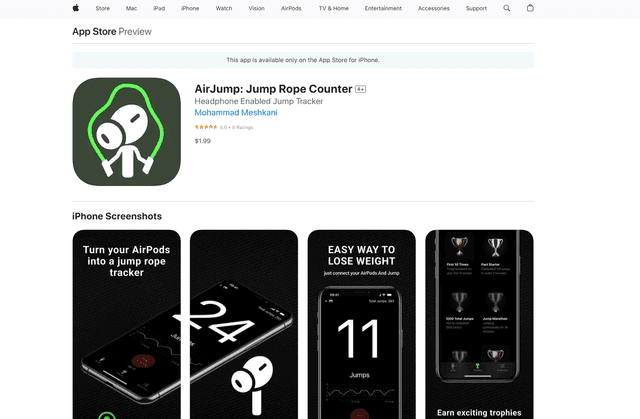
AirJump
AirJump is an innovative fitness app that uses AirPods' motion sensors to automatically track and count jump rope workouts while providing real-time statistics and achievement-based motivation.
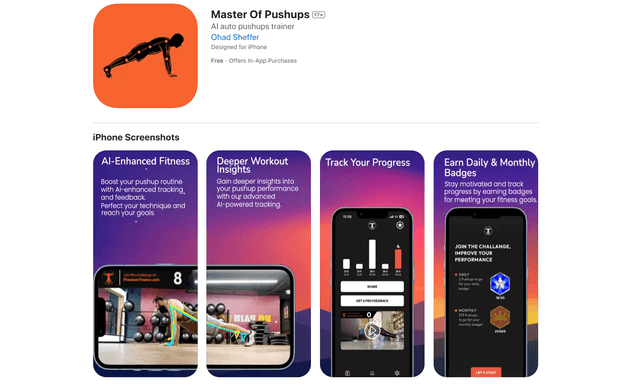
Master of Pushups
FreemiumSports & Fitness
Master of Pushups is an AI-powered fitness app that helps users perfect their pushup technique, track progress, and build strength through automated form detection and personalized training programs.
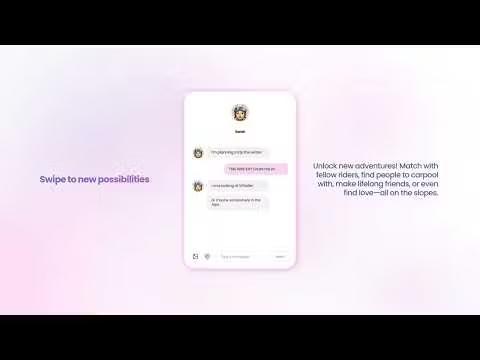
Shredder
Shredder is a versatile app offering both a powerful chess program for players of all levels and a skiing/snowboarding companion that tracks performance and connects riders with similar skill levels.