Plimo
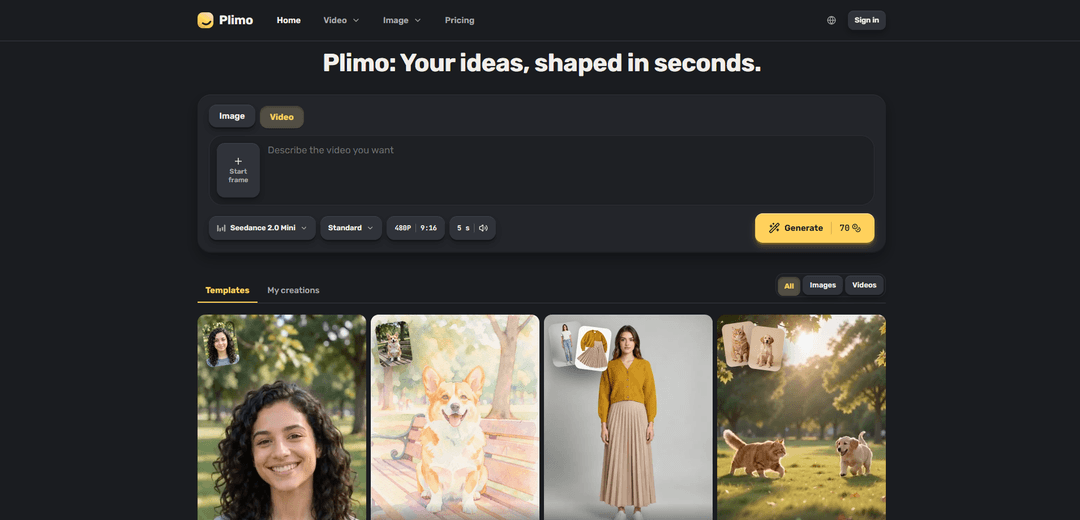
Plimo brings the newest AI image and video models together in one place and makes them easy to use. Pick a trending template and add your photo, or describe your own idea and choose a model. New accounts get 100 free credits, and plans start at $15 a month.
https://plimo.ai/?utm_source=aipure
Product Information
Updated:Oct 22, 2026
What is Plimo
Plimo is a web-based AI image and video creation platform designed for people who want to generate visual content without needing advanced prompting skills. Users can start with a trending template or describe their own concept to create images, edit uploaded photos, animate still images, or generate short videos from text. The platform brings together models from providers including Google, OpenAI, ByteDance, and Kuaishou, allowing users to select the model that best fits tasks such as readable text in images, detailed photo compositing, cinematic video, or motion-focused clips. New users receive 100 free credits, while membership plans provide watermark-free results, commercial-use rights, and longer creation retention.
Key Features of Plimo
Plimo is a browser-based AI creative platform that brings multiple image and video generation models into one interface. Users can create images, edit photos, turn images into videos, or generate videos from text using prompts, reference photos, and ready-made templates. It provides model selection, visible credit costs before generation, 100 one-time free credits for new accounts, and membership benefits such as watermark-free downloads, longer creation storage, and commercial-use rights.
Unified AI image and video generation: Creates still images and short video clips from text prompts, uploaded photos, or combinations of both through a single workspace.
Multiple model choices: Offers models from providers including Google, OpenAI, ByteDance, and Kuaishou, allowing users to select options suited to text rendering, photo editing, image composition, motion, or cinematic video.
AI photo editing: Lets users upload a photo and modify elements such as hairstyles, outfits, backgrounds, and visual style while aiming to preserve the person's appearance.
Templates and reference-based creation: Provides preconfigured templates with prompts and settings already prepared, while also supporting reference photos for more personalized image and video results.
Image-to-video and text-to-video tools: Animates still photos with movement and camera motion, or generates short scenes directly from written descriptions; supported models can also produce sound.
Transparent credit pricing and memberships: Shows credit usage before each generation and refunds credits for failed jobs. New accounts receive 100 free credits, while memberships remove watermarks and enable commercial use.
Use Cases of Plimo
Social media content: Creators can produce stylized images, short motion clips, trend-oriented template content, and polished visuals for posts, reels, and audience engagement.
E-commerce product imagery: Small shops can transform simple product photos into studio-style visuals, such as placing a candle, mug, or other product on a premium-looking background for marketing materials.
Marketing and event design: Teams can create posters, party invitations, promotional graphics, and campaign visuals, using GPT Image 2.5 when legible text in an image is important.
Personal photo enhancements: Individuals can preview a hairstyle or outfit, replace an unappealing background, create imaginative portraits, or combine photos of friends and family into new scenes.
Memory animation: Users can animate old family photos by prompting subtle actions such as smiling, waving, or gentle camera movement, creating shareable keepsakes.
Concept and story visualization: Writers, designers, and hobbyists can turn an idea such as a cinematic scene or product concept into a short video or image to explore visual direction quickly.
Pros
Combines a range of current AI image and video models in one easy-to-use browser-based platform.
Offers flexible creation methods, including prompts, uploaded references, photo editing, templates, image-to-video, and text-to-video.
Makes generation costs visible before use and refunds credits when a generation fails.
Provides 100 free, non-expiring starter credits with no credit card required.
Cons
Free-tier results include a watermark, and commercial use requires a membership.
Non-members can retain creations for only seven days, requiring users to download work promptly.
Generation capability is credit-based, and video creation can consume credits quickly; the provided information indicates the free credits may be enough for only one short video.
Adult content is not supported, which limits some creative use cases.
How to Use Plimo
Open Plimo: Go to https://plimo.ai/ in your web browser. You can browse the generator, templates, and available tools before signing in.
Choose what you want to create: At the generator, select whether you want to make an image or a video. For a focused workflow, open a tool such as AI Image Generator, AI Photo Editor, AI Video Generator, Image to Video, or Text to Video.
Decide between a template and a custom idea: Choose a trending template if you want Plimo to handle the prompt and settings for you, or write your own description to create something from scratch.
Sign in when required: Sign in with Google or request an emailed login code. Signing in is required to upload photos or generate results; no credit card is needed to start.
Add photos if your creation needs them: Upload the requested reference photo or photos. For example, use a selfie and hairstyle reference in AI Photo Editor, use a still image in Image to Video, or add multiple photos when combining people or objects into a scene.
Write or review the prompt: For custom creations, describe the image or clip you want in plain language. Include useful details such as subject, setting, style, motion, camera movement, sound, or exact text. For templates, review the provided fields and add the requested inputs.
Select an AI model: Choose a model from the model menu based on your goal. For example, use Plimo Image 1.0 for everyday images, GPT Image 2.5 for readable text and careful edits, Nano Banana 2.1 for combining up to six reference photos, Seedance 2.0 Mini for lower-cost video with sound, Veo 3.1 Fast for polished 8-second videos with sound, or Kling 3.0 for lively motion and reference-video motion guidance.
Adjust settings: Configure available settings beside the model, such as image or video options, duration, format, references, or other generation controls. The Generate button displays the credit cost before you run the creation.
Generate the result: Click Generate. Plimo processes your prompt, selected model, settings, and uploaded references. If a generation fails, Plimo states that credits for that failed generation are returned.
Find, review, and save your creation: Your output appears under the generator in My creations. Download results you want to keep. Non-members' results are retained for 7 days, while members keep them longer.
Understand credits and usage rights: New accounts receive 100 one-time free credits that do not expire. Free results include a small bottom-right watermark and are for personal, non-commercial use. Membership provides watermark-free results and commercial-use rights.
Plimo FAQs
Plimo is an AI creation platform for generating and editing images and short videos. Users can choose a template or write their own prompt, then select from AI models in one place.
Popular Articles

Vosko AI: Localize and Dub Videos for Global Audiences
Oct 15, 2026

Atoms: A Multi-Agent AI Platform That Transforms Ideas into Launch-Ready Products
Oct 13, 2026

Nano Banana SBTI: What It Is, How It Works, and How to Use It in 2026
Apr 15, 2026

Atoms Review — The AI Product Builder Redefining Digital Creation in 2026
Apr 10, 2026
Latest AI Tools Similar to Plimo

AiSource
AiSource is a unified platform that allows users to generate and compare images using multiple leading AI text-to-image generators in one place without requiring separate subscriptions.
SampleFaces
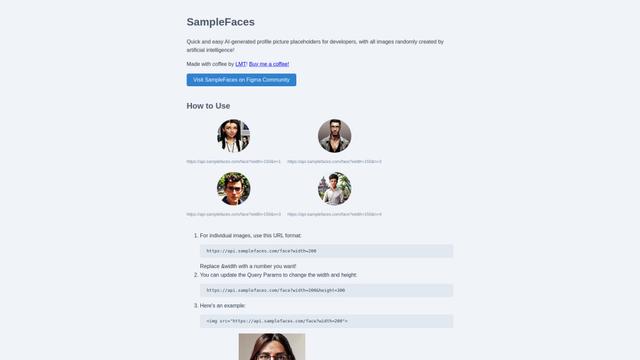
SampleFaces is a free web service that provides AI-generated profile pictures for developers and designers to use as placeholders in their projects.
ImageKit.io
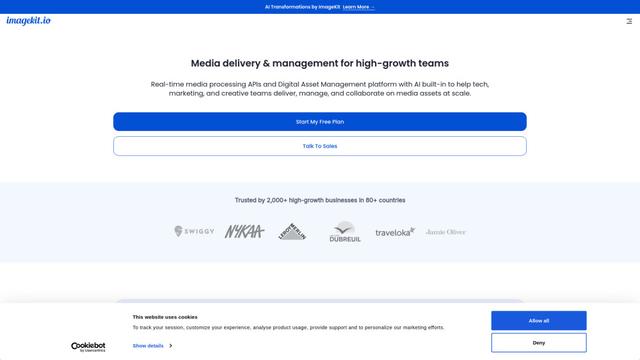
ImageKit.io is a comprehensive media management and delivery platform that provides real-time image and video optimization, processing APIs, and Digital Asset Management (DAM) solutions for delivering high-quality visual experiences on websites and apps.
FASHN
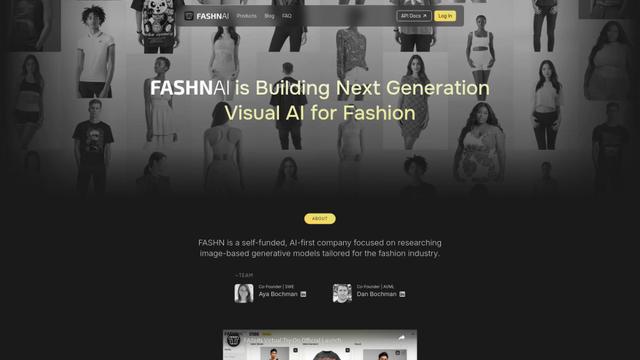
FASHN is a self-funded, AI-first company that develops cutting-edge virtual try-on technology and image-based generative models tailored specifically for the fashion industry.
Popular AI Tools Like Plimo
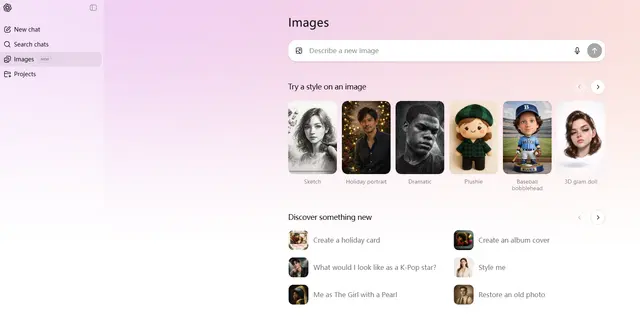
ChatGPT Images(GPT Image 1.5)
FreemiumAI Photo & Image Generator
ChatGPT Images, powered by GPT Image 1.5, is OpenAI's flagship image generation model that offers 4x faster processing, stronger instruction following, precise editing capabilities, and enhanced detail preservation for creating and editing high-quality AI-generated images.
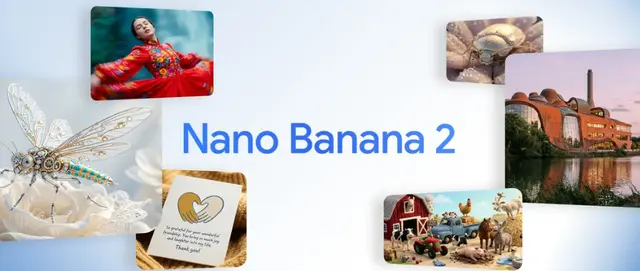
Nano Banana 2 (Gemini 3.1 Flash Image) - Official
FreemiumAI Photo & Image Generator
Nano Banana 2 (Gemini 3.1 Flash Image) is Google's latest state-of-the-art image generation model that combines Pro-level quality with Flash-speed performance, offering enhanced visual fidelity, real-world knowledge integration, and advanced editing capabilities.
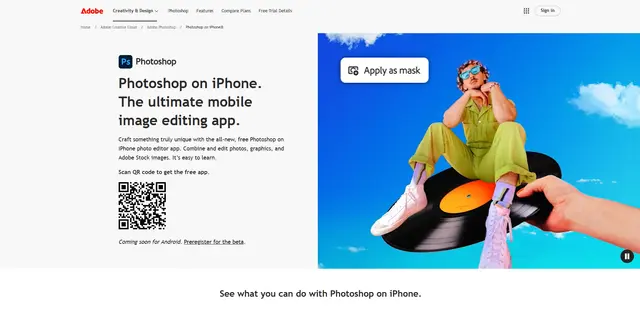
Adobe Photoshop App
Adobe Photoshop App is a free, powerful mobile photo editor that allows users to combine and edit photos, graphics, and Adobe Stock images with professional-grade tools and AI features optimized for touch devices.
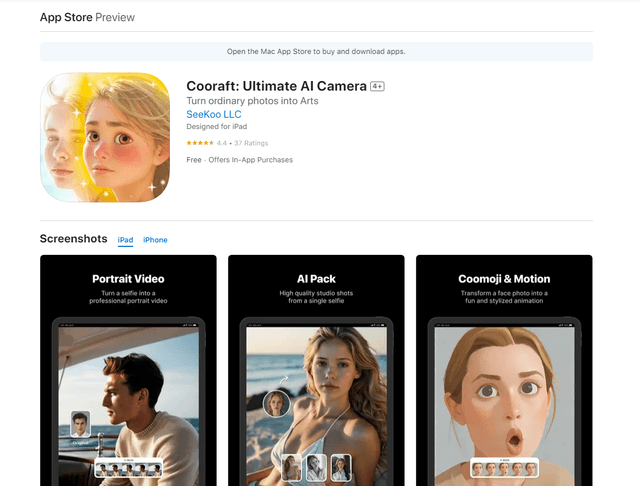
Cooraft: Ultimate AI Camera
Cooraft is an AI-powered camera app that transforms selfies and photos into stunning studio-quality videos, animations, and artistic renderings with just one tap.