Pixlio AI
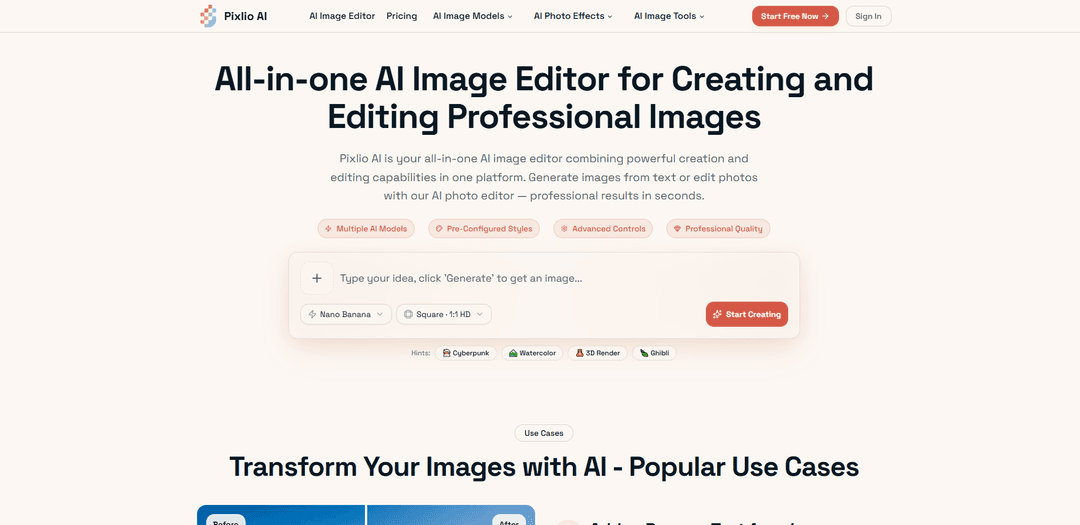
Pixlio AI is an all-in-one AI image editor that combines powerful text-to-image generation and intelligent photo editing capabilities, powered by advanced models like Nano Banana, Qwen Image Edit, and Seedream 4.
https://pixlio.net/?utm_source=aipure
Product Information
Updated:Apr 9, 2026
What is Pixlio AI
Pixlio AI is a comprehensive web-based platform that revolutionizes visual content creation by combining AI image generation and editing in a single interface. Unlike traditional image editors or standalone AI generators, Pixlio offers both capabilities seamlessly—users can generate original images from text descriptions or intelligently edit existing photos using AI-powered tools. The platform integrates cutting-edge models including Nano Banana 2, Qwen Image Edit, Seedream 4.5, and Flux, providing access to the latest AI technology without requiring software installation. With specialized tools ranging from background removal and text manipulation to style transfers and professional product photography, Pixlio serves creators, marketers, e-commerce businesses, and professionals who need fast, high-quality visual content. The platform operates on a flexible credit-based system with free starter credits, subscription plans, and pay-as-you-go options, making professional-grade AI image tools accessible to everyone.
Key Features of Pixlio AI
Pixlio AI is a comprehensive all-in-one AI image editor platform that combines powerful image creation and editing capabilities. It enables users to generate original images from text descriptions using cutting-edge AI models like Nano Banana, Flux, Seedream, and Qwen Image, while also offering intelligent photo editing tools for background removal, object manipulation, style transfers, and quality enhancement. The platform features specialized tools including 3D camera control for viewpoint generation, photo-to-art conversions (sketch, pixel art, anime, caricature), age progression, image upscaling, and professional headshot generation. With an intuitive interface requiring no design skills, commercial usage rights for paid credits, and flexible pricing options, Pixlio AI serves creators, e-commerce businesses, marketers, and professionals seeking professional-grade visual content without expensive software or photoshoots.
AI Image Generation from Text: Create original images from detailed text prompts using advanced AI models including Nano Banana 2, Flux, Seedream 5, and Qwen Image. Supports prompts up to 3,000 characters with full control over style, composition, aspect ratios, and professional pre-configured styles like Studio Ghibli, Pixar 3D, photorealistic, and pixel art.
Intelligent Image-to-Image Editing: Transform existing photos with AI-powered editing tools that understand context and intent. Remove or change backgrounds with pixel-perfect precision, add or remove text and objects, enhance quality, adjust lighting, and apply style transfers while preserving core features and maintaining natural-looking results.
3D Camera Control & Viewpoint Generation: Generate new perspectives from a single image using AI-powered 3D camera controls. Rotate, tilt, and zoom around any subject to create multiple angle variations without reshooting, ideal for product photography and e-commerce applications requiring comprehensive visual presentations.
Specialized Photo Transformation Tools: Convert photos into various artistic styles including pencil sketches, charcoal drawings, pixel art, line drawings, anime characters, and caricatures. Additional tools include age progression (6-100 years), professional headshot generation, snow effects, image upscaling, unblurring, and photo restoration.
Professional Product Photography Suite: Create commercial-quality product images without expensive photoshoots. Place products in aspirational lifestyle settings, generate multiple angle variations, enhance lighting, remove backgrounds for clean product listings, and build complete product galleries optimized for e-commerce conversions.
AI Vision & Analysis Tools: Extract prompts from images, generate natural language descriptions or accessibility alt text, and analyze photos with multiple AI vision models. Supports both concise and detailed output modes for various applications including content creation, social media captions, and SEO optimization.
Use Cases of Pixlio AI
E-commerce Product Photography: Online sellers create professional product listings without expensive photoshoots by uploading product photos and using AI to place items in lifestyle settings, swap backgrounds for clean white or contextual scenes, generate multiple angle variations, and enhance lighting to create commercial-quality images that drive conversions.
Marketing Campaign Content Creation: Marketing teams generate custom graphics at scale including hero images, social media posts, ad creatives, and blog illustrations. Edit stock photos to match brand guidelines, add promotional text overlays, create seasonal variations, and maintain consistent branding across multiple channels with fast turnaround times.
Social Media Content & Personal Branding: Content creators and individuals generate eye-catching profile pictures, custom avatars, cartoon versions of themselves, professional headshots for LinkedIn, and unique visual content. Transform selfies into various artistic styles, create nostalgic pixel art, or generate anime-style portraits for standing out on social platforms.
Photo Restoration & Enhancement: Restore old or damaged family photos by fixing scratches, improving faded colors, and enhancing resolution. Unblur motion-blurred images, upscale low-resolution photos for printing, and breathe new life into archived memories from early digital cameras or vintage photographs without manual editing expertise.
Creative Design & Concept Visualization: Designers and creative professionals prototype concepts, visualize product colorways before manufacturing, generate custom wallpapers for various devices, create character concepts for games, and explore multiple design variations quickly. Generate reference images, mood boards, and presentation materials without traditional illustration skills.
Professional Services & Corporate Imaging: Businesses standardize team photos with consistent professional headshots, create corporate presentation materials, generate training documentation visuals, and produce client-facing marketing assets. Maintain brand consistency across employee profiles and corporate communications with AI-generated professional imagery.
Pros
All-in-one platform combining image generation and editing eliminates need for multiple subscriptions or switching between different tools
No design skills or software installation required - browser-based with intuitive plain-language controls accessible from any device
Commercial usage rights included with paid credits for use in client work, products, marketing, and resale
Flexible pricing with free credits for new users, pay-as-you-go credit packs, and subscription plans with discounts up to 30% off
Cons
Credit-based system requires ongoing purchases or subscriptions for continued use beyond free trial credits
Processing times of 5-45 seconds per operation may slow down workflows requiring rapid iteration or bulk processing
Image quality and accuracy dependent on AI model capabilities and may require multiple attempts to achieve desired results
Limited storage duration (6 months to 1 year depending on plan) requires users to download and manage their creations externally
How to Use Pixlio AI
1. Create Your Account: Sign up for a Pixlio AI account in seconds and receive complimentary free credits to explore both creation and editing features. No credit card is required to start using the platform.
2. Choose Your Workflow: Decide whether you want to generate new images from text prompts or edit existing photos. For generation, you'll use AI models like Nano Banana, Qwen Image, Seedream 4, or Flux. For editing, upload your existing photos (JPG, PNG, or WebP formats up to 10MB).
3. Generate Images from Text (Optional): If creating new images, write a text prompt describing what you want. Select your AI model based on priorities (speed, consistency, or fidelity). Choose an aspect ratio (square for social media, portrait for mobile, landscape for banners). Apply style presets if desired (Studio Ghibli anime, Pixar 3D animation, pixel art, photorealistic, fine art, cartoon, etc.). Set optional parameters like seed numbers for reproducibility, negative prompts, and guidance scales.
4. Edit Existing Images (Optional): If editing photos, upload your image by dragging and dropping or using the file picker. Use AI-powered editing tools to: remove or change backgrounds, add or remove objects and text, enhance image quality, adjust lighting and colors, apply filters and style transfers, or transform photos into different artistic styles (anime, pixel art, line drawing, caricature, etc.).
5. Use Specialized Tools: Access specific tools for targeted tasks: Image Upscaler (enhance resolution), 3D Camera Control (rotate and change viewpoints), Background Remover (create transparent PNGs), Photo Restoration (fix old or damaged photos), Unblur Tool (sharpen blurry images), Image-to-Prompt Generator (analyze images to create prompts), Image Describer (generate alt text and descriptions), or style conversion tools (photo to anime, cartoon, pixel art, line drawing, sketch, caricature).
6. Review and Adjust: Preview your generated or edited image. Check the estimated credit cost before generating. Use the before/after slider (available in some tools) to compare results with the original. If needed, make adjustments to your prompt, settings, or editing parameters and regenerate.
7. Download Your Results: Once satisfied with the result, choose your output format (PNG for maximum quality, JPG for smaller files, or WebP for modern web use). Download your high-resolution image ready for print or digital use. Images created or edited with paid credits include commercial usage rights.
8. Manage Your Creations: Access 'My Creations' to manage all your generated and edited images in one place. View full details including prompts and seeds for future reference. Use 'Continue Edit' to send results back as input for further refinement and iteration.
9. Purchase Additional Credits (If Needed): If you run out of free credits, choose from flexible subscription plans (Basic at $15/month for 750 credits, Pro at $30/month for 2,000 credits, or Max at $60/month for 5,500 credits) or purchase credit packs for specific projects. Subscribers receive discounts on credit packs and additional benefits.
Pixlio AI FAQs
Pixlio AI is an all-in-one AI image editor that combines powerful creation and editing capabilities in one platform. It allows you to generate original images from text descriptions using advanced AI models like Flux, Nano Banana, and Seedream, as well as edit existing photos with intelligent AI-powered tools. You can create and edit professional images without switching between different applications or subscriptions.
Popular Articles

Atoms: A Multi-Agent AI Platform That Transforms Ideas into Launch-Ready Products
May 22, 2026

Nano Banana SBTI: What It Is, How It Works, and How to Use It in 2026
Apr 15, 2026

Atoms Review — The AI Product Builder Redefining Digital Creation in 2026
Apr 10, 2026

Kilo Claw: How to Deploy and Use a True "Do‑It‑For‑You" AI Agent(2026 Update)
Apr 3, 2026
Latest AI Tools Similar to Pixlio AI

AiSource
AiSource is a unified platform that allows users to generate and compare images using multiple leading AI text-to-image generators in one place without requiring separate subscriptions.
SampleFaces
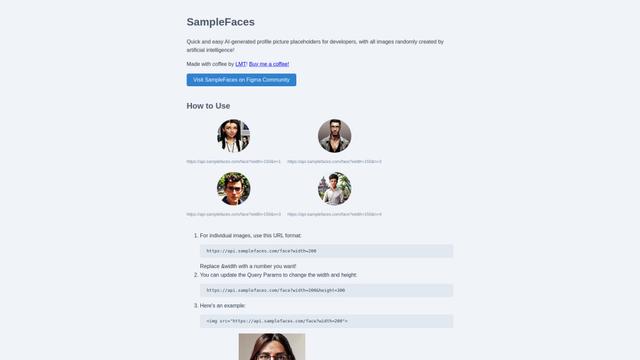
SampleFaces is a free web service that provides AI-generated profile pictures for developers and designers to use as placeholders in their projects.
ImageKit.io
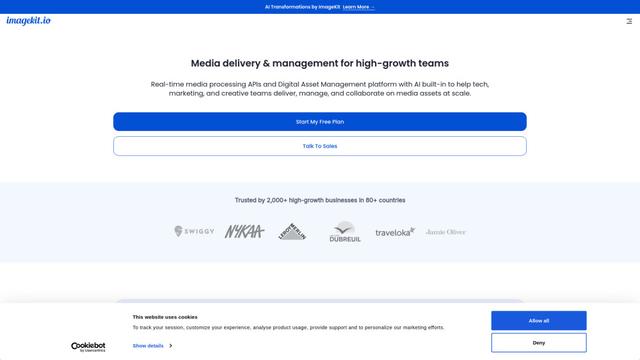
ImageKit.io is a comprehensive media management and delivery platform that provides real-time image and video optimization, processing APIs, and Digital Asset Management (DAM) solutions for delivering high-quality visual experiences on websites and apps.
FASHN
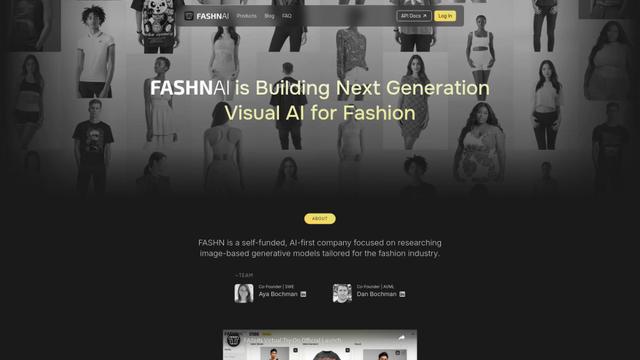
FASHN is a self-funded, AI-first company that develops cutting-edge virtual try-on technology and image-based generative models tailored specifically for the fashion industry.
Popular AI Tools Like Pixlio AI
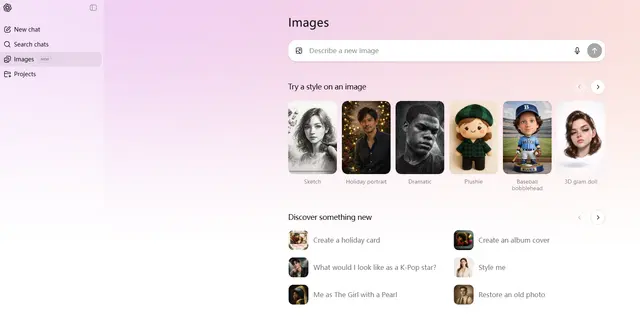
ChatGPT Images(GPT Image 1.5)
FreemiumAI Photo & Image Generator
ChatGPT Images, powered by GPT Image 1.5, is OpenAI's flagship image generation model that offers 4x faster processing, stronger instruction following, precise editing capabilities, and enhanced detail preservation for creating and editing high-quality AI-generated images.
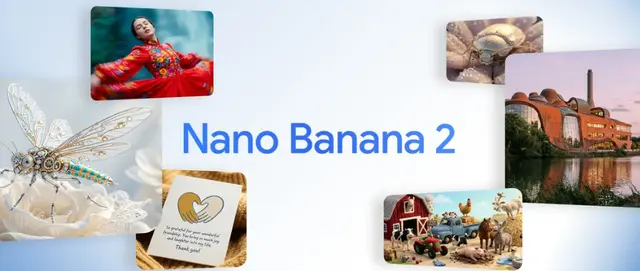
Nano Banana 2 (Gemini 3.1 Flash Image) - Official
FreemiumAI Photo & Image Generator
Nano Banana 2 (Gemini 3.1 Flash Image) is Google's latest state-of-the-art image generation model that combines Pro-level quality with Flash-speed performance, offering enhanced visual fidelity, real-world knowledge integration, and advanced editing capabilities.
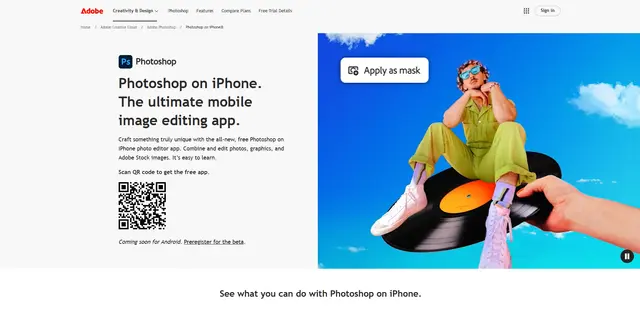
Adobe Photoshop App
Adobe Photoshop App is a free, powerful mobile photo editor that allows users to combine and edit photos, graphics, and Adobe Stock images with professional-grade tools and AI features optimized for touch devices.
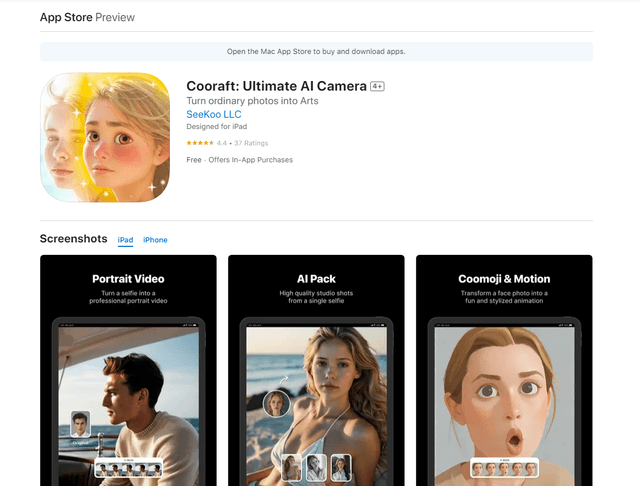
Cooraft: Ultimate AI Camera
Cooraft is an AI-powered camera app that transforms selfies and photos into stunning studio-quality videos, animations, and artistic renderings with just one tap.