PixEditor AI Photo Editor
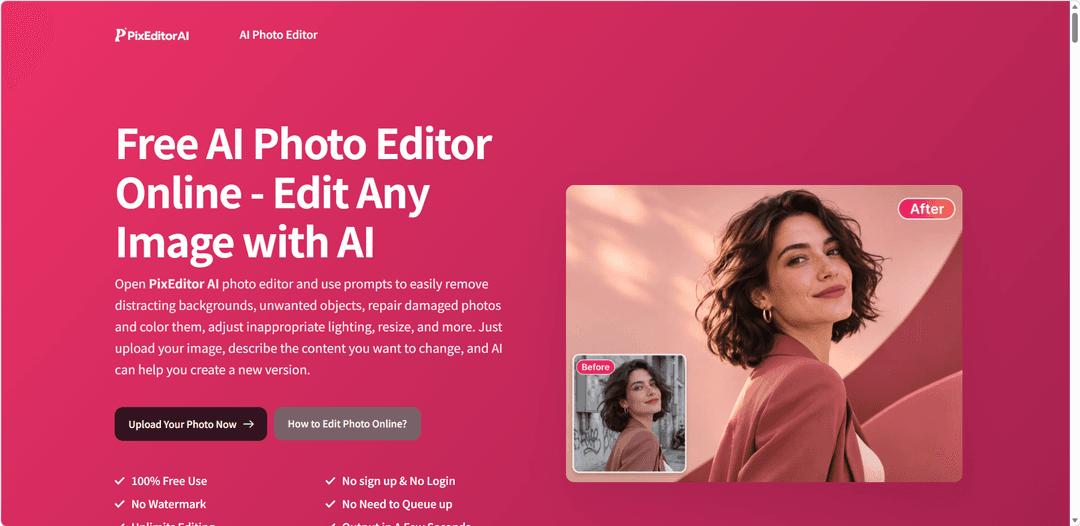
PixEditor AI Photo Editor is a free, browser-based tool that uses text prompts to edit photos, remove objects, replace backgrounds, adjust lighting, and restore images without signup or watermarks.
https://pixeditor.ai/?utm_source=aipure
Product Information
Updated:Nov 23, 2026
What is PixEditor AI Photo Editor
Turn your photos into the images you have in mind with PixEditor AI. Upload a picture, describe what you want to change, and let AI handle the edit. Replace backgrounds, remove unwanted objects, adjust lighting and colors, restore old photos, or combine elements from multiple images—all in your browser. Free to use, with no sign-up and no watermarks, PixEditor AI makes everyday photo editing simple.
Key Features of PixEditor AI Photo Editor
PixEditor AI Photo Editor is a browser-based tool that edits images using everyday text prompts. It can remove objects or backgrounds, adjust lighting and colors, restore photos, and create new styles. The site advertises free use without sign-up or watermarks and supports JPEG, JPG, PNG, and WEBP uploads up to 20 MB.
Prompt-based editing: Describe what to add, remove, change, or preserve, then generate an edited image.
Background replacement: Remove backgrounds or replace them with solid colors or a customized backdrop.
Object removal: Clean up distracting people, signs, wires, text, or other unwanted elements.
Lighting and color adjustments: Change brightness, color, or atmosphere while specifying details to retain.
Photo restoration and enhancement: Repair damaged photos, add color, or improve the appearance of low-quality images.
Style transformations: Experiment with different visual styles, hairstyles, or clothing in photos.
Use Cases of PixEditor AI Photo Editor
E-commerce product photos: Create cleaner backgrounds and softer lighting while preserving product details.
Marketing campaigns: Remove clutter, adjust colors, or create alternative visual concepts for advertisements.
Social media content: Refresh existing photos with new backgrounds, styles, and color palettes.
Personal photography: Remove distractions from family and travel photos or restore older pictures.
Education and presentations: Simplify busy backgrounds and adjust image colors to make slide content easier to read.
Pros
Advertised as free, with no sign-up or watermark.
Simple text prompts make editing accessible without complex tools.
Supports several common image formats and works in a browser.
Cons
AI edits may unintentionally alter faces, text, logos, or product details.
Results can require repeated prompts and careful review.
Uploads are limited to 20 MB.
How to Use PixEditor AI Photo Editor
Open PixEditor AI: Visit https://pixeditor.ai/ in your browser. The site says no sign-up or login is required.
Upload your photo: In the PixEditor AI Playground, upload a JPEG, JPG, PNG, or WEBP image up to 20 MB. Use the original photo when possible.
Describe your edit: Enter a prompt explaining what you want to change and what should stay the same. Identify objects by their position and mention important details such as faces, labels, or colors.
Generate the edited image: Choose an aspect ratio if needed, then generate the new version.
Review and download: Zoom in to check edges, faces, text, logos, and other important details. If needed, revise your prompt and generate another version, then download the result.
PixEditor AI Photo Editor FAQs
PixEditor AI is an online photo editor that uses text instructions to modify existing images. You can upload a photo and describe what you want to change.
Popular Articles

Proferex: A Cloud-Based Ad Tracking and Campaign Optimization Platform
Nov 4, 2026

How to Create Viral Talking Baby Podcast Videos with AI: Step-by-Step Guide
Nov 2, 2026

Vosko AI: Localize and Dub Videos for Global Audiences
Oct 15, 2026

Atoms: A Multi-Agent AI Platform That Transforms Ideas into Launch-Ready Products
Oct 13, 2026
Latest AI Tools Similar to PixEditor AI Photo Editor
IMG Processing
IMG Processing is a powerful API service that enables fast and reliable image processing capabilities including uploading, transforming, and watermarking through simple integration.
Wink Mody
Wink Mody is a modified version of the Wink video editing app that offers premium features like AI-powered retouching, 4K exports, and watermark-free editing completely free of charge.
Erase BG
Erase BG is a free, AI-powered online tool that automatically removes backgrounds from images with support for up to 4K resolution, requiring no account or special skills.
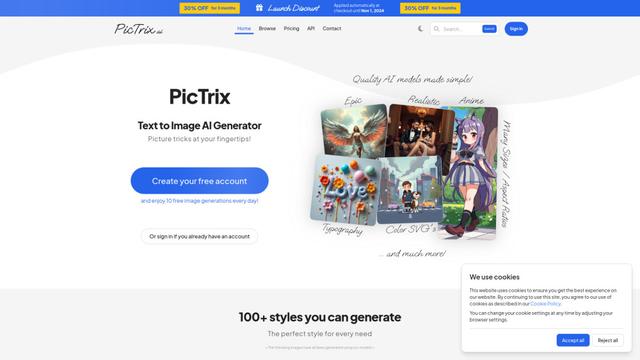
PicTrix AI
PicTrix AI is an advanced AI-powered platform that transforms text prompts and images into high-quality visuals across multiple styles, formats and sizes while offering features like image restoration, enhancement and SVG generation.
Popular AI Tools Like PixEditor AI Photo Editor
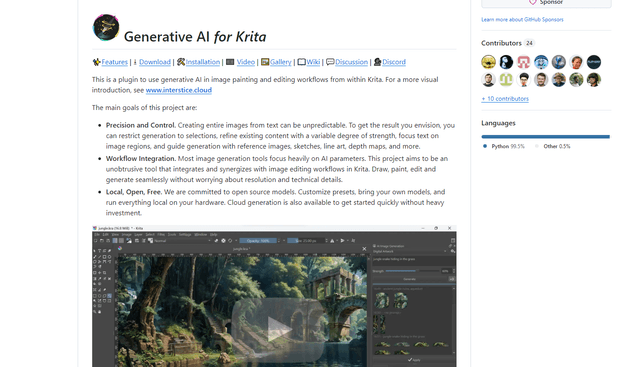
Krita
Krita is a free and open-source digital painting and illustration software that offers a wide range of professional-grade tools for artists and designers.
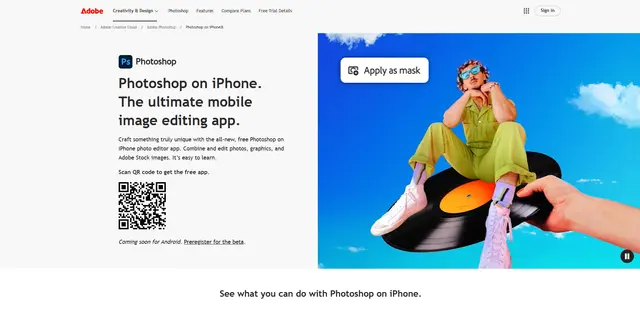
Adobe Photoshop App
Adobe Photoshop App is a free, powerful mobile photo editor that allows users to combine and edit photos, graphics, and Adobe Stock images with professional-grade tools and AI features optimized for touch devices.
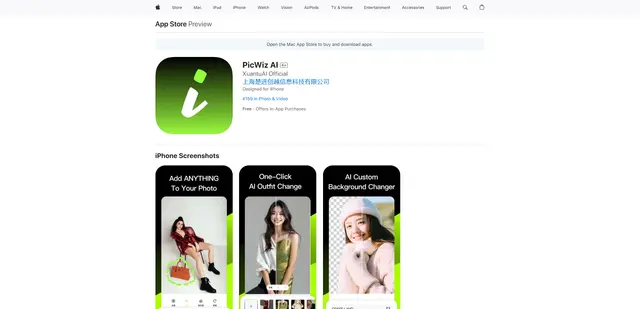
PicWiz AI
PicWiz AI is a comprehensive AI-powered photo editing and image generation tool that offers over 100 photo styles and multiple AI processing capabilities including object addition, removal, background manipulation, and image enhancement.

Remove Image Background
Remove.bg is an AI-powered online tool that automatically removes image backgrounds in seconds with just one click.