
PieceKeeper
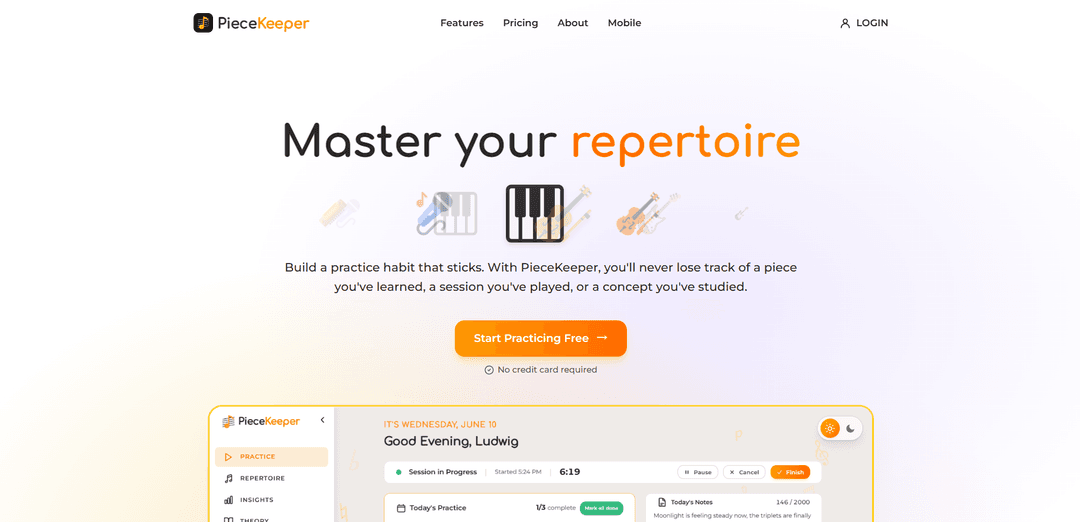
PieceKeeper is a web-based practice companion that manages your repertoire, auto-builds a personalized practice schedule, tracks sessions and progress, and includes an interactive music-theory trainer—starting with a free plan and no credit card required.
https://getpiecekeeper.com/?ref=producthunt
Product Information
Updated:Aug 8, 2026
What is PieceKeeper
PieceKeeper is an online platform designed to help instrumentalists build a consistent, effective practice habit by keeping their entire musical repertoire and practice history organized in one place. It lets you catalog pieces by status, instrument, and difficulty, attach links and upload sheet music for quick access, and maintain a separate wishlist for future repertoire. Built for a wide range of musicians—from beginners to working professionals—PieceKeeper supports up to 20 instruments and focuses on making day-to-day practice easier to plan, execute, and review.
Key Features of PieceKeeper
PieceKeeper is a web-based music practice and repertoire management tool designed to help instrumentalists build consistent practice habits. It lets you organize pieces by status, instrument, and difficulty; attach links and sheet music; and quickly search/filter your library. It automatically generates a rotating, preference-based practice schedule so you always know what to work on, while logging sessions and visualizing progress over time. It also includes an interactive music theory trainer (scales, chords, intervals, rhythm, and more). A free plan supports casual practice with limited pieces/uploads, and a Pro plan unlocks unlimited tracking, full history, and the complete theory trainer.
Repertoire management: Keep all pieces in one searchable place, organized by status, instrument, and difficulty, with a separate wishlist for future repertoire.
Sheet music & link attachments: Attach sheet music uploads and external links to each piece for quick access during practice.
Smart practice scheduling: Automatically builds a timed, rotating practice checklist based on your preferences so pieces don’t get neglected.
Practice session tracking & history: Log sessions, review past practice in detail, and track recent vs. lifetime activity depending on plan.
Progress insights & trends: View stats like total practice time and average session length, and monitor progress patterns over time.
Built-in music theory trainer: Interactive drills to build theory fluency (e.g., scales, chords, intervals, rhythms), from intro drills to a fuller trainer in Pro.
Use Cases of PieceKeeper
Individual musicians building consistency: Students or hobbyists can follow an auto-generated daily plan, track streaks/time spent, and keep repertoire organized with sheet music in one place.
Multi-instrument practice planning: Players who split time across instruments (e.g., piano + cello) can categorize repertoire per instrument and rotate practice to balance attention.
Music teachers assigning structured practice: Teachers can have students maintain an organized repertoire list and practice history, making lessons more data-informed and focused on weak areas.
Conservatory/serious study repertoire tracking: Advanced students can manage large libraries of pieces, track long-term progress, and ensure older repertoire stays performance-ready via rotation.
Working performers maintaining readiness: Gigging musicians can keep sets and core repertoire from slipping by using a rotating schedule and quick access to reference materials.
Theory skill-building alongside performance: Learners can pair instrument practice with targeted theory drills to strengthen fundamentals and accelerate musical understanding.
Pros
Combines repertoire organization, scheduling, tracking, and theory practice in one tool.
Auto-generated rotating practice plans reduce manual planning and help prevent neglecting pieces.
Supports many instruments and is instrument-agnostic in scheduling and theory workflows.
Free plan available with no credit card required, enabling low-friction onboarding.
Cons
Free plan limits pieces, sheet-music uploads, and practice history; full value may require Pro.
No dedicated mobile app yet (web experience only, with an app noted as “in the works”).
Theory trainer depth varies by plan (intro drills vs. complete trainer in Pro).
How to Use PieceKeeper
1) Create your account and choose a plan: Go to https://getpiecekeeper.com/ and sign up (no credit card required). Start on the Free plan (free forever) if you want casual tracking (up to 20 pieces and 20 sheet-music uploads), and upgrade to Pro later if you need unlimited pieces/uploads, full practice history, and the complete theory trainer.
2) Add your instruments (optional but recommended): Set the instrument(s) you practice (PieceKeeper supports 20 instruments—e.g., piano, guitar, violin, saxophone, cello, harp, voice, and more). This helps you organize and filter your repertoire by instrument.
3) Build your repertoire list: Add each piece you’re working on so you can keep all your pieces in one place. For each entry, organize it by status, instrument, and difficulty so you can quickly see what you’re learning, maintaining, or revisiting.
4) Attach reference materials to each piece: For any piece in your repertoire, attach links and upload sheet music for quick reference during practice. Use uploads for PDFs/images of sheet music and links for external references.
5) Use search and filters to find anything fast: Search your repertoire and filter by status, instrument, and difficulty to instantly locate what you need (e.g., “hard piano pieces” or “in progress cello”).
6) Create and maintain a wishlist: Keep a separate wishlist for pieces you want to learn later. This keeps your active repertoire focused while still capturing future goals.
7) Set your practice preferences: Configure your practice preferences so PieceKeeper can generate sessions that match how you like to practice. The app uses these preferences to rotate pieces from your repertoire so nothing gets neglected.
8) Start ‘Today’s Practice’ session: Open Today’s Practice to get a timed, rotating checklist. Work through the items (e.g., warm-ups, repertoire pieces, and theory tasks). The session view shows timing and completion progress.
9) Follow the Smart Practice Schedule (auto-rotation): Rely on PieceKeeper’s Smart Practice Schedule to decide what to practice next. It automatically rotates through your repertoire based on your preferences, reducing manual planning and ensuring consistent coverage.
10) Track your practice activity over time: Use the Practice Activity view (calendar/list) to review sessions, see totals (e.g., weekly hours), and inspect details of any past session to understand what you practiced and when.
11) Review growth and insights: Check your trends and stats (e.g., total practice time, average session length) to measure progress over time—focusing on improvement, not just repetition.
12) Practice music theory with interactive drills: Use the built-in Music Theory Practice to sharpen fundamentals alongside playing. Work through interactive exercises such as identifying scales, chords, intervals, rhythms, and more (Free includes intro drills; Pro unlocks the full trainer).
13) Manage privacy and data expectations: Your repertoire, notes, history, and uploaded sheet music are private to your account. PieceKeeper states it does not sell your data and uses no advertising/analytics/tracking cookies (only a login cookie).
14) Use it on the web now; plan for mobile later: Use PieceKeeper via the web platform today. A dedicated mobile app is planned; progress is intended to sync between web and mobile when available.
PieceKeeper FAQs
PieceKeeper is a web-based tool to track your musical repertoire and practice. It helps you organize pieces, automatically generate practice sessions, and improve with practice insights and a built-in music theory trainer.
PieceKeeper Video
Popular Articles

Vosko AI: Localize and Dub Videos for Global Audiences
Oct 15, 2026

Atoms: A Multi-Agent AI Platform That Transforms Ideas into Launch-Ready Products
Oct 13, 2026

Nano Banana SBTI: What It Is, How It Works, and How to Use It in 2026
Apr 15, 2026

Atoms Review — The AI Product Builder Redefining Digital Creation in 2026
Apr 10, 2026
Latest AI Tools Similar to PieceKeeper
SeekhoAI
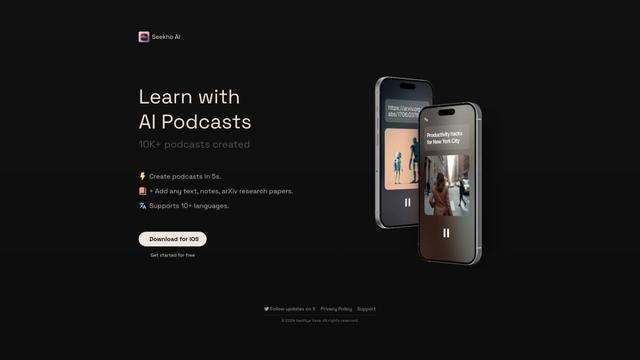
SeekhoAI is an AI-driven upskilling and learning platform that transforms text content into podcasts in multiple languages while personalizing the learning experience.
Intellectra
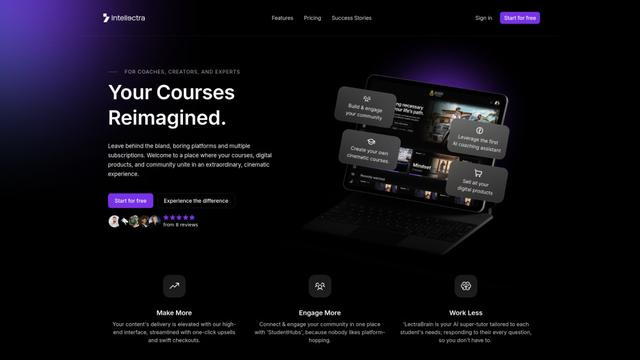
Intellectra is an innovative online platform that combines course hosting, digital product sales, and community engagement with AI-powered features in a cinematic, streaming-platform-inspired interface.

Daptar
Daptar is an AI-powered educational platform that provides personalized learning experiences and teaching tools aligned with major Indian curricula including CBSE, NCERT, and Maharashtra State Board.
Solis
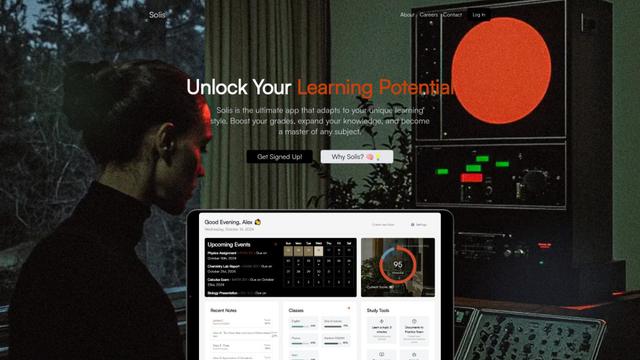
Solis is a versatile brand offering multiple product lines including solar inverters, agricultural tractors, smart appliances, and educational technology solutions, with a focus on sustainability and innovation.
Popular AI Tools Like PieceKeeper

DataCamp
DataCamp is an online learning platform that offers interactive courses, projects, and certifications in data science, AI, and analytics using technologies like Python, R, SQL, and more.

Grow with Google
Grow with Google is a comprehensive initiative offering free online training, tools, and resources to help people grow their skills, advance their careers, or develop their businesses through Google's expertise in digital technology and AI.
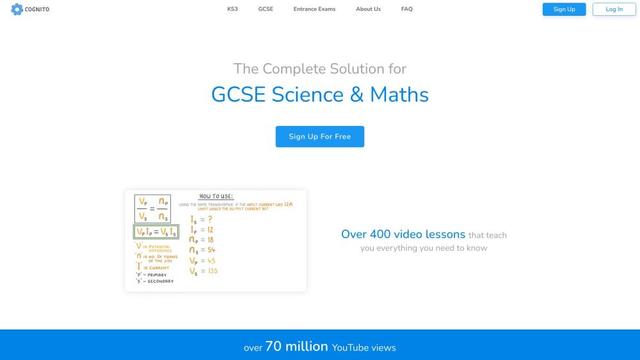
Cognito
Cognito is an AI-driven educational platform offering comprehensive courses and resources for students and educators.

DeepLearning.AI
DeepLearning.AI is an education technology company founded by Andrew Ng that offers world-class AI courses and resources to make AI education accessible to everyone.