Photolaria
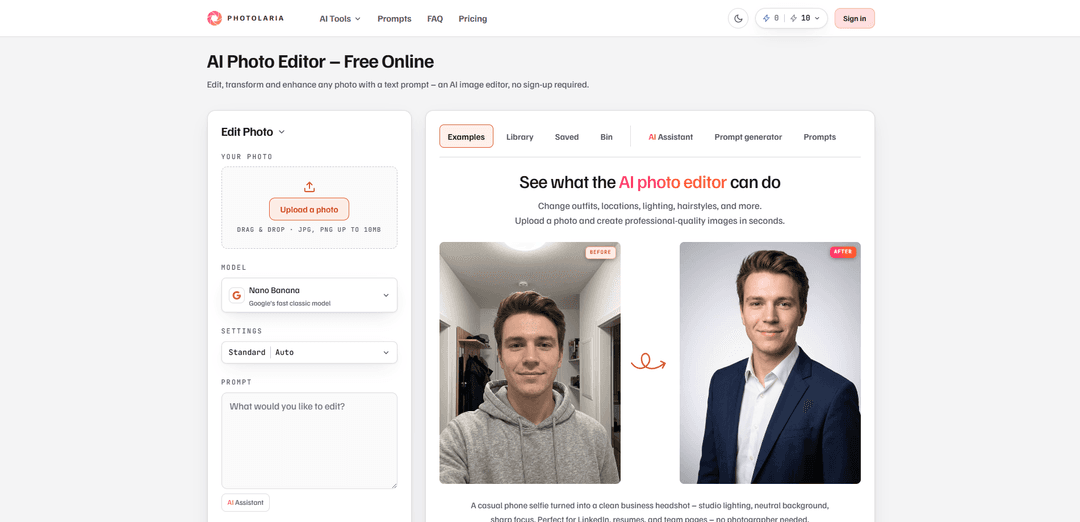
Photolaria is a free, browser-based AI photo editor that lets you retouch, enhance, remove objects, and restyle images using plain-text prompts—no sign-up required, with multiple model choices and no visible watermark.
https://photolaria.com/?utm_source=aipure
Product Information
Updated:Sep 8, 2026
What is Photolaria
Photolaria is an AI-powered photo editor and image generator. Upload a photo and edit it with a text prompt – remove or replace objects, change backgrounds, restore old photos, or upscale images to 4K and 8K – or generate new images from scratch using top models like Nano Banana Pro, GPT Image 2, and Seedream 5.0 Pro. Free daily credits, no watermark, commercial use included, and no account required to get started.
Key Features of Photolaria
Photolaria is a browser-based, AI-first photo editor that lets you upload an image and make real edits by describing changes in plain language—no layers, masks, installs, or sign-up required. It supports common workflows like background swaps, object removal, quality enhancement, restoration, and headshot/product-photo creation, and it lets you choose among multiple AI models (e.g., Nano Banana variants, Seedream 5.0 Pro, GPT Image 2) depending on the task. Photolaria offers free daily credits (guest and free-account tiers), provides private image handling with deletion controls, and includes commercial usage rights with outputs that have no visible watermark.
Prompt-based editing: Edit photos by typing what you want (e.g., “remove people in the background” or “change background to a studio backdrop”), replacing traditional tool-heavy workflows.
Multi-model selection: Choose per edit from several models (Nano Banana, Nano Banana 2, Seedream 5.0 Pro, GPT Image 2, and Nano Banana Pro) to balance speed, detail, and subject consistency.
One-tap background removal: A dedicated Remove Background model cuts backgrounds to transparency without needing a prompt.
Fast, in-browser workflow: Runs entirely in your browser on phone/tablet/desktop—upload, prompt, and get results in seconds with easy re-tries and refinements.
Free daily credits + no visible watermark: Includes a guest daily credit allowance and a higher daily allowance with a free account; outputs have no visible Photolaria watermark (though providers may add invisible provenance metadata).
Privacy controls and data deletion: Uploads/results are private; you can delete individual images or use “Delete my data” to remove images, history, and assistant chat from live systems; guest content expires automatically after a set period.
Use Cases of Photolaria
E-commerce product listings: Turn casual product photos into marketplace-ready images by removing/replacing backgrounds, evening lighting, and preserving accurate product colors and shadows.
Professional headshots for hiring/LinkedIn: Convert selfies into studio-style headshots (e.g., blazer, neutral background, professional lighting) while keeping face and expression consistent.
Real estate and interior marketing: Restyle or enhance room photos—improve lighting, adjust ambiance, declutter scenes, or change backgrounds for cleaner listing visuals.
Restaurant and menu photography: Fix color casts and poor lighting to make food photos brighter and more appetizing while keeping the dish and framing intact.
Photo restoration for archives and families: Repair scratches/tears, reduce fading, and optionally colorize scanned black-and-white photos for preservation and sharing.
Content creation and marketing creatives: Quickly generate variants for ads and social posts—swap scenes, remove distractions, and iterate across models to find the most natural result.
Pros
No sign-up required and runs in the browser (fast to start, nothing to install).
Plain-language prompts make complex edits accessible without traditional editing skills.
Multiple model options for different edit types plus a dedicated background remover.
Commercial usage rights included and no visible watermark on results.
Cons
Free usage is credit-limited per day and subject to fair-use/abuse protections.
Results can vary by source image, prompt, and model; complex edits may require multiple attempts (each run charged separately).
Some higher-end capabilities/models (e.g., Nano Banana Pro) require subscription or purchased credits.
How to Use Photolaria
1) Open Photolaria in your browser: Go to https://photolaria.com/ on your phone, tablet, or computer. Photolaria runs fully in the browser—nothing to install or configure.
2) Start without an account (optional): You can use the editor without signing up. As a guest you get 10 daily credits; creating a free account increases the daily allowance to 15 credits and adds a private Library that syncs across devices.
3) Upload your photo: In the editor, upload an image from your device. Your photo becomes the base for prompt-based edits (portraits, products, interiors, old scans, etc.).
4) Choose how you want to edit: prompt-based or one-tap background removal: Most edits are done by typing a plain-language prompt. If your goal is only to remove the background, use the dedicated Remove Background tool/model for a one-tap cutout (no prompt needed).
5) Pick an AI model for the edit: Select a model per run (options include Nano Banana, Nano Banana 2, Seedream 5.0 Pro, GPT Image 2, and Nano Banana Pro). Model choice affects realism, detail, and face/subject consistency. Note: Nano Banana Pro requires subscription or purchased credits.
6) Write your edit request in plain language: Type what you want changed as if you were instructing a human editor. Examples: “Remove all the people and the dog in the background” or “Change the background to a clean light gray studio backdrop, keep the person exactly the same.”
7) Run the edit and wait for the result: Submit the prompt to generate the edited image. Results typically appear in seconds. Each run consumes credits.
8) Refine with follow-up prompts (iterate): If the result isn’t perfect, adjust your prompt and re-run. You can also re-run the same prompt with a different model and compare outcomes; each run is charged separately.
9) Use common workflows (examples you can copy): Background/scene swap: “Change the background to a clean light gray studio backdrop, keep the person exactly the same.” Object removal: “Remove the power lines and any text overlays.” Quality/lighting fix: “Make this photo brighter, reduce noise, keep colors natural, preserve faces.” Old photo restore: “Restore this old photo: repair scratches/creases, fix fading, colorize naturally.” Headshot: “Turn this into a professional headshot: dark blazer, soft dark gray studio background, studio lighting, keep my face/hair/expression the same.” Product photo: “Put the product on pure white with a soft natural shadow, keep position and shape exactly the same.”
10) Save your result (download) or keep it in your Library: Download the final image when satisfied. If you have an account, your Library stores your history across devices; you can also favorite images to keep them handy.
11) Manage privacy and delete data when needed: Photolaria states uploads/results are private on all plans. You can delete individual images, or use “Delete my data” in the Bin tab (guests and accounts) to remove images, generation history, and assistant chat from live systems after confirmation. Guest photos expire automatically 7 days after creation.
12) Use commercially if desired: Photolaria states commercial usage rights are included for everyone (free or paid) and results have no visible Photolaria watermark. You remain responsible for applicable law and third-party rights.
Photolaria FAQs
Yes. Photolaria offers 10 daily credits as a guest and 15 daily credits with a free account, refreshed daily. Free use is subject to fair-use and abuse protections, and results have no visible Photolaria watermark.
Popular Articles

Vosko AI: Localize and Dub Videos for Global Audiences
Oct 15, 2026

Atoms: A Multi-Agent AI Platform That Transforms Ideas into Launch-Ready Products
Oct 13, 2026

Nano Banana SBTI: What It Is, How It Works, and How to Use It in 2026
Apr 15, 2026

Atoms Review — The AI Product Builder Redefining Digital Creation in 2026
Apr 10, 2026
Latest AI Tools Similar to Photolaria

AiSource
AiSource is a unified platform that allows users to generate and compare images using multiple leading AI text-to-image generators in one place without requiring separate subscriptions.
SampleFaces
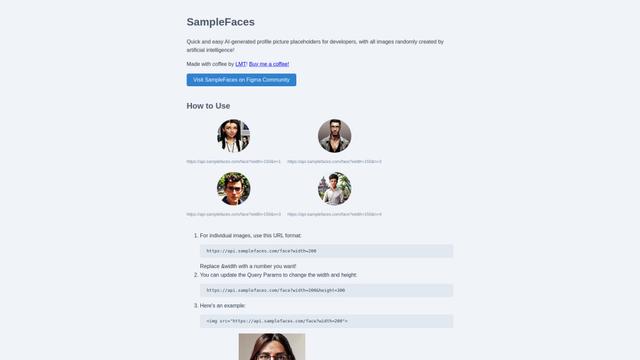
SampleFaces is a free web service that provides AI-generated profile pictures for developers and designers to use as placeholders in their projects.
ImageKit.io
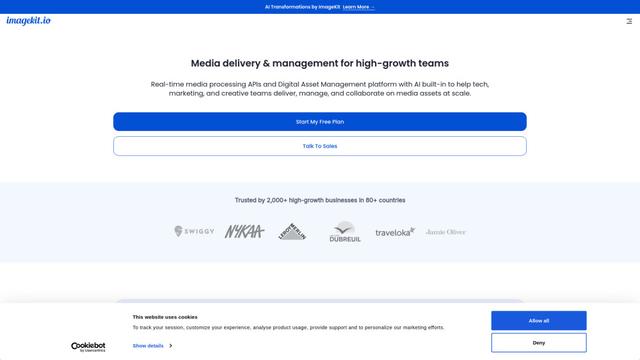
ImageKit.io is a comprehensive media management and delivery platform that provides real-time image and video optimization, processing APIs, and Digital Asset Management (DAM) solutions for delivering high-quality visual experiences on websites and apps.

FASHN
FASHN is a self-funded, AI-first company that develops cutting-edge virtual try-on technology and image-based generative models tailored specifically for the fashion industry.
Popular AI Tools Like Photolaria
ChatGPT Images(GPT Image 1.5)
FreemiumAI Photo & Image Generator
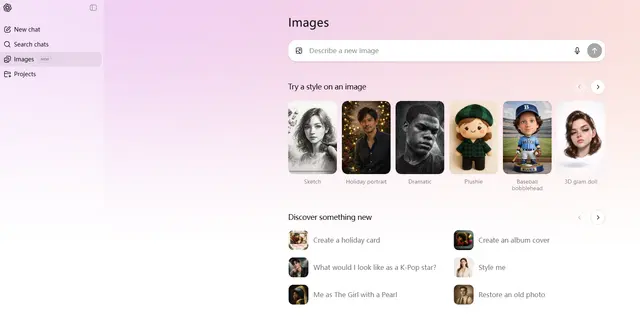
ChatGPT Images, powered by GPT Image 1.5, is OpenAI's flagship image generation model that offers 4x faster processing, stronger instruction following, precise editing capabilities, and enhanced detail preservation for creating and editing high-quality AI-generated images.
Nano Banana 2 (Gemini 3.1 Flash Image) - Official
FreemiumAI Photo & Image Generator
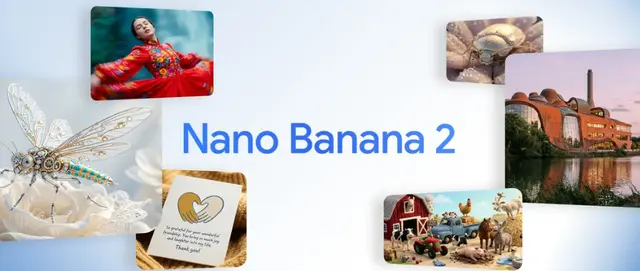
Nano Banana 2 (Gemini 3.1 Flash Image) is Google's latest state-of-the-art image generation model that combines Pro-level quality with Flash-speed performance, offering enhanced visual fidelity, real-world knowledge integration, and advanced editing capabilities.
Adobe Photoshop App
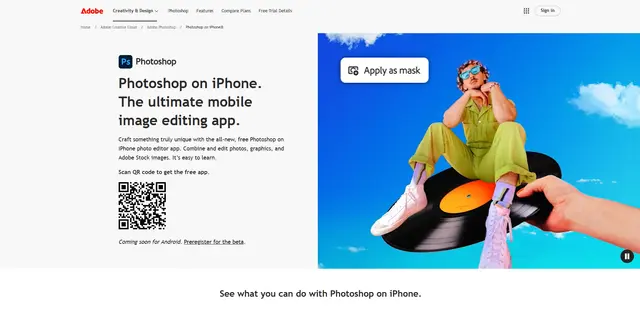
Adobe Photoshop App is a free, powerful mobile photo editor that allows users to combine and edit photos, graphics, and Adobe Stock images with professional-grade tools and AI features optimized for touch devices.
Cooraft: Ultimate AI Camera
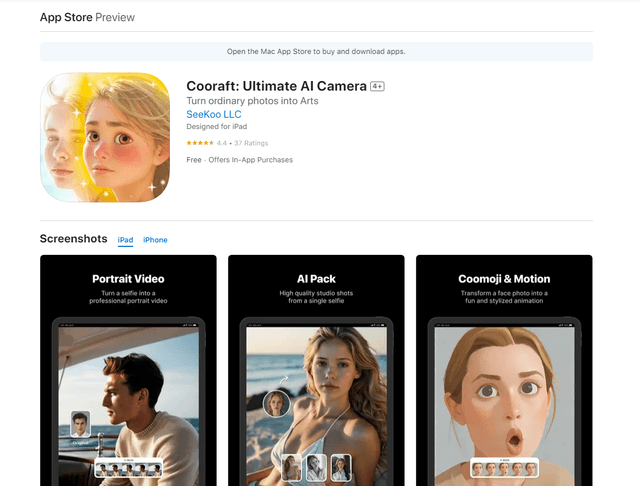
Cooraft is an AI-powered camera app that transforms selfies and photos into stunning studio-quality videos, animations, and artistic renderings with just one tap.