
pdftoword.ai
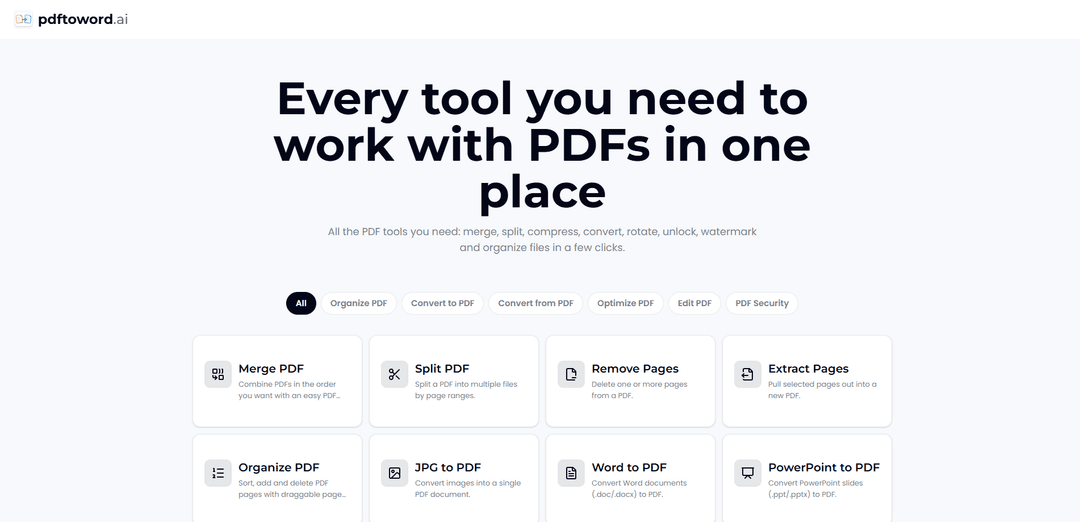
pdftoword.ai is a free, no-signup, browser-based all-in-one PDF toolkit offering 24 tools to convert, edit, merge/split, compress, OCR, and secure PDFs quickly with no watermark.
https://www.pdftoword.ai/?utm_source=aipure
Product Information
Updated:Jul 2, 2026
What is pdftoword.ai
pdftoword.ai is an AI-powered document conversion tool designed to transform PDF files into fully editable Word documents while preserving formatting as accurately as possible. Whether you're working with reports, contracts, resumes, or scanned documents, the platform streamlines the conversion process with a simple upload-and-download workflow. In addition to standard PDF conversion, it supports OCR technology for extracting text from image-based PDFs, making printed or scanned files editable. pdftoword.ai is suitable for students, office professionals, researchers, legal teams, and anyone who frequently edits PDF content. By reducing manual retyping and formatting adjustments, it helps users save time and improve document productivity.
Key Features of pdftoword.ai
pdftoword.ai is an all-in-one, browser-based PDF toolkit that offers 24 free tools to convert, edit, organize, optimize, and secure PDF documents without installing software or creating an account. It supports common workflows like PDF-to-Word conversion (including OCR for scanned documents), merging and splitting files, compressing and repairing PDFs, and applying security actions such as locking/unlocking—aiming to preserve formatting and deliver fast, watermark-free results across devices.
24-in-1 PDF toolkit: A single web app for common PDF tasks—convert, merge, split, compress, rotate, watermark, organize, and more—so users don’t need multiple tools.
PDF conversion to/from popular formats: Convert PDFs to editable formats (e.g., Word/Excel/images) and create PDFs from Word, Excel, PowerPoint, JPG, and HTML.
AI OCR for scanned documents: OCR capabilities extract text and content from scans, helping turn scanned PDFs into editable documents.
Edit and organize pages: Quickly reorder, remove, rotate, crop pages, and add page numbers or watermarks directly online.
Optimize and repair PDFs: Compress large PDFs, split by file size to meet upload limits, and repair damaged files for easier sharing and archiving.
Security tools with auto-deletion: Lock PDFs with passwords or unlock files you own; files are encrypted in transit and deleted automatically after processing.
Use Cases of pdftoword.ai
Student assignments and research prep: Convert readings to editable formats, merge multiple PDFs into one study pack, and compress submissions to fit LMS upload limits.
Business reporting and office workflows: Combine reports, export invoices or statements to Word/Excel for editing, and compress documents for email or collaboration.
Legal and HR document handling: Split large case files, add watermarks/page numbers for controlled distribution, and password-protect confidential documents.
Mobile scan-to-edit workflows: Use OCR on scanned documents (e.g., receipts, printed forms) to extract text and convert into editable Word documents.
Cross-device quick PDF fixes: On any device/browser, rotate/crop pages, reorganize PDFs, or unlock/protect documents without installing desktop software.
Pros
Free to use with no watermark on output
No installation or sign-up required; works on any device
Broad tool coverage (convert, edit, organize, optimize, secure) in one place
Files encrypted in transit and deleted automatically (per site claims)
Cons
As an online tool, it depends on internet connectivity and upload speeds for large files
Layout preservation and OCR accuracy can vary depending on scan quality and document complexity
Password unlock is limited to PDFs you own/have permission to unlock
How to Use pdftoword.ai
1. Open pdftoword.ai in your browser: Go to https://www.pdftoword.ai/ on any device (desktop or mobile). No software installation or account is required.
2. Choose the PDF tool you need: From the available set of 24 tools, pick the one that matches your task (e.g., convert PDF to Word/Excel/images, merge, split, compress, rotate, watermark, organize pages, OCR scans, repair, unlock, or protect).
3. Upload your file: Drag and drop your PDF/document into the selected tool, or click to browse and select the file from your device.
4. Run the tool (process the file): Start the operation in the tool you selected. The site processes the file online in seconds.
5. Download the result: When processing finishes, download the output immediately (e.g., a converted DOCX, a compressed PDF, a merged PDF, split files, or a secured/unlocked PDF), ready to use or share.
6. (Optional) Repeat with other tools for multi-step workflows: If your job needs multiple actions (e.g., merge then compress; OCR then convert; split by size then protect), return to the tools list and repeat the pick → upload → download flow.
7. (Security note) Finish and close when done: Files are encrypted in transit and deleted automatically, so you can complete your task and exit once you’ve downloaded your results.
pdftoword.ai FAQs
pdftoword.ai is an all-in-one online PDF toolkit that offers 24 tools for working with PDFs, including converting to/from PDF, merging, splitting, compressing, editing/organizing pages, OCR for scans, repairing files, and protecting or unlocking PDFs.
Popular Articles

Atoms: A Multi-Agent AI Platform That Transforms Ideas into Launch-Ready Products
May 22, 2026

Nano Banana SBTI: What It Is, How It Works, and How to Use It in 2026
Apr 15, 2026

Atoms Review — The AI Product Builder Redefining Digital Creation in 2026
Apr 10, 2026

Kilo Claw: How to Deploy and Use a True "Do‑It‑For‑You" AI Agent(2026 Update)
Apr 3, 2026
Latest AI Tools Similar to pdftoword.ai
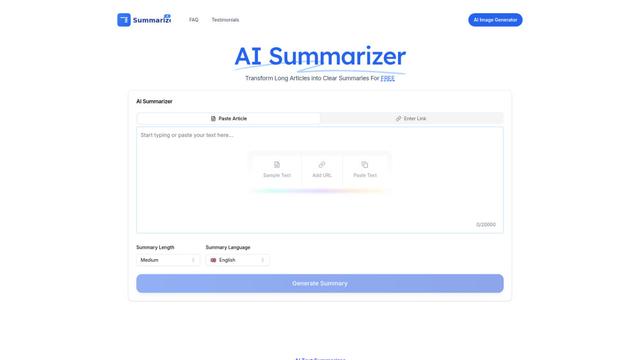
AI Summarizer
AI Summarizer is a free online tool that uses advanced AI algorithms to instantly summarize any text, article, or document while maintaining context and key information across multiple languages.
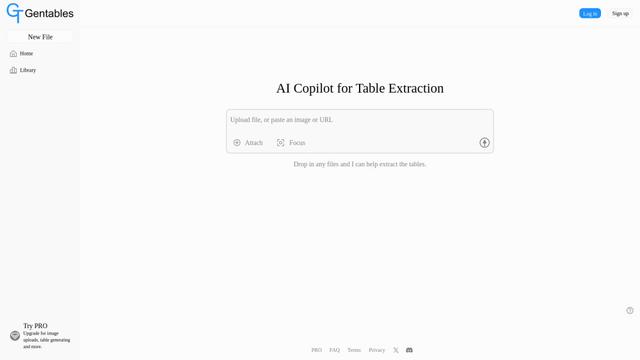
Gentables
Gentables is an AI-powered tool for extracting and generating tables from various file formats with features like table editing, visualization and data processing capabilities.
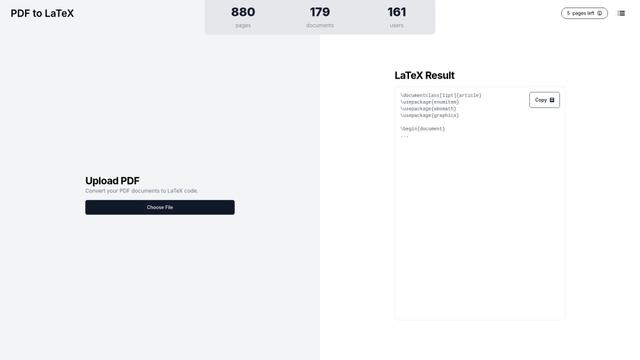
PDF to LaTeX
PDF to LaTeX is an AI-powered conversion tool that transforms PDF documents into editable LaTeX markup code while maintaining document integrity and formatting.
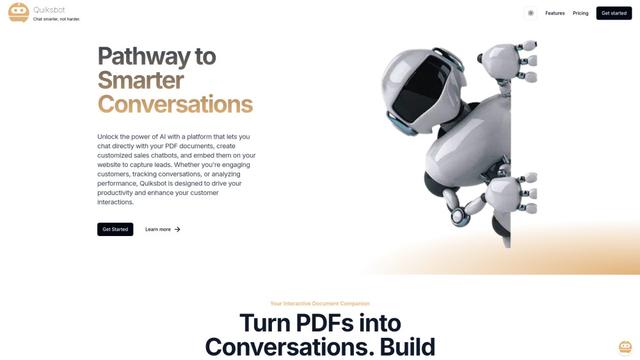
Quiksbot
Quiksbot is an AI-powered platform that enables users to create interactive chatbots for websites, chat directly with PDF documents, and analyze conversations through an intelligent automation system.
Popular AI Tools Like pdftoword.ai
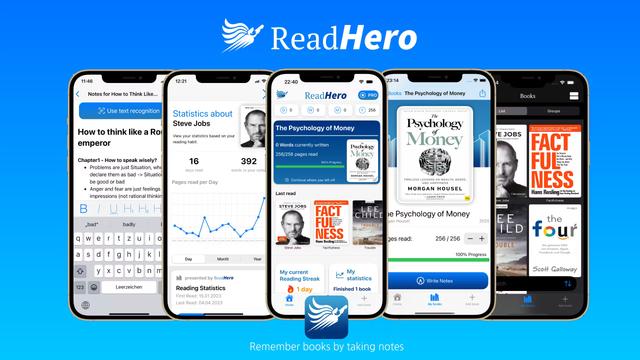
ReadHero
ReadHero is a comprehensive book tracking and note-taking app that helps readers remember and retain more of what they read by enabling progress tracking, note-taking, and book management all in one place.
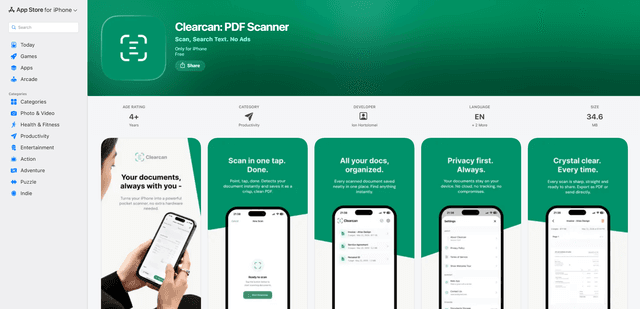
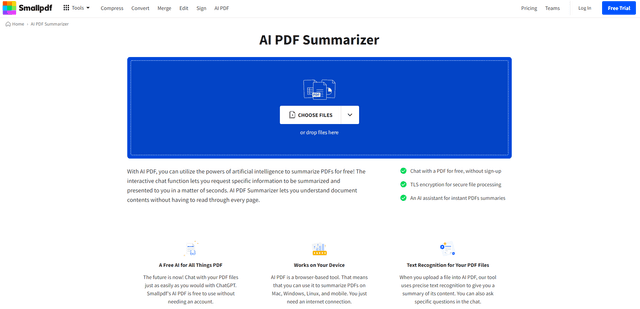
AI PDF Summarizer
AI PDF Summarizer is a free online tool that uses artificial intelligence to quickly generate concise summaries of PDF documents and allow interactive chatting with PDF content.
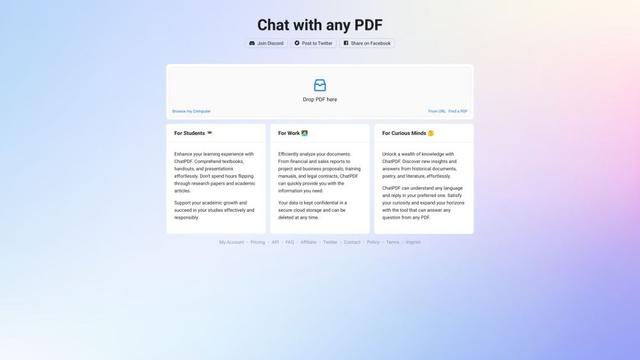
ChatPDF
ChatPDF is an AI-powered tool that allows users to chat with and extract information from PDF documents in multiple languages without sign-up.