
Packmind Open Source
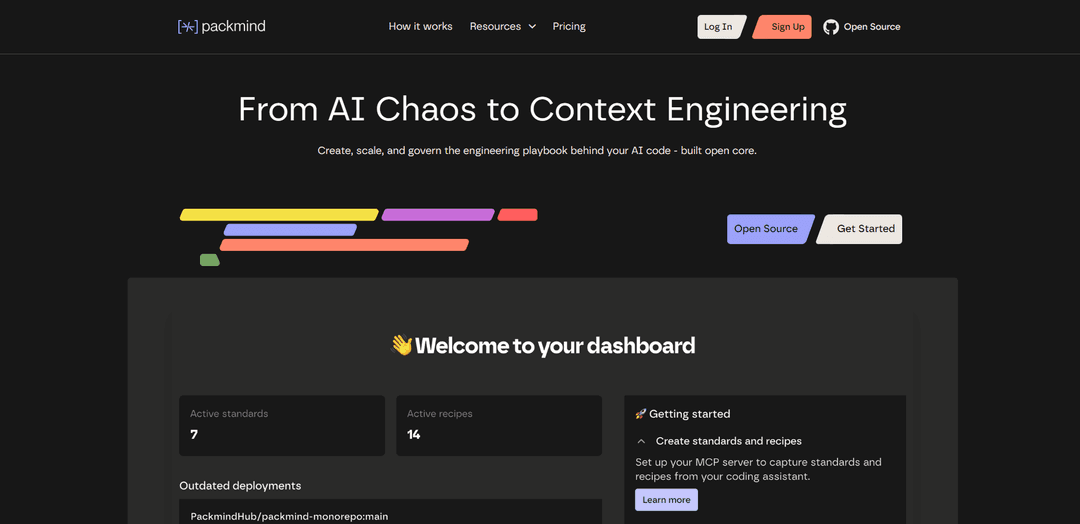
Packmind OSS is an open-source framework that helps engineering teams create, scale, and govern their engineering playbook for AI coding assistants (like GitHub Copilot, Cursor, Claude Code) by turning scattered rules into structured standards and ensuring consistent code generation across repos.
https://packmind.ai/?ref=producthunt
Product Information
Updated:Nov 8, 2025
What is Packmind Open Source
Packmind Open Source is a context engineering and governance framework designed to solve the challenges of scaling AI-assisted development across engineering teams. As organizations increasingly adopt AI coding assistants, they face issues with inconsistent code generation due to different assistants working from outdated or fragmented context. Packmind OSS addresses this by providing a centralized way to capture organizational standards, technical decisions, and best practices from various sources (wikis, ADRs, code reviews) and transform them into a structured, versioned engineering playbook that can be systematically distributed to AI coding agents.
Key Features of Packmind Open Source
Packmind Open Source is a context engineering framework that helps development teams create, scale, and govern their engineering playbook for AI coding assistants. It allows teams to structure and distribute coding standards, practices, and rules across repositories while ensuring AI assistants like GitHub Copilot, Claude, and Cursor follow organizational standards consistently. The core platform enables unlimited developers and repos to maintain shared context for AI-assisted development.
Engineering Playbook Creation: Automatically converts scattered rules from documentation and code reviews into structured, versioned standards and prompts that can be shared across teams
AI Assistant Integration: Seamlessly integrates with popular AI coding assistants like GitHub Copilot, Cursor, and Claude Code to ensure generated code follows team standards
Code Violation Detection: Identifies violations of coding standards and provides automated fixes before code merges, helping prevent inconsistencies and rework
Multi-Repository Support: Maintains consistent standards across multiple repositories through automated instruction file updates and version control
Use Cases of Packmind Open Source
Enterprise Development Teams: Large organizations can maintain consistent coding standards across multiple teams and projects while safely scaling AI-assisted development
Developer Onboarding: New team members can quickly learn and adopt team coding practices through automated guidance and real-time feedback
Code Review Optimization: Reduces review bottlenecks by catching standard violations early and providing automated fixes before code reaches review stage
Pros
Free and open source core platform
Supports multiple AI coding assistants
Helps maintain consistent coding standards across teams
Cons
Advanced features require paid enterprise version
Requires initial setup and maintenance of standards
How to Use Packmind Open Source
Install IDE Plugins: Install Packmind IDE plugins for your preferred IDE (JetBrains suite, VS Code, Visual Studio, or Eclipse) to get started
Create Account & Space: Sign up for a Packmind account and create your first space to organize your practices. On Cloud version, a default space is provided
Configure Git Integration: Go to Settings -> Git Configuration to enable Git integration. Configure authentication tokens and hostnames for your Git provider (GitHub, GitLab, etc.)
Import Existing Standards: Import your existing standards from ADRs, technical docs, wikis into Packmind to create your initial engineering playbook
Capture New Practices: From your IDE, select code snippets, right-click to access Packmind menu, and indicate if it's a positive or negative example of a practice. Fill required fields to submit to your space
Configure AI Integration: Enable AI features and configure your preferred LLM engine (OpenAI, Azure OpenAI, etc.). Set up API keys and authentication as needed
Set Up Detection Rules: Configure detection settings for practices using AI-generated guidelines, regular expressions, or Semgrep patterns in the Detection tab
Distribute Context: Use CLI or automatic distribution to propagate standards across repos by updating instruction files (copilot-instructions.md, AGENTS.md, etc.)
Monitor & Enforce: Track adoption of practices across repos, detect violations in IDE, and use auto-fix capabilities to maintain consistency
Scale Team Usage: Invite team members to join your space and start collaborating on practices. Use the web interface to manage and validate practices
Packmind Open Source FAQs
Packmind OSS is an open-source framework for Context Engineering that helps teams create, scale, and govern their engineering playbook for AI coding assistants. It allows versioning, distributing, and enforcing organizational standards across repositories and coding agents like Copilot, Cursor, Claude Code, and others.
Packmind Open Source Video
Popular Articles

Vosko AI: Localize and Dub Videos for Global Audiences
Oct 15, 2026

Atoms: A Multi-Agent AI Platform That Transforms Ideas into Launch-Ready Products
Oct 13, 2026

Nano Banana SBTI: What It Is, How It Works, and How to Use It in 2026
Apr 15, 2026

Atoms Review — The AI Product Builder Redefining Digital Creation in 2026
Apr 10, 2026
Latest AI Tools Similar to Packmind Open Source

Gait
Gait is a collaboration tool that integrates AI-assisted code generation with version control, enabling teams to track, understand, and share AI-generated code context efficiently.

invoices.dev
invoices.dev is an automated invoicing platform that generates invoices directly from developers' Git commits, with integration capabilities for GitHub, Slack, Linear, and Google services.

EasyRFP
EasyRFP is an AI-powered edge computing toolkit that streamlines RFP (Request for Proposal) responses and enables real-time field phenotyping through deep learning technology.

Cart.ai
Cart.ai is an AI-powered service platform that provides comprehensive business automation solutions including coding, customer relations management, video editing, e-commerce setup, and custom AI development with 24/7 support.
Popular AI Tools Like Packmind Open Source

GitHub Copilot Chat
GitHub Copilot Chat is an AI-powered coding assistant that provides natural language interactions, real-time code suggestions, and contextual support directly within supported IDEs and GitHub.com.

CopilotForXcode
CopilotForXcode is an Xcode Source Editor Extension that integrates GitHub Copilot, Codeium, and ChatGPT to provide AI-powered code suggestions, chat assistance, and prompt-to-code functionality within Xcode.

BrowserAI
BrowserAI is an open-source library that enables running local Large Language Models (LLMs) directly in web browsers with WebGPU acceleration, offering privacy-focused AI capabilities without requiring server infrastructure.

OpenAI Codex CLI
OpenAI Codex CLI is a lightweight, open-source coding agent that runs in your terminal, enabling developers to translate natural language into code execution while providing ChatGPT-level reasoning with the ability to run code, manipulate files, and iterate under version control.