Outbound Rewriter that gets replies
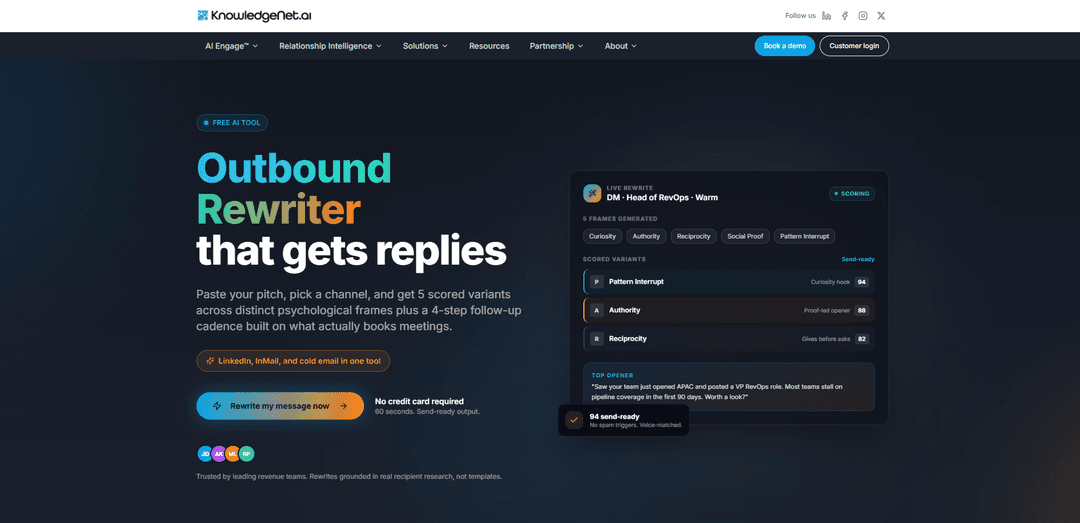
Outbound Rewriter, который получает ответы, — это бесплатный инструмент на базе ИИ, который переписывает ваши сообщения LinkedIn/InMail и холодные электронные письма в 5 оцененных, готовых к отправке вариантов в рамках проверенных психологических рамок, а также 4-шаговую последовательность последующих действий — кредитная карта не требуется.
https://knowledgenet.ai/tools/linkedin-rewriter?utm_source=aipure&utm_medium=referral&utm_campaign=ph_launch&utm_content=listing&ref=producthunt
Информация о продукте
Обновлено:08/06/2026
Что такое Outbound Rewriter that gets replies
Outbound Rewriter, который получает ответы (от KnowledgeNet.ai), — это инструмент для переписывания на базе ИИ, разработанный для превращения шаблонных рассылок в сообщения, которые кажутся конкретными, человечными и достойными ответа. Созданный для личных сообщений LinkedIn, InMail и холодных электронных писем, он помогает командам по продажам быстро генерировать несколько высококачественных версий коммерческого предложения с четкими зацепками, большей ясностью и улучшенным тоном. Инструмент делает акцент на переписывании, основанном на исследованиях (а не на шаблонных заготовках), создавая результат, который можно отправить менее чем за минуту.
Ключевые особенности Outbound Rewriter that gets replies
Outbound Rewriter, который получает ответы, — это бесплатный инструмент для переписывания текста с использованием ИИ для личных сообщений/InMail в LinkedIn и холодных электронных писем, который превращает черновой вариант предложения в несколько готовых к отправке вариантов, разработанных для увеличения количества ответов. Вы вставляете свое сообщение, выбираете канал плюс цель/тон, и инструмент генерирует пять различных переписанных вариантов с психологической рамкой (например, Любопытство, Авторитет, Взаимность, Социальное доказательство, Прерывание шаблона), каждый из которых имеет оценку, а также структурированную многоступенчатую последовательность последующих действий. Он делает акцент на специфичности, зацепках, релевантных получателю, и «отсутствии спам-триггеров», стремясь сохранить сообщения личными, своевременными и соответствующими голосу, а не шаблонными.
Многоканальные переписывания (LinkedIn DM, InMail, холодное электронное письмо): Создавайте оптимизированные тексты для рассылки, адаптированные к нормам и ограничениям различных исходящих каналов, из одного места.
5 психологических рамок + оценка: Генерирует пять вариантов в различных рамках (Любопытство, Авторитет, Взаимность, Социальное доказательство, Прерывание шаблона) и оценивает их, чтобы помочь вам выбрать наиболее сильное вступление.
Готовый к отправке текст с акцентом на отсутствие шаблонов: Переписывает общие предложения в конкретные, релевантные сообщения с более четкими зацепками и менее навязчивыми призывами к действию для повышения вероятности ответа.
Генератор 4-шаговой последовательности последующих действий: Создает структурированную последовательность последующих действий для сокращения ручной работы и поддержания последовательности рассылки после первого сообщения.
Контроль цели и тона + соответствие голосу: Позволяет вам устанавливать намерение и тон (например, теплый, профессиональный) и стремится к тому, чтобы результат соответствовал вашему голосу, а не звучал шаблонно.
Быстрый рабочий процесс без кредитной карты: Разработан для быстрой итерации — вставьте текст, установите параметры, просмотрите варианты — чтобы команды могли перейти от черновика к пригодной для использования рассылке примерно за минуту.
Варианты использования Outbound Rewriter that gets replies
Поиск потенциальных клиентов B2B SaaS: Превратите стандартное предложение продукта в высокоотзывчивую рассылку в LinkedIn или по электронной почте с более сильными зацепками и полной последовательностью последующих действий для бронирования демонстраций.
Подбор персонала и привлечение кандидатов: Перепишите InMail/DM рекрутеров, чтобы они выглядели более личными и своевременными, увеличивая количество ответов от труднодоступных кандидатов.
Агентства и консалтинговые компании: Генерируйте несколько углов сообщений (авторитет против взаимности и т. д.), чтобы быстро тестировать позиционирование в различных клиентских вертикалях и среди лиц, принимающих решения.
Партнерство и развитие бизнеса: Создавайте некоммерческие предложения о сотрудничестве, которые основаны на ценности (взаимность) и социальном доказательстве, улучшая показатели принятия и ответов.
Исходящие сообщения для мероприятий и вебинаров: Создавайте краткие, убедительные приглашения и последующие сообщения для кампаний в LinkedIn/по электронной почте, которые стимулируют регистрации, не выглядя как массовая рассылка.
Итерация исходящих сообщений для конкретных аккаунтов (ABM): Создавайте несколько вступительных сообщений для каждого целевого аккаунта, используя различные рамки, затем выбирайте вариант с наивысшей оценкой для персоны и контекста.
Преимущества
Производит несколько различных, тестируемых вариантов (рамок) вместо одного переписанного, что упрощает повышение количества ответов за счет итераций.
Включает последовательность последующих действий, охватывая полную исходящую последовательность, а не только первое сообщение.
Канально-специфический вывод (LinkedIn DM/InMail/email) помогает согласовать текст с реальными ожиданиями платформы.
Недостатки
Качество зависит от контекста, который вы вставляете — неполные входные данные все равно могут привести к общим результатам.
Оценка полезна для приоритизации, но может не идеально предсказывать реальные ответы для каждого ICP или рынка.
Может потребоваться проверка человеком для обеспечения соответствия голосу бренда, заявлениям и отраслевым нормам.
Как использовать Outbound Rewriter that gets replies
1) Откройте инструмент Outbound Rewriter: Перейдите по ссылке https://knowledgenet.ai/tools/linkedin-rewriter?ref=producthunt в браузере, чтобы получить доступ к бесплатному Outbound Rewriter.
2) Вставьте ваше текущее сообщение для рассылки: Скопируйте и вставьте ваше личное сообщение LinkedIn, InMail или холодное электронное письмо в поле ввода ("Ваше сообщение LinkedIn или холодное электронное письмо"). Добавьте достаточно контекста для лучшего переписывания (инструмент отмечает минимальное требование к вводу и то, что больше контекста приводит к более точным переписываниям).
3) Выберите канал, по которому вы отправляете: Выберите канал, для которого вы хотите оптимизировать переписанное сообщение (личное сообщение LinkedIn, InMail или холодное электронное письмо). Инструмент разработан для генерации готового к отправке результата, адаптированного к выбранному каналу.
4) Установите свою цель и тон: Настройте, чего вы хотите достичь с помощью сообщения (например, назначить встречу, начать разговор) и выберите тон, в котором оно должно быть написано. Это помогает инструменту соответствовать голосу и избежать ощущения "шаблона".
5) Сгенерируйте переписанные варианты (5 психологических рамок): Запустите переписывание, чтобы получить 5 вариантов в различных рамках: Любопытство, Авторитет, Взаимность, Социальное доказательство и Разрыв шаблона.
6) Просмотрите оценки и выберите лучший вариант: Сравните оцененные варианты и выберите наиболее высоко оцененный (или наиболее подходящий) зачин. Инструмент выделяет "Лучший зачин" и предоставляет "готовый к отправке" текст.
7) Проверьте персонализацию и ясность: Перед отправкой быстро убедитесь, что сообщение содержит конкретный зацеп и призыв к действию (CTA) с низким "трением". Источники подчеркивают персонализацию (имя/компания/должность/город, где это уместно) и краткий текст для более высоких показателей ответов.
8) Используйте встроенную последовательность последующих действий: Скопируйте сгенерированную 4-шаговую последовательность последующих действий и добавьте ее в свою последовательность рассылки, чтобы не полагаться на одно сообщение для получения ответов.
9) Отправляйте и итерируйте с вариантами A/B: Тестируйте различные рамки/тоны в качестве вариантов A/B (например, Любопытство против Авторитета, более неформальный против формального). Периодически обновляйте шаблоны, повторно запуская инструмент с обновленным контекстом и выводами из ответов.
Часто задаваемые вопросы о Outbound Rewriter that gets replies
Это инструмент искусственного интеллекта, который берет ваше существующее сообщение LinkedIn, InMail или "холодное" электронное письмо и переписывает его в несколько готовых к отправке вариантов, разработанных для увеличения количества ответов. Инструмент KnowledgeNet.ai генерирует 5 вариантов в различных психологических рамках и оценивает их, а затем предоставляет последовательность последующих действий, направленных на назначение встреч.
Популярные статьи

Vosko AI: локализация и дубляж видео для мировой аудитории
Oct 15, 2026

Atoms: Мультиагентная ИИ-платформа, которая превращает идеи в готовые к запуску продукты
May 22, 2026

Nano Banana SBTI: Что это такое, как это работает и как это использовать в 2026 году
Apr 15, 2026

Обзор Atoms — AI Product Builder, переопределяющий цифровое творчество в 2026 году
Apr 10, 2026
Последние ИИ-инструменты, похожие на Outbound Rewriter that gets replies
WordLimit AI
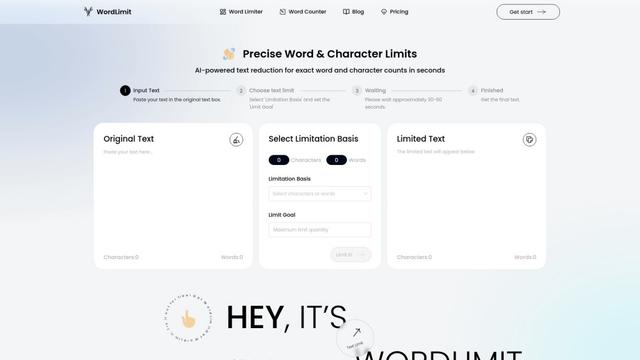
WordLimit - это первый в мире интеллектуальный инструмент сокращения текста, который точно регулирует количество слов и символов, сохраняя при этом важную информацию и оригинальный человеческий стиль письма.

ResumeSet
ResumeSet — это бесплатный ИИ-генератор резюме, который создает адаптированные, оптимизированные для ATS резюме за несколько минут, превращая любую вакансию в профессионально оформленное резюме без необходимости использования кредитной карты.
Writers-Copilot
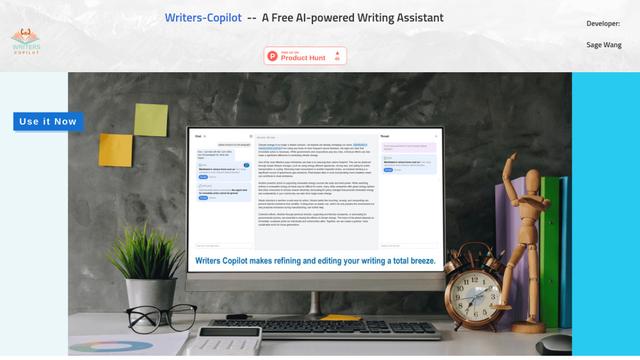
Writers-Copilot — это бесплатный помощник в написании с использованием ИИ, который предоставляет умные предложения по редактированию, мгновенную обратную связь и возможности улучшения контента для повышения качества и эффективности письма.
Humanize AI
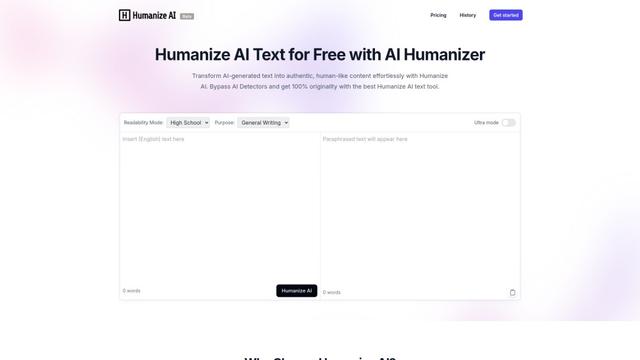
Humanize AI — это ведущая бесплатная онлайн-платформа, которая преобразует ИИ-сгенерированный текст в естественный, похожий на человеческий контент, устраняя роботизированные нотки и обходя все инструменты обнаружения ИИ.
Популярные ИИ-инструменты, похожие на Outbound Rewriter that gets replies
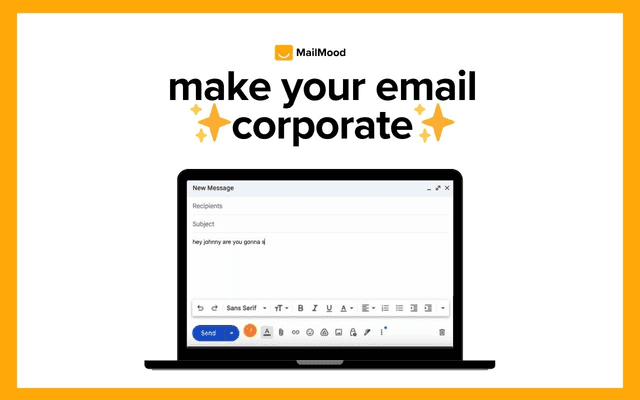
MailMood - AI Email Rewriter
MailMood - это расширение Chrome, которое мгновенно преобразует сообщения Gmail в профессиональный, чистый и уверенный деловой язык с тремя различными вариантами тона - корпоративным, непринужденным или напористым - всего одним щелчком мыши.
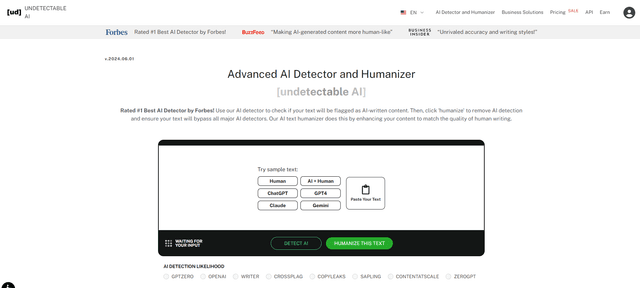
Undetectable AI
UndetectableAI.ai - это инструмент для обнаружения и гуманоидизации контента ИИ, который сканирует текст, сгенерированный ИИ, и переписывает его, чтобы он был незаметен для детекторов ИИ, сохраняя при этом качество и смысл.
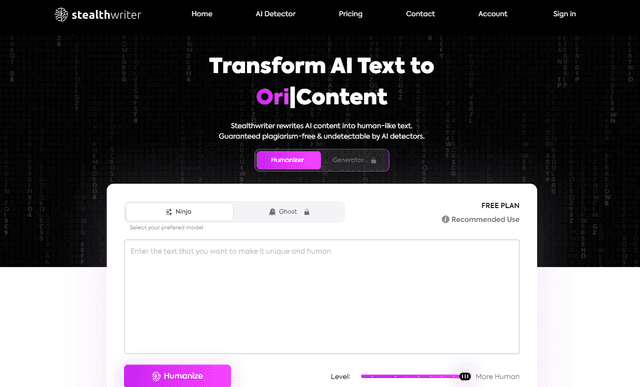
Stealthwriter
StealthWriter — это инструмент на базе ИИ, который преобразует контент, сгенерированный ИИ, в невыявляемый, человекоподобный текст, сохраняя при этом качество и обходя детектирование ИИ.
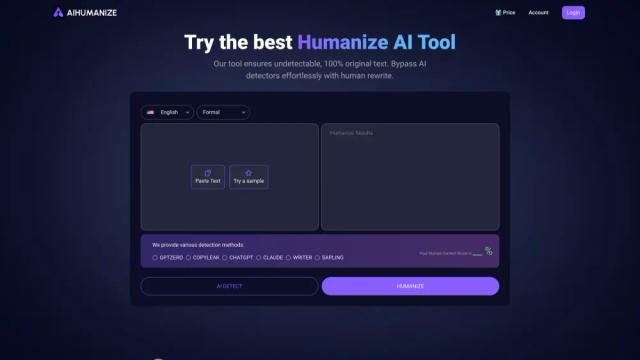
AI Humanize
AI Humanize — это бесплатный онлайн-инструмент, который преобразует текст, созданный AI, в естественный, человекоподобный контент для обхода детекторов AI и улучшения читаемости.