
Otiumz
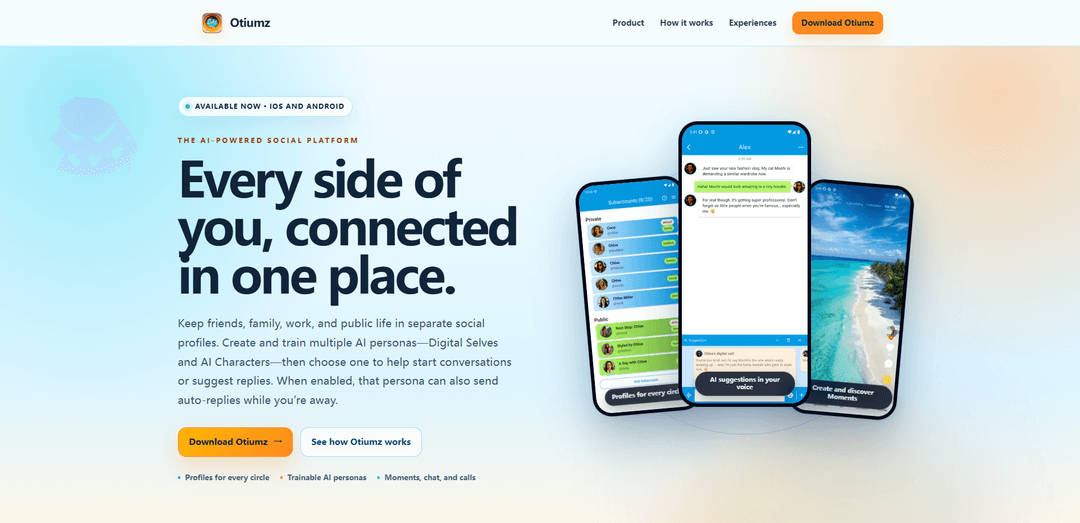
Otiumz is an AI-powered social platform that lets you separate your life into multiple profiles while using trainable AI personas for conversation starters, smart reply suggestions, and optional auto-replies across chat, calls, and short-form Moments.
https://otiumz.com/?ref=producthunt
Product Information
Updated:Aug 14, 2026
What is Otiumz
Otiumz is a next-generation social ecosystem designed around context—so you can keep different parts of your identity (friends, family, work, and public presence) in separate social profiles within one app. Available on iOS and Android, it combines social discovery and content sharing with messaging features like private and group chat, voice messages, and voice/video calls. A core differentiator is its AI layer: users can create and train multiple AI personas (Digital Selves and AI Characters) to match different tones, knowledge, and perspectives, helping them communicate more effectively across the right audience and situation.
Key Features of Otiumz
Otiumz is an AI-powered social platform for iOS and Android that organizes your relationships and content by context rather than a single identity. It lets you create separate social profiles (e.g., friends, family, work, public), communicate through chat and voice/video calls, and share short-form “Moments” with curation tools like Picks and Playlists. A core differentiator is trainable AI personas—Digital Selves and AI Characters—that can be trained on your messages/files to match a perspective and writing style, then used for conversation starters, reply suggestions, and optional auto-replies, with broad language support and automatic language detection.
Multi-profile identity (profiles & circles): Keep different parts of your life separated by creating distinct profiles for friends, family, work, and public sharing, and choose the right audience before posting or connecting.
Trainable AI personas (Digital Selves & AI Characters): Create multiple personas and train them with messages and files to shape tone, knowledge, and perspective, then use them to draft messages or represent you in specific contexts.
AI chat copilot with optional auto-replies: Select a persona to generate conversation starters and suggested replies; when enabled, a chosen persona can also send auto-replies while you’re away.
Messaging, voice messages, and voice/video calls: Move seamlessly from text to real-time conversations through private/group chat, voice messages, and voice or video calls—using the profile you choose.
Moments, Picks, and Playlists for discovery: Share short-form Moments and curate content via Picks; as a public profile grows, unlock Playlists to organize Moments into evolving collections.
Focused optional experience: Dating: A dedicated dating mode designed to stay separate from your other profiles and circles, enabling social discovery without blending audiences.
Use Cases of Otiumz
Creators & influencers managing audiences: Maintain a public creator profile for Moments and Playlists while keeping private circles separate; use AI personas to draft captions, replies, and consistent community engagement.
Professionals balancing work and personal identity: Use a work profile for networking and client communication while isolating personal sharing to friends/family profiles; leverage AI reply suggestions for faster, on-brand responses.
Social discovery and dating with boundaries: Engage in dating without exposing personal or professional circles by keeping dating interactions in a separate experience and using AI-assisted openers and replies.
Multilingual communities and cross-language chat: Support diverse groups using automatic language detection and broad language coverage, helping users communicate across languages with AI-assisted messaging.
Customer/community support for small brands: Run a public profile for announcements and Moments while using an AI persona to handle routine inquiries via suggested replies or optional auto-replies during off-hours.
Pros
Context-first design with multiple profiles helps prevent audience mixing (friends vs. work vs. public).
Trainable AI personas enable personalized messaging, faster replies, and optional auto-response when unavailable.
All-in-one communication stack (Moments + chat + voice/video calls) reduces the need for multiple apps.
Cons
AI auto-replies and training on messages/files may raise privacy and control concerns for some users.
Managing multiple profiles and personas can add complexity compared to single-identity social apps.
Age gating limits participation in certain features (e.g., public messaging and monetization).
How to Use Otiumz
1. Download and install Otiumz: Get Otiumz on iOS (App Store) or Android (Google Play), install it, and open the app.
2. Set up your first profile (choose your context): Create a profile that matches the part of your life you want to use first (e.g., Friends, Family, Work, or Public). Otiumz is designed so each circle can live in its own separate profile.
3. Create additional profiles for other circles: Add more profiles to keep different audiences separated (for example: one for work contacts, one for close friends, one public-facing). This helps you avoid mixing contexts.
4. Choose the right profile before you post or message: Before you share content or start a conversation, select the profile that fits the moment (the app is built around choosing context first).
5. Choose your audience for each interaction: Decide who should see or receive what you’re about to share: one person, a specific circle, or everyone (public).
6. Start connecting: post a Moment: Create and share short-form content using Moments. Moments are Otiumz’s short posts designed for sharing updates and creative snippets.
7. Curate what you share with Picks: Use Picks to curate and highlight Moments you want to feature or organize as part of your public presence.
8. Organize Moments into Playlists (as your public profile grows): As you build your public profile, unlock and use Playlists to group Moments into themed, evolving collections.
9. Start a chat (private or group) from the correct profile: Use messaging to keep in touch through private chats or group chats, making sure you’re messaging from the profile that matches the relationship/context.
10. Use voice messages when text isn’t enough: Send voice messages inside chats to communicate more naturally while staying within the chosen profile context.
11. Move from chat to calls: Start a voice or video call directly from your conversations, still tied to the profile you selected.
12. Create an AI persona (Digital Self or AI Character): Add one or more AI personas. You can create Digital Selves (versions of you) and/or AI Characters (distinct personalities) to support your communication.
13. Train your AI persona with messages and files: Upload or provide messages and files to shape the persona’s knowledge and style so it can speak from the right perspective for that profile/context.
14. Choose an AI persona when you want help: When composing messages or engaging socially, select a persona to help start conversations or suggest replies.
15. Enable optional auto-replies (when you’re away): If you want, turn on auto-replies so the selected persona can respond on your behalf while you’re unavailable.
16. Use multilingual features as needed: Communicate in your preferred language—Otiumz supports many languages and includes automatic language detection.
17. (Optional) Use the Dating subapp separately: If available to you, use the optional Dating experience to meet people while keeping it separate from your other profiles and circles.
Otiumz FAQs
Otiumz is an AI-powered social platform that lets you keep different parts of your life in separate social profiles and use trainable AI personas (Digital Selves and AI Characters) to help with conversations, reply suggestions, and optional auto-replies.
Otiumz Video
Popular Articles

How to Create Viral Talking Baby Podcast Videos with AI: Step-by-Step Guide
Nov 2, 2026

Proferex: A Cloud-Based Ad Tracking and Campaign Optimization Platform
Nov 2, 2026

Vosko AI: Localize and Dub Videos for Global Audiences
Oct 15, 2026

Atoms: A Multi-Agent AI Platform That Transforms Ideas into Launch-Ready Products
Oct 13, 2026
Latest AI Tools Similar to Otiumz
Peache.ai
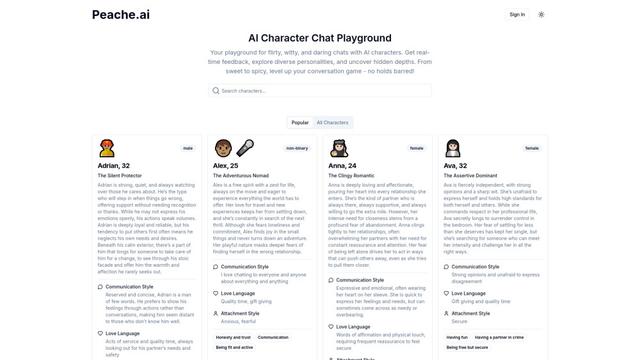
Peache.ai is an AI character chat playground that enables users to engage in flirty, witty, and daring conversations with diverse AI personalities through real-time interactions.
Simba
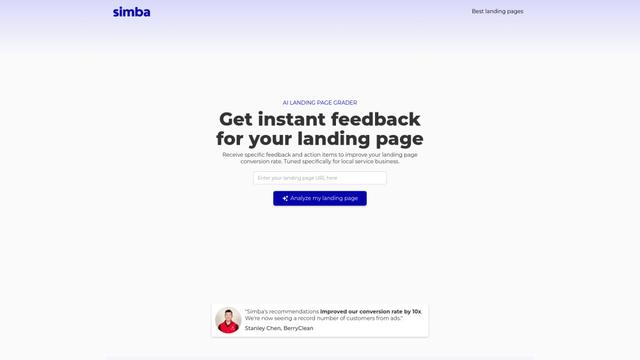
Simba is an iconic animated lion character and protagonist of Disney's The Lion King, who grows from a carefree cub to the rightful king of Pride Rock after overcoming challenges and embracing his responsibilities.
NSFWChatAI
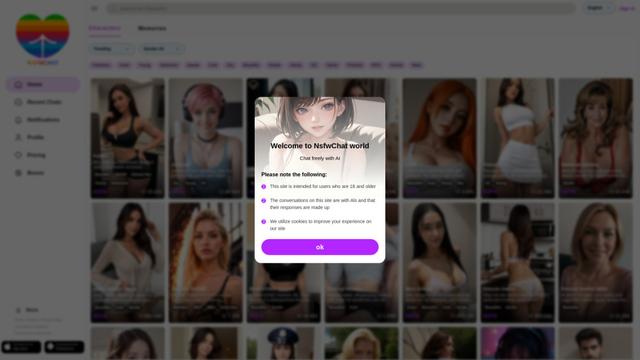
NSFWChatAI is an uncensored AI chat platform that enables users to engage in immersive, unrestricted conversations with diverse NSFW characters.
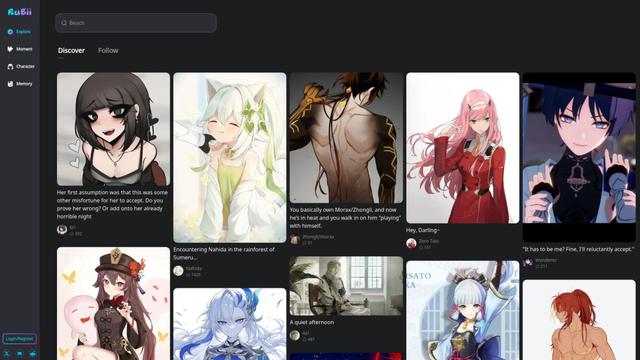
Rubii
Rubii is an AI-powered platform for creating and interacting with virtual characters, generating content, and exploring fan-made stories and artwork.
Popular AI Tools Like Otiumz
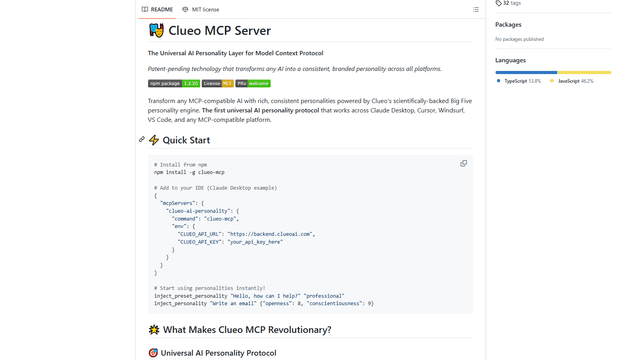
ClueoMCP
ClueoMCP is a universal AI personality layer that transforms any AI into a consistent, branded personality across all platforms using patent-pending technology and scientifically-backed Big Five personality traits.
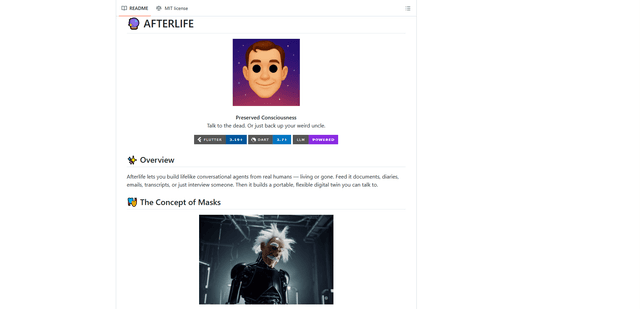
Afterlife AI
Afterlife is an open-source platform that creates personalized AI avatars through an interview process, allowing users to chat with digital twins of historical figures or preserve the communication patterns of loved ones through an ethical and transparent approach.
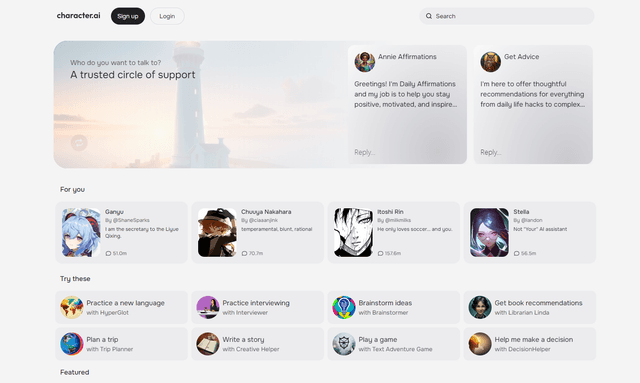
Character.ai
Character.ai is an innovative AI chatbot platform that allows users to create, customize, and interact with a wide variety of AI characters for entertainment, learning, and creative purposes.
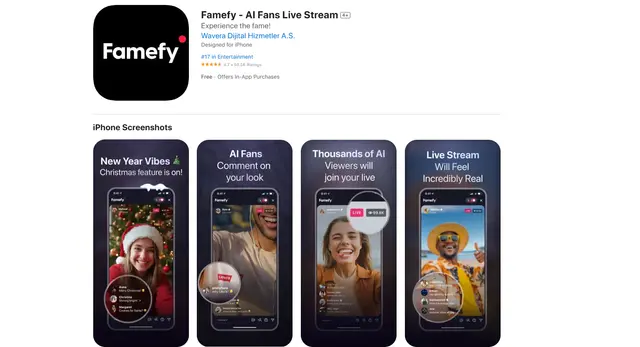
Famefy
Famefy is an AI-powered live streaming platform that lets users experience virtual stardom by interacting with AI-generated fans who provide real-time engagement and feedback.