OneSearch - Deep Search Anyone
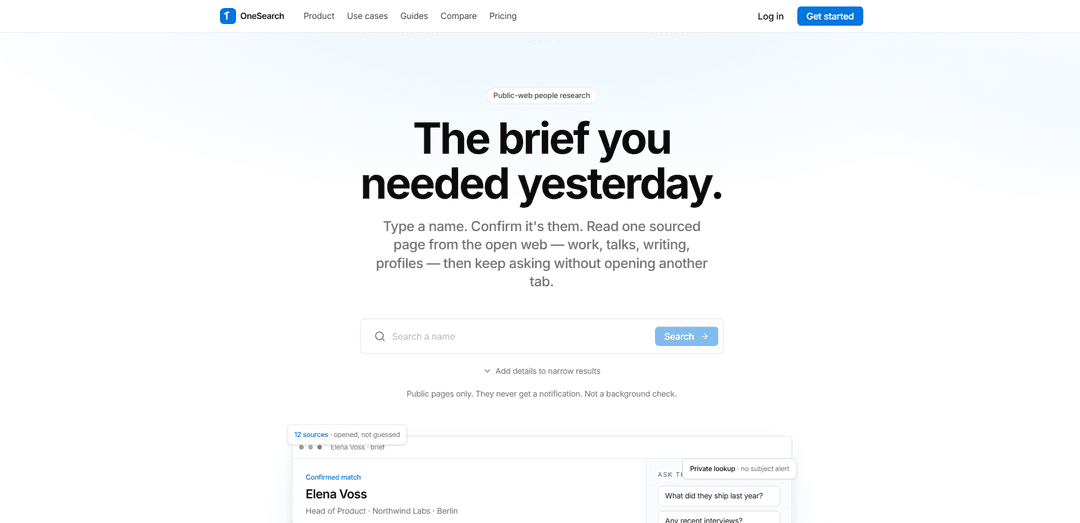
OneSearch is a private, public-web people research tool that turns a name into a one-page, fully sourced brief with disambiguation and follow-up Q&A—without notifying the subject.
https://www.onesearch.bio/?utm_source=aipure
Product Information
Updated:Sep 20, 2026
What is OneSearch - Deep Search Anyone
OneSearch is a private people research tool that turns a name into a sourced public-web brief. Confirm the right person, discover their professional background, work, talks, writing, profiles, and public mentions, then ask follow-up questions without opening another tab. Built for recruiters, founders, sales teams, and researchers who need fast, source-linked people research from the open web.
Key Features of OneSearch - Deep Search Anyone
OneSearch is a private, public-web people research tool that turns a name into a single, sourced briefing page in under a minute. It emphasizes disambiguation (you confirm the right person before a brief is generated), links every claim back to the original URL, and supports follow-up Q&A that stays grounded in the same collected sources. It uses indexed open-web pages (e.g., company sites, talks, writing, public profiles, repositories, press), avoids purchased people files, and keeps lookups private (no subject notifications). It is explicitly not a background-check product and is not FCRA-compliant.
Disambiguation-first matching: Shows candidate cards (role, city, snippet) so you confirm the correct person before any brief is generated—reducing wrong-match risk for common names.
One-page sourced brief: Compiles work history, talks, writing, mentions, and public profiles into a single structured page designed to replace “tab piles.”
Linked claims (source transparency): Every material line links back to the original public URL so you can verify details and defend them in conversation or meetings.
Follow-up chat on the same brief: Ask additional questions (e.g., recent interviews, collaborators, last role) without starting a new search; questions stay anchored to gathered sources.
Private-by-default lookups: No subject alerts or “profile view” pings; lookup history is kept on your account so you can research without notifying the person.
Public-web only, no invented filler: Uses indexed open-web pages only (no login walls, no purchased consumer files); if the web is quiet, the brief stays thin rather than guessing.
Use Cases of OneSearch - Deep Search Anyone
Recruiting & talent sourcing prep: Before outreach to passive candidates, quickly assemble a sourced snapshot of roles, talks, writing, and public profiles—without triggering profile-view notifications.
Sales & account research before calls: Get a fast, defensible brief on a prospect or stakeholder (public roles, mentions, content) to personalize outreach and reduce last-minute tab switching.
Founder/VC relationship context: Prior to meetings, build a quick memo-style overview of an operator, founder, or advisor from public artifacts (talks, writing, press) with citations.
Conference & speaker briefing: For event teams or moderators, consolidate a speaker’s public talks, publications, and profiles into one page with links for fact-checking.
Journalism/editorial background research (non-regulated): Rapidly gather and verify public-web references about a person to support accurate bios, contributor vetting, or interview preparation.
Pros
High trust via linked sources: claims are verifiable and trace back to original URLs.
Reduced wrong-person risk: explicit confirm step before generating a brief.
Fast workflow: typically produces a usable brief in under a minute and supports quick follow-up questions.
Private research: no notifications to the subject, suitable for discreet pre-meeting prep.
Cons
Limited to open-web presence: briefs can be thin for people with minimal public footprint.
Not a background check: not FCRA-compliant and not suitable for regulated hiring/tenant/credit/insurance decisions.
Coverage depends on what is indexed and publicly accessible (no paywalled/login-only data).
How to Use OneSearch - Deep Search Anyone
1. Access OneSearch: Go to https://www.onesearch.bio/ (or open OneSearch from the relevant homepage/menu if your institution provides a OneSearch link).
2. Start with a name (add a breadcrumb if needed): Enter a first and last name. If the name is common or results are thin, add a company, city, or title to narrow the search.
3. Confirm the correct person (disambiguation): Review the candidate cards (e.g., role, city/location hint, and a public snippet) and select the correct match. OneSearch requires you to confirm before it generates a brief to avoid wrong-person results.
4. Generate the sourced brief from the public web: After confirming the match, OneSearch gathers indexed public pages (e.g., company sites, talks, writing, public profiles, repositories, press). It does not use purchased people files or non-public records.
5. Read the one-page brief and open sources as needed: Review the structured brief (e.g., summary, work history, talks/writing, mentions/accounts). Each material claim links back to its original URL so you can verify details.
6. Ask follow-up questions on the same page: Use the built-in follow-up chat to ask additional questions (e.g., recent role changes, interviews, collaborators) without starting a new search or opening extra tabs; questions run against the same gathered sources.
7. Save and revisit lookups: Use saved lookups to reopen a previous brief (e.g., the next day before a meeting) and continue the same thread of questions.
8. If results are overwhelming, refine (library-style OneSearch guidance): If you are using a library OneSearch discovery tool, narrow results using filters (e.g., resource type like Articles/Books, Scholarly & Peer-Reviewed), Advanced Search, subject headings, and keyword/Boolean strategies; use 'Remember All Filters' if available to keep filters applied across searches.
9. Access full text when available (library-style OneSearch guidance): In library OneSearch systems, open items via links like 'Download PDF' or 'Read Article.' If those are not present, select 'Available Online' to view access options; sign in if required to see all available resources.
10. Keep track of sources (library-style OneSearch guidance): Copy citation details and/or save a permalink from the record so you can find it again. Treat auto-generated citations as a starting point and verify for errors; optionally use a citation manager (e.g., Zotero or Mendeley).
11. Know the limitations and get help when needed: OneSearch may not include every source (e.g., some specialty databases in library contexts; or people with minimal public-web presence on onesearch.bio). If you are not finding what you expect, refine your query (add more context) or consult a librarian for subject-specific databases.
12. Use responsibly (onesearch.bio limitation): Do not treat OneSearch as a background check. It is not FCRA-compliant and should not be used for regulated decisions (e.g., hiring, tenant, credit, or insurance decisions).
OneSearch - Deep Search Anyone FAQs
OneSearch is a private public-web people research tool. You type a name, confirm the correct person, and receive a one-page, sourced brief compiled from indexed open web pages.
Popular Articles

Vosko AI: Localize and Dub Videos for Global Audiences
Oct 15, 2026

Atoms: A Multi-Agent AI Platform That Transforms Ideas into Launch-Ready Products
Oct 13, 2026

Nano Banana SBTI: What It Is, How It Works, and How to Use It in 2026
Apr 15, 2026

Atoms Review — The AI Product Builder Redefining Digital Creation in 2026
Apr 10, 2026
Latest AI Tools Similar to OneSearch - Deep Search Anyone
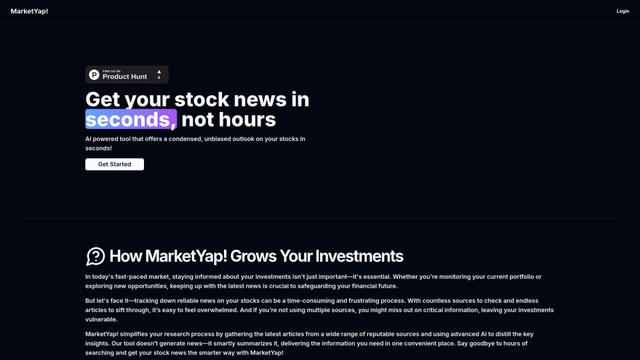
MarketYap!
MarketYap! is an AI-powered investment news aggregation platform that simplifies stock research by gathering and summarizing articles from multiple reputable sources.
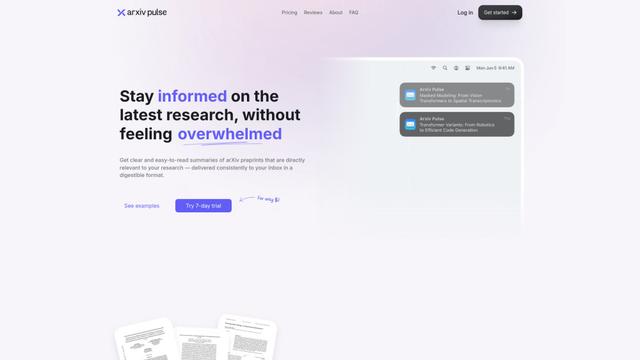
ArXiv Pulse
ArXiv Pulse is a platform that helps researchers stay updated with the latest research papers by providing personalized, easy-to-read summaries of arXiv preprints delivered directly to their inbox.
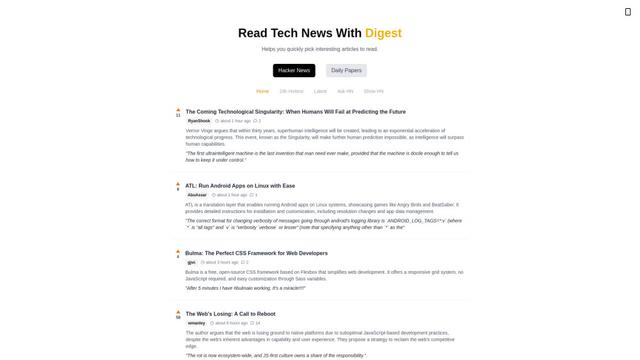
Zeli.app
Zeli is an English-language platform that aggregates and provides digests of Hacker News articles and latest AI research papers to help tech enthusiasts stay updated with cutting-edge technology.
Gene
Gene is an AI-powered research and web assistant tool that helps users analyze, summarize and extract key information from articles and documents.
Popular AI Tools Like OneSearch - Deep Search Anyone
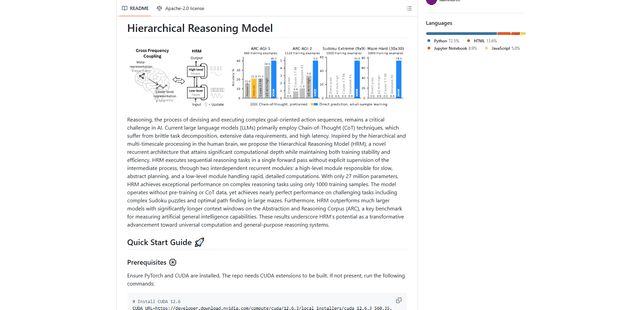
Hierarchical Reasoning Model
The Hierarchical Reasoning Model (HRM) is a brain-inspired AI architecture that achieves exceptional reasoning capabilities with only 27 million parameters, using two interdependent recurrent modules for abstract planning and detailed computations.
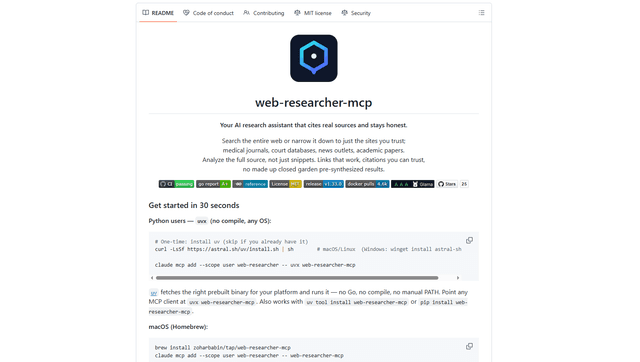
Web Researcher MCP
Web Researcher MCP is a local, production-grade MCP server that lets AI assistants search the web (optionally restricted to trusted “search lenses”), read full sources (including JS-rendered pages, PDFs, and YouTube transcripts), and return verifiable citations with multi-provider failover. [Source: https://github.com/zoharbabin/web-researcher-mcp?ref=producthunt]
Open AI o3
OpenAI o3 is a next-generation AI reasoning model with enhanced capabilities in coding, mathematics, and problem-solving that achieves breakthrough performance on advanced benchmarks while prioritizing safety through deliberative alignment.

NextGenAI by OpenAI
NextGenAI is a first-of-its-kind consortium launched by OpenAI that unites 15 leading research institutions with $50M in funding and tools to advance AI research and education.