OnBrand by SlideSpeak
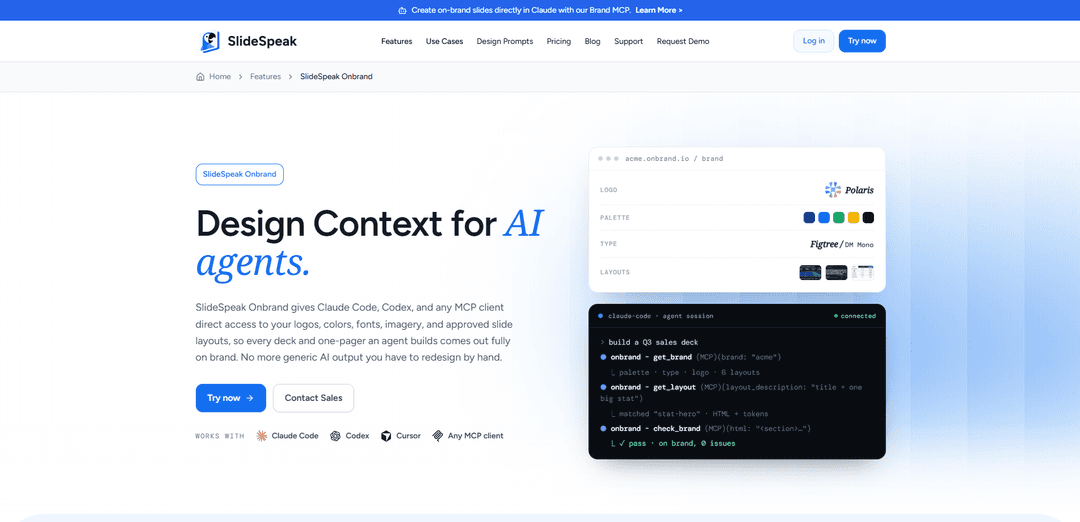
OnBrand by SlideSpeak (SlideSpeak Onbrand) is a Brand Context MCP server that gives AI agents like Claude Code, Codex, Cursor, and any MCP client direct, governed access to your logos, colors, fonts, imagery, and approved slide layouts so generated decks come out fully on-brand by default.
https://slidespeak.co/features/onbrand?ref=producthunt
Product Information
Updated:Jul 8, 2026
OnBrand by SlideSpeak Monthly Traffic Trends
OnBrand by SlideSpeak received 555.0k visits last month, demonstrating a Slight Growth of 3.5%. Based on our analysis, this trend aligns with typical market dynamics in the AI tools sector.
View history trafficWhat is OnBrand by SlideSpeak
OnBrand by SlideSpeak is a product designed to solve a common problem with AI-generated slides: models can create decent layouts, but they don’t actually know your company’s real brand system, so output often uses generic palettes, incorrect typography, or improvised logos that require manual redesign. SlideSpeak Onbrand centralizes your brand assets and rules—such as color tokens, typography, logo lockups, iconography, imagery style, and approved slide layouts—and makes them available to AI agents through a standard integration. The result is a single “source of brand truth” that helps agents produce presentations, one-pagers, and marketing materials that look like they were made by your brand team, not guessed by a model.
Key Features of OnBrand by SlideSpeak
SlideSpeak Onbrand is a Brand Context MCP (Model Context Protocol) server that gives AI agents (e.g., Claude Code, Codex, Cursor, and any MCP client) direct, governed access to a company’s real design system—logos, color tokens, fonts, imagery, icon sets, and approved slide layouts—so generated decks and one-pagers come out consistently on-brand without manual redesign. Teams upload/import brand assets (from PPTX, PDF brand guides, or design files), connect a single MCP endpoint, and agents then pull exact assets and layouts instead of guessing, with enterprise controls like versioning, access scoping, and auditability to prevent brand drift at scale.
Brand Context via MCP endpoint: Exposes your brand as a standard MCP server so any compliant client (Claude Code, Codex, Cursor, custom agents) can fetch brand assets and layouts on demand from one governed endpoint.
Design-system coverage (assets + rules): Manages the full set of brand building blocks—colors/tokens (exact hex + usage rules), logos/lockups (variants + placement rules), typography (licensed fonts + scale), imagery style, icon library, and approved slide layouts.
Import & extraction from existing brand materials: Ingests brand inputs like PPTX templates, PDF brand guidelines, and existing design files, then extracts and structures the brand tokens for machine use.
Approved slide layouts as production-ready building blocks: Provides named, approved layouts (e.g., title, agenda, stat, comparison, quote) delivered as adaptable HTML/CSS so agents can assemble consistent slides instead of inventing new structures.
Governance: versioning, rollbacks, and locked tokens: Centralizes a single source of truth with version history and rollbacks, ensuring agents stay within approved assets and reducing brand drift across teams and outputs.
Enterprise controls: role-based access, multi-brand support, and auditing: Scopes what each team/agent can access, supports sub-brands and regional variants, and provides visibility into which assets/layouts were used on which outputs; includes enterprise-ready controls like SSO/SCIM.
Use Cases of OnBrand by SlideSpeak
Consulting & client deliverables: Ensure every client deck, one-pager, and executive summary generated by agents matches the firm’s approved layouts, typography, and palette—reducing last-mile redesign work.
Enterprise cross-department presentations: Standardize HR onboarding decks, quarterly business reviews, and board reports so outputs from many teams remain brand-compliant without creating a design bottleneck.
Sales and pitch deck production: Generate prospect-specific pitch decks and case-study variants quickly while keeping logo lockups, color usage, and slide structure consistent across versions.
Marketing collateral and one-pagers: Let agents create on-brand marketing slides and one-page assets using approved imagery style, icons, and layouts rather than generic stock-like design.
Multi-brand or multi-region brand governance: Manage parent brands, subsidiaries, and regional variants under one account, controlling which agents can pull which assets for each market.
Pros
Strong brand consistency: agents pull exact tokens, fonts, logos, and approved layouts instead of approximating.
Works across tooling: compatible with Claude Code, Codex, Cursor, and any MCP client via a single endpoint.
Governance at scale: versioning, role-based access, auditing, and multi-brand support reduce brand drift in large orgs.
Reduces manual redesign: outputs are closer to presentation-ready on the first pass, saving time for marketing/design teams.
Cons
Requires upfront setup and asset curation (importing brand materials, defining approved layouts/tokens) to get best results.
Best fit for teams with defined brand systems; organizations without clear guidelines may see less benefit from the governance features.
Depends on MCP-compatible workflows; teams not using MCP clients may need integration work to adopt.
How to Use OnBrand by SlideSpeak
1) Create your brand library in SlideSpeak Onbrand: In the SlideSpeak Onbrand dashboard, add your brand assets and rules into a single library so agents can reference the real source of truth instead of guessing.
2) Import brand materials (fastest path): Import directly from existing files such as a PowerPoint template (PPTX) and/or a PDF brand guide. Onbrand extracts brand tokens (e.g., colors, typography) and reusable layout structure for you.
3) Upload core brand assets: Upload your logos (including variants/lockups), exact color palette (hex values and semantic tokens), fonts (licensed typography and type scale), approved imagery, and your icon set so outputs stay consistent.
4) Add approved slide layouts: Add named, approved slide layouts (e.g., title, agenda, stat, comparison, quote). Onbrand provides layouts as production-ready HTML/CSS so agents can reliably build slides that match your system.
5) Connect your MCP client to the Onbrand MCP endpoint: In your MCP-capable tool (e.g., Claude Code, Codex, Cursor, or any MCP client), add/configure a connection to the SlideSpeak Onbrand MCP server endpoint so the agent gains read access to your brand context.
6) Verify the MCP connection: Confirm the client shows the Onbrand MCP as connected. Once connected, the agent can fetch brand assets, tokens, and approved layout definitions on demand.
7) Generate on-brand decks and one-pagers from your agent: Ask your agent to create a deck/one-pager. With Onbrand connected, it should pull your real logos, palette, fonts, imagery guidance, and approved layouts rather than producing generic styling.
8) Govern access (teams/enterprise): If you’re deploying across teams, scope what each team/agent can access using role-based access controls and support sub-brands/regional variants as needed.
9) Version and update your brand once, propagate everywhere: Maintain your brand library as the canonical definition. Update assets/tokens/layouts in the dashboard; connected agents use the updated version immediately, with version history and rollback available.
10) Audit usage for compliance: Use Onbrand’s audit/usage visibility to see which assets and layouts were used in which outputs, helping ensure brand compliance and consistency at scale.
OnBrand by SlideSpeak FAQs
SlideSpeak Onbrand exposes your company’s design system (logos, colors, fonts, imagery, icons, and approved slide layouts) to AI agents via an MCP (Model Context Protocol) server, so decks and one-pagers generated by tools like Claude Code, Codex, Cursor, or any MCP client come out fully on-brand instead of generic.
OnBrand by SlideSpeak Video
Popular Articles

Vosko AI: Localize and Dub Videos for Global Audiences
Oct 15, 2026

Atoms: A Multi-Agent AI Platform That Transforms Ideas into Launch-Ready Products
Oct 13, 2026

Nano Banana SBTI: What It Is, How It Works, and How to Use It in 2026
Apr 15, 2026

Atoms Review — The AI Product Builder Redefining Digital Creation in 2026
Apr 10, 2026
Analytics of OnBrand by SlideSpeak Website
OnBrand by SlideSpeak Traffic & Rankings
555K
Monthly Visits
#81787
Global Rank
#1937
Category Rank
Traffic Trends: Nov 2024-Oct 2025
OnBrand by SlideSpeak User Insights
00:01:56
Avg. Visit Duration
3.32
Pages Per Visit
44.11%
User Bounce Rate
Top Regions of OnBrand by SlideSpeak
US: 13.94%
IN: 13.14%
ID: 4.92%
AE: 3.3%
FR: 2.67%
Others: 62.02%
Latest AI Tools Similar to OnBrand by SlideSpeak
PPTalker
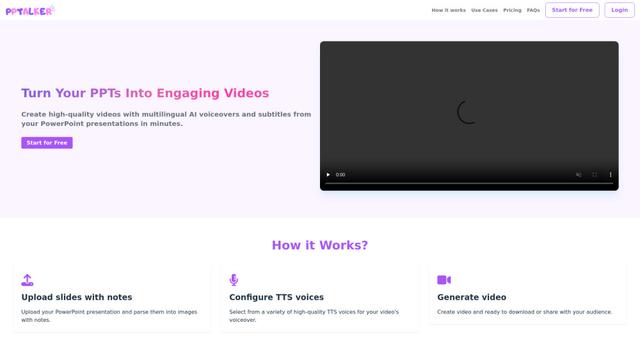
PPTalker is an online PowerPoint to video converter that transforms presentations into engaging videos with AI-powered multilingual voiceovers and subtitles.
Napkin
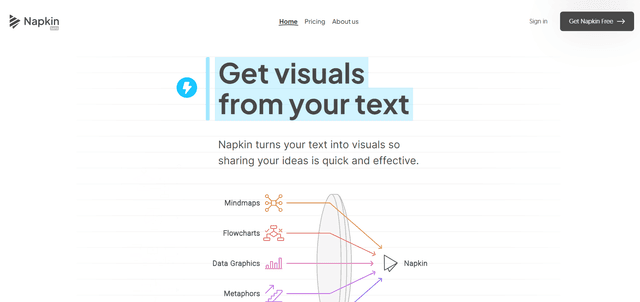
Napkin AI is an innovative AI-powered tool that automatically transforms text into visually appealing graphics, diagrams, and illustrations to enhance business communication and storytelling.
Aidocmaker.com
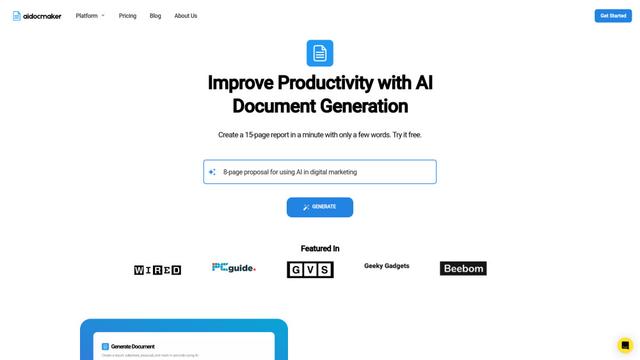
Aidocmaker.com is an AI-powered document creation platform that allows users to effortlessly generate professional documents, presentations, spreadsheets, and voiceovers in minutes.

Yanbi AI
Yanbi AI is a free AI-powered writing tool that generates high-quality content for various writing scenarios with one click.
Popular AI Tools Like OnBrand by SlideSpeak

MulmoCast
MulmoCast is an AI-native multi-modal presentation tool that automatically generates videos, podcasts, slides, PDFs, and manga-style content from a single script using various AI technologies.
MulmoCast Vision
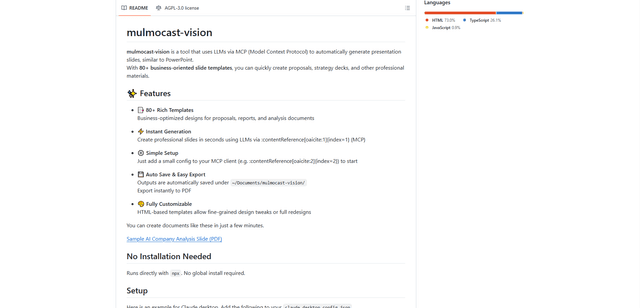
MulmoCast Vision is an AI-powered tool that automatically generates professional presentation slides through LLMs via Model Context Protocol (MCP), featuring 80+ business-oriented templates for various corporate needs.
Gamma
Free TrialAI Presentation Generator
Gamma App is an AI-powered tool for creating beautiful presentations, documents, and websites with no design or coding skills required.
SLIDESGO
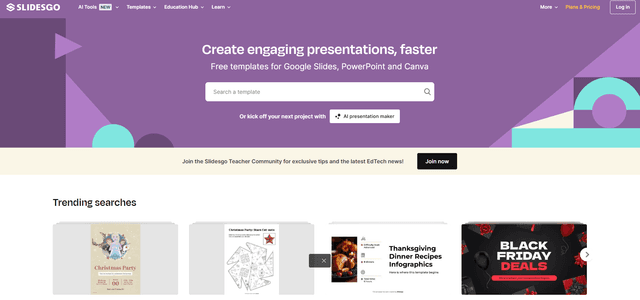
Slidesgo is a free online platform that provides professionally designed presentation templates for Google Slides and PowerPoint with customizable themes, infographics, and AI-powered tools to help create engaging presentations faster.