
Nolain OCR
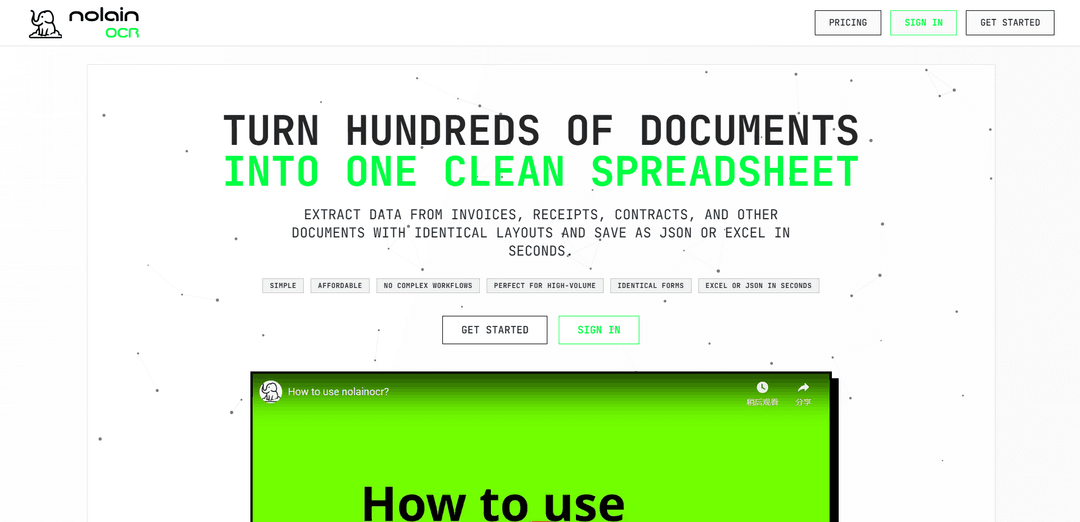
O Nolain OCR é uma solução simplificada de processamento de documentos que extrai automaticamente dados estruturados de PDFs com layouts semelhantes em planilhas organizadas por meio de um fluxo de trabalho simples de 4 cliques.
https://nolainocr.com/?ref=producthunt&utm_source=aipure
Informações do Produto
Atualizado:Feb 15, 2026
O que é Nolain OCR
O Nolain OCR é um serviço moderno de reconhecimento óptico de caracteres (OCR) projetado para transformar documentos em dados estruturados e legíveis por máquina. Ele é especializado no processamento de vários documentos que compartilham o mesmo modelo ou layout, como faturas, recibos, contratos de locação e formulários médicos. Ao contrário das soluções tradicionais de OCR que podem ser complexas e caras, o Nolain OCR oferece uma abordagem intuitiva e acessível que requer configuração mínima.
Principais Recursos do Nolain OCR
O Nolain OCR é uma solução de processamento de documentos especializada na extração de dados estruturados de documentos com layouts consistentes. Ele pode processar vários documentos em massa, aprendendo com um modelo, convertendo informações de PDFs contendo faturas, recibos, formulários e outros documentos em planilhas organizadas ou formatos JSON com configuração mínima necessária.
Aprendizado de Modelo: Aprende automaticamente o layout do documento a partir da primeira página e o aplica às páginas subsequentes, permitindo o processamento em massa de documentos semelhantes
Fluxo de Trabalho Simplificado: Processo de fluxo de trabalho de quatro cliques que requer tempo de configuração mínimo - carregue o PDF, configure as configurações, extraia os dados e baixe os resultados em formato Excel ou JSON
Processamento de Várias Páginas: Capacidade de processar até 100 páginas por documento e 10.000 páginas por mês no plano Pro Plus, com extração automatizada de dados em todas as páginas
Saída de Dados Estruturados: Converte dados de documentos não estruturados em tabelas limpas e organizadas com colunas devidamente rotuladas e campos de dados formatados
Casos de Uso do Nolain OCR
Contabilidade e Gestão de Despesas: Processe centenas de recibos em massa e converta-os automaticamente em planilhas categorizadas para rastreamento de despesas
Processamento de Documentos Imobiliários: Audite vários contratos de arrendamento simultaneamente, extraindo informações importantes, como valores de aluguel e datas de vencimento, em uma planilha mestre
Processamento de Reivindicações de Saúde: Converta formulários de reivindicação em entradas de banco de dados estruturadas, extraindo IDs de pacientes, informações de faturamento e outros dados relevantes
Contabilidade e Gestão de Faturas: Consolide várias faturas em uma única planilha Excel estruturada para facilitar o rastreamento e análise financeira
Vantagens
Fluxo de trabalho simples e intuitivo que requer treinamento ou tempo de configuração mínimo
Preços econômicos em comparação com outras soluções (US$ 25 por 2.000 páginas contra US$ 100-200)
Capacidade de processamento em massa eficiente para documentos com layouts semelhantes
Desvantagens
Limitado ao processamento de documentos com layouts consistentes dentro de cada lote
Limites de páginas por documento (100 páginas) e mês (10.000 páginas) no plano Pro Plus
Requer processamento separado para documentos com layouts diferentes
Como Usar o Nolain OCR
Carregar PDF: Carregue um único PDF contendo vários documentos (como faturas/recibos/formulários) que compartilham o mesmo padrão de layout
Configurar: Execute configurações mínimas conforme necessário (o sistema foi projetado para exigir configuração mínima)
Extrair: Pressione o botão de extração e deixe o sistema processar automaticamente os documentos. O sistema aprende o modelo da primeira página e o aplica às páginas subsequentes
Baixar Resultados: Baixe os dados estruturados extraídos em formato Excel ou JSON
Redefinir se Necessário: Opção de redefinir e começar de novo, se necessário
Para Layouts Diferentes: Se os documentos tiverem layouts diferentes, separe-os em PDFs diferentes com base no tipo de layout e processe cada PDF separadamente por meio do fluxo de trabalho
Perguntas Frequentes do Nolain OCR
O Nolain OCR pode processar PDFs contendo faturas, recibos, formulários, contratos de locação, formulários de pedido de seguro e outros documentos que compartilham o mesmo layout dentro de um único PDF.
Vídeo do Nolain OCR
Artigos Populares

Vosko AI: Localize e Duble Vídeos para Públicos Globais
Oct 15, 2026

Atoms: Uma Plataforma de IA Multiagente Que Transforma Ideias em Produtos Prontos para Lançamento
May 22, 2026

Nano Banana SBTI: O Que É, Como Funciona e Como Usá-lo em 2026
Apr 15, 2026

Análise do Atoms — O Construtor de Produtos de IA Redefinindo a Criação Digital em 2026
Apr 10, 2026
Ferramentas de IA Mais Recentes Semelhantes a Nolain OCR
Tomat
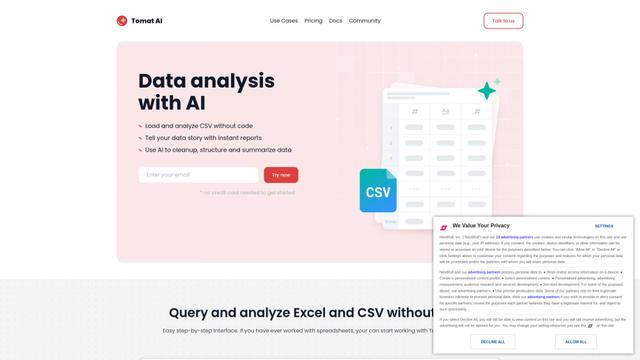
Tomat.AI é um aplicativo de desktop alimentado por IA que permite aos usuários explorar, analisar e automatizar facilmente grandes arquivos CSV e Excel sem codificação, apresentando processamento local e capacidades avançadas de manipulação de dados.
Data Nuts
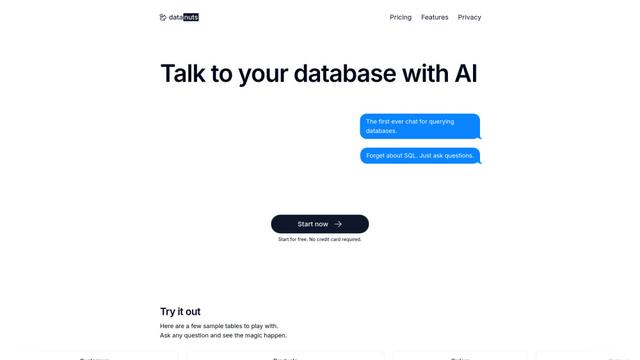
A DataNuts é um provedor abrangente de soluções de gerenciamento de dados e análise que se especializa em soluções de saúde, migração para a nuvem e capacidades de consulta a banco de dados impulsionadas por IA.
CogniKeep AI
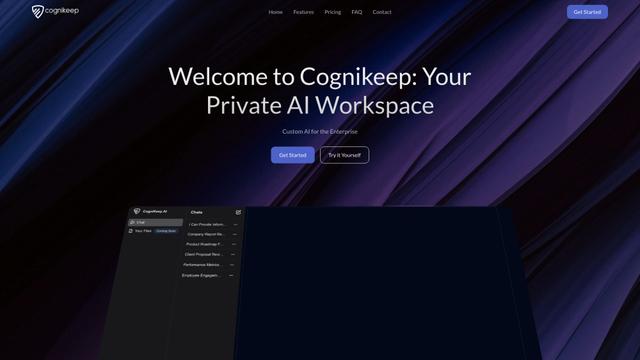
CogniKeep AI é uma solução de IA privada de nível empresarial que permite às organizações implantar capacidades de IA seguras e personalizáveis dentro de sua própria infraestrutura, mantendo total privacidade e segurança dos dados.

EasyRFP
EasyRFP é um kit de ferramentas de computação de borda alimentado por IA que agiliza as respostas a RFP (Pedido de Proposta) e possibilita fenotipagem de campo em tempo real por meio de tecnologia de aprendizado profundo.
Ferramentas de IA Populares Como Nolain OCR

Researcher & Analyst in M365 Copilot
Contact for PricingAI Data Mining
Researcher e Analyst são dois dos primeiros agentes de raciocínio de IA no Microsoft 365 Copilot que ajudam os usuários a lidar com tarefas complexas de pesquisa e análise de dados, aproveitando dados corporativos e da web com recursos avançados de raciocínio.
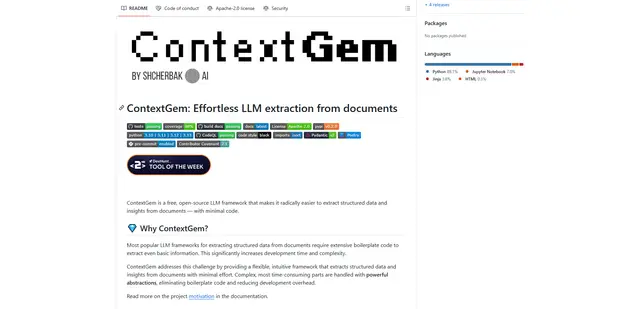
ContextGem
ContextGem é uma estrutura LLM gratuita e de código aberto que simplifica a extração de dados estruturados e insights de documentos com código mínimo por meio de poderosas abstrações integradas e recursos automatizados.
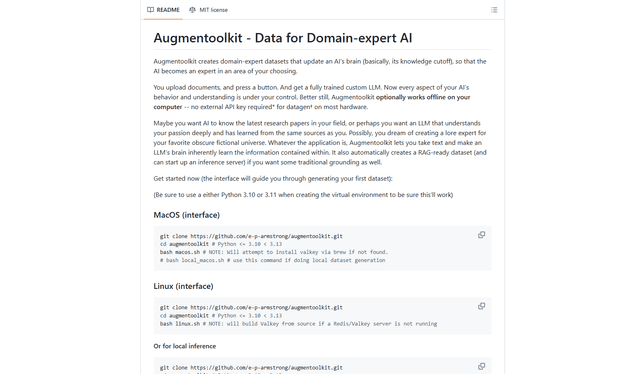
Augmentoolkit 3.0
O Augmentoolkit 3.0 é uma ferramenta de código aberto refinada e testada em batalha que cria conjuntos de dados especialistas em domínio para treinar LLMs personalizados com seus próprios dados, apresentando uma interface intuitiva, capacidade offline e processos automáticos de geração e treinamento de conjuntos de dados.
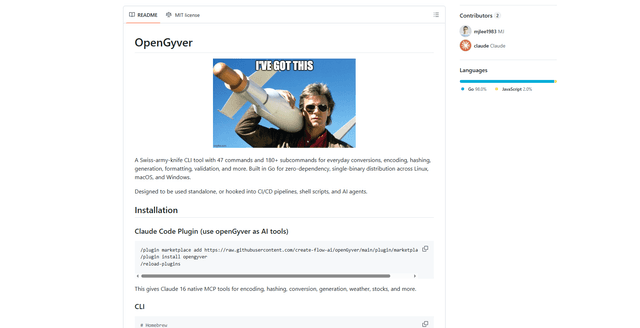
OpenGyver
OpenGyver é uma ferramenta CLI canivete suíço de código aberto com 47 comandos e mais de 180 subcomandos para conversões, codificação, hashing, geração, formatação e validação diárias, projetada para uso autônomo ou integração com pipelines CI/CD, scripts de shell e agentes de IA.