
murmur
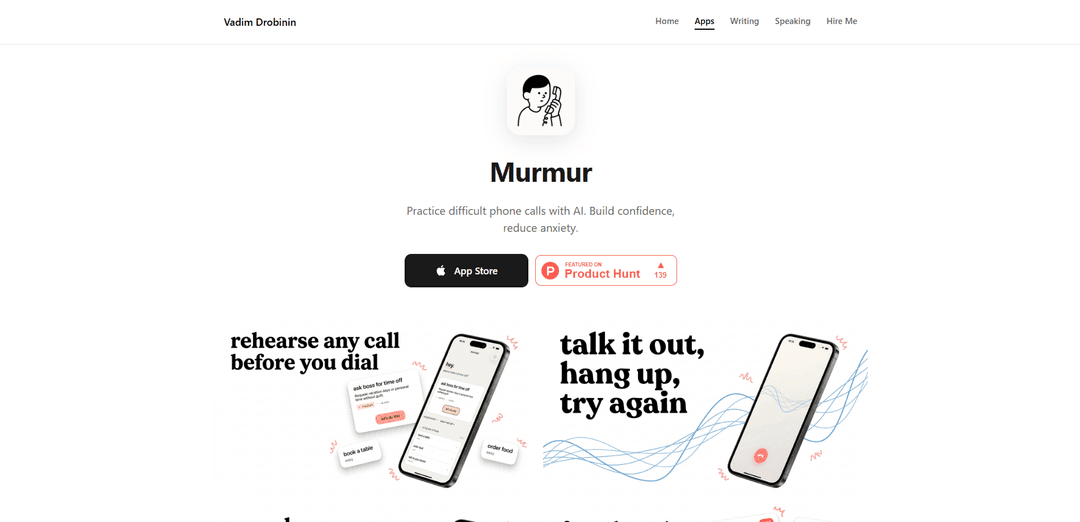
Murmur is an AI-powered phone conversation practice app that helps users overcome phone anxiety by providing a safe, judgment-free environment to rehearse difficult calls through realistic voice interactions.
https://drobinin.com/apps/murmur?ref=producthunt
Product Information
Updated:Apr 8, 2026
What is murmur
Murmur is an innovative mobile application designed to help people who experience phone anxiety or discomfort when making calls. Created by Drobinin Limited, this app serves as a private practice ground where users can prepare for various types of phone conversations - from medical appointments and job interviews to customer service calls and salary negotiations. The app creates a supportive environment that simulates real phone conversations using advanced AI technology, allowing users to build confidence before making actual calls.
Key Features of murmur
Murmur is an AI-powered phone conversation practice app that helps users overcome phone anxiety in a private, judgment-free environment. It features realistic AI voices that respond naturally to users' speech, allowing practice for various scenarios like job interviews, medical appointments, and customer service calls. The app includes voice-to-text transcription, performance feedback, and progress tracking capabilities while maintaining user privacy with all processing happening locally.
AI-Powered Conversation Practice: Realistic AI voices that adapt and respond to user speech in real-time, creating natural conversation flows
Customizable Scenarios: Pre-built and custom scenarios for various situations from job interviews to medical appointments
Private and Secure: All voice processing happens locally on device with no data collection or cloud storage
Performance Analysis: Provides feedback and confidence scores to track improvement over time
Use Cases of murmur
Professional Development: Practice job interviews and salary negotiations to build confidence before important career conversations
Healthcare Communication: Prepare for medical appointments and practice explaining symptoms or concerns to healthcare providers
Customer Service: Practice handling difficult customer service calls, returns, and refunds scenarios
Administrative Tasks: Rehearse conversations with landlords, campus administration, or other official matters
Pros
Complete privacy with local processing
Judgment-free practice environment
Realistic AI responses that adapt to user input
Cons
Limited to three free practice calls in basic version
Premium subscription required for advanced features
May not fully replicate the unpredictability of real human conversations
How to Use murmur
Download and Install: Download Murmur from the App Store (iOS) or relevant platform store. Install the application on your device.
Launch the App: Open Murmur on your device. You'll get 3 free practice calls to try the service initially.
Choose a Scenario: Select from available scenarios like doctor appointments, job interviews, customer service calls, or create a custom scenario for your specific needs.
Start the Practice Call: Press the record/start button to begin your practice conversation. Speak out loud as if you're on a real call.
Interact with AI: The AI will respond to your speech in real-time using natural voice responses. Continue the conversation as you would in a real situation.
Get Feedback: After completing the practice call, receive instant feedback and analysis on your performance from the AI system.
Review and Repeat: Review your confidence scores and progress. Practice the same scenario multiple times until you feel comfortable.
Customize Settings: Adjust any settings as needed through the app interface to personalize your practice experience.
murmur FAQs
Murmur is an iOS app that helps users overcome phone anxiety by providing a safe, judgment-free environment to practice phone conversations using realistic AI that adapts to your responses.
Popular Articles

Atoms: A Multi-Agent AI Platform That Transforms Ideas into Launch-Ready Products
May 22, 2026

Nano Banana SBTI: What It Is, How It Works, and How to Use It in 2026
Apr 15, 2026

Atoms Review — The AI Product Builder Redefining Digital Creation in 2026
Apr 10, 2026

Kilo Claw: How to Deploy and Use a True "Do‑It‑For‑You" AI Agent(2026 Update)
Apr 3, 2026
Latest AI Tools Similar to murmur
Advanced Voice
Advanced Voice is ChatGPT's cutting-edge voice interaction feature that enables real-time, natural voice conversations with custom instructions, multiple voice options, and improved accents for seamless human-AI communication.
Vagent
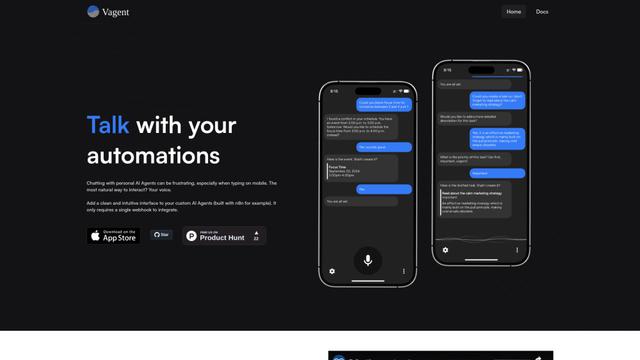
Vagent is a lightweight voice interface that enables users to interact with custom AI agents through voice commands, providing a natural and intuitive way to control automations with support for 60+ languages.

Vapify
Vapify is a white-label platform that enables agencies to offer Vapi.ai's voice AI solutions under their own brand while maintaining control over client relationships and maximizing revenue.
Wedding Speech Genie
Wedding Speech Genie is an AI-powered platform that crafts personalized wedding speeches in minutes by generating 3 custom versions based on your input, helping speakers deliver memorable toasts for any wedding role.
Popular AI Tools Like murmur
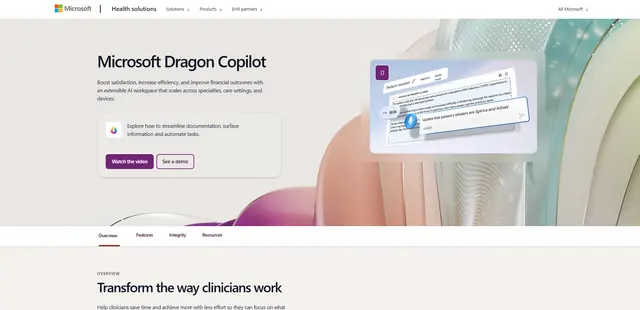
Microsoft Dragon Copilot
Microsoft Dragon Copilot is an AI-powered clinical workflow assistant that combines natural language voice dictation, ambient listening capabilities, and generative AI to streamline documentation, surface information, and automate tasks across healthcare settings.
Edge Copilot Mode
Edge Copilot Mode is Microsoft's experimental AI-powered browser feature that combines search, chat, and web navigation into a single interface, enabling users to browse smarter with AI assistance while maintaining privacy and control.
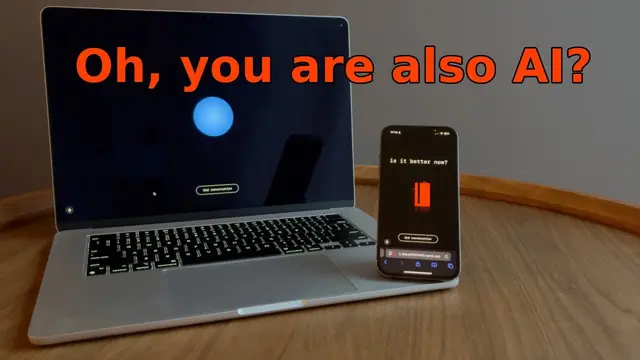
GibberLink
GibberLink is an open-source project that enables two AI agents to efficiently communicate by switching from human language to a sound-level protocol after recognizing each other, powered by ggwave technology.
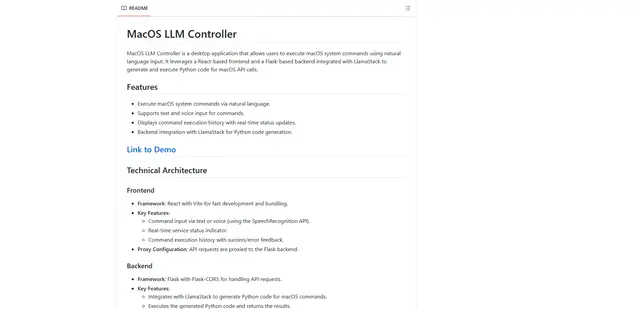
Llama MacOS Desktop Controller
Llama MacOS Desktop Controller is a React and Flask-based application that enables users to control macOS system actions through natural language commands using LLM-generated Python code.