
Motionvid.ai
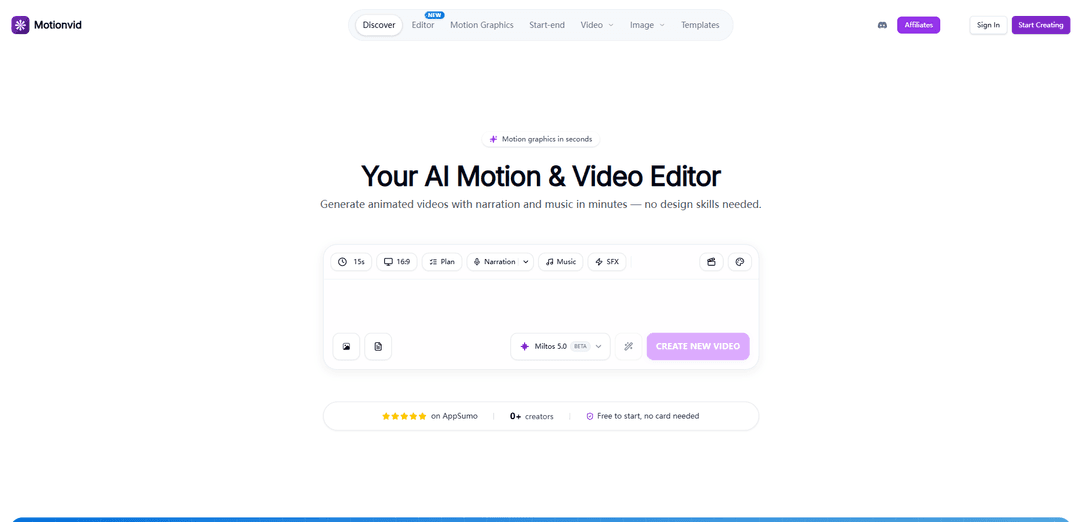
Motionvid.ai is an AI-powered motion graphics and video editor that generates editable animations from text, images, or sketches in seconds, with an integrated timeline, AI chat, templates, and cinematic zoom controls.
https://www.motionvid.ai/?ref=producthunt
Product Information
Updated:Jun 8, 2026
Motionvid.ai Monthly Traffic Trends
Motionvid.ai received 21.3k visits last month, demonstrating a Slight Growth of 4.5%. Based on our analysis, this trend aligns with typical market dynamics in the AI tools sector.
View history trafficWhat is Motionvid.ai
Motionvid.ai is a web-based AI motion design platform built to help creators, marketers, and teams produce professional-looking motion graphics and animated videos without traditional tools like After Effects. It focuses on fast, prompt-driven creation while keeping outputs editable, supporting common storytelling formats such as explainers, charts, maps, logo reveals, and social animations. The product combines generation and editing in a single canvas, offers template-based starting points, and supports exporting finished videos (e.g., MP4) with options like narration/music workflows and multiple aspect ratios for social and video platforms.
Key Features of Motionvid.ai
Motionvid.ai is an AI-powered motion graphics and video editor that generates animated videos, motion graphics, infographics, and image-based cinematic clips from text prompts, templates, sketches, and uploaded images. It combines an AI chat workflow with an editor canvas (scene timeline plus stackable clips) so users can generate content quickly and then refine it—adjusting elements like zoom start/end, colors, pacing, and layout—without traditional keyframing tools. The platform supports narration/music options, multiple AI image/video modes (including cinematic “Cinema Studio” looks), and exports up to 4K (and up to 8K for infographics on higher tiers), with a free-to-start entry point.
Text/sketch-to-animation generation: Create motion graphics and animated videos from plain-language prompts or rough sketches, with AI handling composition, motion, and styling to reduce manual timeline/keyframe work.
Editable motion graphics & infographics: Generate explainer visuals (charts, diagrams, maps, titles, logo reveals, UI mockups) that remain editable after generation, enabling quick iteration and brand alignment.
All-in-one storytelling editor: A single canvas that combines AI chat, a scene timeline, and stackable zoom clips to build and refine sequences without leaving the editor.
Zoom controls inside the editor: Drag handles to define zoom start/end directly on clips, making it easy to guide attention and add cinematic emphasis to AI-generated footage.
Start–end frame video (Animora): Upload a start image and an end image and generate the cinematic motion in between—useful for transformations, reveals, map routes, and character explainers.
High-resolution exports & model access by plan: Export up to 1080p on lower tiers and up to 4K video/infographics on higher tiers, with premium models and higher limits available in advanced plans.
Use Cases of Motionvid.ai
Marketing & product launch creatives: Produce launch videos, promo ads, and product feature animations (mockups, callouts, UI demos) quickly, then iterate via prompts and editable elements to match brand guidelines.
YouTube/creator explainers & chapter markers: Generate animated titles, chapter transitions, typography sequences, and documentary-style infographic segments for educational or commentary videos.
Business reporting & project communication: Turn metrics into animated line charts, diagrams, and status visuals for stakeholder updates, internal comms, and presentations.
Travel, geography, and map storytelling: Create animated route maps with markers and transitions, including start–end sequences for itinerary highlights or historical movement timelines.
Education and training content: Build step-by-step process animations, flowcharts, and narrated explainer clips for lessons, onboarding, and microlearning modules.
Cinematic image-to-video transformations: Use start–end frames and zoom controls to create before/after reveals, character transformations, or scene transitions for social content and storytelling.
Pros
Fast creation workflow: generates polished motion graphics in minutes without After Effects-level expertise.
Strong iteration/editability: refine outputs with text prompts and editable graphics rather than being locked into a single AI render.
Versatile toolkit: supports motion graphics, infographics, start–end image-to-video, and cinematic styling in one platform.
Free-to-start and scalable plans: entry without a card, with higher resolutions/limits available as needs grow.
Cons
Plan/credit limits: exports, credits, and premium models vary by tier, which can constrain high-volume workflows on lower plans.
Advanced control may still be limited vs. full pro tools: prompt-driven editing and simplified controls may not match granular keyframe-level precision for complex custom animations.
Output quality and consistency can depend on prompts/assets: achieving a specific look may require iterations and careful input selection.
How to Use Motionvid.ai
1) Create an account and open the editor: Go to https://www.motionvid.ai/ and click “Start Creating” (free to start, no card needed). Sign in, then open the main editor canvas where you can use AI chat, a scene timeline, and stackable zoom clips.
2) Choose what you want to make (tool selection): From the navigation, pick the workflow that matches your goal: “Motion Graphics” (editable motion graphics), “Start-end” (generate motion between two frames), “Image” (generate images/infographics), “Cinema Studio” (cinematic camera/film looks), or “Character” (character-focused creation).
3) Start with a template or generate from scratch: In “Motion Graphics,” choose a template (e.g., titles, charts, maps, explainer videos) or prompt the AI to generate a new motion graphic. Templates are included across plans per the pricing section.
4) Generate a motion graphic (text-to-motion): Describe what you want in plain language (you can specify colors, timing, effects, and style). Generate the motion graphic; it’s designed to be editable after generation.
5) Edit using the timeline + AI chat: Refine the result directly in the editor: adjust scenes on the timeline and use AI chat to request changes (e.g., “make it blue,” “use my brand colors,” “change pacing,” “adjust transitions,” “update text”). Iterate until it matches your vision.
6) Add zoom controls to guide attention (optional): Use the built-in zoom controls: drag the intuitive handles to set the start and end of each zoom inside the editor timeline. Stack zoom clips as needed to pull the viewer’s eye to key details.
7) Create a clip from two frames with Start-end (optional): Open “Start-end,” upload a start image and an end image, then generate. Motionvid’s Start-end (Animora) creates the cinematic motion between the two frames.
8) Explore “What’s Next” story continuations (optional): Open “What’s Next,” upload one image, and generate 8 cinematic story continuations. Pick favorites and upscale (the page indicates upscaling up to 4K for selected results).
9) Generate alternate camera perspectives with Angles (optional): Open “Angles,” upload one image, and generate 8 cinematic angles (e.g., top-down, dutch angle, close-up, macro). Choose the best angle and upscale if needed.
10) Apply cinematic look with Cinema Studio (optional): Open “Cinema Studio” and select camera/lens styling (the site shows options like ARRI ALEXA and lens choices). Generate to get a cinema-graded look and iterate via prompts if you want adjustments.
11) Configure video settings before generating (resolution/duration/aspect): Set your aspect ratio (e.g., 16:9) and video settings (resolution/duration) where available in the creation UI. Credit cost varies by model/type/duration/resolution; the UI shows an estimated credit cost before you generate.
12) Export your video: When satisfied, export from the editor. Export limits and max resolution depend on your plan (e.g., Basic/Pro include 1080p exports; Ultimate supports up to 4K video and infographic exports; Creator supports higher limits and up to 8K for infographics).
13) Manage credits and plan limits: Track your credit usage: credits are the unit for generating content and refresh automatically each billing cycle (monthly renew on the same date; annual plans refresh every 30 days). Unused credits don’t carry over. If you run out, upgrade or purchase a one-time credit pack.
14) Reuse outputs and rights: Download and use your generated animations anywhere. The sources state users own the outputs/copyright and can use them without restrictions.
Motionvid.ai FAQs
Motionvid.ai is an AI-powered motion graphics and video creation platform that generates animated videos and visuals from text prompts, designed to help creators produce professional-looking content without using tools like After Effects.
Motionvid.ai Video
Popular Articles

How to Create Viral Talking Baby Podcast Videos with AI: Step-by-Step Guide
Nov 2, 2026

Proferex: A Cloud-Based Ad Tracking and Campaign Optimization Platform
Nov 2, 2026

Vosko AI: Localize and Dub Videos for Global Audiences
Oct 15, 2026

Atoms: A Multi-Agent AI Platform That Transforms Ideas into Launch-Ready Products
Oct 13, 2026
Analytics of Motionvid.ai Website
Motionvid.ai Traffic & Rankings
21.3K
Monthly Visits
#1234294
Global Rank
-
Category Rank
Traffic Trends: Apr 2025-Jun 2025
Motionvid.ai User Insights
00:00:23
Avg. Visit Duration
1.56
Pages Per Visit
52.47%
User Bounce Rate
Top Regions of Motionvid.ai
IN: 47%
US: 24.01%
GB: 7.89%
DE: 5.61%
FR: 4.5%
Others: 11%
Latest AI Tools Similar to Motionvid.ai
Loud Fame
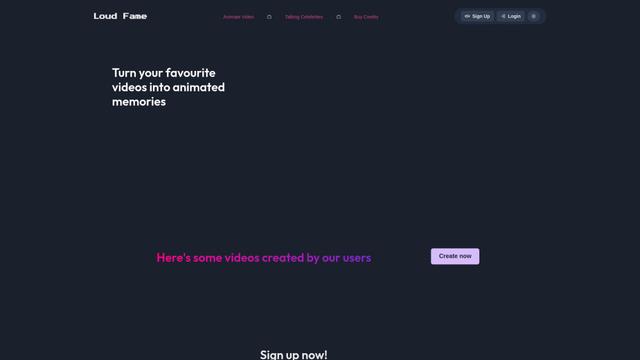
Loud Fame is an AI-powered video transformation tool that allows users to convert regular videos into anime-style animations and create AI-generated celebrity talking videos.
BizBoom.ai
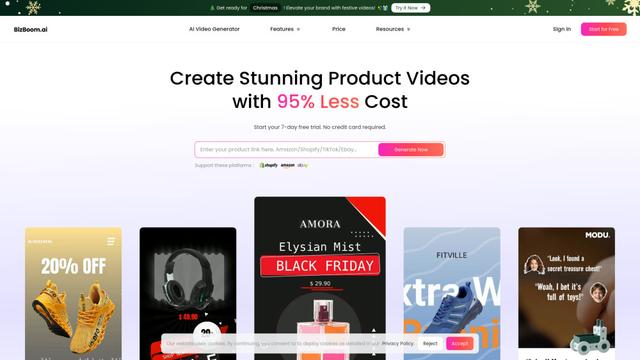
BizBoom.ai is an AI-powered platform that automatically generates professional product videos from product links and images with 95% less cost.

EzVideos
EzVideos is an all-in-one video creation tool that helps users generate viral videos for social media platforms like Instagram, TikTok, and YouTube with automated editing features and built-in resources.
Illuminix
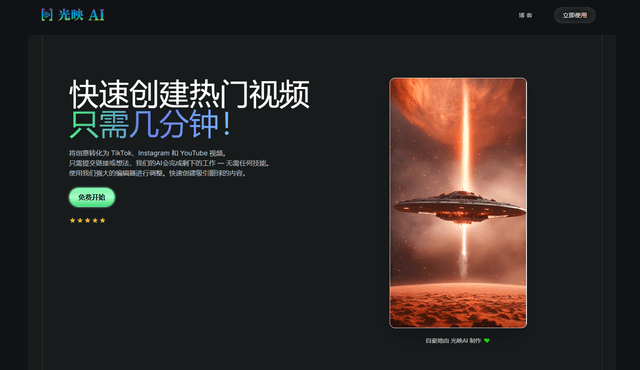
Illuminix is an AI-powered platform that empowers businesses with autonomous hyper-experts and specialized tools for automated business processes, data management, and video content creation.
Popular AI Tools Like Motionvid.ai
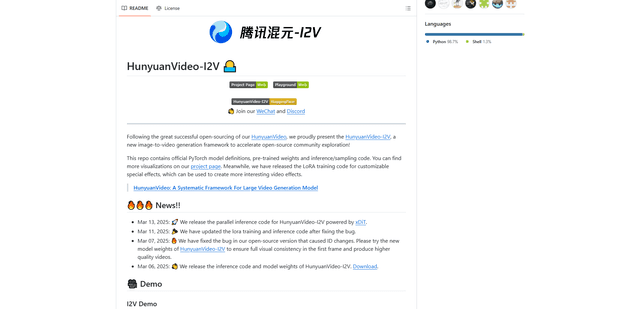
HunyuanVideo-I2V
HunyuanVideo-I2V is an open-source AI framework developed by Tencent that transforms static images into high-quality, dynamic videos with customizable motion effects and exceptional visual consistency.
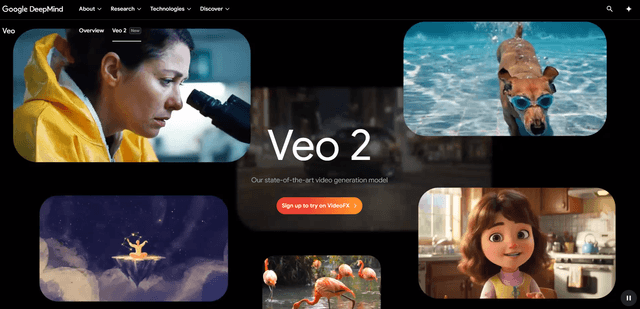
Google Veo 2
Veo 2 is Google DeepMind's state-of-the-art AI video generation model that can create high-quality videos up to 4K resolution with realistic motion, extensive camera controls, and improved physics simulation from text prompts.

Vibing
Vibing is an AI-powered dating app that helps users share authentic moments through video stories and make genuine connections based on personality matching and interactive features.
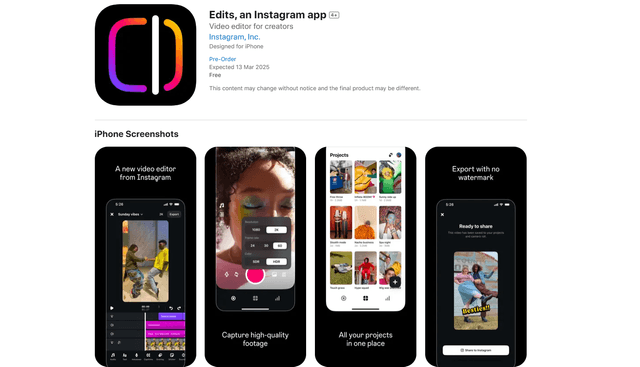
Edits, an Instagram app
Edits is Instagram's free video creation app that provides creators with professional editing tools, AI features, and analytics capabilities to create high-quality videos directly from their phones.