
Monogram AI
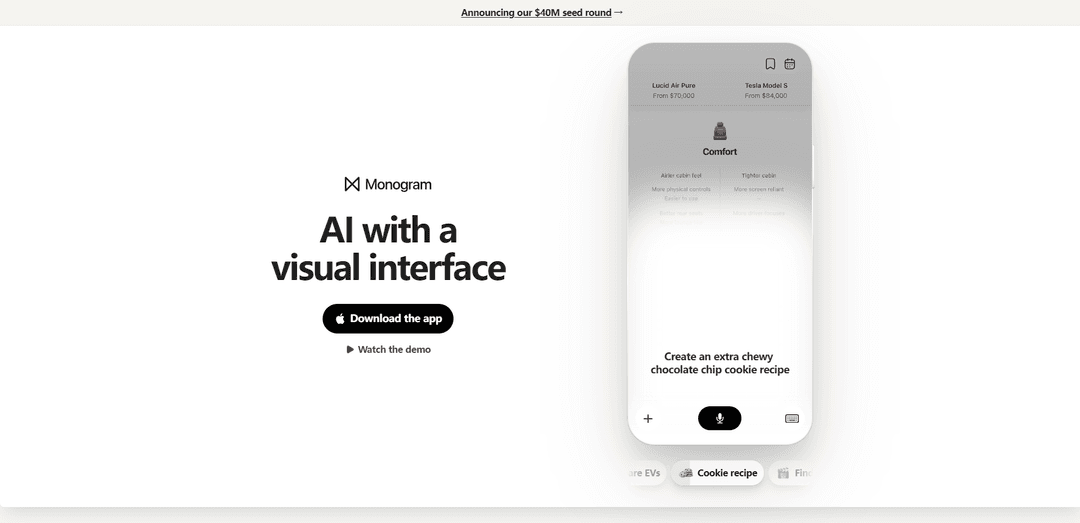
Monogram AI is a general-purpose AI app that answers questions by generating a visual, interactive user interface on the fly—offering a richer alternative to traditional chat-based responses.
https://www.monogram.ai/?ref=producthunt
Product Information
Updated:Jul 15, 2026
What is Monogram AI
Monogram AI is an AI application designed around the idea that AI should be experienced through a visual interface rather than a text-heavy chatbot. Instead of returning a “wall of text,” Monogram produces interactive, UI-driven answers in seconds, helping users explore and act on information more naturally. It’s positioned for everyday use cases—such as finding something to watch, generating a recipe, planning an event, choosing a restaurant, or comparing products—while reimagining how people search, decide, and get things done with AI.
Key Features of Monogram AI
Monogram AI is a general-purpose AI iOS app designed around a visual, interactive interface rather than a traditional chat-only experience. It generates an entire UI on the fly in seconds, letting users explore answers through dynamic layouts and controls, and it combines voice with UI generation to make interactions feel more intuitive and task-oriented. It’s positioned for everyday needs like finding entertainment, planning events, comparing products, and generating things like recipes, aiming to make AI easier to use through a more “app-like” interface layer.
UI generated on the fly: Creates a full, task-specific interactive interface in seconds based on what you ask, instead of returning only a text response.
Visual, interactive responses: Presents results as navigable visual components (not a wall of text), designed to be more intuitive for exploration and decision-making.
Voice + UI experience: Combines voice interaction with dynamically generated UI, enabling hands-free prompting while still benefiting from structured, interactive outputs.
General-purpose everyday assistant: Built for common consumer tasks (e.g., recipes, movie discovery, restaurant finding, event planning) rather than a single narrow workflow.
Task templates / guided experiences: Demonstrated flows like “Cookie recipe,” “Find a movie,” “Plan a birthday,” “Find a restaurant,” and “Compare EVs,” implying repeatable UI patterns tailored to each task.
Use Cases of Monogram AI
Food & recipe creation: Generate and interact with recipes (e.g., “extra chewy chocolate chip cookies”) via a structured visual layout that can be easier to follow than chat text.
Entertainment discovery: Find a movie using an interactive interface that can support browsing, comparing options, and refining preferences.
Event planning: Plan personal events like birthdays with a UI that can organize ideas, steps, and options in a more actionable format than a conversation thread.
Local search & dining decisions: Find restaurants through a visual experience that can help users evaluate choices and narrow down what fits their needs.
Product research & comparison: Compare products like EVs using a UI-driven layout that supports side-by-side evaluation and faster decision-making.
Pros
More usable than chat for many tasks due to interactive, visual UI instead of long text threads
Fast, on-demand generation of task-specific interfaces can make exploration and refinement easier
Designed for everyday consumer workflows (recipes, planning, discovery, comparisons) rather than niche demos
Cons
iOS app focus may limit accessibility for non-iPhone users
Dynamic UI generation can be less predictable than fixed interfaces, potentially causing inconsistent experiences across tasks
How to Use Monogram AI
1. Open Monogram: Go to https://www.monogram.ai/ and select “Download the app” / “Get the app” to install Monogram from the iOS App Store.
2. Launch the iOS app: After installation, open the Monogram app on your iPhone to start using the AI experience designed around a visual, interactive interface.
3. Ask a question or make a request: Type what you want help with (e.g., “Create an extra chewy chocolate chip cookie recipe,” “Find a movie,” “Plan a birthday,” “Find a restaurant,” or “Compare EVs”).
4. Review the visual, interactive response: Instead of a text-only reply, Monogram responds with an interactive visual interface that presents the result in a more UI-like format.
5. Interact with the generated interface: Use the on-screen interactive elements (the visual UI Monogram generates) to explore options and details for your request (for example, browsing a recipe, comparing EVs, or reviewing suggestions).
6. Try another everyday use case: Submit a new prompt for a different task (movie picking, trip/party planning, restaurant discovery, or comparisons) to see how Monogram generates a tailored interface for each request.
7. Watch the demo for examples (optional): From the website, select “Watch the demo” to see sample interactions and how the visual interface responds to common prompts.
Monogram AI FAQs
Monogram is a general-purpose AI app built around a visual, interactive interface that generates an entire user interface on the fly in a few seconds, instead of returning a wall of text.
Monogram AI Video
Popular Articles

Vosko AI: Localize and Dub Videos for Global Audiences
Oct 15, 2026

Atoms: A Multi-Agent AI Platform That Transforms Ideas into Launch-Ready Products
Oct 13, 2026

Nano Banana SBTI: What It Is, How It Works, and How to Use It in 2026
Apr 15, 2026

Atoms Review — The AI Product Builder Redefining Digital Creation in 2026
Apr 10, 2026
Latest AI Tools Similar to Monogram AI
Snapmark
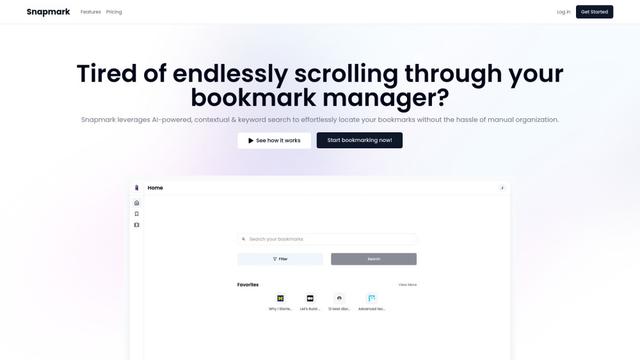
Snapmark is an AI-powered search engine for bookmarks that allows users to save, search, and organize websites, images, and text without manual tagging or categorization.
Uměl.cz
Uměl.cz is a Czech AI-powered search engine that provides intelligent and contextual answers to user queries.
ReviewPower
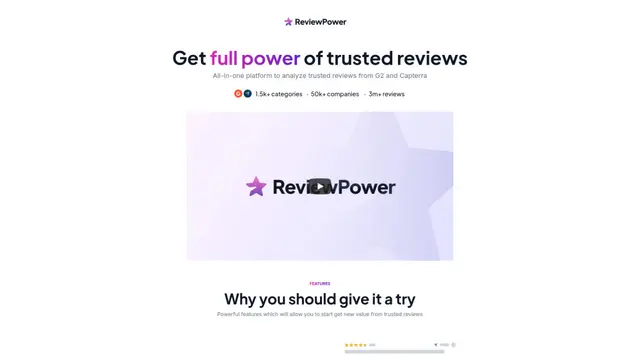
ReviewPower is an all-in-one platform that aggregates and analyzes trusted reviews from G2 and Capterra to help businesses gain valuable insights from customer feedback.
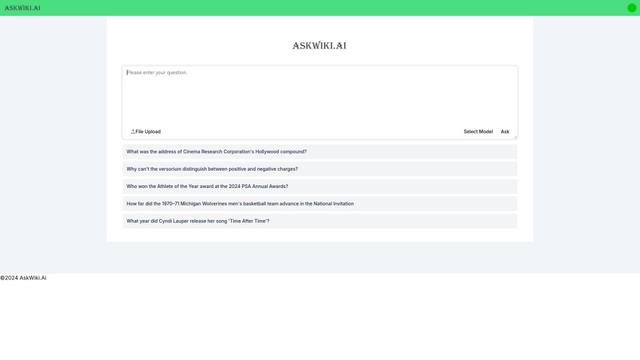
AskWiki
AskWiki is a semantic intelligence software and natural language search engine that enables users to query Wikipedia content through simple questions and receive specific, accurate answers.
Popular AI Tools Like Monogram AI
SearchGPT
SearchGPT is an AI-powered search prototype by OpenAI that provides fast, conversational answers with clear sources using GPT models.
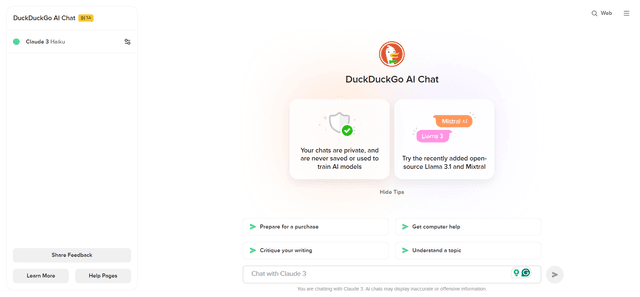
DuckDuckGo AI Chat
DuckDuckGo AI Chat is a free, anonymous way to access popular AI chatbots like GPT-3.5, Claude, and others while preserving user privacy.

R2R
R2R (Reason to Retrieve) is an advanced AI retrieval system that provides production-ready Retrieval-Augmented Generation (RAG) capabilities with multimodal content ingestion, hybrid search, knowledge graphs, and comprehensive document management through a RESTful API.
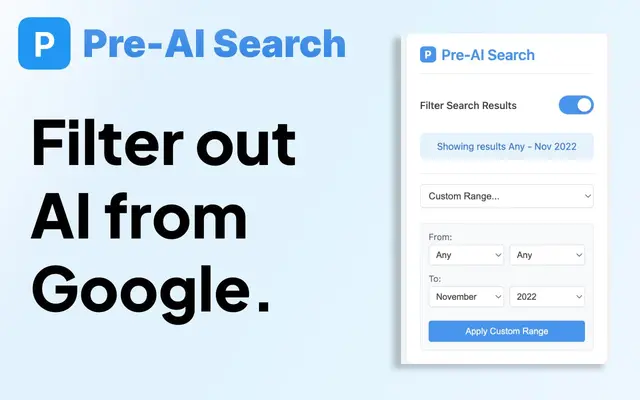
Pre-AI Search - Filter Google AI Content
Pre-AI Search is a Chrome extension that helps users filter out AI-generated content from Google search results by focusing on content published before the rise of AI content generation.