
ModuleX
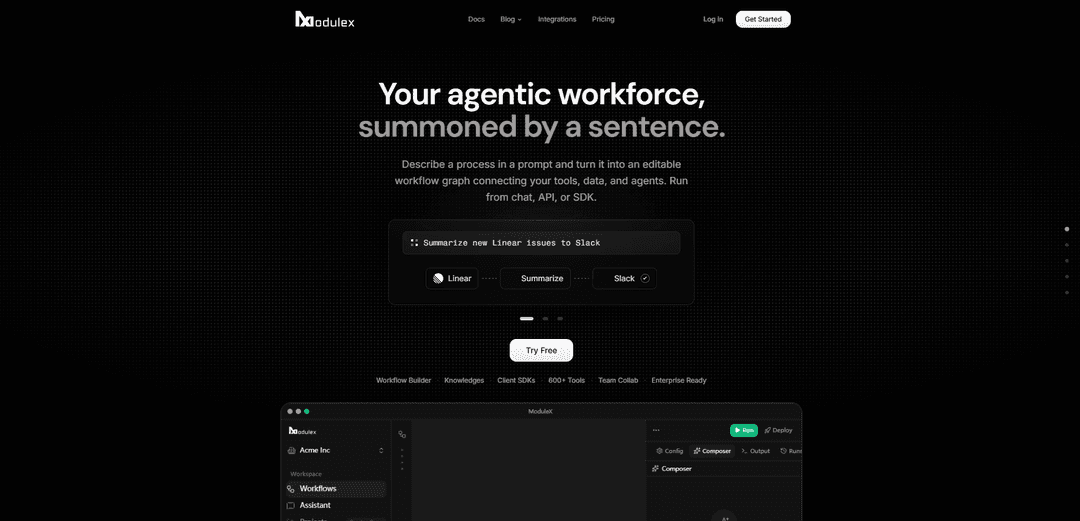
ModuleX is an AI workflow orchestration platform that turns a plain-English request into an editable workflow graph, connects to 600+ tools and major LLMs, and runs automations from chat, API, or JavaScript/Python SDKs.
https://www.modulex.dev/?ref=producthunt
Product Information
Updated:Jul 8, 2026
What is ModuleX
ModuleX is an AI workflow orchestration platform designed to help teams build, test, and deploy AI agent workflows without writing code. Users can describe a process in natural language and generate an editable workflow graph on a visual canvas that connects tools, data sources, and AI agents. It supports a wide range of integrations (hundreds of tools and many actions) and works with major model providers, while also offering developer-ready options to trigger workflows programmatically via REST API or native SDKs. ModuleX also offers a free tier with credits to try building workflows and running real assistant executions without a credit card.
Key Features of ModuleX
ModuleX is an AI workflow orchestration platform that turns natural-language process descriptions into editable workflow graphs connecting your tools, data, and AI agents. Teams can build via an AI Composer or visual canvas, enrich runs with company knowledge (RAG), and execute workflows from chat, REST API, or native SDKs (JavaScript/Python). It supports hundreds of integrations and major model providers, with flexible billing that lets you bring your own API keys for cost transparency or use ModuleX Credits for instant, no-setup access, plus controls like role-based permissions, approvals, logs, and usage tracking.
Natural-language to workflow graph: Describe a goal in plain English and ModuleX generates an editable workflow graph (steps, logic, tools, and agents) that you can review and refine.
Visual workflow builder + AI Composer: Build and edit automations on a visual canvas, or let the AI Composer scaffold the workflow for you—useful for both non-technical and technical users.
600+ tool integrations and multi-model support: Connect to a broad catalog of business tools (e.g., Slack, GitHub, Notion, HubSpot, Stripe) and run with major LLM providers (OpenAI, Anthropic, Google, xAI, and ModuleX-managed models).
Knowledge/RAG connections: Attach internal documents and data sources so workflows can retrieve relevant context automatically and produce more grounded, business-specific outputs.
Developer-ready execution via API and SDK: Trigger the same workflows programmatically using REST endpoints or native SDKs (JavaScript/Python), embedding automation into apps and services.
Flexible billing + credential management: Use your own provider API keys for direct billing (no markup) or ModuleX Credits for instant access; includes encrypted credential storage, role-based access, audit logs, and real-time usage/cost tracking.
Use Cases of ModuleX
Ops automation across SaaS tools: Automate recurring operational tasks like scheduling meetings, posting Slack updates, creating Notion pages, and sending recap emails—run once in chat or repeatedly as a workflow.
Customer support triage and response drafting: Pull context from Slack/Zendesk/Intercom, summarize urgent issues, route for approvals, and draft customer-safe replies with run history and visibility into actions taken.
Engineering and product workflows: Coordinate GitHub/Linear/ClickUp actions such as summarizing issues, generating release notes, updating tickets, and notifying stakeholders in Slack.
Marketing and growth execution: Orchestrate campaigns by chaining tools like HubSpot/Mailchimp/Klaviyo with analytics (e.g., PostHog/SEMrush) to draft content, segment audiences, and report performance.
Data and analytics pipelines: Connect databases/warehouses (e.g., PostgreSQL, Snowflake, MongoDB Atlas) and vector DBs (e.g., Pinecone, Qdrant, Weaviate) to run retrieval, reporting, and analysis workflows.
Embedded automation inside products: SaaS teams can call ModuleX workflows from their backend using the API/SDK to deliver agentic features (summaries, routing, tool actions) without building orchestration from scratch.
Pros
Fast time-to-value: natural-language workflow generation plus instant access via credits/no-card free tier.
Strong integration breadth and execution options (chat, visual canvas, API/SDK) for both non-technical and developer teams.
Cost transparency and control by bringing your own API keys; supports permissions, logs, and approvals for safer automation.
Cons
Effectiveness depends on quality/configuration of connected tools, credentials, and knowledge sources (setup can still be non-trivial for complex orgs).
Credit-based convenience may be less cost-predictable than direct provider billing for heavy usage unless you bring your own keys.
As with agentic automation, some workflows may require human approvals/monitoring for sensitive actions to avoid errors.
How to Use ModuleX
1) Create a ModuleX account: Go to https://app.modulex.dev/auth/sign-up and create a free account (no credit card required). Free accounts include credits so you can build workflows and test Assistant runs.
2) Log in to the ModuleX workspace: Sign in at https://app.modulex.dev/auth/login to access your workspace where you can manage Workflows, Integrations, Credentials, Knowledge, and run the Assistant.
3) Connect your tools (Integrations): Open the Integrations section and connect the apps you use (e.g., Slack, GitHub, Notion, Google Drive, HubSpot, Stripe, Linear). ModuleX supports hundreds of tools and many actions per tool.
4) Choose how you want to handle credentials and billing: Decide between (a) bringing your own API keys for full cost transparency and paying providers directly, or (b) using ModuleX Credits for instant access with minimal setup. ModuleX supports both approaches for the same workflows.
5) Add and manage credentials securely: In Credentials, add the required keys or OAuth connections for each integration. ModuleX stores credentials encrypted and supports role-based permissions so teammates can execute workflows without seeing the underlying keys.
6) Connect your company knowledge (optional but recommended): In Knowledge, connect documents and internal data sources (e.g., Google Drive). ModuleX uses RAG to retrieve relevant context automatically so workflow outputs stay grounded in your business content.
7) Build a workflow from plain English using the AI Composer: Describe the process you want (e.g., “Schedule a Google Meet tomorrow at 3pm, email [email protected] a recap, post release notes to Slack #announcements, and create a Notion page for sprint retro notes”). The Composer turns your description into an editable workflow graph connecting tools, data, and agent steps.
8) Review and edit the workflow graph: Open the visual canvas and inspect the generated steps, tools, and logic. Adjust nodes, inputs, and sequencing as needed before running it.
9) Run the workflow from chat (one-off or repeatable): Execute the workflow directly from the Assistant chat. ModuleX can chain multiple tools, pull context, draft outputs, and (when configured) pause for approvals before sensitive actions.
10) Monitor execution details, logs, and cost visibility: During and after runs, review run history/logs and usage insights. ModuleX emphasizes real-time visibility into steps taken and costs incurred (especially when using your own provider keys).
11) Trigger the same workflow via SDK (JavaScript): Install and use the ModuleX JS SDK to run workflows programmatically. Example from the site:
import { Modulex } from 'modulex-js';
const client = new Modulex({ apiKey: 'mx_live_…' });
const run = await client.executions.run({
workflowId: '550e8400-e29b-41d4-a716-…',
input: { /* … */ },
});
12) Trigger workflows via REST API or curl (developer integration): Use ModuleX’s REST API to trigger workflows from any application or automation environment. Authenticate with your ModuleX API key and call the executions endpoint for your workflow (the platform supports REST-based triggering alongside SDKs).
13) Collaborate with your team (paid plans): Invite teammates to collaborate on workflows, manage approvals, and run shared processes with the right permissions. ModuleX supports team collaboration features such as audit logs and role-based access.
ModuleX FAQs
ModuleX helps teams build and orchestrate AI workflows from prompt to execution. You describe a process in a prompt, get an editable workflow graph connecting your tools, data, and agents, and run it from chat, API, or SDK.
ModuleX Video
Popular Articles

Atoms: A Multi-Agent AI Platform That Transforms Ideas into Launch-Ready Products
May 22, 2026

Nano Banana SBTI: What It Is, How It Works, and How to Use It in 2026
Apr 15, 2026

Atoms Review — The AI Product Builder Redefining Digital Creation in 2026
Apr 10, 2026

Kilo Claw: How to Deploy and Use a True "Do‑It‑For‑You" AI Agent(2026 Update)
Apr 3, 2026
Latest AI Tools Similar to ModuleX

Hapticlabs
Hapticlabs is a no-code toolkit that enables designers, developers and researchers to easily design, prototype and deploy immersive haptic interactions across devices without coding.

Monyble
Monyble is a no-code AI platform that enables users to launch AI tools and projects within 60 seconds without requiring technical expertise.
Abyss
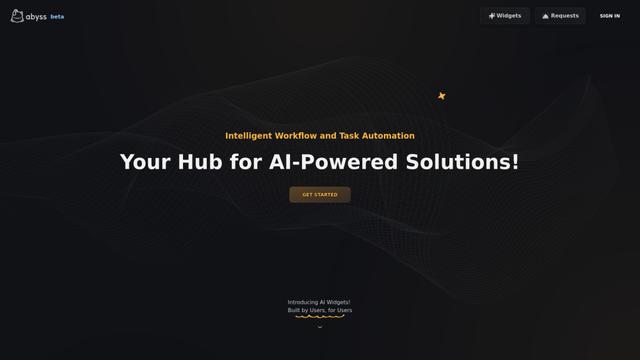
Abyss is an AI-powered platform that enables users to create, share and run automated task-specific Widgets without requiring technical expertise.
AppScape
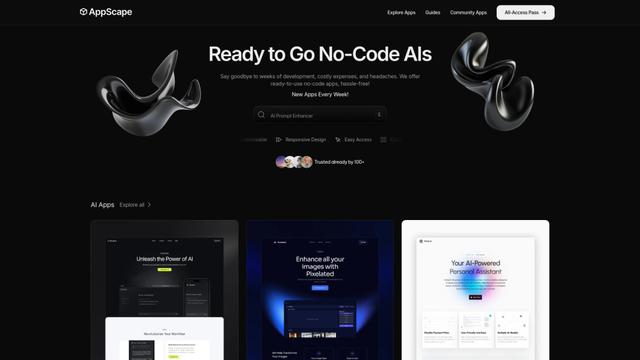
AppScape is a no-code platform offering ready-to-use AI-powered apps and customizable SaaS solutions, enabling quick deployment without traditional development costs and technical expertise.
Popular AI Tools Like ModuleX
GitHub MCP Server
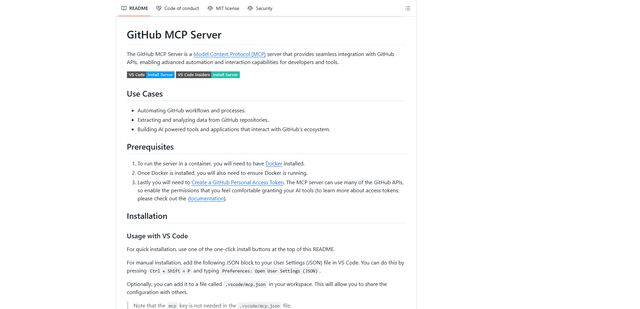
GitHub MCP Server is a Model Context Protocol server that enables seamless integration between AI models and GitHub APIs, providing standardized tools for repository management, issue tracking, and code operations.

GoCodeo SaaS Builder
GoCodeo SaaS Builder is an AI-native framework that automatically generates production-ready full-stack SaaS applications using autonomous AI agents, complete with authentication, real-time features, and TypeScript integration.

iBrowsy
iBrowsy is a modern, AI-powered web browser for macOS that combines intelligent features, privacy-first design, and seamless user experience with built-in GPT-4 assistance.
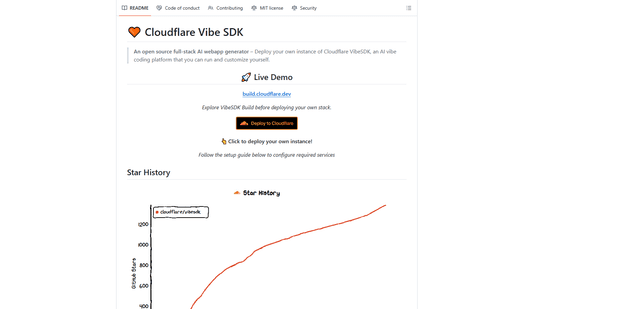
VibeSDK by CloudFlare
VibeSDK is an open-source AI-powered platform by Cloudflare that enables developers to deploy their own full-stack vibe coding environment with one click, allowing users to generate and deploy applications through natural language descriptions.