
Miora
Miora is an agentic AI personal health assistant that lives in iMessage, connects to your wearables and schedule, and proactively runs your day-to-day health plan with science-backed guidance and actions like booking workouts.
https://miora.design/?ref=producthunt
Product Information
Updated:Jul 15, 2026
What is Miora
Miora is a text-first, agentic personal health assistant designed to help you stay on track with your health and longevity goals without needing to constantly open an app. Instead of acting like a passive tracker, Miora works proactively—using messaging as the main interface—so your plan and next steps show up where you already communicate. The companion Miora iPhone app functions as a dashboard and settings hub, while the “magic” happens in iMessage through ongoing, context-aware conversations and recommendations.
Key Features of Miora
Miora is an agentic AI health assistant that lives in messaging (iMessage/WhatsApp) and connects to wearables, calendars, and fitness subscriptions to proactively interpret health data and take actions on a user’s behalf. It provides personalized, science-backed guidance across nutrition, recovery, exercise, and self-care, while automating logistics like booking workouts and scheduling around recovery. Miora also supports scheduled “Actions” such as check-ins and reminders, with improved chat history so it can remember prior context over time.
Messaging-native AI health agent: Operates directly in iMessage (and WhatsApp for broader access), so users interact via text instead of managing another standalone app experience.
Wearable and data integrations: Connects with wearables like WHOOP, Oura, and Garmin to use recovery, HRV, sleep, and strain signals for personalized insights and trend tracking.
Proactive automation and logistics: Goes beyond tracking by taking actions such as booking ClassPass classes, adjusting schedules based on recovery, and helping keep routines on track.
Personalized, science-backed recommendations: Delivers tailored guidance for nutrition, exercise, recovery, and self-care based on a user’s real-time data and lifestyle context.
Scheduled Actions and reminders: Users can set daily check-ins, supplement reminders, and evening summaries, enabling consistent adherence without manual effort.
Contextual chat memory and improved UX: Saves chat history so the assistant can remember what users wrote and maintain continuity, with UI updates like unread message counts.
Use Cases of Miora
Personal wellness optimization: Individuals use Miora to translate wearable signals into practical next steps (sleep/recovery/exercise adjustments) and maintain healthier routines with reminders and summaries.
Fitness scheduling and recovery-aware training: Active users automate class booking and plan training intensity around recovery metrics, reducing overtraining and improving consistency.
Busy professionals’ health logistics: People with packed calendars offload wellness admin—planning workouts, adjusting schedules, and staying on top of habits—through quick message-based interactions.
Remote coaching augmentation: Coaches/trainers can have clients use Miora to track patterns (sleep, HRV, strain) and improve adherence between sessions via automated check-ins and reminders.
Cross-platform health companion for Android/iOS: Because it can run through WhatsApp, Android users can access similar assistant-driven health automation without relying on a single mobile OS ecosystem.
Pros
Low-friction experience by living in messaging rather than requiring constant app navigation
Action-oriented automation (e.g., booking/scheduling) instead of only displaying charts and metrics
Strong personalization potential through wearable + calendar + subscription integrations
Habit support via scheduled check-ins, reminders, and summaries
Cons
Reliance on third-party integrations means insight quality may vary with data accuracy/availability
Not a medical service; users still need clinicians for diagnosis and treatment decisions
Some features may be limited by region/availability and controlled rollout/waitlist access
How to Use Miora
1) Install and open Miora (mobile dashboard): Download the Miora app from the App Store (Reina Health, Inc.). Open it to access your dashboard and settings; the day-to-day experience primarily happens via messaging (iMessage/WhatsApp depending on your setup).
2) Complete onboarding and permissions: Follow the in-app onboarding to set your goals and preferences. Grant any requested permissions needed for messaging and data access so Miora can text you proactively and personalize insights.
3) Start chatting with Miora in Messages: Open iMessage (or the supported messaging channel you connected) and begin a conversation with Miora. Share what you want help with (nutrition, workouts, recovery, self-care, cycle-aware guidance, etc.). Chat history is saved so Miora can remember what you wrote.
4) Set up “Actions” (scheduled proactive messages): In the Miora app, find the “Actions” feature and create scheduled tasks such as daily check-ins, supplement reminders, evening summaries, or any recurring message you want Miora to send automatically.
5) Create a daily check-in action: Add an Action like “Daily check-in” and specify the time and what you want asked (e.g., sleep quality, energy, mood, soreness, cycle symptoms). Miora will text you at that time and you reply in the thread.
6) Create supplement/medication reminders: Add an Action for supplements (name, dosage, time, and days). Miora will send reminders on schedule; reply to confirm you took them or to reschedule.
7) Create an evening summary action: Add an Action like “Evening summary” to receive a nightly recap prompt (e.g., what you ate, movement, hydration, stress, recovery) and a short plan for tomorrow based on your inputs.
8) Connect wearable and app integrations (optional but recommended): In the Integrations section, connect supported services to unlock more personalized insights. Examples mentioned include WHOOP (recovery/strain/sleep), Google Calendar (auto-add workouts/classes), and Barry’s (class booking/canceling).
9) Use Miora for recovery and sleep insights (with wearables): After connecting a wearable (e.g., WHOOP), ask Miora in chat for your recovery score, sleep insights, and what training intensity to aim for today. Use the recommendations to adjust workouts and rest.
10) Log meals with photos (if available in your rollout): Send a meal photo in your chat thread and ask Miora to log/estimate macros or summarize nutrition. Use follow-up questions to refine (ingredients, portion size, cooking method).
11) Automate scheduling and planning with Calendar: Once Google Calendar is connected, ask Miora to add workouts/classes, block focus time, or schedule recovery activities. Confirm details in chat so events are created correctly.
12) Book or cancel fitness classes (where supported): If you connected a booking integration (e.g., Barry’s), message Miora with what you want (class type, time window, location). Confirm the option Miora proposes to complete booking/cancellation.
13) Use cycle-aware guidance (for women’s health use cases): Share cycle details and symptoms in chat and ask for cycle-aware training, recovery, and self-care suggestions. If you have relevant data sources connected (e.g., basal body temperature from a device), ask Miora to tailor intensity and recovery recommendations to your current phase.
14) Review unread counts and continue conversations over time: Use the improved chat experience features (saved history and unread message counts) to keep track of ongoing threads and follow-ups from Miora’s proactive check-ins and reminders.
15) Adjust Actions and preferences as your routine changes: Return to the Miora app dashboard to edit schedules, add new Actions (e.g., weekly planning, hydration nudges), pause reminders, or change times to match your lifestyle.
Miora FAQs
Miora describes itself as more than an app—it's a movement toward effortless, personalized health—and positions itself as an agentic personal health assistant (not just another app or tracker).
Miora Video
Popular Articles

Vosko AI: Localize and Dub Videos for Global Audiences
Oct 15, 2026

Atoms: A Multi-Agent AI Platform That Transforms Ideas into Launch-Ready Products
Oct 13, 2026

Nano Banana SBTI: What It Is, How It Works, and How to Use It in 2026
Apr 15, 2026

Atoms Review — The AI Product Builder Redefining Digital Creation in 2026
Apr 10, 2026
Latest AI Tools Similar to Miora
Stoke
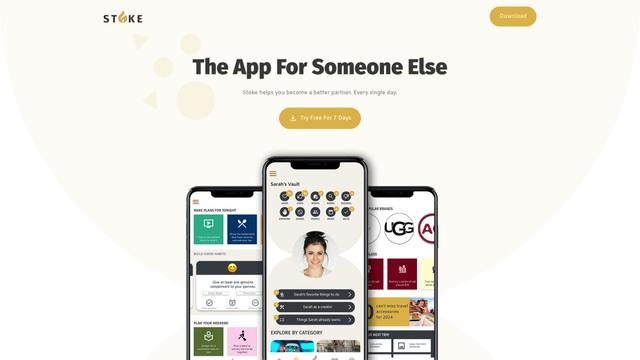
Stoke is an AI-powered relationship assistant app that helps users remember important dates, plan surprises, set goals, and improve their romantic relationships.
Codlixe
FreemiumLife Assistant
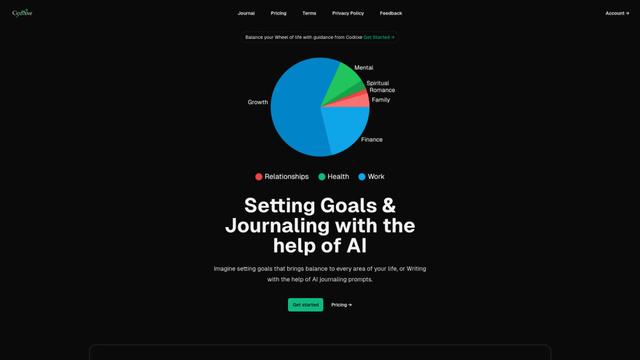
Codlixe is an AI-powered goal setting and journaling platform that helps users balance different areas of their life through personalized suggestions and prompts.
Palmyst
Palmyst is an AI-powered palm reading app that provides personalized insights and guidance through analysis of palm images.
Textbff
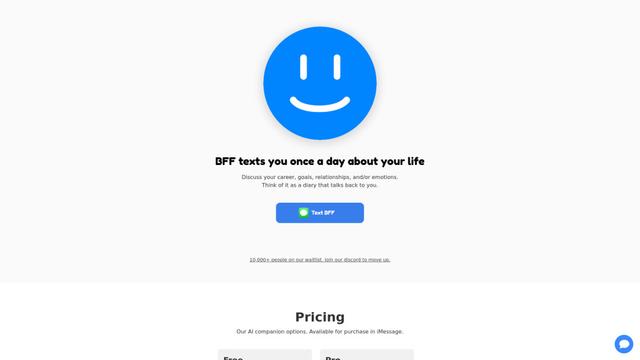
TextBFF is an AI companion that texts you once a day to discuss your life, goals, and emotions.
Popular AI Tools Like Miora
Elqi
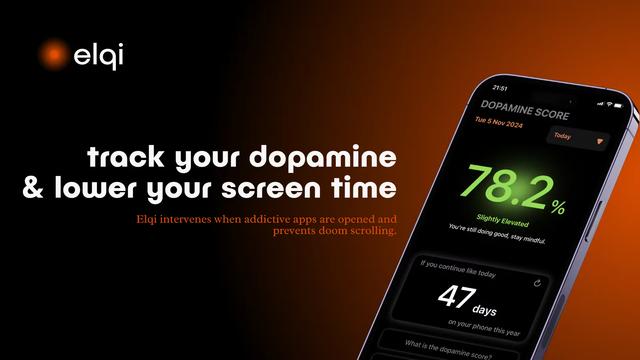
Elqi is a dopamine tracking and digital wellness app that helps users combat phone addiction through mindfulness exercises, app blocking, and dopamine level monitoring.

Futudo
Futudo is an innovative AI life assistant that combines advanced AI technology with personal planning to help users shape their destiny by defining goals, breaking bad habits, and unlocking their potential.
Manifest AI
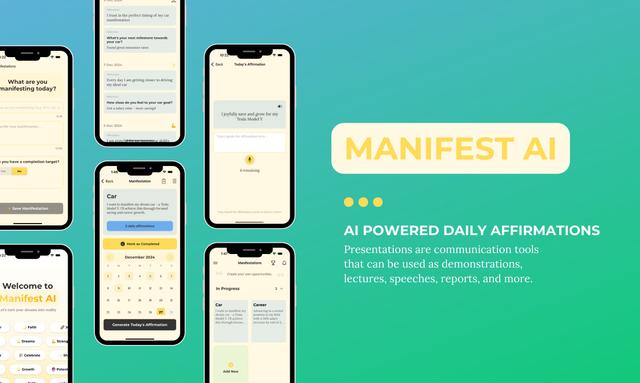
Manifest AI is a personal AI-powered manifestation app that helps users transform their mindset and achieve their goals through customized affirmations, goal tracking, and various manifestation techniques.
Center Meditation Timer
Center Meditation Timer is a minimalist meditation companion app that offers customizable timers, tracking capabilities, and seamless integration across Apple devices without unnecessary distractions like guided meditations or background music.