
MindsDB
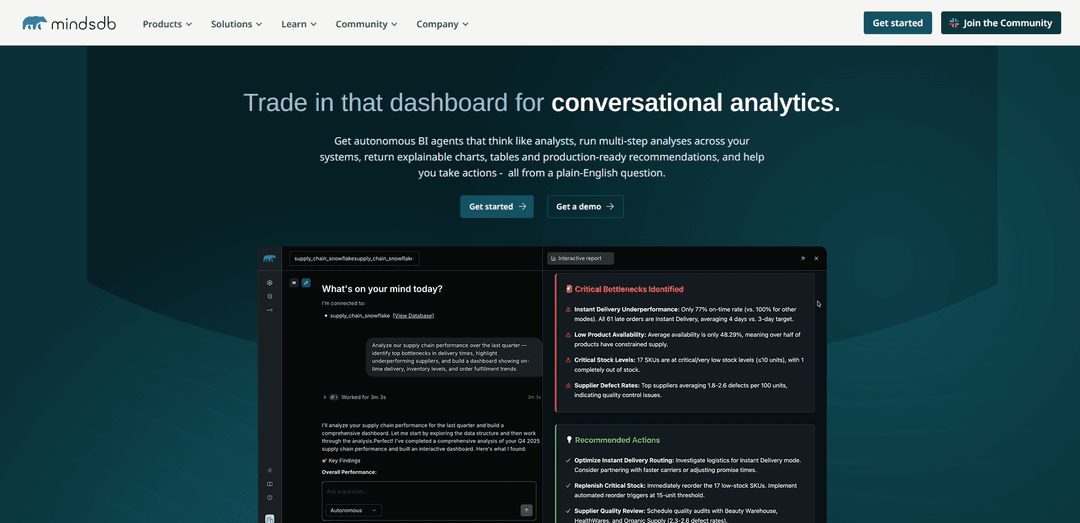
MindsDB is an open-source AI data platform that enables conversational analytics and autonomous business intelligence by allowing users to query structured and unstructured data across 200+ sources using natural language and SQL, without requiring ETL or data movement.
https://mindsdb.com/?ref=producthunt
Product Information
Updated:Apr 10, 2026
MindsDB Monthly Traffic Trends
MindsDB received 117.8k visits last month, demonstrating a Significant Growth of 57.6%. Based on our analysis, this trend aligns with typical market dynamics in the AI tools sector.
View history trafficWhat is MindsDB
MindsDB is an innovative open-source query engine for AI analytics founded in 2017 by Jorge Torres and Adam Carrigan in Berkeley, California. It serves as middleware that brings artificial intelligence directly to where data already lives—inside databases, data warehouses, and business applications—without requiring data consolidation or movement. With over 500,000 deployments, 38,000+ GitHub stars, and support for 200+ integrations including popular platforms like MySQL, PostgreSQL, Snowflake, MongoDB, Salesforce, and HubSpot, MindsDB has become one of the world's most widely used AI-data platforms. Backed by over $55M in funding from Mayfield, Benchmark, Y Combinator, and NVIDIA, and recognized by Forbes as one of America's most promising AI companies (2021) and by Gartner as a Cool Vendor for Data and AI (2022), MindsDB democratizes access to advanced analytics by enabling teams to build autonomous BI agents that think like human analysts and deliver production-ready insights through plain-English questions.
Key Features of MindsDB
MindsDB is an open-source AI-powered business intelligence platform that enables conversational analytics through autonomous agents. It functions as a federated query engine that connects to 200+ data sources including databases, data warehouses, and applications without requiring ETL or data movement. Users can ask questions in natural language and receive analyst-depth insights with visualizations, charts, and actionable recommendations in seconds. The platform supports both structured and unstructured data analysis, offers enterprise-grade security with credential isolation and audit trails, and can be deployed via Docker, cloud, or self-hosted environments. MindsDB follows a Connect → Unify → Respond workflow and integrates with major LLMs like OpenAI, Anthropic, and Mistral.
Autonomous BI Agents (Anton): AI agents that think like analysts, performing multi-step analyses across systems and returning explainable charts, tables, and production-ready recommendations from plain-English questions in under 5 minutes versus 5 hours for traditional dashboards.
Federated Query Engine: Connects to 200+ data sources (databases, warehouses, applications, vector stores) and allows SQL and natural language queries across multiple systems without moving or centralizing data, eliminating ETL requirements.
Knowledge Bases with RAG: State-of-the-art autonomous retrieval-augmented generation (RAG) systems that digest data from any supported source, enabling hybrid search combining semantic and parametric querying for comprehensive answers.
Enterprise-Grade Security & Governance: Provides credential isolation, read-only enforcement, data-loss prevention, full audit trails, and budget circuit breakers with support for both managed cloud and self-hosted VPC deployments.
Conversational Interface: Chat-based interface that automatically interprets user queries and orchestrates the right mix of SQL and semantic operations, unifying structured databases and unstructured knowledge sources.
Model Context Protocol (MCP) Integration: Fully accessible via MCP, enabling third-party agents and tools to interface with MindsDB as an intelligent backend with orchestration of multiple AI providers and models through centralized API management.
Use Cases of MindsDB
Operations Analytics for Robotics & Logistics: Robot.com deployed MindsDB to handle terabytes of logistics data from thousands of campus delivery robots, enabling their 3-person analytics team to provide instant conversational analytics via Slack to all departments without building dashboards.
Customer Support Analysis: Analyze common themes in support tickets about specific features and correlate them with user engagement metrics, combining semantic search of unstructured ticket data with parametric queries on structured analytics.
Financial Services Real-Time Insights: Finance teams can query live transactional data, market information, and compliance records across disparate systems to get immediate answers for time-sensitive business decisions without waiting for analyst support.
Retail & E-Commerce Operations: Operations teams can analyze inventory levels, order volumes, customer behavior patterns, and supply chain data through natural language queries to optimize logistics and merchandising decisions in real-time.
Energy & Utilities Monitoring: Operations teams can query sensor data, maintenance records, and performance metrics across infrastructure to identify issues, predict failures, and optimize resource allocation through conversational analytics.
Enterprise Software Embedded Analytics: Independent software vendors can embed MindsDB's AI analytics capabilities into their products, providing customers with conversational data access without building custom analytics infrastructure.
Pros
No data movement required - queries data in place across 200+ sources without ETL
Dramatically faster insights - delivers analyst-quality results in under 5 minutes vs. 5 hours for traditional dashboards
Open-source with 38K+ GitHub stars and 500K+ deployments, providing transparency and community support
Enterprise-ready with comprehensive security, governance, audit trails, and flexible deployment options (cloud or self-hosted)
Cons
Version 26.0.0 deprecated several features (LangChain, ChromaDB, built-in ML handlers), requiring users to stay on v25.14.x if they rely on those capabilities
Chat interface and some advanced features are in beta mode, indicating potential stability concerns
Requires bring-your-own LLM for free tier, adding complexity and potential costs for new users
Learning curve for configuring connections across diverse data sources and understanding the federated query model
How to Use MindsDB
1. Install MindsDB: Install MindsDB using one of three methods: Docker (recommended for quick start), Docker Extension, or PyPI (for contributors). For Docker, run the MindsDB container. For PyPI, use 'pip install mindsdb' command. Ensure you have Python installed and necessary prerequisites like WSL2 on Windows.
2. Start MindsDB Server: Launch the MindsDB server using the command appropriate to your installation method. For local installations, use 'python -m mindsdb' or the MindsDB start command. Wait 5-10 minutes for the server to initialize. Access the MindsDB web GUI by navigating to the provided local URL (typically localhost with a specific port).
3. Connect Your Data Source: In the MindsDB Editor, click 'Add Data' or 'Connect Data Source' in the sidebar. Select from 200+ available connectors (PostgreSQL, MySQL, MongoDB, Slack, Gmail, etc.). Use SQL syntax to create a database connection. Example: CREATE DATABASE demo_postgres_db WITH ENGINE = 'postgres', PARAMETERS = {'user': 'demo_user', 'password': 'demo_password', 'host': 'samples.mindsdb.com', 'port': '5432', 'database': 'demo', 'schema': 'demo_data'};
4. Create a Knowledge Base (Optional): For unstructured data or RAG capabilities, create a knowledge base using: CREATE KNOWLEDGE_BASE mindsdb.my_kb; Then insert data: INSERT INTO mindsdb.my_kb (SELECT content_column AS content FROM your_database.your_table); Check status with: SELECT * FROM information_schema.knowledge_bases;
5. Query Your Data: Use standard SQL to query connected data sources directly. MindsDB provides a unified SQL interface across all connected sources. Example: SELECT * FROM demo_postgres_db.table_name WHERE condition; For knowledge bases, use: SELECT * FROM mindsdb.my_kb WHERE content = 'your search query';
6. Build AI Agents (MindsDB Anton): Navigate to the 'Agents' section in the MindsDB GUI. Create an AI agent by configuring it with your connected data sources. The agent can perform conversational analytics, answer natural language questions, and generate charts and visualizations automatically from your data.
7. Automate Workflows with Jobs: Use MindsDB jobs to automate data inserts and keep knowledge bases up-to-date. Create scheduled jobs that run SQL queries at specified intervals to refresh data, update models, or trigger actions based on data changes.
8. Ask Questions and Get Insights: Use the MindsDB Anton conversational interface or integrate with Slack/other platforms. Ask natural language questions like 'What are the rental prices lower than 2000?' or 'Which cities have the highest home prices?' The AI agent will analyze data, generate multi-step analyses, and return explainable charts, tables, and recommendations.
9. Configure Security and Governance (Enterprise): For production deployments, configure credential isolation, read-only enforcement, audit trails, and budget circuit breakers. Set up user authentication by editing config.json and configuring username/password. Deploy in private VPC for enhanced security.
10. Monitor and Optimize: Review query performance, check audit logs, and monitor token consumption. Use the persistent analytic scratchpad to reproduce analyses. Access the Respond tab in MindsDB Editor to interact with agents and refine their behavior based on your use cases.
MindsDB FAQs
MindsDB is an open-source AI data solution and query engine that enables humans, AI agents, and applications to query data in natural language and SQL across disparate data sources. It provides autonomous BI agents that deliver conversational analytics, allowing users to ask questions in plain English and receive accurate answers with charts, tables, and actionable insights without requiring data engineering expertise.
MindsDB Video
Popular Articles

Atoms: A Multi-Agent AI Platform That Transforms Ideas into Launch-Ready Products
May 22, 2026

Nano Banana SBTI: What It Is, How It Works, and How to Use It in 2026
Apr 15, 2026

Atoms Review — The AI Product Builder Redefining Digital Creation in 2026
Apr 10, 2026

Kilo Claw: How to Deploy and Use a True "Do‑It‑For‑You" AI Agent(2026 Update)
Apr 3, 2026
Analytics of MindsDB Website
MindsDB Traffic & Rankings
117.8K
Monthly Visits
#275529
Global Rank
#2684
Category Rank
Traffic Trends: Jul 2024-Jun 2025
MindsDB User Insights
00:02:20
Avg. Visit Duration
3.06
Pages Per Visit
45.6%
User Bounce Rate
Top Regions of MindsDB
IN: 19.24%
US: 15.3%
CN: 13.57%
ZA: 6.82%
CZ: 6.11%
Others: 38.96%
Latest AI Tools Similar to MindsDB
Tomat
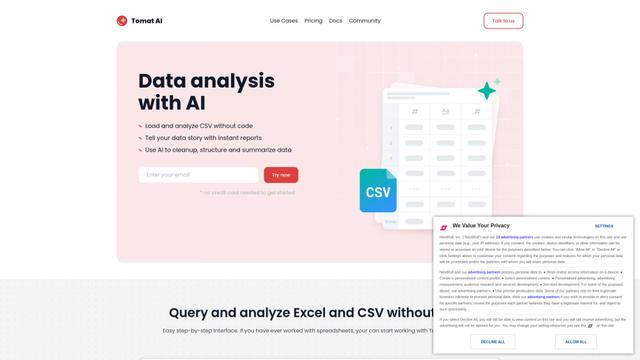
Tomat.AI is an AI-powered desktop application that enables users to easily explore, analyze, and automate large CSV and Excel files without coding, featuring local processing and advanced data manipulation capabilities.
Data Nuts
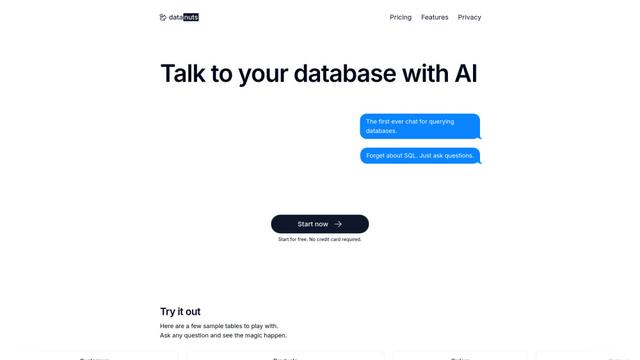
DataNuts is a comprehensive data management and analytics solutions provider that specializes in healthcare solutions, cloud migration, and AI-powered database querying capabilities.
CogniKeep AI
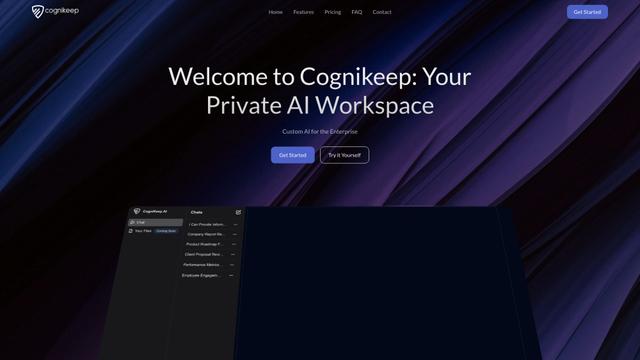
CogniKeep AI is a private, enterprise-grade AI solution that enables organizations to deploy secure, customizable AI capabilities within their own infrastructure while maintaining complete data privacy and security.

EasyRFP
EasyRFP is an AI-powered edge computing toolkit that streamlines RFP (Request for Proposal) responses and enables real-time field phenotyping through deep learning technology.
Popular AI Tools Like MindsDB

Researcher & Analyst in M365 Copilot
Contact for PricingAI Data Mining
Researcher and Analyst are two first-of-their-kind AI reasoning agents in Microsoft 365 Copilot that help users tackle complex research and data analysis tasks by leveraging both enterprise and web data with advanced reasoning capabilities.
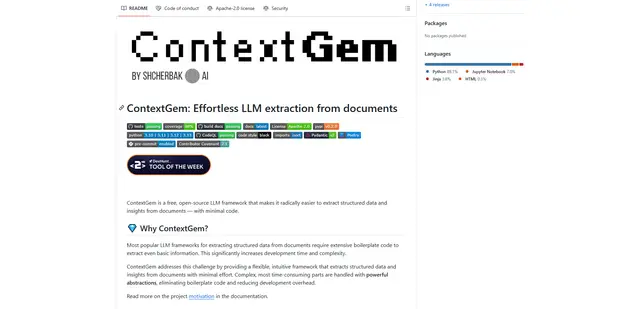
ContextGem
ContextGem is a free, open-source LLM framework that simplifies structured data and insights extraction from documents with minimal code through powerful built-in abstractions and automated features.
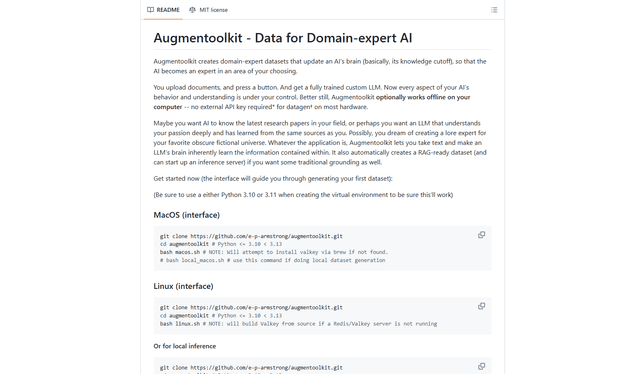
Augmentoolkit 3.0
Augmentoolkit 3.0 is a refined and battle-tested open-source tool that creates domain-expert datasets to train custom LLMs with your own data, featuring an intuitive interface, offline capability, and automatic dataset generation and training processes.
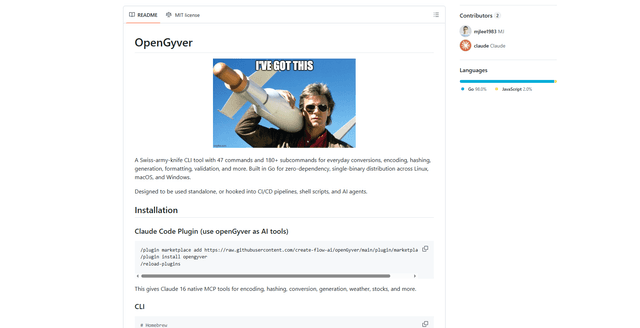
OpenGyver
OpenGyver is an open-source Swiss-army-knife CLI tool with 47 commands and 180+ subcommands for everyday conversions, encoding, hashing, generation, formatting, and validation, designed for standalone use or integration with CI/CD pipelines, shell scripts, and AI agents.