Melina Studio
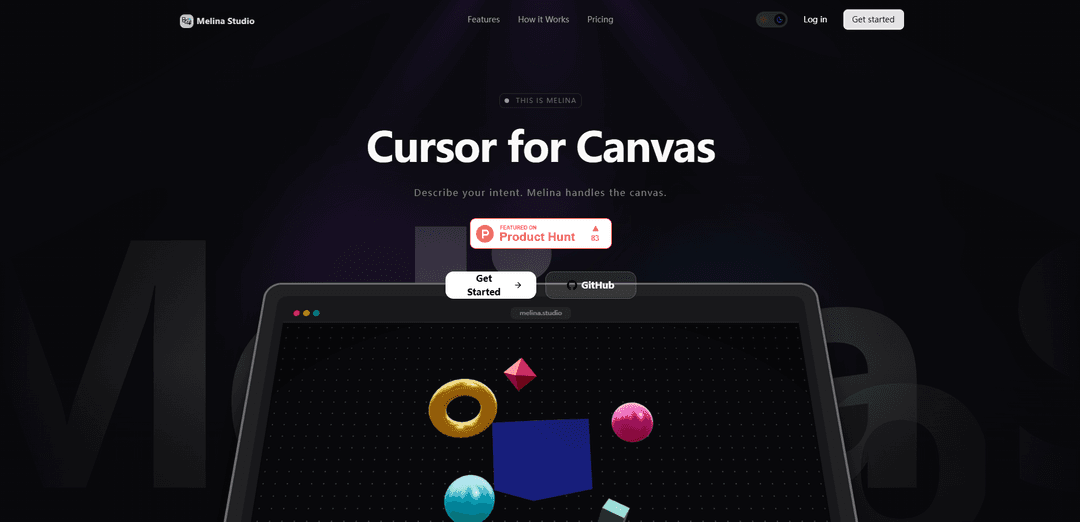
Melina Studio is an AI-powered canvas tool that enables natural interaction with your workspace through prompts while providing seamless integration with multiple AI models for creative tasks.
https://melina.studio/?ref=producthunt
Product Information
Updated:Feb 10, 2026
What is Melina Studio
Melina Studio is an innovative digital canvas platform that combines AI capabilities with a user-friendly interface for creative work. Founded in 1996 and evolved over time, it acts as an intelligent assistant that understands and responds to natural language prompts while working with visual content on your canvas. The platform integrates with multiple leading AI models including Claude, GPT-5.1, Gemini, DeepSeek, Kimi, and Llama to provide versatile creative capabilities.
Key Features of Melina Studio
Melina Studio is an AI-powered canvas tool that allows users to interact naturally with their digital workspace through prompts. It features canvas-aware capabilities, multiple AI model integrations (including Claude, GPT-5.1, Gemini, DeepSeek, Kimi, and Llama), real-time editing, and automatic saving functionality. The platform is designed to provide a distraction-free environment while maintaining high responsiveness and contextual awareness.
Canvas-Aware Intelligence: Understands and interprets both visual elements and textual content on the canvas, providing context-aware responses and edits
Multi-Model AI Integration: Offers flexibility to switch between different AI models (Claude, GPT-5.1, Gemini, etc.) based on specific task requirements
Real-Time Visual Editing: Provides immediate visual feedback and instant changes to the canvas without refresh delays
Auto-Save Functionality: Continuously saves changes as users work, ensuring no progress is lost during the creative process
Use Cases of Melina Studio
Digital Design Work: Assists creators in generating and modifying visual content through natural language commands
Collaborative Projects: Enables teams to work together on a shared canvas with AI-assisted modifications and suggestions
Educational Content Creation: Helps educators create and modify visual learning materials with simple voice or text prompts
Pros
Free to use with no credit card required
Intuitive natural language interface
Multiple AI model options for different needs
Cons
May require learning curve to fully utilize all features
Dependency on internet connection for AI model access
How to Use Melina Studio
Visit Melina Studio Website: Go to melina.studio to access the platform
Sign Up for Free Account: Create a free account - no credit card required to get started
Access the Canvas: Open the distraction-free canvas interface that adapts to your system
Select AI Model: Choose between different AI models like Claude, GPT-5.1, Gemini, DeepSeek, Kimi, or Llama based on your needs
Describe Your Intent: Use natural language to tell Melina what you want to create, change or explore on the canvas
Watch Real-Time Changes: Observe as Melina makes immediate changes to your canvas based on your prompts, with no refresh or lag
Review & Iterate: Check the results and continue refining through additional prompts as needed. All changes are automatically saved
Melina Studio FAQs
Melina Studio is both a physical photography studio established in Biratnagar since 1996, and a digital canvas tool that allows users to create and edit content through AI-powered assistance.
Melina Studio Video
Popular Articles

Vosko AI: Localize and Dub Videos for Global Audiences
Oct 15, 2026

Atoms: A Multi-Agent AI Platform That Transforms Ideas into Launch-Ready Products
Oct 13, 2026

Nano Banana SBTI: What It Is, How It Works, and How to Use It in 2026
Apr 15, 2026

Atoms Review — The AI Product Builder Redefining Digital Creation in 2026
Apr 10, 2026
Latest AI Tools Similar to Melina Studio
Colorjoy
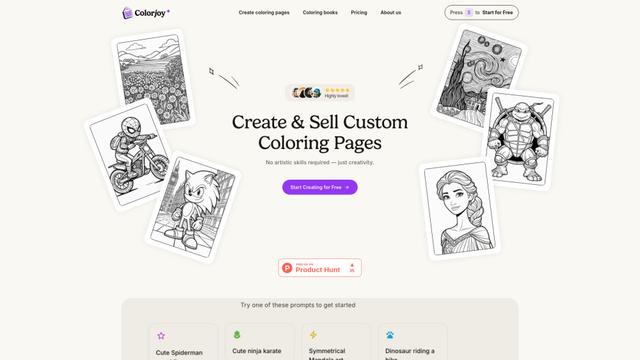
Colorjoy is an AI-powered coloring page generator that transforms text prompts into customizable, high-quality coloring designs suitable for both personal and commercial use.

AiSource
AiSource is a unified platform that allows users to generate and compare images using multiple leading AI text-to-image generators in one place without requiring separate subscriptions.
FLORA
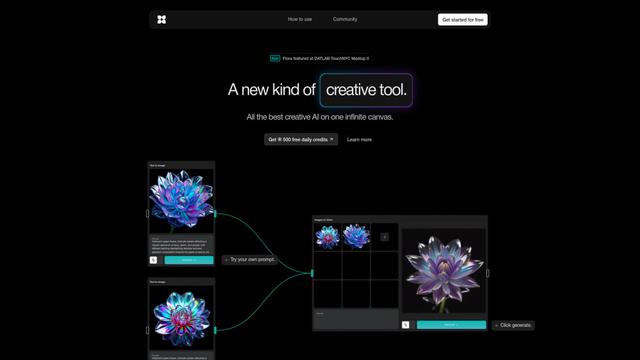
FLORA is an innovative AI-powered creative tool that combines multiple AI capabilities on an infinite canvas to enable personalized plant identification, creative design, and interactive botanical assistance.
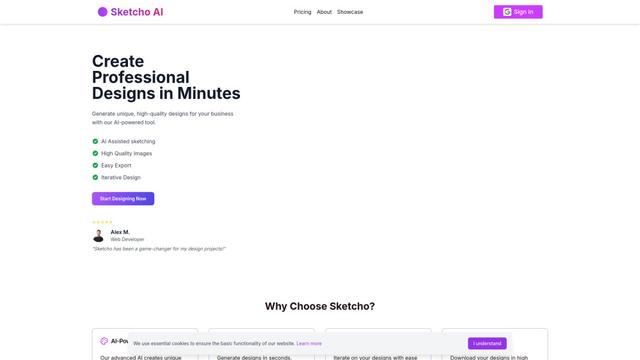
Sketcho
Sketcho is an AI-powered design tool that transforms sketches and ideas into high-quality professional designs through an intuitive interface.
Popular AI Tools Like Melina Studio
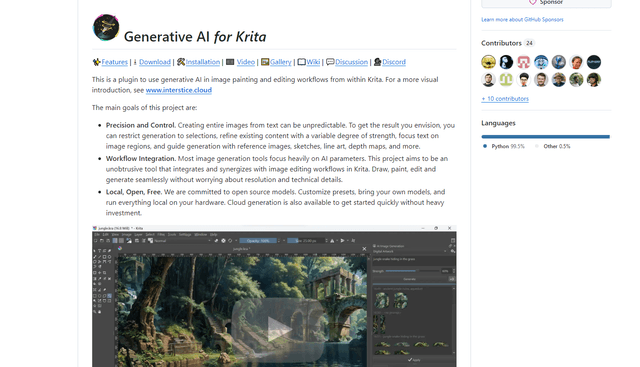
Krita
Krita is a free and open-source digital painting and illustration software that offers a wide range of professional-grade tools for artists and designers.

Hunyuan3D-2.1
Hunyuan3D-2.1 is Tencent's first production-ready 3D asset generation system that combines fully open-source framework with physically-based rendering (PBR) texture synthesis to create high-fidelity 3D models from images or text descriptions.
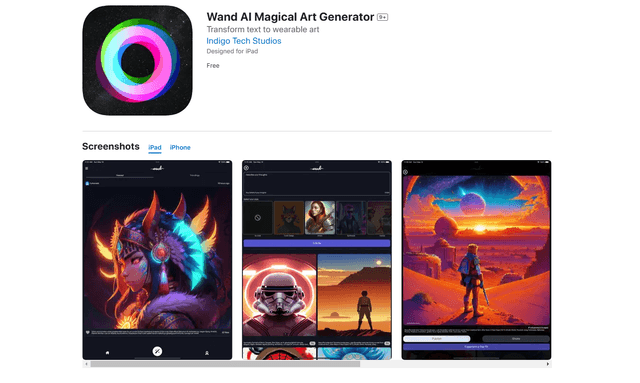
Wand AI
Wand AI is an innovative AI-powered creative tool that transforms text prompts and sketches into customizable digital artworks, designed specifically for artists and creative professionals on iPhone and iPad.
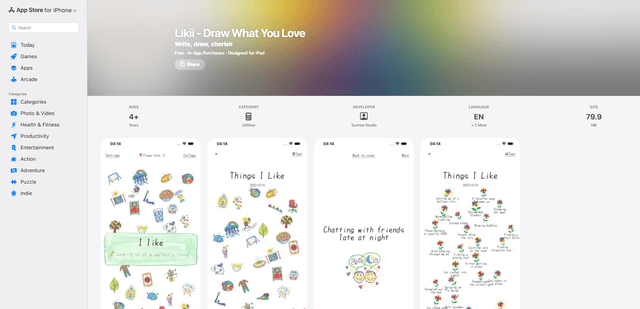
Likii
Likii is a creative journaling app that transforms written memories into beautiful crayon-style illustrations automatically.