
MAI-Image-2.5
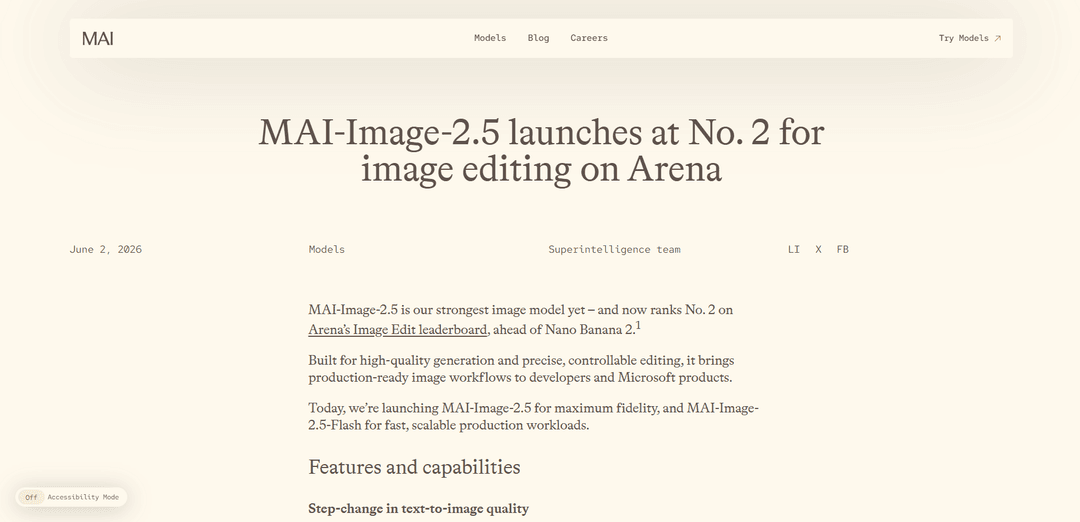
MAI-Image-2.5 is Microsoft’s strongest image model, delivering high-fidelity text-to-image generation and precise, controllable image-to-image editing with strong prompt adherence, improved text rendering, and identity-consistent face preservation.
https://microsoft.ai/news/introducing-mai-image-2-5?ref=producthunt
Product Information
Updated:Jun 8, 2026
What is MAI-Image-2.5
MAI-Image-2.5 is a Microsoft AI (MAI) image generation and editing model built for production-ready creative workflows. It focuses on high-quality, coherent text-to-image outputs and fine-grained image editing that preserves the original scene while applying targeted changes. In third-party Arena evaluations, MAI-Image-2.5 ranks No. 3 for text-to-image and No. 2 for image editing (ahead of Nano Banana 2.1), reflecting strong human-preference performance across both creation and editing tasks. Microsoft also offers MAI-Image-2.5-Flash, a faster, lower-cost variant designed for scalable, latency-sensitive workloads. The model family is available to developers via Microsoft Foundry and can be tried in the MAI Playground, and it is already powering features in Microsoft products like PowerPoint (image generation) and OneDrive (precise photo edits).
Key Features of MAI-Image-2.5
MAI-Image-2.5 is Microsoft’s highest-fidelity image generation and editing model, designed for production-ready creative workflows with strong prompt adherence, improved text rendering, and controllable, localized edits that preserve the rest of the image. It adds image-to-image editing with “control with preservation,” supports complex visual reasoning (lighting, scale, spatial relationships), and maintains face/identity consistency across edits. It ranks highly on Arena (No. 3 text-to-image; No. 2 image editing) and is available in Microsoft Foundry and MAI Playground, with product integrations such as PowerPoint (generation) and OneDrive (precise photo edits). A faster, lower-cost variant (MAI-Image-2.5-Flash) targets scalable workloads.
High-fidelity text-to-image generation: Produces more detailed and coherent images from prompts with stronger prompt adherence and improved commercial-quality outputs, including better typography and layout stability.
Image-to-image editing with localized control: Supports precise edits—replace objects, update text, remove motion blur, clean backgrounds—while keeping the rest of the image unchanged (“control with preservation”).
Complex visual reasoning for realistic edits: Understands scene structure, lighting, perspective, scale, and spatial relationships so inserted or modified elements match context (e.g., correct shadows and viewpoint).
Face and identity consistency: Preserves recognizable facial identity across edits, even when changing pose, expression, or viewpoint—useful for iterative creative work involving people.
Two deployment options: fidelity vs. speed: MAI-Image-2.5 targets maximum quality; MAI-Image-2.5-Flash provides faster, lower-cost generation and editing for high-throughput production pipelines.
Enterprise access and Microsoft product integration: Available via Microsoft Foundry APIs and MAI Playground; integrated into PowerPoint for presentation-ready visuals and rolling out to OneDrive for precise photo editing.
Use Cases of MAI-Image-2.5
Marketing & advertising creative: Generate campaign concepts, product hero shots, and brand-forward visuals with improved typography and prompt fidelity; iterate quickly via controlled edits.
Packaging, labels, and poster mockups: Create design drafts where readable text matters—posters, labels, packaging concepts, and storefront/shelf visuals—then refine specific regions without redoing the whole image.
E-commerce and retail content pipelines: Produce scalable product imagery variations (backgrounds, props, lighting) and perform cleanup/editing for catalogs while preserving core product appearance.
Presentation and corporate communications: In PowerPoint, generate presentation-ready visuals from prompts; produce consistent slide imagery and iterate on specific elements (icons, titles, diagrams).
Consumer photo editing and content restoration: In OneDrive-style workflows, remove distractions, clean backgrounds, and enhance photos while preserving the original scene composition.
Education and instructional graphics: Generate diagrams, posters, and explanatory visuals that require structured layouts and embedded text, then apply targeted edits to correct labels or elements.
Pros
Strong generation and editing performance on independent Arena leaderboards (top-tier for both text-to-image and image editing).
Fine-grained, localized edits with preservation reduce rework and enable iterative, production-style workflows.
Improved text rendering and commercial imagery quality compared to prior versions, making outputs more design-ready.
Flexible cost/latency tradeoff via the Flash variant for scalable production workloads.
Cons
Like all image models, can reflect training-data biases and may generate plausible but inaccurate/misleading details—requires human review in sensitive contexts (identity, legal, medical, financial, news).
Safety filters and policy guardrails may limit certain prompts/edits, which can constrain some creative or edge-case workflows.
High-fidelity usage can be more expensive than Flash, requiring cost controls for large-scale pipelines.
How to Use MAI-Image-2.5
1) Choose how you want to access MAI-Image-2.5: Pick the entry point that matches your workflow: (a) Microsoft Foundry (API/production), (b) MAI Playground (interactive testing), or (c) Microsoft products where it’s integrated (PowerPoint for generation; OneDrive for precise editing rollout).
2) Decide which model variant to use (quality vs speed/cost): Use MAI-Image-2.5 for maximum fidelity and fine-grained control. Use MAI-Image-2.5-Flash for faster, scalable, lower-cost generation/editing workloads.
3) Try it quickly in MAI Playground (no-code evaluation): Open the MAI Playground at https://playground.microsoft.ai/chat, select MAI-Image-2.5 (or MAI-Image-2.5-Flash) from the model picker, then run text-to-image prompts to evaluate style, prompt adherence, and especially in-image text rendering.
4) Generate an image from a text prompt (text-to-image): In Playground (or later via API), enter a detailed prompt describing subject, environment, lighting, camera/style, and any required on-image text. MAI-Image-2.5 is positioned as especially strong for product imagery, stylized illustration, and sharper text rendering.
5) Perform image-to-image editing (upload an image, then describe the edit): Provide an existing image and specify the change you want (e.g., replace an object, update text on a label/poster, remove motion blur, clean up a background). MAI-Image-2.5 is designed to keep the rest of the image stable while applying localized edits.
6) Use fine-grained, localized edit instructions: When editing, be explicit about what must change and what must remain unchanged (e.g., “Only replace the logo on the bottle label; keep lighting, reflections, and background identical”). The model is described as supporting precise, controllable edits without altering the rest of the scene.
7) Leverage scene-structure awareness for realistic edits: For additions/removals, include constraints about perspective, shadows, and scale (e.g., “Add a mug on the table with matching perspective and a soft shadow consistent with the window light”). MAI-Image-2.5 is described as understanding lighting and spatial relationships to make context-fitting edits.
8) Preserve face/identity consistency across edits (when applicable): If editing portraits, specify that identity must be preserved while changing pose/expression/viewpoint (e.g., “Keep the same person; change expression to a subtle smile; keep skin tone and facial features consistent”). MAI-Image-2.5 is described as preserving recognizable likeness across edits.
9) Move to production via Microsoft Foundry (developer/API route): In Microsoft Foundry, locate the MAI-Image-2.5 or MAI-Image-2.5-Flash model card and deploy/use it as a model endpoint for your application. Foundry is described as the primary developer access route for calling the model via API.
10) Optimize for cost and throughput using the right variant: For batch generation or high-volume pipelines, prefer MAI-Image-2.5-Flash; for premium creative assets and maximum edit fidelity, prefer MAI-Image-2.5. The official source highlights Flash as faster/lower-cost and MAI-Image-2.5 as maximum fidelity.
11) Use it inside Microsoft products (where available): PowerPoint: use Copilot in PowerPoint to generate presentation-ready visuals/slides from prompts. OneDrive: use AI photo editing features (rolling out) for precise edits like removing distractions and cleaning backgrounds while preserving the original scene.
12) Add a human review step for sensitive use cases: Microsoft notes the model may produce plausible but inaccurate/misleading visual details and can reflect training-data biases. Review outputs before use in sensitive contexts (identity, legal, medical, financial, or news-related workflows).
MAI-Image-2.5 FAQs
MAI-Image-2.5 is Microsoft AI’s latest image model for high-quality text-to-image generation and precise, controllable image editing. Microsoft describes it as its strongest image model to date, designed for production-ready workflows.
MAI-Image-2.5 Video
Popular Articles

Vosko AI: Localize and Dub Videos for Global Audiences
Oct 15, 2026

Atoms: A Multi-Agent AI Platform That Transforms Ideas into Launch-Ready Products
Oct 13, 2026

Nano Banana SBTI: What It Is, How It Works, and How to Use It in 2026
Apr 15, 2026

Atoms Review — The AI Product Builder Redefining Digital Creation in 2026
Apr 10, 2026
Latest AI Tools Similar to MAI-Image-2.5

Flux AI Lab
Flux AI Lab is a cutting-edge AI image generation platform powered by Black Forest Labs' FLUX.1 model series, offering state-of-the-art performance in creating high-quality, diverse images with exceptional prompt following capabilities.
PixelHaha
PixelHaha is an AI-powered art generation platform that transforms text prompts into high-quality digital artwork using advanced AI models.

BlogBud AI
BlogBud AI is a powerful AI-powered content generation platform that helps users create thousands of SEO-optimized blog articles at scale using GPT-4o and DALL-E 3 technologies.
Flux 1.1 PRO
Flux 1.1 Pro is a state-of-the-art text-to-image AI model that offers six times faster generation than its predecessor while delivering superior image quality, prompt adherence, and output diversity, achieving the highest Elo score on the Artificial Analysis image arena.
Popular AI Tools Like MAI-Image-2.5
Kolors
Free TrialText to Image
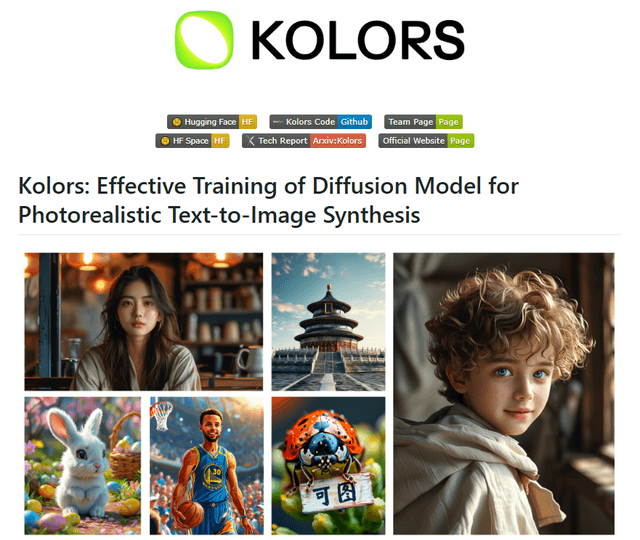
Kolors is a large-scale bilingual text-to-image generation model developed by Kuaishou that excels in visual quality, complex semantic accuracy, and text rendering for both Chinese and English content.
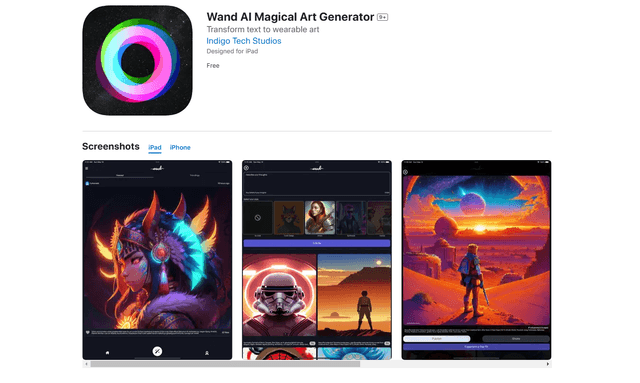
Wand AI
Wand AI is an innovative AI-powered creative tool that transforms text prompts and sketches into customizable digital artworks, designed specifically for artists and creative professionals on iPhone and iPad.

Freepik AI Image Generator
FreemiumText to Image
Freepik's AI Image Generator is a powerful text-to-image tool that creates high-quality, photorealistic images in real-time with customizable styles and infinite variations.
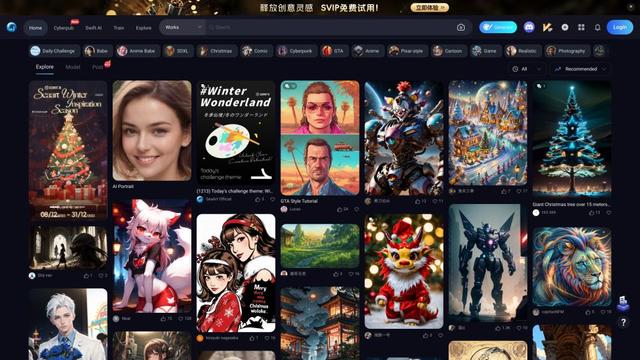
Seaart.ai
SeaArt.ai is a free AI art generator that offers text-to-image creation, AI character design, swift AI tools, and custom model training capabilities.