
Magnut AI
Magnut AI is an AI-powered Social Media Operating System that unifies brand research and strategy, creative generation, post scheduling/publishing, and performance measurement in one platform for teams and agencies.
https://magnutai.com/?ref=producthunt
Product Information
Updated:Jul 8, 2026
What is Magnut AI
Magnut AI is an all-in-one platform designed to help brands, marketing teams, and agencies run social media end-to-end from a single workspace. It brings together core social workflows—brand understanding, audience and market research, campaign planning, creative production, publishing, and analytics—so users can move from ideas to live posts (and results tracking) without switching between multiple tools. Positioned as an “AI Social Media OS,” Magnut AI aims to automate repetitive marketing work while keeping output aligned with a brand’s identity, messaging, and goals.
Key Features of Magnut AI
Magnut AI is an AI-powered social media operating system for teams and agencies that centralizes the full marketing workflow—brand setup, audience and market research, campaign strategy, creative generation, publishing/scheduling, collaboration, and performance measurement—so marketers can plan, create, publish, and optimize content from a single platform. It automatically builds a brand profile from your website and assets, generates strategy and content calendars (e.g., 30 days in minutes), produces platform-ready and multilingual creatives (including premium 4K outputs), and aims to replace multiple tools (e.g., strategy docs, design tools, AI chat, and publishing tools) with one unified workspace.
Auto Brand Kit (Brand Intelligence): Analyzes your website, colors, messaging, products, and audience to create an instant brand profile and guidelines that keep outputs consistent across campaigns.
AI Research & Strategy Engine: Generates audience personas, behavioral insights, market trends, content opportunities, themes, and campaign strategies so creation starts with data-backed direction rather than guesswork.
Campaign Planner + Content Calendar Automation: Builds complete monthly plans (e.g., 30-day content calendars) quickly by turning strategy into structured schedules and campaign roadmaps.
AI Creative Studio (Images/Video + Enhancer): Creates brand-ready marketing visuals, including product/lifestyle imagery via AI photoshoots, and supports high-resolution (premium 4K) creative outputs for campaigns.
Multilingual & Localization-Ready Creatives: Generates creatives in 100+ languages and supports regional/cultural adaptation (e.g., festival-focused campaigns and “regional flavor” design) for global marketing.
Publisher: Scheduling + Multi-Platform Output: Schedules and manages posts for major social platforms with platform-specific optimization, helping teams publish consistently from one dashboard.
Use Cases of Magnut AI
E-commerce product launches without photoshoots: Create studio-quality product and lifestyle visuals (AI photoshoot) and publish coordinated launch campaigns across channels without costly shoots or models.
Marketing departments unifying workflow: In-house teams can consolidate research, strategy, creative production, and scheduling into one platform to standardize brand output and speed up execution.
Agencies managing multi-client, multi-brand content: Run multiple brand profiles with consistent tones and assets, generate campaign calendars and creatives at scale, and coordinate publishing across clients.
Global brands running multilingual campaigns: Localize creatives for different markets (100+ languages) and tailor visuals to regional preferences, improving relevance and engagement internationally.
Seasonal and festival promotion planning: Rapidly create timely, themed campaigns and creatives for holidays/festivals with pre-planned calendars and quick iteration for short promotional windows.
Pros
All-in-one workflow (plan → create → publish → measure) reduces tool sprawl and coordination overhead.
Strong strategy-first approach with research/personas/themes before creative generation.
Fast creative and calendar generation (including multilingual and high-res outputs) supports high-volume content needs.
Cons
Some advanced capabilities are marked “coming soon” (e.g., creative editing, A/B testing, ad variations), which may limit end-to-end optimization today.
AI-generated brand analysis and creatives may still require human review for accuracy, compliance, and true brand nuance.
Platform breadth can introduce a learning curve for teams migrating from specialized tools.
How to Use Magnut AI
1) Create an account and log in: Go to https://magnutai.com/ and click “Get started” (or “Log in” if you already have an account). Complete signup and enter the dashboard.
2) Set up your Brand Kit (brand profile): Open the Brand Kit product. Add your brand basics (website, brand name, messaging, products/services, audience). Magnut AI can analyze your website and brand elements (colors, messaging, products, audience) to build a brand profile you’ll reuse across strategy and creatives.
3) Confirm brand guidelines for consistent output: Review the generated brand profile and ensure tone, colors, and positioning are correct. This helps Magnut generate on-brand copy and visuals across campaigns and platforms.
4) Run AI-powered Research: Open the Research Engine. Use it to understand your audience, uncover market trends, identify content opportunities, and gather insights that will inform your content themes and campaigns.
5) Generate a strategy before creating posts: Open the Strategy Engine. Generate audience personas, behavioral research, content themes, and campaign strategies. Use these outputs as the foundation for your monthly plan and creative direction.
6) Build a campaign plan and content calendar: Open the Campaign Planner. Use your strategy outputs to create a campaign structure and then generate a 30-day content calendar (monthly marketing calendar) automatically.
7) Create creatives in the Studio: Open Studio to generate marketing assets from one place. Use AI creative workflows to produce brand-ready visuals, and choose formats optimized for platforms like Instagram, Facebook, LinkedIn, and YouTube.
8) Generate multilingual and localized variants (optional): If you market across regions, use Magnut’s multi-language creative generation (100+ languages) and “regional flavor” options to create culturally relevant visuals and copy for local audiences.
9) Produce product visuals with AI Photoshoot (optional): In Studio, use AI Photoshoot to turn ordinary product images into studio-quality product photos, lifestyle scenes, ecommerce visuals, and campaign-ready imagery—without a physical shoot.
10) Use templates and specialized tools (optional): Use Templates for repeatable creative formats and Thumbnail Studio for platform-specific thumbnails when needed.
11) Ask AI for quick iterations and improvements: Open Ask AI to refine captions, generate new angles, adjust tone, or create variations aligned to your brand kit and campaign strategy.
12) Organize assets for campaigns and teams: Use the unified dashboard to create, manage, download, and organize campaign creatives. If you manage multiple brands, set up separate brand profiles for each (multi-brand management).
13) Connect your social channels and platforms: In Publisher (or the scheduling area), connect the social accounts you plan to post to (e.g., Instagram, Facebook, LinkedIn, X). Ensure permissions are granted so scheduling works correctly.
14) Schedule posts with Publisher: Open Publisher, select content from your calendar, attach the creatives and captions, choose platforms, set dates/times, and schedule. This moves you from planning to publishing inside one platform.
15) Publish and manage ongoing posting: Monitor scheduled posts, make edits when needed, and keep your calendar filled by repeating the research → strategy → plan → create → schedule loop each month.
16) Review analytics and performance: Use the analytics/insights area to measure performance and learn what’s working. Apply insights to adjust your next month’s strategy, themes, and creative direction.
17) Iterate with upcoming optimization features (as available): As features roll out (e.g., Creative Editing, A/B Testing, Ad Variations marked “Coming Soon”), use them to compare versions, refine messaging/visuals, and scale what performs best.
Magnut AI FAQs
Magnut AI is an AI-powered social media operating system for teams and agencies that helps manage social media marketing from one platform—covering brand setup, research, strategy, creative generation, scheduling/publishing, and performance measurement.
Popular Articles

Proferex: A Cloud-Based Ad Tracking and Campaign Optimization Platform
Nov 4, 2026

How to Create Viral Talking Baby Podcast Videos with AI: Step-by-Step Guide
Nov 2, 2026

Vosko AI: Localize and Dub Videos for Global Audiences
Oct 15, 2026

Atoms: A Multi-Agent AI Platform That Transforms Ideas into Launch-Ready Products
Oct 13, 2026
Latest AI Tools Similar to Magnut AI
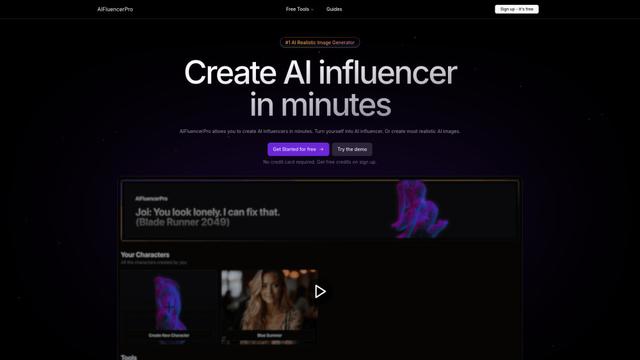
AIFluencerPro
AIFluencerPro is an AI-powered platform that allows users to create photorealistic AI influencers and generate high-quality AI images in minutes using advanced generative AI technology.
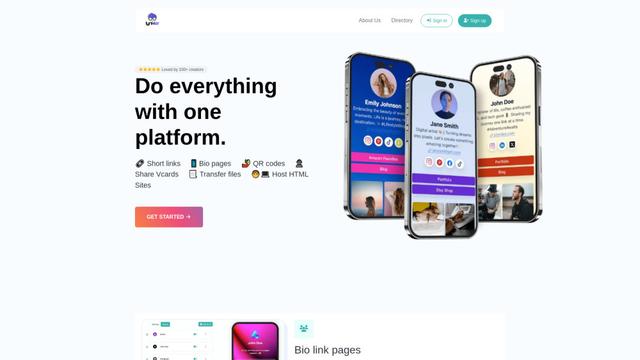
Lynklet
Lynklet is an all-in-one social tool platform that combines bio link pages, URL shortening, QR code generation, digital business cards, and file hosting capabilities in one comprehensive solution.
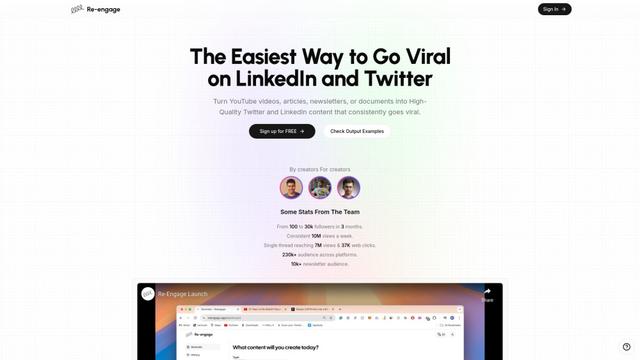
Re-Engage
Re-Engage is an innovative content repurposing tool that transforms YouTube videos, articles, newsletters, and documents into high-performing social media content optimized for Twitter and LinkedIn virality.
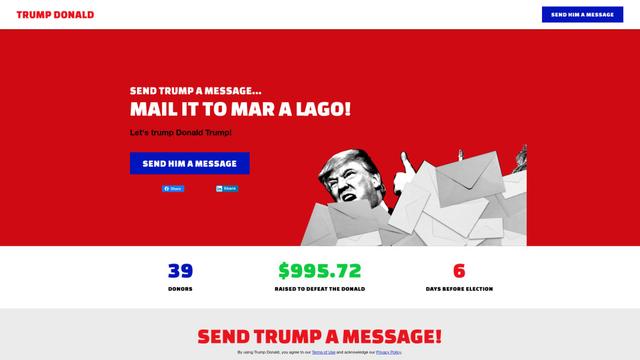
Trump Donald
Trump Donald is a unique political fundraising platform that lets users send physical letters to Mar-a-Lago while making donations to organizations working to defeat Donald Trump.
Popular AI Tools Like Magnut AI
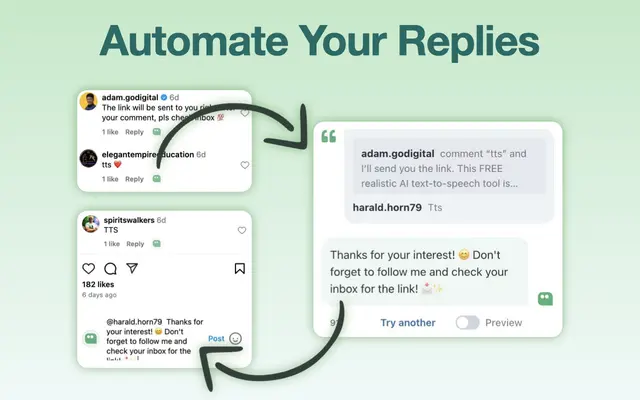
AI Reply Generator - social24
AI Reply Generator - Social24 is a browser extension that helps users generate smart, personalized AI replies for multiple social media platforms including Instagram, Facebook, TikTok, YouTube, and LinkedIn with custom prompt templates and seamless integration.
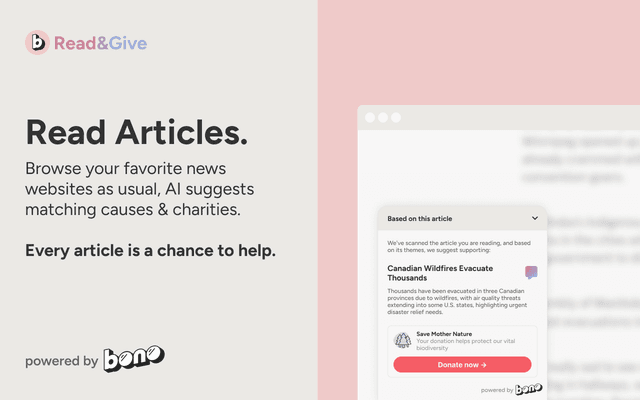
Read & Give by Bono
Read & Give by Bono is a Chrome extension that uses AI to analyze news content and suggests relevant charitable donation opportunities based on the articles you read.
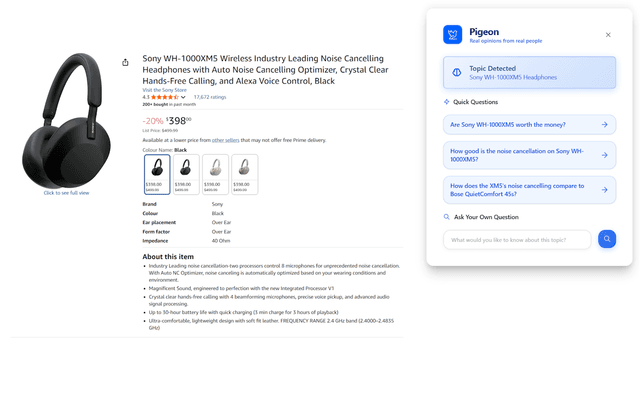
Pigeon
Pigeon is a lightweight Chrome extension that helps users discover and analyze real user opinions from Reddit discussions about any webpage they're browsing.
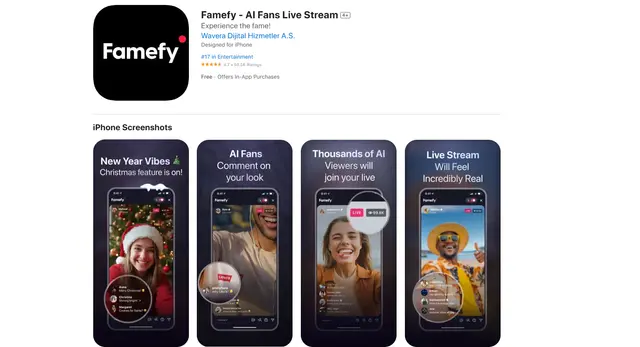
Famefy
Famefy is an AI-powered live streaming platform that lets users experience virtual stardom by interacting with AI-generated fans who provide real-time engagement and feedback.