
LemonLime
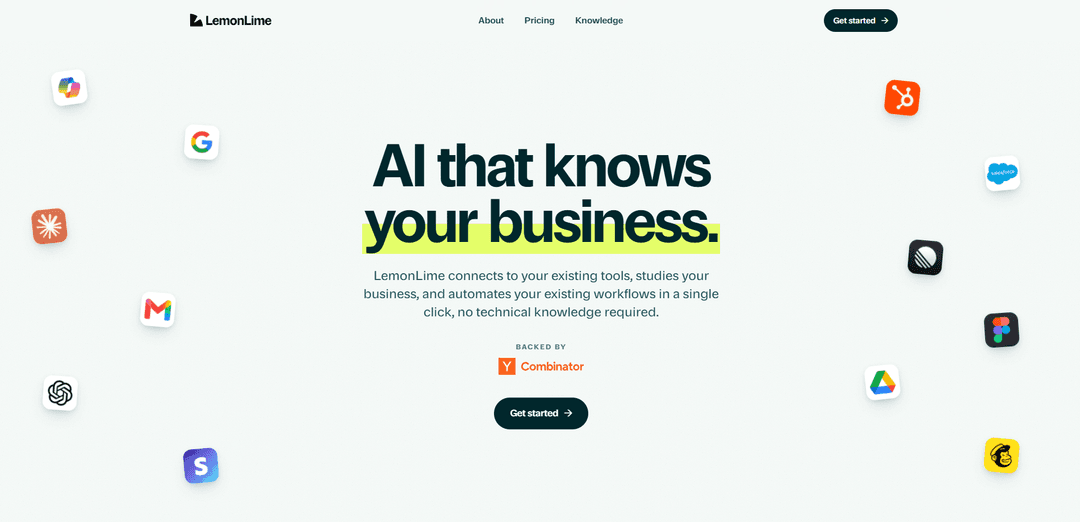
LemonLime is a no-code AI knowledge layer for businesses that connects to your existing tools, structures company data into AI-ready intelligence, and auto-creates agents and automations to run workflows in minutes.
https://lemonlime.ai/?ref=producthunt
Product Information
Updated:Jul 9, 2026
What is LemonLime
LemonLime is an AI knowledge platform built for businesses to turn scattered institutional knowledge across everyday work tools into a structured, usable foundation for AI. It connects to systems like CRMs, email, document stores, and other business apps, then organizes that information into a living “knowledge layer” optimized for AI retrieval and reasoning. With this foundation, teams can deploy specialized AI assistants and automations for functions like sales, marketing, operations, support, and finance—without technical setup—so the AI can answer questions, surface the right context, and execute tasks where the work already happens.
Key Features of LemonLime
LemonLime is a business-focused AI knowledge and workflow automation platform that connects to the tools your team already uses, learns how your company works, and turns scattered institutional knowledge into an AI-ready “knowledge layer.” With no-code setup, it can automatically create specialized agents and automations that answer questions across company systems and execute workflows (e.g., sales, marketing, ops, support, finance) while adapting as your data and processes evolve.
No-code tool connections: Connects to existing business tools (e.g., Google, Salesforce, HubSpot, Stripe, Gmail/Outlook, Drive/Dropbox, Slack, Asana/Linear, QuickBooks, Figma) with minimal setup—no migrations or technical work required.
AI-ready knowledge layer: Transforms years of unstructured company information (emails, docs, chats, CRM data) into structured, AI-optimized context designed for reliable retrieval and reasoning.
Self-creating agents and automations: You describe what you need help with, and LemonLime automatically creates agents and workflow automations to perform tasks and reduce manual operations.
Day-one business understanding: Learns how your organization works and specializes outputs to your company’s use cases, improving relevance and reducing time spent searching across systems.
Fast cross-tool answers: Provides quick, context-aware answers by pulling the right information from connected systems—reducing the need to hunt through emails, files, and chats.
Production-oriented architecture for changing models: Positions the knowledge layer as the stable foundation so businesses can adapt to frequent model changes without rebuilding workflows from scratch.
Use Cases of LemonLime
Sales enablement and CRM workflows: Automatically drafts follow-ups, summarizes account history from Salesforce/HubSpot + email, and surfaces relevant collateral and next steps for reps.
Customer support knowledge and ticket handling: Answers support questions using company docs, past conversations, and internal policies; can help generate consistent responses and escalate with full context.
Marketing campaign execution: Creates marketing drafts and campaign assets using brand knowledge, prior performance context, and connected tools (e.g., Drive, Canva, Mailchimp).
Finance and ops reporting: Pulls data from Stripe/QuickBooks and internal docs to generate recurring reports, reconcile context, and answer ad-hoc finance/ops questions quickly.
Operations workflow automation for SMBs: Automates repetitive cross-tool processes (handoffs, status updates, task creation in Asana/Linear, Slack notifications) without requiring a technical team.
Company-wide knowledge Q&A: Acts as a “company brain” so employees can ask one question and get a grounded answer sourced from the most relevant internal systems.
Pros
No-code setup with quick time-to-value by connecting existing tools and learning workflows automatically.
Knowledge-layer approach improves relevance and reduces LLM cost/quality issues caused by unstructured context overload.
Creates specialized agents and automations from plain-language requests, lowering the barrier for non-technical teams.
Cons
Effectiveness depends on the quality/coverage of connected tools and how well internal knowledge is maintained.
Organizations with highly custom processes may still need governance and careful rollout to ensure automations behave as intended.
Integration breadth and advanced orchestration needs may be a limiting factor for teams requiring very complex multi-agent systems.
How to Use LemonLime
1) Sign up for LemonLime: Go to https://lemonlime.ai/signup and create your account so you can start connecting your company tools and building your knowledge layer.
2) Connect your existing business tools: From inside LemonLime, sign in to the platforms your team already uses (e.g., Google/Gmail/Drive, Outlook, Slack, HubSpot, Salesforce, Stripe, QuickBooks, Asana, Linear, Dropbox, Mailchimp, Figma, etc.). LemonLime is designed to work with your current stack—no migrations required.
3) Keep permissions aligned with your tools: Connect accounts in a way that respects existing access controls. LemonLime’s assistants operate inside connected tools while respecting existing permissions.
4) Let LemonLime learn automatically (no technical setup): After connecting tools, LemonLime begins learning how your business works automatically. You don’t need to do manual data cleanup or technical configuration to get started.
5) Allow your data to be structured into an AI-ready knowledge layer: LemonLime ingests and organizes information across your systems (documents, emails, CRM data, financial records, chats, and other business content) into a structured knowledge layer optimized for AI retrieval and reasoning.
6) Ask questions to find answers across all tools: Use LemonLime to stop searching across emails/files/chats manually—ask a question once and retrieve the relevant answer based on your company’s connected knowledge.
7) Choose a business function to automate: Decide where you want impact first (e.g., sales, marketing, operations, finance, or support). LemonLime supports role-specific AI specialists tuned to how each part of your business works.
8) Tell LemonLime what you need (no-code): Describe the workflow or outcome you want in plain language. LemonLime can self-create agents and automations based on your request—no coding required.
9) Deploy AI specialists and automations: Once initial learning finishes, deploy agents in minutes to execute tasks inside your connected tools (e.g., draft marketing content, qualify leads, pull reports, answer support questions, or run operational workflows).
10) Use one-click suggested automations (if you’re unsure where to start): If you don’t know what to automate first, use LemonLime’s suggested automations and implement them with a single click.
11) Iterate and expand across departments: After your first workflows are live, expand to additional departments by deploying more specialists (Starter focuses on one core area; Team covers every core area; Enterprise can add custom-built specialists tuned to your company).
12) Operate with a business-focused data posture: For business workloads, keep work against your company’s knowledge layer rather than pasting sensitive information into consumer chat tools. LemonLime’s stated commitment is that it does not train models on your business’s information.
LemonLime FAQs
LemonLime is an AI knowledge layer for businesses. It connects to your existing tools, structures your company’s information into AI-ready intelligence, and then uses that foundation to power agents and automations specialized to your workflows.
LemonLime Video
Popular Articles

Proferex: A Cloud-Based Ad Tracking and Campaign Optimization Platform
Nov 4, 2026

How to Create Viral Talking Baby Podcast Videos with AI: Step-by-Step Guide
Nov 2, 2026

Vosko AI: Localize and Dub Videos for Global Audiences
Oct 15, 2026

Atoms: A Multi-Agent AI Platform That Transforms Ideas into Launch-Ready Products
Oct 13, 2026
Latest AI Tools Similar to LemonLime
Snapmark
Snapmark is an AI-powered search engine for bookmarks that allows users to save, search, and organize websites, images, and text without manual tagging or categorization.
Uměl.cz
Uměl.cz is a Czech AI-powered search engine that provides intelligent and contextual answers to user queries.
想读 (WantRead)
想读(WantRead) is an AI-powered reading and note-taking platform that helps users easily import, read, annotate and build their personal knowledge base.

PodExtra AI
PodExtra AI is an advanced AI-powered podcast tool that transforms podcast content into digestible formats through transcripts, summaries, mind maps, outlines, highlights and takeaways.
Popular AI Tools Like LemonLime
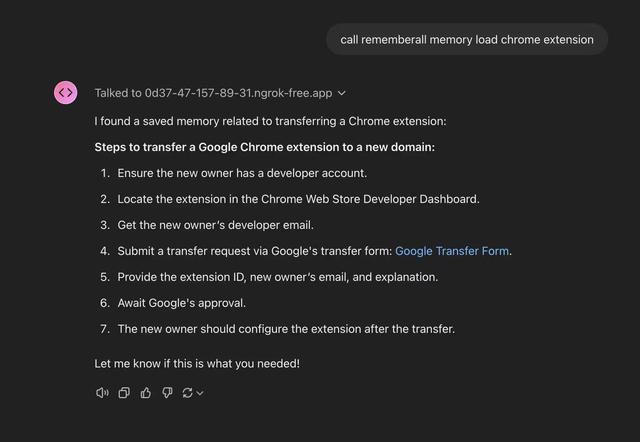
Rememberall
Rememberall is a secure, open-source long-term memory solution that enables AI applications and GPT models to maintain persistent memory across conversations through semantic search and vector storage capabilities.
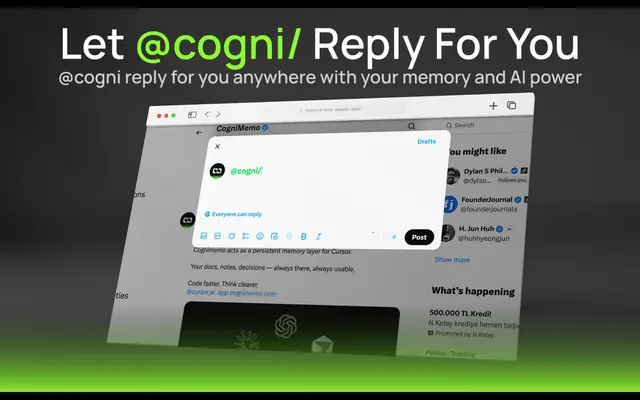
CogniMemo Extension
CogniMemo is a browser extension that adds long-term memory capabilities to AI tools like ChatGPT, Claude, Gemini, and DeepSeek by enabling context-aware conversations and knowledge management through saved notes and past chats.
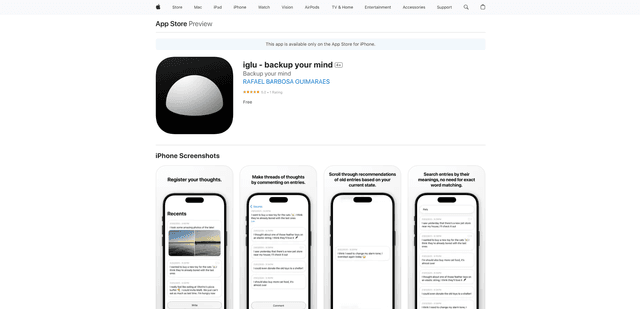
iglu
Iglu is a private, AI-powered micro-journaling app that helps users record, organize, and revisit their thoughts, memories, and ideas through text and media entries with intelligent search and recommendation features.
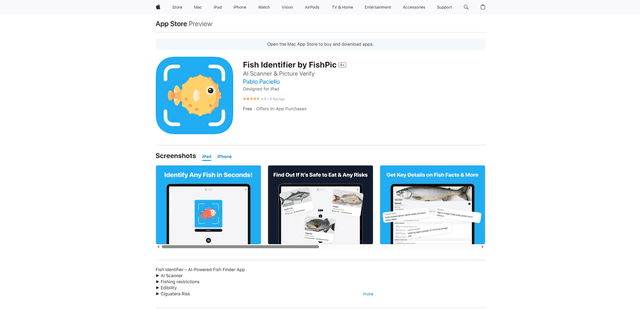
FishPic
FishPic is an AI-powered fish identification app that instantly recognizes fish species from photos while providing comprehensive information about edibility, regulations, and recipes.