LeGink Creator
LeGink Creator é uma plataforma de crescimento para criadores que ajuda os usuários a gerar roteiros prontos para o canal e gerenciar o planejamento de conteúdo com ferramentas como um gerador de roteiros, um planejador de calendário e uma biblioteca de conteúdo.
https://leginkcreator.com/?ref=producthunt&utm_source=aipure
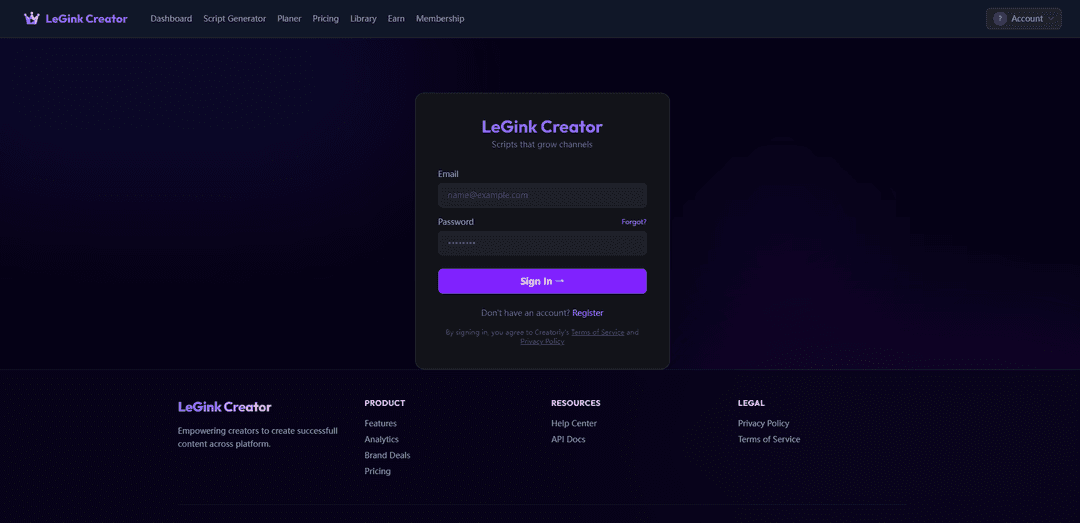
Informações do Produto
Atualizado:Jul 8, 2026
O que é LeGink Creator
LeGink Creator é uma ferramenta baseada na web criada para ajudar os criadores a produzir conteúdo mais eficaz em todas as plataformas. Posicionado como “Roteiros que fazem os canais crescerem”, ele combina a criação de roteiros com recursos de fluxo de trabalho e orientados para o crescimento, para que os criadores possam passar da ideia ao conteúdo pronto para publicação mais rapidamente. A partir de seu painel, os usuários podem acessar módulos principais, como o Gerador de Roteiros, um Planejador (calendário) e uma Biblioteca, juntamente com áreas de produto que destacam análises e suporte a negócios de marca.
Principais Recursos do LeGink Creator
LeGink Creator é uma plataforma focada no criador, projetada para ajudar os usuários a produzir conteúdo que faça seus canais crescerem em todas as plataformas. Ela se concentra na criação e planejamento de roteiros, com áreas de suporte como uma biblioteca de conteúdo, análises e ferramentas relacionadas à monetização (por exemplo, acordos de marca) e um programa de afiliados/ganhos, empacotado com acesso baseado em conta e preços/assinaturas em níveis.
Gerador de Roteiros: Gera roteiros destinados a ajudar os criadores a produzir conteúdo envolvente e fazer os canais crescerem, reduzindo o tempo gasto na ideação e na elaboração.
Planejamento de Conteúdo (Planejador/Calendário): Fornece ferramentas de planejamento e agendamento para organizar a produção e publicação de conteúdo em um fluxo de trabalho de calendário.
Biblioteca: Uma área centralizada para armazenar ou acessar recursos/modelos de conteúdo, ajudando os criadores a reutilizar e gerenciar ativos de forma mais eficiente.
Análises: Oferece insights de desempenho para ajudar os criadores a entender qual conteúdo funciona e otimizar roteiros e planos de publicação futuros.
Acordos de marca / Suporte a patrocínios: Inclui recursos destinados a permitir ou gerenciar acordos de marca, apoiando os criadores à medida que monetizam e profissionalizam suas operações de conteúdo.
Ganhar / Afiliados: Um módulo orientado a afiliados que permite aos usuários participar de programas de ganhos, potencialmente incentivando referências e o crescimento do criador.
Casos de Uso do LeGink Creator
Criadores solo escalando conteúdo de formato curto: Use o gerador de roteiros e o planejamento de calendário para publicar consistentemente em plataformas como TikTok, Reels e Shorts, enquanto acompanha os resultados por meio de análises.
Equipes de marketing produzindo vídeo social em volume: Crie fluxos de trabalho de roteiro repetíveis, coordene cronogramas de publicação e use análises para iterar na mensagem da marca e no desempenho da campanha.
Agências gerenciando múltiplos canais de clientes: Padronize a criação e o planejamento de roteiros entre os clientes, mantenha os entregáveis organizados na biblioteca e relate os resultados usando análises.
Criadores monetizando via patrocínios: Aproveite os recursos orientados para acordos de marca para apoiar os fluxos de trabalho de patrocínio e alinhar o planejamento de conteúdo com os entregáveis da parceria.
Comunidades de crescimento impulsionadas por afiliados: Use o módulo Ganhar/Afiliados para incentivar referências e construir uma comunidade de criadores em torno de ferramentas e fluxos de trabalho de conteúdo compartilhados.
Vantagens
Cobertura de fluxo de trabalho de criador de ponta a ponta (roteiros, planejamento, biblioteca, análises, módulos de monetização)
Foco construído propositalmente em "roteiros que fazem os canais crescerem", alinhando as ferramentas com os objetivos de crescimento do criador
Inclui suporte à monetização (acordos de marca) e um programa de afiliados/ganhos
Desvantagens
Os detalhes visíveis publicamente são limitados (profundidade incerta de análises, integrações e recursos de colaboração)
Requer login na conta; os principais recursos podem estar restritos a níveis de preço/assinatura
Algumas seções do site (por exemplo, documentos da API/central de ajuda) são referenciadas, mas não detalhadas claramente nas fontes fornecidas
Como Usar o LeGink Creator
1. Abra o LeGink Creator: Acesse https://leginkcreator.com/ em seu navegador da web.
2. Crie uma conta (usuários de primeira viagem): Clique em “Registrar” (ou visite https://leginkcreator.com/signup) e complete o fluxo de inscrição para criar sua conta.
3. Faça login: Vá para a página de login, digite seu e-mail e senha e clique em “Entrar” para acessar seu espaço de trabalho.
4. Recupere o acesso se você esqueceu sua senha: Na página de login, clique em “Esqueceu?” e siga as instruções de redefinição de senha.
5. Acesse seu Painel: Após fazer login, abra “Painel” na navegação superior para visualizar seu espaço de trabalho principal e a visão geral da conta.
6. Gere roteiros com o Gerador de Roteiros: Clique em “Gerador de Roteiros” na navegação e use a ferramenta para criar roteiros destinados a fazer seus canais crescerem.
7. Planeje o conteúdo usando o Planejador (Calendário): Abra “Planejador” (calendário) na navegação para agendar e organizar seus planos de conteúdo.
8. Use a Biblioteca: Clique em “Biblioteca” para acessar e gerenciar recursos/conteúdo salvos em sua conta.
9. Revise os preços e atualize se necessário: Abra “Preços” para comparar planos e escolher uma opção que se adapte às suas necessidades.
10. Explore opções de ganhos (Afiliados): Clique em “Ganhar” (Afiliados) para ver as opções relacionadas a afiliados e detalhes de participação.
11. Gerencie sua Assinatura: Abra “Assinatura” para visualizar ou gerenciar as configurações e o status relacionados à assinatura.
12. Obtenha ajuda ou verifique a disponibilidade da API: Role até o rodapé e use “Central de Ajuda” para recursos de suporte, ou “Documentos da API” para ver se a documentação do desenvolvedor está disponível.
13. Revise os termos legais: Use os links do rodapé para ler os “Termos de Serviço” e a “Política de Privacidade” para entender o uso e o tratamento de dados.
Perguntas Frequentes do LeGink Creator
LeGink Creator é um produto web que ajuda os criadores a gerar roteiros destinados a expandir seus canais.
Artigos Populares

Vosko AI: Localize e Duble Vídeos para Públicos Globais
Oct 15, 2026

Atoms: Uma Plataforma de IA Multiagente Que Transforma Ideias em Produtos Prontos para Lançamento
May 22, 2026

Nano Banana SBTI: O Que É, Como Funciona e Como Usá-lo em 2026
Apr 15, 2026

Análise do Atoms — O Construtor de Produtos de IA Redefinindo a Criação Digital em 2026
Apr 10, 2026
Ferramentas de IA Mais Recentes Semelhantes a LeGink Creator
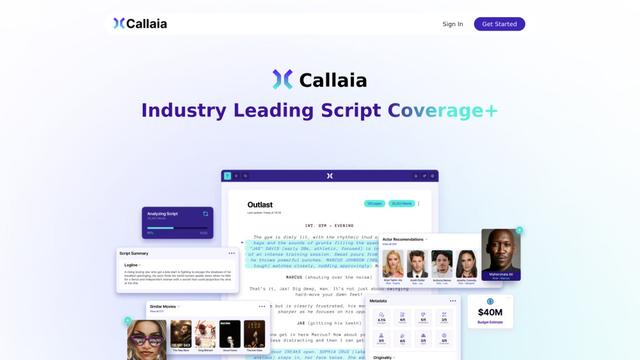
Callaia
Callaia é uma ferramenta de análise de roteiros impulsionada por IA que fornece cobertura abrangente de roteiros, incluindo logline, sinopse, resumos de personagens e recomendações acionáveis em menos de um minuto por $79 por roteiro.
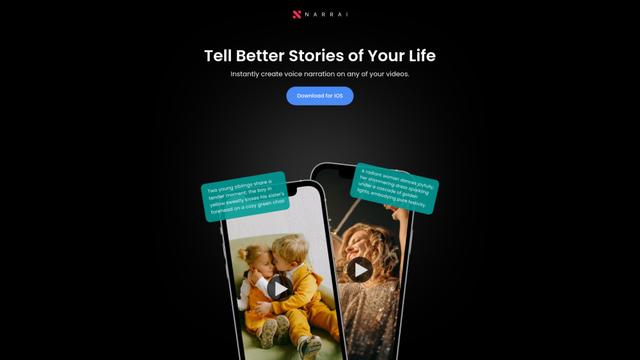
Narrai
O Narrai é um aplicativo móvel impulsionado por IA que cria instantaneamente narração de voz e música de fundo para vídeos curtos, gerando automaticamente roteiros relevantes e oferecendo múltiplas personas de narradores.
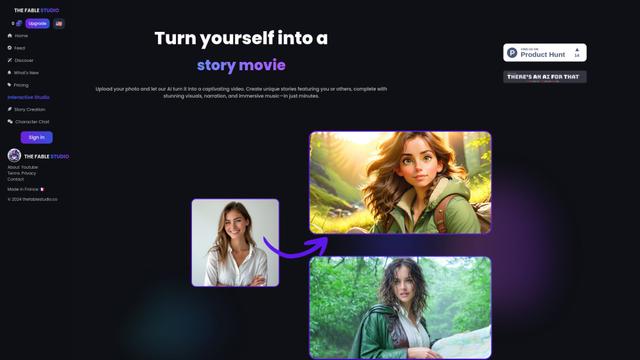
THE FABLE STUDIO
O FABLE STUDIO é uma plataforma impulsionada por IA que permite aos usuários criar, dirigir e interagir com histórias animadas usando tecnologia de IA generativa.
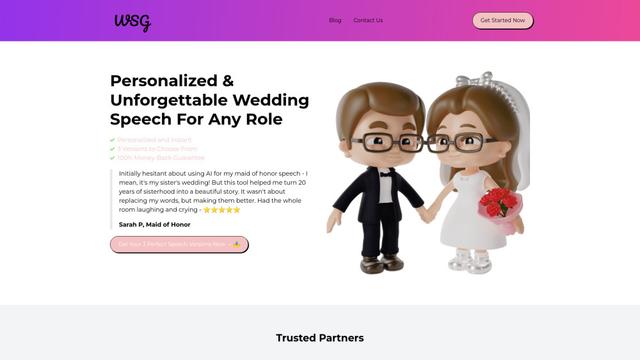
Wedding Speech Genie
Wedding Speech Genie é uma plataforma alimentada por IA que cria discursos de casamento personalizados em minutos, gerando 3 versões personalizadas com base em suas informações, ajudando os palestrantes a fazer brindes memoráveis para qualquer papel de casamento.
Ferramentas de IA Populares Como LeGink Creator
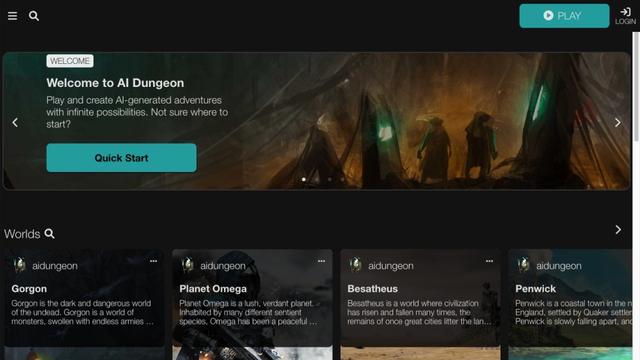
AI Dungeon
AI Dungeon é um jogo de aventura baseado em texto com IA que permite aos jogadores criar e experimentar histórias interativas infinitas em qualquer gênero.
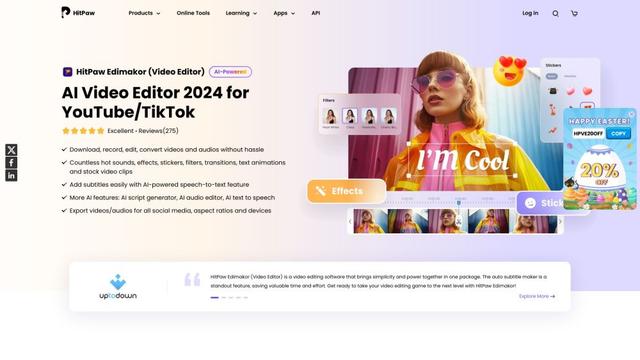
HitPaw Edimakor
HitPaw Edimakor é um poderoso editor de vídeo com inteligência artificial que combina recursos avançados como geração de roteiro com IA, fala para texto e remoção de fundo com uma interface intuitiva para edição de vídeo fácil e criativa.
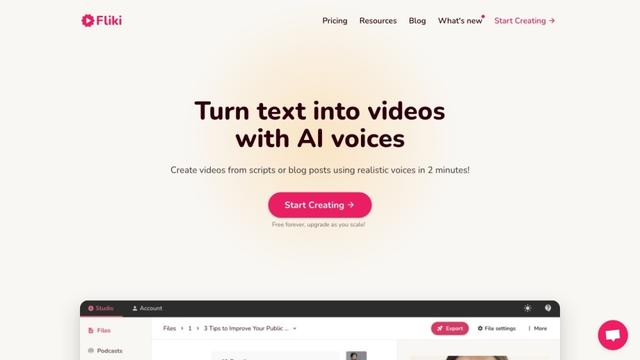
Fliki
Fliki é uma plataforma de texto para vídeo e texto para fala alimentada por IA que transforma conteúdo escrito em materiais de áudio e vídeo envolventes usando vozes realistas em mais de 80 idiomas.
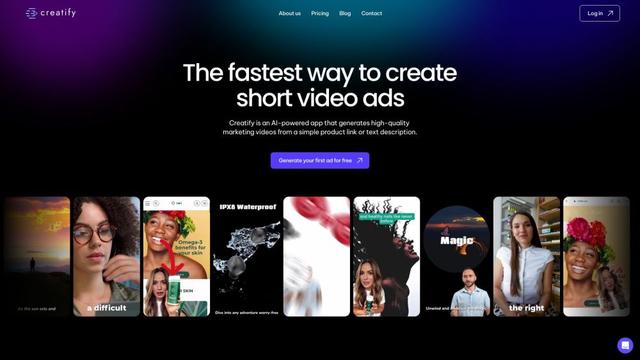
Creatify
O Creatify é uma plataforma impulsionada por IA que gera vídeos de marketing de alta qualidade a partir de URLs ou descrições de produtos, permitindo a criação sem esforço de anúncios em vídeo envolventes.