
Layrr
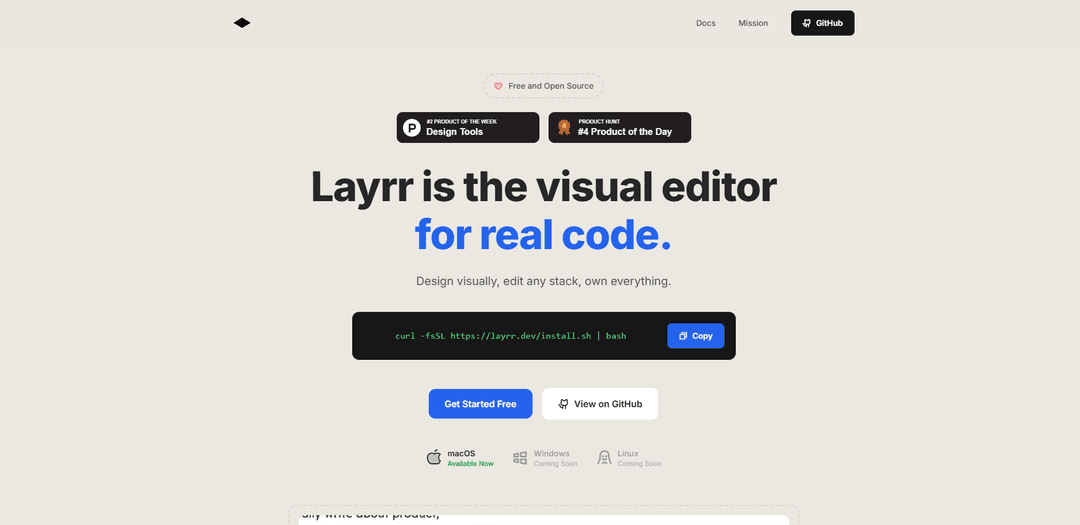
Layrr is a free and open-source visual editor that allows developers to edit components visually while automatically updating code in real-time, working seamlessly alongside existing development setups.
https://layrr.dev/?ref=producthunt
Product Information
Updated:Nov 13, 2025
What is Layrr
Layrr is an innovative development tool that bridges the gap between visual design and code implementation. It's a browser-based editor that integrates with your local development environment, allowing developers to make visual changes to their applications while maintaining full control over their codebase. Unlike traditional development approaches, Layrr combines the intuitive nature of visual editing with the power of actual code development, supporting various frameworks including React, Vue, and plain HTML.
Key Features of Layrr
Layrr is a visual development tool that runs alongside existing development setups, allowing developers to edit components visually in real-time while automatically updating the underlying code. It combines the visual editing capabilities of design tools like Figma with actual code development, supporting multiple frameworks and offering AI-powered interface generation.
Visual Editing Interface: Drag, resize, and position elements visually like in Figma or Framer while seeing changes instantly reflected in the code
Design-to-Code Conversion: Convert Figma mockups directly into clean, working components with automatic code generation
AI-Powered Generation: Generate interface components by describing them in plain English, with AI translating descriptions into functional code
Real-Time Code Synchronization: All visual changes automatically update the actual codebase in real-time, maintaining code integrity
Use Cases of Layrr
Rapid Prototyping: Quickly create and iterate on interface designs while generating production-ready code
Design System Implementation: Convert design mockups into consistent, reusable components across projects
Cross-Framework Development: Work with multiple frameworks like React and Vue without needing to rebuild from scratch
Pros
No proprietary format or lock-in - code remains in your own repository
Works with existing development setups and multiple frameworks
Free and open-source solution
Cons
Currently only available for macOS, with Windows and Linux support pending
Requires integration with existing development environment
How to Use Layrr
Install Layrr: Open terminal and run the command: curl -fsSL https://layrr.dev/install.sh | bash (Currently only available for macOS, Windows and Linux coming soon)
Launch your existing project: Run your development server/environment as you normally would for your project (works with React, Vue, plain HTML or other stacks)
Run Layrr: Run Layrr in the same terminal where your code is running. It will connect to your local development server
Access visual editor: Layrr will automatically open your default browser with the visual editing interface enabled
Edit visually: Use the visual editor to drag, resize and position elements like in Figma or Framer. Changes appear instantly in real-time
Edit text content: Click any text element directly in the browser to edit content without having to search through code files
Import designs: Upload mockups from Figma to automatically generate clean, working components in your codebase
Use AI generation: Describe what you want to create in plain English and let Layrr generate the corresponding interface components
Review code changes: Check your code files - all visual changes made through Layrr are automatically reflected in your actual source code
Layrr FAQs
Layrr runs in your browser alongside your existing development setup. It connects to your local dev server and lets you edit components visually while your code updates in real-time. No migration required.
Layrr Video
Popular Articles

Vosko AI: Localize and Dub Videos for Global Audiences
Oct 15, 2026

Atoms: A Multi-Agent AI Platform That Transforms Ideas into Launch-Ready Products
Oct 13, 2026

Nano Banana SBTI: What It Is, How It Works, and How to Use It in 2026
Apr 15, 2026

Atoms Review — The AI Product Builder Redefining Digital Creation in 2026
Apr 10, 2026
Latest AI Tools Similar to Layrr
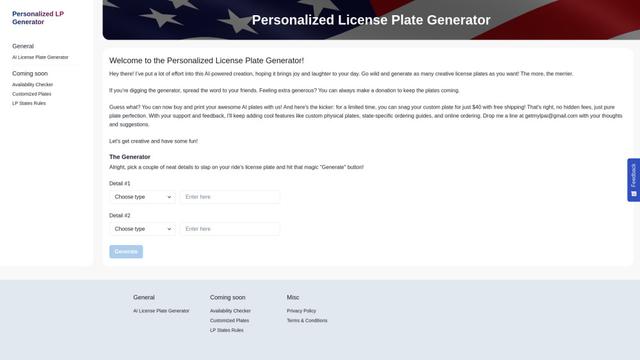
Personalized License Plate Generator
An AI-powered tool that generates unique and personalized license plate designs based on user input.

Keak
Keak is an AI-powered A/B testing tool that automatically generates website variations, launches tests, and optimizes conversions.
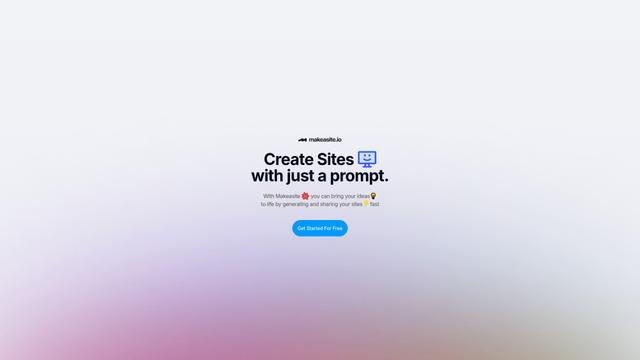
Makeasite
Makeasite is an innovative website builder that allows users to create and share websites quickly using just prompts.

Adviseful
Adviseful is an AI-powered tool that accelerates web and mobile app planning for IT consultancies and digital agencies, turning ideas into qualified leads in minutes.
Popular AI Tools Like Layrr

GPT Engineer
GPT Engineer is an AI-powered software development tool that enables anyone to build web applications by chatting with an AI engineer.
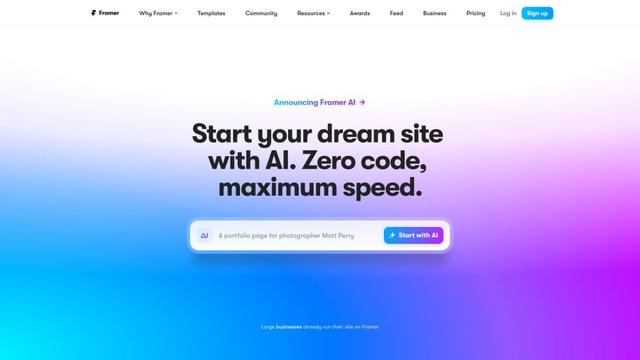
Framer
Framer is a powerful web builder that allows designers to create stunning, responsive websites with an intuitive interface and publish them instantly without coding.
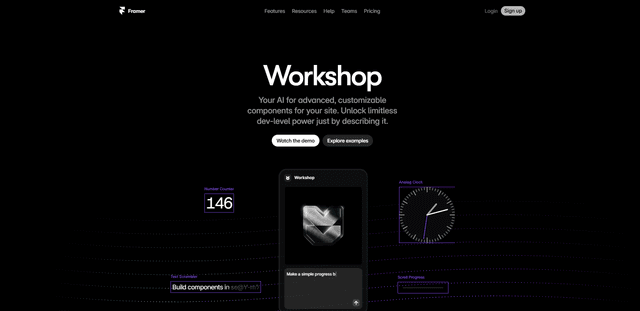
Framer Workshop
Framer Workshop is an AI-powered component generator built into Framer that allows designers and developers to create advanced, customizable website components without writing code through simple conversational prompts.

Wireframer
Wireframer is an AI-powered tool by Framer that quickly generates clean, responsive webpage layouts and wireframes from simple prompts, helping designers create structural blueprints without getting locked into specific visual styles.