Lattics
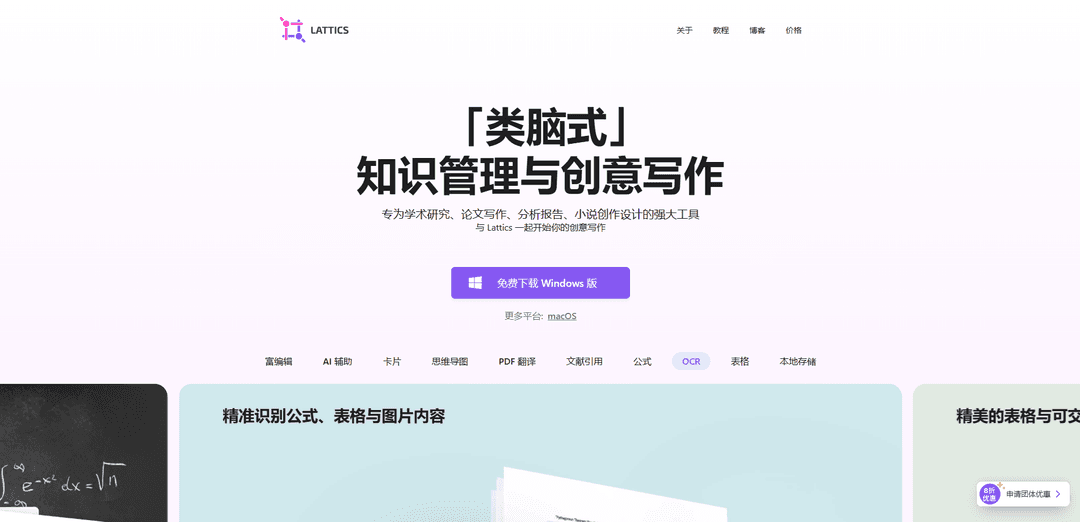
Lattics is a “brain-like” knowledge base and writing app for Mac and Windows that combines interconnected notes (projects–articles–cards), visual graph/timeline planning, and research-grade citation workflows (PDF annotation, Zotero, CSL styles) with focused editing and AI-assisted writing tools.
https://lattics.com/?ref=producthunt
Product Information
Updated:Aug 8, 2026
What is Lattics
Lattics is a knowledge management and long-form writing application built for academic research, thesis and report writing, and novel creation. Instead of a rigid folder-and-file system, it lets you organize work in three layers—Project → Article → Card—so the same content (ideas, quotes, fragments, references) can be reused and connected across multiple contexts. The app emphasizes an “all-in-one workbench” interface where writing, outlining, references, search, and relationships between materials stay close at hand, helping users move from research and notes to structured drafts and finished documents.
It supports interconnected content via citations and bi-directional links, visual planning via Graph views (e.g., mind map/story plotting) and timelines, and practical writing features such as focus mode, bi-article comparison, and sequence reading that concatenates a project outline into a single continuous document for review and reordering.
Key Features of Lattics
Lattics is a “brain-like” knowledge management and academic/creative writing app for Mac and Windows that combines project-based writing with card-based notes and visual organization. It supports non-linear drafting through an outline-to-cards structure, bi-directional linking and graphs/timelines for idea mapping, and rich editing features for long-form work. For research workflows, it adds PDF annotation/extraction, OCR, automatic bibliography generation with 8000+ CSL styles, and Zotero integration (including Better BibTeX support). It also emphasizes privacy with local-first storage and optional end-to-end encrypted third‑party cloud sync, and includes AI-assisted writing/translation tools plus side-by-side dual-article editing for comparison and translation.
Project → Article → Card workflow: A three-layer structure that supports non-linear writing and knowledge capture—use projects to separate works, articles to build the narrative, and cards for quotes, ideas, and atomic notes that can be reorganized anytime.
Visual writing (Graph, Mind Map, Timeline): Multiple visual views (mind map/aerial/story plot and timelines) to plan narratives, track relationships, and spot conflicts in storylines, research threads, or project schedules.
Academic citations & bibliography (8000+ CSL styles): Cite cards, articles, files, PDFs, or imported reference data and automatically generate bibliographies; switch citation styles quickly to match journal requirements.
PDF workflow: annotate, extract, translate, and OCR: Highlight text/images in PDFs and convert them into cards with citation sources; translate PDFs while maintaining layout with side-by-side scrolling; OCR recognizes text, tables, and formulas (notably for English/Chinese printed documents).
Zotero integration: Drag/copy Zotero notes into Lattics while retaining citation metadata and PDF links (via Better BibTeX), plus an official Zotero 7 plugin option.
AI-assisted editing with change tracking: Right-click AI tools for translation, proofreading, rewriting, and ideation; editable AI outputs with version control and batch processing by mentioning multiple articles.
Use Cases of Lattics
Thesis & academic paper writing: Organize literature, annotate PDFs into cite-ready cards, integrate Zotero references, and auto-format citations/bibliographies in CSL styles for submission.
Novel and screenplay planning: Use cards, plot graphs, and parallel timelines to manage characters and story arcs, detect timeline conflicts, and rearrange chapters/scenes without breaking structure.
Industry research & analytical reporting: Build a structured knowledge base from PDFs and web extracts, connect insights via links/graphs, and present findings with professional tables and interactive charts.
Translation and bilingual editing: Open two editors to compare articles side-by-side and use PDF translation with synchronized scrolling to maintain context and layout during translation work.
Project knowledge hub for teams or groups: Maintain a privacy-first, local-first repository of interconnected notes and documents for labs, consultancies, or associations, with optional encrypted third-party sync.
Pros
Strong long-form writing workflow with non-linear, card-based organization and sequence reading for end-to-end review.
Robust academic tooling: PDF annotation/extraction, OCR, Zotero integration, and automatic bibliography with 8000+ CSL styles.
Visual planning tools (graph/timeline) plus dual-editor comparison help with complex structures and translation.
Privacy-oriented design: local-first storage, no required login, and optional end-to-end encrypted third-party cloud sync.
Cons
Windows installer may trigger a protection prompt due to lacking a Windows digital signature, requiring manual “Run anyway.”
OCR language/content support is limited (notably focused on English/Chinese printed documents) and may not cover all languages or PDF types yet.
More top-down (project-first) than “daily note/inbox” style PKM tools, which may not fit users who prefer quick-capture daily workflows.
How to Use Lattics
1) Install Lattics and create a project: Download and install Lattics on Mac or Windows. Open Lattics and create a new Project for a single goal (e.g., one paper, one novel, one report). Lattics is organized as Project → Article → Card, so start by naming your project clearly.
2) Create your main draft article (the writing destination): Inside the project, create an Article named something like “Main Draft” (or “Manuscript”). This is where your final linear writing will live, while your research/ideas stay in cards that can be reorganized without losing sources.
3) Capture materials as cards (quotes, ideas, data, characters): Create Cards for small, self-contained units of information: a quote, a paraphrase, a data point, an argument, a character profile, or a scene idea. Cards are designed to be reusable and citable across multiple articles.
4) Interlink your knowledge (cite and connect everything): In any article or card, cite/link other cards, articles, or files so your knowledge base becomes interconnected. Use bi-directional links so you can navigate forward/backward connections and discover related context later.
5) Use Graph views to organize and discover relationships: Open the Graph panel to visualize nodes corresponding to your project structure and links. Use Graph to plan projects, organize ideas, and spot overlooked relationships. Lattics provides multiple graph views (e.g., mind-map-like and other layouts).
6) Build structure with the draggable outline (separate structure from materials): Use the project outline to create and rearrange your article structure freely (sections, chapters, subsections). Lattics’ advantage is that structure and materials are separate but linked—so you can reorganize the outline without losing your underlying sources/cards.
7) Draft by inserting cards into the article (link, reference, or embed): When writing in “Main Draft,” pull in relevant cards. Insert them as links, reference blocks, or embeds (depending on how you want them displayed). This turns fragmented notes into a coherent narrative while keeping traceability to sources.
8) Use Sequence Reading to read your project in order: Enter Sequence Reading mode to read through articles in the project as a continuous flow. This is useful for reviewing a paper/novel/report end-to-end and checking narrative or argument continuity.
9) Annotate PDFs and extract highlights into cards: Import/open PDFs in your project, highlight text or images, and extract them as cards. This creates citation-ready research fragments that you can later reuse in your draft.
10) Use OCR on PDFs when needed (text/tables/formulas): If your PDF content isn’t easily selectable, use Lattics’ OCR to recognize text, tables, and math formulas. The recognized content can be converted into editable Lattics cards for reuse in writing.
11) Integrate Zotero for citations and notes: If you use Zotero, install the appropriate integration: for Zotero 7, use the official Lattics Zotero plugin; for Zotero 6, use Better BibTeX. Then drag/copy Zotero notes into Lattics while retaining citation metadata and PDF links.
12) Cite sources and generate bibliography automatically: Add citations as you write, then generate a bibliography automatically. Switch citation styles using CSL (Lattics supports thousands of CSL styles) to match journal or institutional requirements.
13) Use AI tools for translation, proofreading, rewriting, and deep research: Select text and launch AI assistance via the context menu for translation/proofreading/rewriting/creative expansion. In Deep Research workflows, drag links from AI responses into your article to generate citations, and convert formulas into native formula blocks.
14) Batch-process multiple notes/articles with @ mentions in AI Chat: In AI Chat, type @ to mention multiple articles and ask the AI to process them together (e.g., summarize several notes, compare arguments, extract themes, or propose an outline).
15) Track edits and iterate with built-in change management: Edit AI-generated output directly and use the built-in change tracking/version control to manage revisions. Over time, the AI can adapt to your editing preferences based on how you revise its drafts.
16) Use Focus Mode for distraction-free drafting: Switch to Focus Mode (typewriter/focus experience) when you want uninterrupted writing. This is especially useful once your outline and card library are mature and you’re producing final prose.
17) Compare and edit two articles side-by-side (bi-article comparison): Open two editors simultaneously to compare and edit two articles. This is particularly useful for translation, rewriting, or aligning a draft with notes/source material.
18) Add tables and interactive charts for reports and analysis: Insert professional tables and switch them into chart templates. Lattics supports interactive charts where edits in the table update the chart in real time—useful for finance, consulting, scientific reporting, and analytics-heavy writing.
19) Use Timeline for story design, historical research, or project planning: Open the Timeline to structure narrative events (novels), chronological evidence (history/literature reviews), or milestones (projects). This helps you maintain temporal coherence across complex material.
20) Tag and organize with hierarchical tags: Type “#” anywhere to create tags, and use slash-based or hierarchical tag patterns to build subtags. Tags help you filter cards/articles by theme (e.g., #methods/measurement, #chapter3/scene2).
21) Build a learning workflow with flashcards (optional study mode): Turn key cards into flashcards and review ~10–15 per day using fragmented time. When a topic accumulates enough cards (e.g., ~20 on one theme), synthesize them into a review article inside Lattics to consolidate knowledge.
22) Review your global graph periodically to find missing links: Regularly scan the global graph to discover overlooked relationships between concepts and domains. Add bridging cards or links when you notice parallel ideas that should connect.
23) Keep data private with local-first storage and encrypted sync options: Work locally by default (no required login). If you need multi-device sync, use a third-party cloud you trust with end-to-end encryption options (e.g., WebDAV), keeping control over where your data lives.
24) Export or finalize your deliverable with the required citation style: Before submission/publishing, ensure citations and bibliography are correct, switch CSL style if needed, and export/share your final manuscript/report as required by your workflow.
Lattics FAQs
Lattics is a “brain-like” knowledge base and writing tool designed for academic research, thesis writing, analytical reports, and novel/creative writing. It supports interconnected notes (articles, cards, files), bi-directional links, graph views, timelines, and focused writing modes.
Lattics Video
Popular Articles

Vosko AI: Localize and Dub Videos for Global Audiences
Oct 15, 2026

Atoms: A Multi-Agent AI Platform That Transforms Ideas into Launch-Ready Products
Oct 13, 2026

Nano Banana SBTI: What It Is, How It Works, and How to Use It in 2026
Apr 15, 2026

Atoms Review — The AI Product Builder Redefining Digital Creation in 2026
Apr 10, 2026
Latest AI Tools Similar to Lattics

Sai
Sai is a specialized AI platform designed by and for professors and students that provides controlled, transparent, and educational AI capabilities for academic courses.
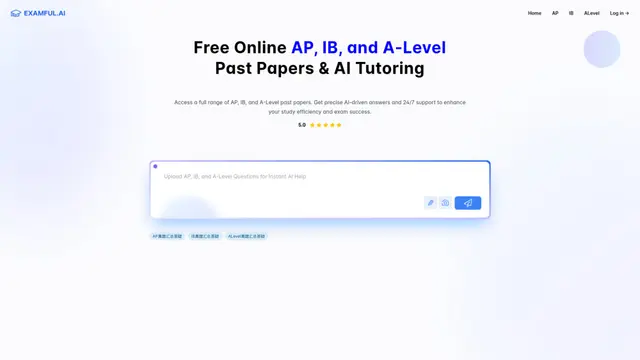
Examful.ai: Free AP, IB, and A-Level Past Papers and Tutoring
ExamFul.ai is a free online platform offering comprehensive access to AP, IB, and A-Level past papers alongside 24/7 AI-powered tutoring and detailed explanations for exam preparation.
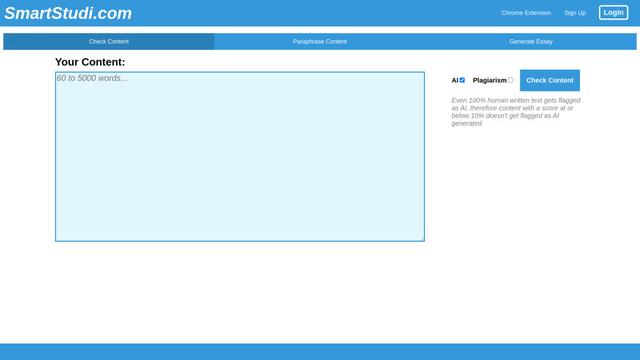
SmartStudi.com
SmartStudi.com is an intelligent learning platform offering AI-powered tools for content checking, paraphrasing, essay generation, and academic assistance.

Yanbi AI
Yanbi AI is a free AI-powered writing tool that generates high-quality content for various writing scenarios with one click.
Popular AI Tools Like Lattics
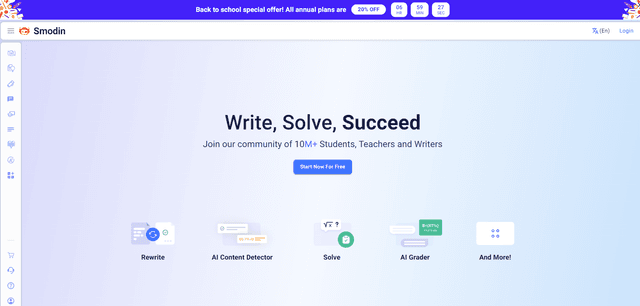
Smodin
Smodin is a comprehensive AI-powered writing assistant platform that offers multiple tools including text rewriting, plagiarism checking, translation, and content generation to help students, writers, and professionals enhance their writing process.
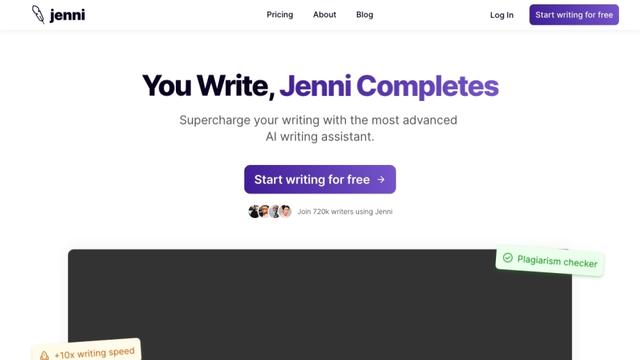
Jenni
Jenni is an AI-powered writing assistant that helps students and researchers write, edit, and cite academic papers more efficiently.
HyperWrite
HyperWrite is an AI-powered writing assistant that uses advanced artificial intelligence to help users generate high-quality content, improve their writing, and boost productivity across various writing tasks.
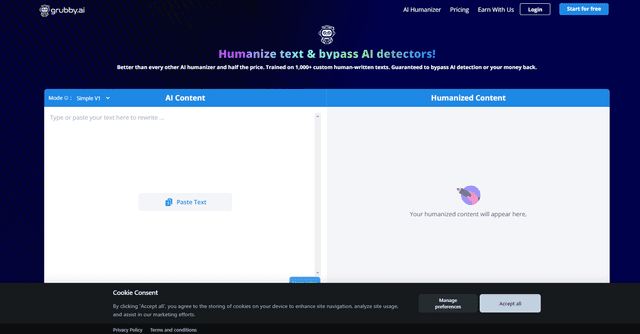
grubby.ai
Grubby.AI is an AI text humanizer tool that transforms AI-generated content into undetectable, human-like text using advanced algorithms while bypassing major AI detection systems.