
Landing Page Roast
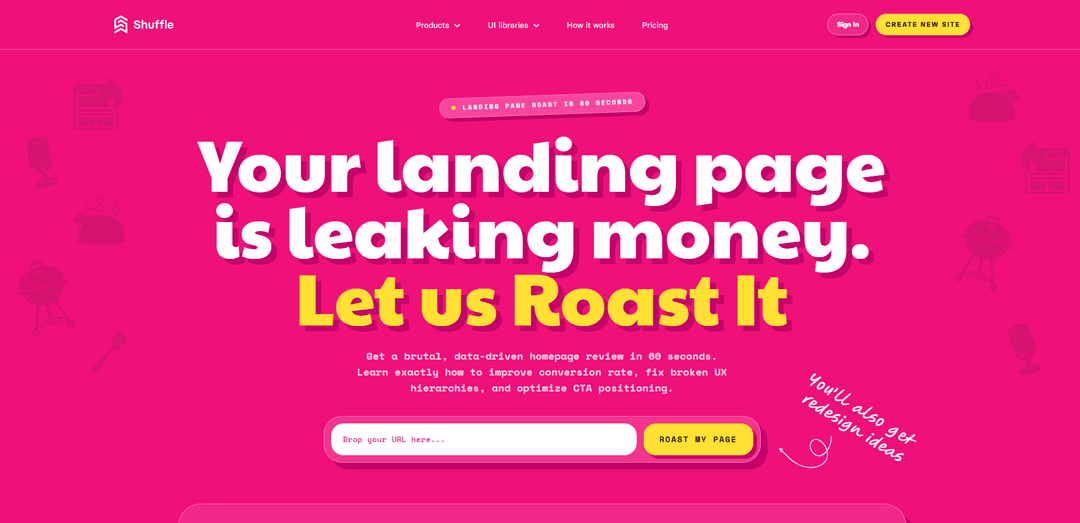
Landing Page Roast is an AI-powered, conversion-focused audit that roasts your landing page in about 60 seconds, flags UX/copy/CTA leaks, and generates editable redesign concepts you can customize and export.
https://shuffle.dev/landing-page-roast?ref=producthunt
Product Information
Updated:Jun 8, 2026
What is Landing Page Roast
Landing Page Roast is a tool from Shuffle that delivers a blunt-but-useful critique of your landing page to help you improve conversions. You paste a live URL, and it analyzes what visitors see first—your hero section, messaging, readability, hierarchy, trust signals, and calls-to-action—then produces actionable recommendations and “before vs after” style guidance. Beyond the critique, it also creates multiple redesign concepts that you can open and edit in the Shuffle visual editor and export to popular stacks like Next.js, WordPress, Laravel, or plain HTML.
Key Features of Landing Page Roast
Landing Page Roast is an AI-driven landing page review and redesign tool from Shuffle that analyzes a live URL in about 60 seconds, highlighting conversion leaks in key above-the-fold areas (CTA, visual hierarchy, readability, and trust). It produces blunt, action-oriented critiques and generates multiple redesign concepts that you can open in Shuffle’s visual editor to customize, then export to common stacks (e.g., Next.js, WordPress, Laravel, plain HTML). It also offers a “DESIGN.md” design specification output (on paid plans) to help AI agents reproduce the design direction across projects.
60-second AI landing page roast: Paste a website URL to get a fast, data-informed critique focused on conversion issues like CTA placement, confusing messaging, and weak trust signals.
Conversion-focused scoring & diagnostics: Audits the hero section like a “ruthless buyer,” calling out problems across CTA, hierarchy, readability, and trust (with clear, actionable guidance rather than vague design opinions).
Before/after style recommendations: Shows what’s wrong (e.g., buried CTA, unclear hero, missing proof) and what to change (e.g., visible primary action, proof above the fold, cleaner reading path).
Multi-AI redesign concepts: Generates multiple alternative page concepts (“same page, different choices”) so you can compare directions and pick the clearest, most persuasive layout.
Editable in Shuffle Visual Editor: Open generated concepts in Shuffle to edit text and images visually, add pages, iterate quickly, and refine layouts with built-in AI.
Export + DESIGN.md spec (plan-gated): Export to supported stacks (e.g., Next.js, WordPress, Laravel, HTML) and, on eligible plans, generate a reusable DESIGN.md that AI coding agents can follow.
Use Cases of Landing Page Roast
SaaS free-trial/signup landing pages: Improve above-the-fold clarity, strengthen primary CTA prominence, and move social proof into high-visibility areas to increase sign-ups.
Agency client audits & pitching: Run quick roasts on prospect sites to identify obvious conversion leaks, then present redesign concepts as a concrete roadmap for engagement.
E-commerce product or collection pages: Diagnose readability and hierarchy issues that hide value props or CTAs, and generate cleaner layouts that build trust (reviews/guarantees) earlier.
Startup MVP positioning checks: Validate whether the headline and hero communicate “who it’s for + why it matters” and quickly iterate on messaging and layout before scaling traffic.
Developer-led marketing pages: Help teams without a dedicated designer fix common UX/copy pitfalls and produce editable redesigns they can ship via exported code.
AI-agent design consistency across projects: Use the generated DESIGN.md as a repeatable design spec for coding agents to recreate a consistent UI style in new or existing builds.
Pros
Fast, conversion-oriented feedback centered on the hero section and key persuasion elements (CTA, trust, hierarchy, readability).
Produces multiple redesign concepts and supports hands-on editing in Shuffle rather than only giving advice.
Export options to multiple stacks reduce lock-in and speed implementation of improvements.
DESIGN.md output (on paid plans) can help standardize design direction for AI-assisted development.
Cons
Usage is limited on free/demo (e.g., roasts/redesigns can run out), pushing upgrades for continued use.
Some outputs/features are gated behind a full account/paid plan (e.g., DESIGN.md, keeping projects, broader exporting/usage).
Best experience appears desktop-oriented for previewing certain concepts ("Available on Desktop").
How to Use Landing Page Roast
1) Open Landing Page Roast: Go to https://shuffle.dev/landing-page-roast (e.g., the Product Hunt ref link also works).
2) Paste your page URL: In the “Website URL” field, enter a valid live URL (example format shown on the page: https://yourwebsite.com).
3) Start the roast: Click “Roast My Page” to begin the process.
4) Follow the 3-stage flow: The tool runs through: (1) Screenshot, (2) Roast, (3) Multi AI Design.
5) Wait for results: While “Roasting in progress,” the page indicates it’s analyzing what’s wrong and preparing feedback and redesign concepts.
6) Review the roast output: Read the critique focused on conversion issues (e.g., CTA visibility, hierarchy, readability, trust). The page positions this as “brutal, data-driven” and “slightly sarcastic, actually useful.”
7) Open and compare redesign concepts: After analysis, review the generated “Concept #1…#4” redesign previews (some are marked “Available on Desktop”).
8) Edit a concept in Shuffle Editor: Click “Edit project” to open a concept in Shuffle Editor, where you can edit images/text visually and customize the layout.
9) Export or continue building (account/plan dependent): Shuffle highlights exports to stacks like Next.js, Laravel, WordPress, and plain HTML. Some actions (e.g., keeping projects beyond demo deletion, additional generations, or certain exports) may require signing up or upgrading.
10) Generate/Unlock DESIGN.md (optional, plan dependent): If available on your plan, generate a reusable “design.md” specification (“Preparing your design specification… may take up to 30 seconds”), then copy or download it for use with coding agents.
11) Mind usage limits and re-runs: The page indicates limited free usage (e.g., “Demo calls left” and “You’ve used all your free roasts & redesigns”). Re-analyzing the same URL after changes counts as a new roast.
12) Save your work if using a demo project: Demo projects are marked for deletion after 6 hours; to keep access, sign up for a full account (as prompted on the page).
Landing Page Roast FAQs
Landing Page Roast is a tool by Shuffle that analyzes a landing page/homepage URL and delivers a fast, data-driven critique focused on conversion issues (CTA, hierarchy, readability, and trust), plus AI-generated redesign concepts you can edit in Shuffle.
Popular Articles

Atoms: A Multi-Agent AI Platform That Transforms Ideas into Launch-Ready Products
May 22, 2026

Nano Banana SBTI: What It Is, How It Works, and How to Use It in 2026
Apr 15, 2026

Atoms Review — The AI Product Builder Redefining Digital Creation in 2026
Apr 10, 2026

Kilo Claw: How to Deploy and Use a True "Do‑It‑For‑You" AI Agent(2026 Update)
Apr 3, 2026
Latest AI Tools Similar to Landing Page Roast
dMunity
dMunity is an AI-powered landing page builder that enables users to create high-converting landing pages in just 30 seconds without requiring technical skills or coding knowledge.
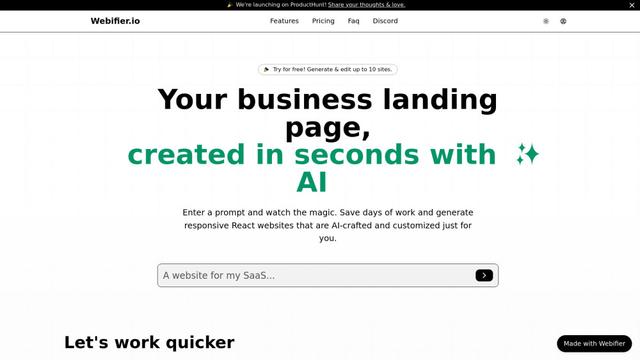
Webifier
Webifier is an AI-powered tool that transforms text prompts into fully functional React landing pages with clean, exportable code using NextJS14, TailwindCSS, and Shadcn components.
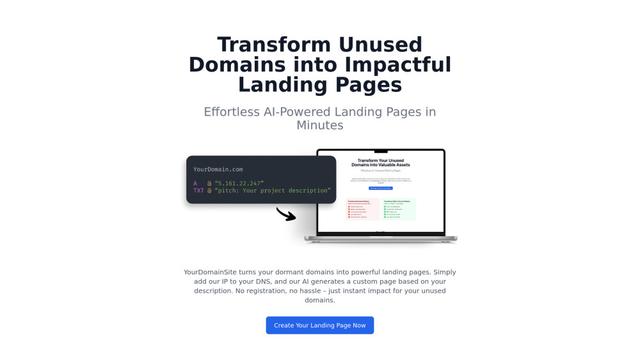
YourDomainSite
YourDomainSite is a free service that transforms unused domains into professional landing pages with AI-generated content, SSL certificates, and analytics capabilities without requiring registration.
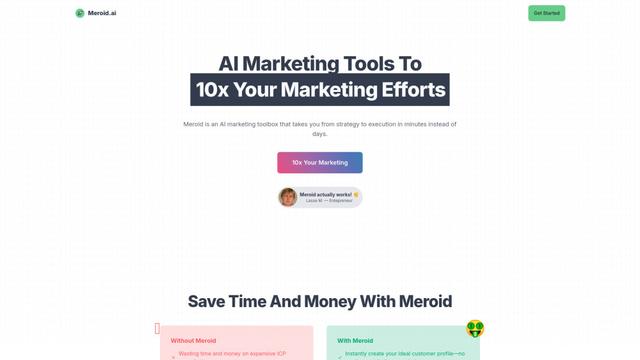
Meroid
Meroid is an AI-powered marketing toolbox that helps businesses create personalized content, analyze landing pages, and generate customer personas in minutes.
Popular AI Tools Like Landing Page Roast

GPT Engineer
GPT Engineer is an AI-powered software development tool that enables anyone to build web applications by chatting with an AI engineer.

Wireframer
Wireframer is an AI-powered tool by Framer that quickly generates clean, responsive webpage layouts and wireframes from simple prompts, helping designers create structural blueprints without getting locked into specific visual styles.

Portaly
Portaly is an AI-powered link-in-bio tool that allows users to create customizable landing pages from any website or profile URL with just one click.
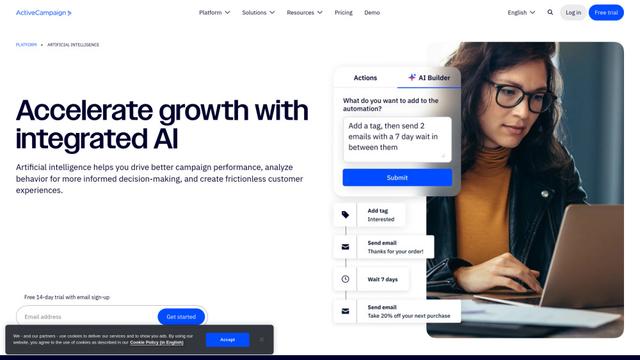
ActiveCampaign AI
ActiveCampaign AI is an integrated artificial intelligence solution that helps businesses drive better campaign performance, analyze customer behavior, and create personalized experiences across marketing automation, email marketing, and CRM.