
Kuberns
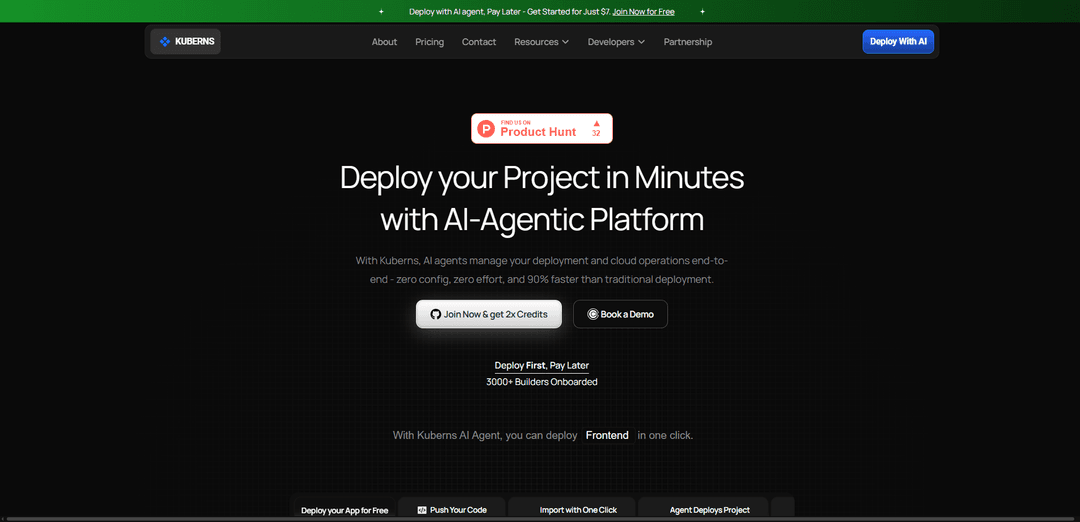
Kubernsは、AWSを基盤とするインフラストラクチャ上で、ワンクリックのGitベースリリース、組み込みCI/CD、オートスケーリング、監視、シークレット管理、セキュリティ制御により、クラウドデプロイをエンドツーエンドで自動化するAIパワードのエージェント型PaaSです。
https://kuberns.com/?ref=producthunt&utm_source=aipure
製品情報
更新日:2026年07月09日
Kubernsとは
Kubernsは、従来のDevOpsとインフラストラクチャ設定の負担をアプリケーションの出荷から取り除くために構築された、AI駆動型のクラウドPlatform as a Service(PaaS)です。開発者、スタートアップ、エージェンシー、チームが統合されたダッシュボードからアプリをデプロイ、管理、スケーリングするのを支援します。コードリポジトリに接続し、必要なクラウドインフラストラクチャをプロビジョニングし、環境を確実に稼働させます。「DevOps Autopilot」として位置付けられているKubernsは、迅速なオンボーディング、ゼロコンフィグのデプロイフロー、ログ、監視、アクセス制御による運用可視性に焦点を当てています。
Kubernsの主な機能
Kubernsは、AIを活用したエージェント型クラウドデプロイメントおよび管理プラットフォーム(PaaS)であり、Gitリポジトリからのワンクリック、ゼロコンフィグデプロイメントによりDevOpsの複雑さを解消するように設計されています。CI/CD設定、インフラストラクチャのプロビジョニングと管理、スケーリング(水平/垂直)、監視/ログ、シークレット管理、SSL付きカスタムドメインを自動化し、手動エラーを減らし、リリースを高速化することを目指しています。AWSを基盤としたインフラストラクチャ上に構築されており、従量課金制でユーザーごと/プラットフォームごとの料金はかかりません。Kubernsは、リソースを最適化し、従来のDIYクラウド設定と比較してクラウドコストを削減できる「クラウドオートパイロット」として位置付けられています。
AIエージェント型、ゼロコンフィグデプロイメント: リポジトリを接続し、AIエージェントにデプロイメントをエンドツーエンドで処理させます。これにより、インフラストラクチャ構成を管理したくないチームのセットアップ作業とデプロイメントの摩擦が軽減されます。
Gitからの組み込みCI/CD: Gitベースのワークフローに接続してビルドとデプロイメントを自動化する統合パイプラインにより、チームはより迅速かつ一貫して更新を出荷できます。
自動スケーリングとリソース最適化: 需要の変化に応じたスケーリング(垂直/水平スケーリングを含む)をサポートし、AI駆動の最適化によりパフォーマンスとコストのバランスを取ります。
可観測性:リアルタイム監視とログ: ライブログ監視とアプリケーション動作のリアルタイム可視性を提供し、監視/アラートにより信頼性を向上させ、運用上の予期せぬ事態を減らします。
セキュリティとシークレット管理: 転送中および保存中の暗号化、アクセス/アクティビティログ、APIキーと資格情報を安全に保存するための組み込みシークレット管理。
開発者向けの運用上の必須機能: カスタムドメイン統合(SSL付き)、環境変数構成、ロードバランシングサポート、および複数のツールを組み合わせる必要をなくす統合ダッシュボード。
Kubernsのユースケース
スタートアップのMVPと迅速なイテレーション: 最小限のDevOpsオーバーヘッドで新製品を迅速にデプロイし、使用量の増加に合わせて自動スケーリングと監視に依存しながら、Gitベースのリリースを通じて頻繁にイテレーションを行います。
複数のクライアントアプリを管理するエージェンシー: 多くのプロジェクトでデプロイメントを標準化し、手動設定とヒューマンエラーを減らし、単一のプラットフォームから環境/ドメインを管理します。
信頼性を必要とするSaaSバックエンド: 組み込みのCI/CD、可観測性、スケーリングを備えたAPIとサービスを実行し、リリース時やトラフィックの急増時に稼働時間を維持します。
Eコマースと季節的なトラフィックの急増: オートスケーリングと監視を使用して、プロモーションやピークシーズン中にパフォーマンスを安定させるために、バースト的な需要に対応します。
DevOpsなしでアプリを出荷するフリーランサー: 複雑なクラウドツールを維持することなく、ワンクリックデプロイメント、環境管理、カスタムドメインを備えたリポジトリからフルスタックプロジェクトを起動します。
レガシーデプロイメントワークフローのSMBモダナイゼーション: 脆弱なマルチツールデプロイメントパイプラインを、インフラストラクチャとCI/CDを自動化し、環境全体で一貫性を向上させる統合プラットフォームに置き換えます。
メリット
AIエージェント型、ワンクリック/ゼロコンフィグデプロイメントと自動CI/CDにより、DevOpsの労力を削減します。
運用機能(監視/ログ、シークレット、ドメイン/SSL、スケーリング)が統合されたワークフローに含まれています。
料金モデルは、ユーザーごと/プラットフォームごとの料金なしで、従量課金制のリソース請求を重視しています。
AWSを基盤としたインフラストラクチャと自動化により、手動エラーを減らし、デプロイメントサイクルを高速化できます。
デメリット
独立した検証が限定的:主要なアナリストレポートでのカバー率が最小限であり、エンタープライズレビュープラットフォームでの存在感が限定的であるため、比較が困難です。
デプロイメントオプションとしてDocker/Kubernetesのサポートとして位置付けられていない(参照された代替ノートによる)ため、これらのワークフローを必要とするチームには適さない可能性があります。
コスト削減の主張(例:削減率)はワークロード/地域に依存し、実際には異なる場合があります。
Kubernsの使い方
1) Kubernsダッシュボードにサインアップして開く: https://kuberns.com/にアクセスし、「Join Now」または「Deploy With AI」ボタンをクリックしてダッシュボード(https://dashboard.kuberns.com/)に入ります。アカウントを作成してデプロイとサービス管理にアクセスします。
2) GitHubアカウントを接続する: ダッシュボードからGitHubを接続します(通常「Connect with Github」と表示されます)。初めての場合は、GitHubの認証ページにリダイレクトされ、Kubernsにリポジトリへのアクセスを許可します。
3) デプロイするリポジトリとブランチを選択する: GitHubが接続されたら、アプリ/サービスを含むリポジトリを選択し、デプロイしたいブランチ(例:main)を選択します。Kubernsはこのソースを使用してビルドとデプロイを行います。
4) 新しいサービスを作成し、名前を付ける: 「Creating a Service」フローに移動します。ダッシュボードで簡単に識別できるようにサービス名を提供します(特に複数のサービスをデプロイする場合)。
5) 料金プラン/トライアルティアを選択する: ニーズに合ったプランを選択します(情報源には無料のStarterオプションと無料トライアルティアが記載されています)。Kubernsは、ユーザーごとのプラットフォーム料金なしの従量課金制のコンピューティング料金を使用しています。
6) 環境変数(シークレット)を設定する: Kubernsの組み込みシークレットマネージャーを使用して、必要な環境変数(APIキー、DB認証情報など)を追加します。すでに.envファイルがある場合は、「Upload .env file」オプションを使用して変数を一度にインポートし、「Save & Close」をクリックします。
7) ワンクリックでデプロイ(AIエージェントによるデプロイ): 「Deploy」をクリックします。Kuberns AIがコードを分析し、スタックを検出し、適切なインフラストラクチャを選択し、CI/CDを自動的にセットアップし、最小限の手動設定でアプリをデプロイします。
8) デプロイが稼働するのを確認し、検証する: ダッシュボードでデプロイの進行状況を監視し、稼働中/正常と報告されるまで待ちます。Kubernsは、リポジトリを接続してから数分以内にほとんどのアプリを稼働させるように設計されています。
9) リアルタイムログを表示し、問題をデバッグする: ダッシュボードを使用してリアルタイムログとデプロイ履歴にアクセスします。何か問題が発生した場合は、ログを調べて、不足している環境変数、ビルドエラー、またはランタイムの問題を特定します。
10) 必要に応じてロールバックする: 新しいデプロイが問題を引き起こした場合、ダッシュボードのワンクリックロールバック機能を使用して、以前の正常に動作していたデプロイに戻します。
11) カスタムドメインとSSLを追加する: ダッシュボードのカスタムドメイン統合を使用して、デプロイされたサービスにドメインをアタッチします。Kubernsは、プラットフォームエクスペリエンスの一部としてドメイン統合とSSLをサポートしています。
12) サービスをスケーリングする(垂直または水平): トラフィックが増加したら、ダッシュボードからリソースをスケーリングします。情報源には、柔軟なスケーリング(垂直メモリアップグレードと水平スケーリング)とAI駆動型のリソース最適化が記載されています。
13) 監視、アラート、バックアップを設定する: 組み込みの監視とアラートを有効にして、アプリケーションの動作を追跡します。情報源には、プラットフォーム機能の一部として自動バックアップも記載されています。
14) (オプション) Procfileを使用して複数のプロセスをデプロイする: アプリが複数のサービス(例:web + worker)を必要とする場合、プロジェクトルートにProcfileを追加します。各サービスとそのコマンドを新しい行にリストします(例:「web: …」、「worker: …」)。KubernsはProcfileを自動検出し、サービスをリソースとして登録し(デフォルトの割り当ては512MB RAMと記載されています)、リソースページから必要なものを開始/アクティブ化できます。
15) 他のプラットフォームから移行する(オプション): Heroku/Vercel/Renderから移行する場合は、Kubernsのステップバイステップの移行ガイダンスに従い、同じGitHubベースのデプロイフロー(リポジトリ接続 → 環境/シークレット → デプロイ)を使用します。
Kubernsのよくある質問
Kubernsは、AWSインフラストラクチャ上に構築されたAIを活用したエージェント型デプロイメントおよびクラウド管理のPlatform-as-a-Service(PaaS)であり、統合されたダッシュボードでデプロイメントと運用を自動化します。




Kubernsに類似した最新のAIツール

Hapticlabs
Hapticlabsは、デザイナー、開発者、研究者がコーディングなしでデバイス間で没入型の触覚インタラクションを簡単に設計、プロトタイピング、展開できるノーコードツールキットです
Deployo.ai
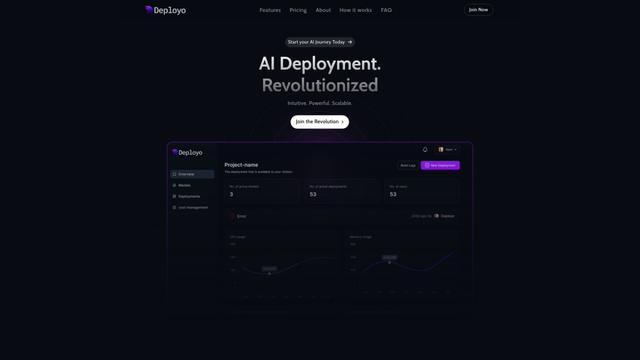
Deployo.aiは、シームレスなモデルデプロイメント、モニタリング、およびスケーリングを可能にする包括的なAIデプロイメントプラットフォームであり、組み込みの倫理的AIフレームワークとクロスクラウド互換性を備えています。
CloudSoul
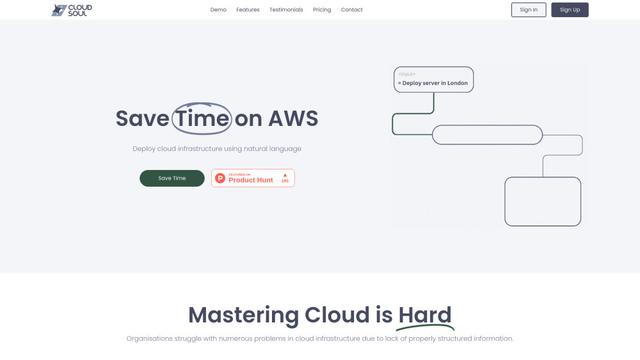
CloudSoulは、ユーザーが自然言語の会話を通じてクラウドインフラストラクチャを即座に展開および管理できるAI駆動のSaaSプラットフォームであり、AWSリソース管理をよりアクセスしやすく、効率的にします

Devozy.ai
Devozy.aiは、アジャイルプロジェクト管理、DevSecOps、マルチクラウドインフラ管理、ITサービス管理を統合したAI駆動の開発者セルフサービスプラットフォームであり、ソフトウェア配信の加速を実現するための統一ソリューションです
Kubernsに似た人気のAIツール

A2A Protocol
A2A(Agent2Agent)プロトコルは、Googleによって開発されたオープンな相互運用性プロトコルであり、基盤となるアーキテクチャに関係なく、異なるフレームワークとベンダー間のAIエージェント間のシームレスな通信とコラボレーションを可能にします。
VoltOps
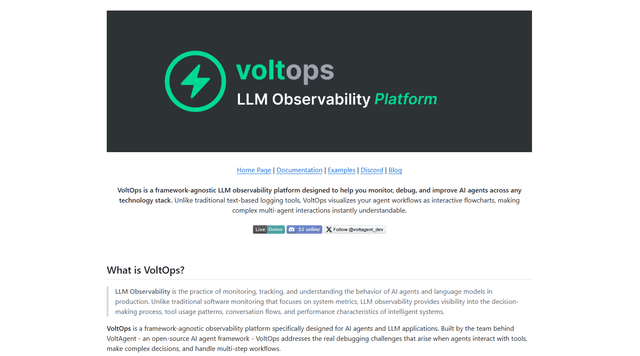
VoltOps は、フレームワークに依存しない LLM オブザーバビリティ プラットフォームであり、あらゆるテクノロジー スタックにわたる AI エージェントにリアルタイムの視覚的な監視、デバッグ、および最適化ツールを提供します。
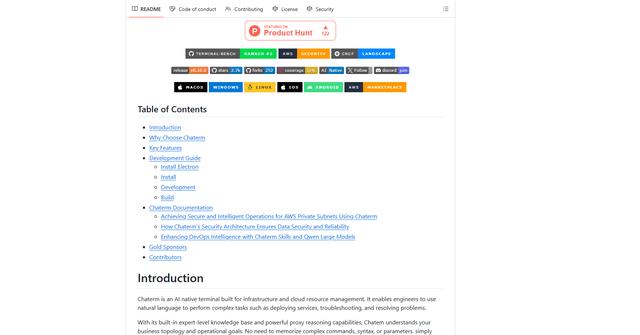
Chaterm
Chaterm is an open-source AI-native terminal and SRE copilot that enables engineers to manage complex infrastructure through natural language, automating deployment, troubleshooting, and operations without memorizing commands.
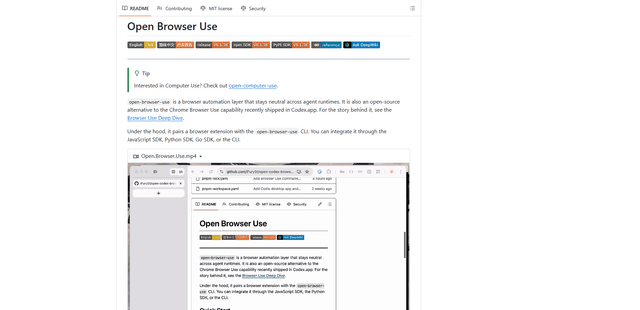
Open Browser Use
Open Browser Useは、オープンソースでエージェントランタイムに依存しないブラウザ自動化レイヤーであり、Chrome拡張機能とCLI/SDK/MCPを組み合わせて、DOM認識型でCDP駆動のタブ制御、ナビゲーション、およびさまざまなAIエージェントツール全体でのアクションを可能にします。