
Krater
WebsiteMulti-purpose Tools
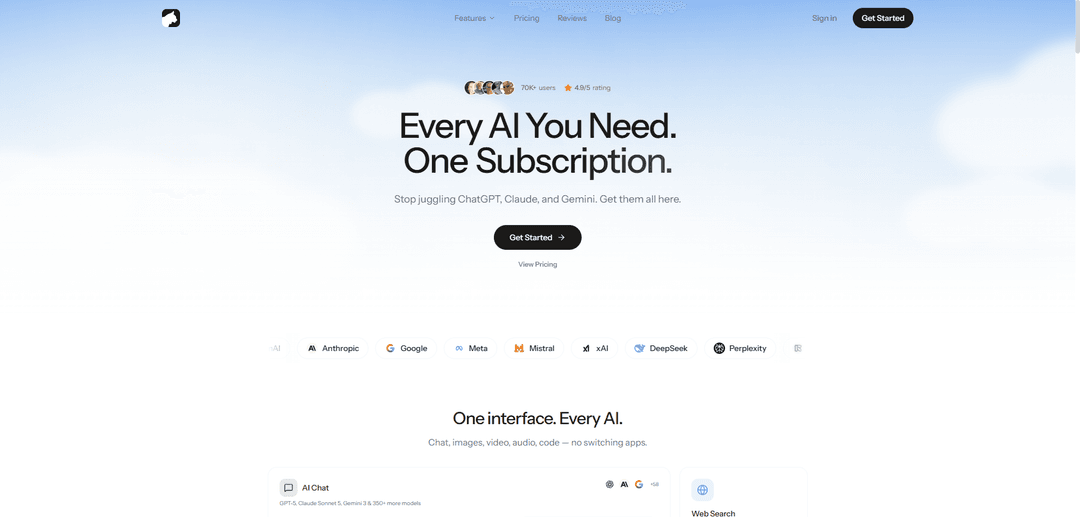
Krater is an all-in-one AI “super app” that lets you access 350+ models (e.g., ChatGPT, Claude, Gemini) plus image/video/audio generation, web search, document chat, and automation tools in a single interface.
https://www.krater.ai/?ref=producthunt
Product Information
Updated:Jun 8, 2026
Krater Monthly Traffic Trends
Krater received 4.7k visits last month, demonstrating a Significant Decline of -50.5%. Based on our analysis, this trend aligns with typical market dynamics in the AI tools sector.
View history trafficWhat is Krater
Krater (Krater.ai) is a unified AI platform designed to replace the need for multiple separate AI subscriptions by bringing leading models and creative utilities into one workspace. From a single chat-style interface, users can switch between different providers and capabilities—such as AI chat, real-time web search, image and video generation, text-to-speech, transcription, code generation, plagiarism/AI detection, and document analysis—so creators, marketers, developers, and teams can complete end-to-end workflows without jumping between apps.
Key Features of Krater
Krater is an all-in-one “AI superapp” that consolidates 350+ AI models and creation tools into a single interface, covering chat, real-time web search, image and video generation, audio workflows (text-to-speech, voice, transcription), code generation, and content authenticity checks (AI detection and plagiarism). It also adds productivity features like chat-with-documents, artifacts for building/exporting outputs, a built-in Drive (“Keep”) for storage, and workflow automation via 300+ app integrations plus scheduling—aimed at replacing multiple separate subscriptions with one plan.
350+ AI models in one workspace: Access and switch between major model providers (e.g., OpenAI, Anthropic, Google, Meta, Mistral, xAI, DeepSeek, Perplexity) from a single UI with long-context chat options depending on plan.
Multimodal creation suite (image, video, audio): Generate images (e.g., Flux, Ideogram, Recraft), create videos (e.g., Runway, Kling, MiniMax, Sora), and produce audio via text-to-speech/voice tools (e.g., ElevenLabs, OpenAI voices).
Real-time web search + research tools: Built-in internet access for up-to-date answers and workflows, alongside slash commands like /search and /summarize to speed up research and synthesis.
Document and file intelligence: Upload and chat with documents (PDF/DOC/TXT and more) to analyze, extract insights, and summarize content without leaving the platform.
Automation with integrations and scheduled tasks: Connect 300+ apps (e.g., Gmail, Notion, Google Calendar, Linear, GitHub, Slack) and run scheduled workflows (available on Pro and up), delivering results back to chat and optionally email.
Content integrity + productivity utilities: Includes AI detection and plagiarism checking, plus “Artifacts” to generate and export things like charts, apps, and previews using structured outputs.
Use Cases of Krater
Marketing & content production: Generate baseline copy, ads, blog drafts, and social content, then pair it with image/video assets and optional voiceovers—all from one dashboard.
Product teams & engineering support: Use code generation for starter code and repetitive tasks, summarize issues/docs, and automate reporting (e.g., close Linear issues → post a Slack summary).
Research & competitive intelligence: Run web search and summarization, monitor competitor pricing on a schedule, and compile recurring digests (e.g., daily AI news briefings).
Education & training materials: Create lesson explanations, quizzes, and study guides, generate supporting visuals, and summarize uploaded PDFs or readings for faster learning.
Media creation for creators and agencies: Produce multi-format assets (images, short videos, voice narration) for campaigns, client deliverables, and rapid prototyping with model switching as needed.
Compliance-minded publishing workflows: Check drafts with plagiarism and AI-detection tools before publishing to support originality and credibility requirements.
Pros
All-in-one convenience: replaces multiple AI subscriptions/tools with a single interface and plan.
Broad capability set: chat, search, images, video, audio, code, document analysis, and authenticity checks in one place.
Automation-ready: 300+ integrations and scheduled tasks enable repeatable workflows.
Cons
Can feel overwhelming for beginners due to the large number of models and features (initial learning curve).
Some advanced users report limited fine-grained customization of outputs/parameters compared with more technical, dedicated tools.
Generated outputs may still require human editing to reach fully polished, professional-grade results.
How to Use Krater
1) Open Krater and create an account: Go to https://www.krater.ai/ and click “Get started” (or “Log in” if you already have an account). Complete sign-up/sign-in to access the dashboard.
2) Start a new chat: From the main interface, click “New chat” (shown in the top navigation). This opens a fresh workspace where you can choose models and run tools.
3) Choose an AI model for your task: Select a model from the available providers (e.g., OpenAI, Anthropic, Google, etc.). Krater supports 350+ models, and you can switch models anytime depending on what you’re doing (writing, coding, reasoning, etc.).
4) Use the tool row (slash commands) to pick what you want to generate: In the chat UI, choose a capability such as Image, Video, Upscale, Build, Sound, Speech, Voice, Transcribe, Search, Summarize, Detect, Plagiarism, Humanize, Compare, Document, or 3D. You can also use slash commands like /image, /video, /search, /summarize, /document, etc.
5) Generate text with AI Chat: Type your prompt in the chat box (e.g., “Explain quantum computing in simple terms”) and send it. Review the response, then refine by asking follow-up questions or switching models for a different style/quality.
6) Generate an image: Select Image (or use /image), then enter a detailed prompt. Choose an aspect ratio (e.g., 1:1, 16:9, 9:16, 4:3, 3:2) and generate. Iterate by adjusting the prompt and regenerating.
7) Create a video: Select Video (or use /video), describe the scene you want, then choose options like duration (e.g., 5s or 10s) and resolution (e.g., 720p or 1080p). Generate and refine by tweaking the prompt.
8) Upscale an image: Select Upscale (or use /upscale), upload or select an existing image, then run the upscale to improve resolution/clarity.
9) Use web search for real-time answers: Select Search (or use /search), enter your query, and review the real-time results/answers. Use follow-up prompts to narrow scope or request summaries.
10) Summarize content: Select Summarize (or use /summarize), paste text or provide a source, and specify the format you want (bullet points, key takeaways, short/long summary).
11) Chat with documents: Select Document (or use /document), upload a file (PDF/DOC/TXT and more), then ask questions about it (e.g., “Extract the main conclusions” or “Find all pricing mentions”).
12) Run AI detection and plagiarism checks: Use Detect (or /detect) to estimate whether text appears AI-written, and Plagiarism (or /plagiarism) to check originality. Review results and revise content if needed.
13) Convert text to speech (TTS) or use voice features: Choose Speech/Voice/TTS (e.g., /tts or /voice depending on the feature you need). Provide text to synthesize audio, or use voice mode to interact more conversationally.
14) Transcribe audio: Select Transcribe (or use /transcribe), upload audio, and generate a transcript. Ask for timestamps, speaker labels, or a summary if needed.
15) Build artifacts (apps/previews/charts): Select Build (or use /build) to generate code-based artifacts (like small apps, previews, or charts). Provide requirements, then iterate on the generated output.
16) Explore and recreate community examples: Open the “Explore”/gallery area (“Made with Krater”) to view community creations. Click an example to recreate and then customize it for your own use.
17) Connect apps and automate workflows (scheduled tasks): Use the Apps/Additions features to connect tools you already use (e.g., Gmail, Notion, Google Calendar, Linear, GitHub, Slack). On plans that support it, set up Scheduled tasks so workflows run automatically and deliver results back to your chat (and optionally email).
18) Manage your storage (Keep/Drive) and outputs: Use your included storage (Keep) to save generated files and outputs. Organize important results so you can reuse them across projects.
19) Pick a plan (optional) and understand credits: If you need more usage, open Pricing and choose a plan (Starter/Pro/Ultra/Max). All plans include access to all models; plans mainly differ by monthly credits, context window, storage, speed, and features like scheduled tasks and API access.
20) Use the API (Beta) if you’re a developer (optional): On plans that include API access (Pro/Ultra/Max), enable API access and integrate Krater into your apps using OpenAI-SDK-compatible workflows, benefiting from a unified key and credit-based billing.
Krater FAQs
Krater is an all-in-one AI platform that lets you chat with AI models and generate images, videos, audio, and more from a single interface.
Krater Video
Popular Articles

Atoms: A Multi-Agent AI Platform That Transforms Ideas into Launch-Ready Products
Oct 13, 2026

Nano Banana SBTI: What It Is, How It Works, and How to Use It in 2026
Apr 15, 2026

Atoms Review — The AI Product Builder Redefining Digital Creation in 2026
Apr 10, 2026

Kilo Claw: How to Deploy and Use a True "Do‑It‑For‑You" AI Agent(2026 Update)
Apr 3, 2026
Analytics of Krater Website
Krater Traffic & Rankings
4.7K
Monthly Visits
#3399198
Global Rank
#25965
Category Rank
Traffic Trends: Jul 2024-Jun 2025
Krater User Insights
00:00:15
Avg. Visit Duration
1.85
Pages Per Visit
39.94%
User Bounce Rate
Top Regions of Krater
US: 49.33%
DE: 12.59%
IN: 11.64%
VN: 9.35%
CZ: 7.03%
Others: 10.06%
Latest AI Tools Similar to Krater

MultipleWords
MultipleWords is a comprehensive AI platform offering 16 powerful tools for content creation and manipulation across audio, video, and image editing with cross-platform accessibility.
AiTools.Ge
FreemiumMulti-purpose Tools
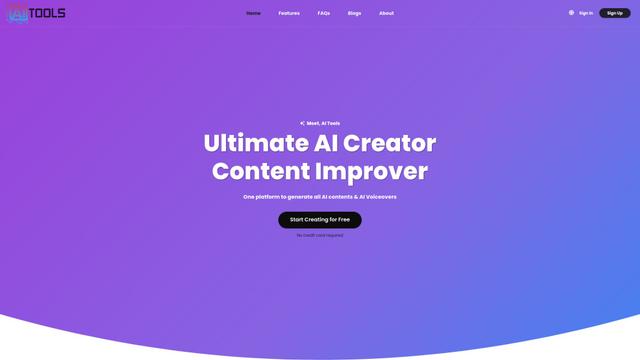
AiTools.Ge is an all-in-one AI content creation platform offering 70+ templates for generating text, images, voiceovers, code and more across multiple languages.
GiGOS
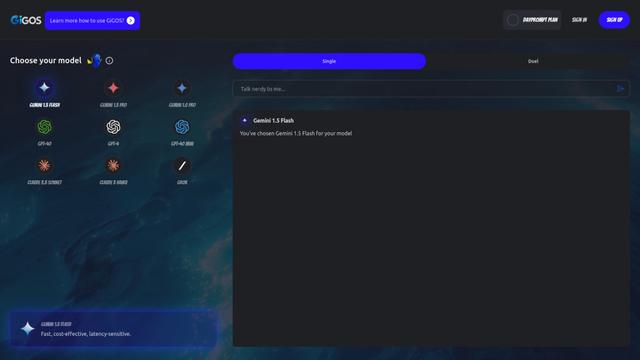
GiGOS is an AI platform that provides access to multiple advanced language models like Gemini, GPT-4, Claude, and Grok with an intuitive interface for users to interact with and compare different AI models.
Lynklet
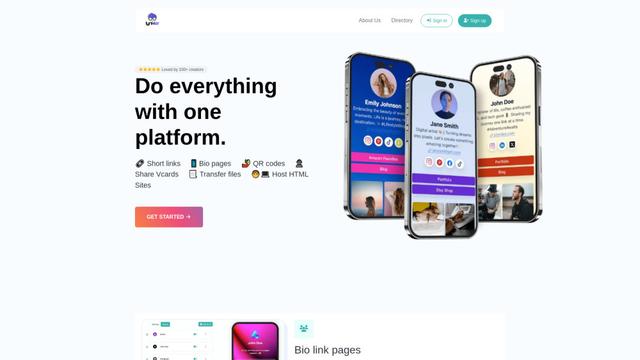
Lynklet is an all-in-one social tool platform that combines bio link pages, URL shortening, QR code generation, digital business cards, and file hosting capabilities in one comprehensive solution.
Popular AI Tools Like Krater

Off-grid LLM over Radio
A platform that integrates Large Language Models (LLMs) with Meshtastic mesh communication networks to enable off-grid AI interactions and automated task execution through radio communication.
Pixelagent
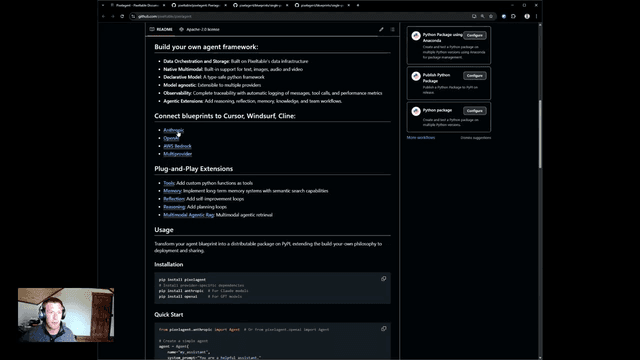
Pixelagent is a declarative Python framework for building custom AI agents that unifies LLM capabilities, storage, and orchestration with build-your-own functionality for memory, tool-calling, and multimodal data handling.

MulmoCast
MulmoCast is an AI-native multi-modal presentation tool that automatically generates videos, podcasts, slides, PDFs, and manga-style content from a single script using various AI technologies.
UTCP
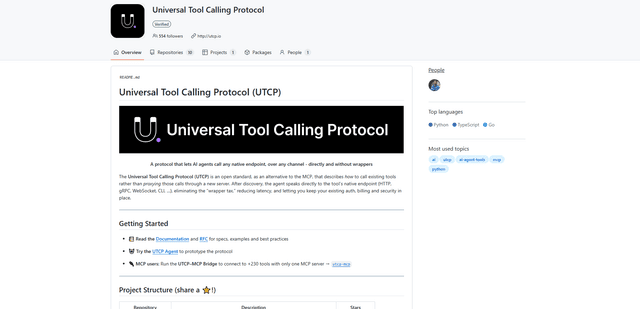
UTCP (Universal Tool Calling Protocol) is an open standard protocol that enables AI agents to directly call any native API endpoint across different communication protocols without requiring middleware or wrapper servers.