
Kadabra
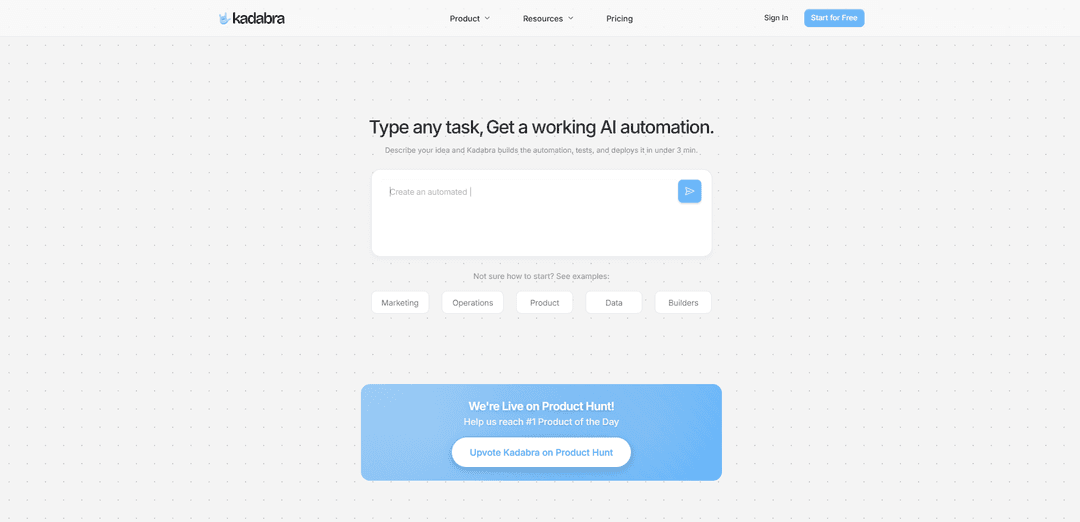
Kadabra is a no-code/low-code automation platform that allows users to create custom data workflows by describing tasks in plain English and having AI automatically build, test and deploy the automation.
https://getkadabra.com/?ref=producthunt
Product Information
Updated:Nov 15, 2025
What is Kadabra
Kadabra is an innovative AI-powered automation platform that transforms natural language task descriptions into functional workflows. It serves as a bridge between human ideas and technical implementation, allowing both personal and business users to automate data processes and tasks without requiring extensive coding knowledge. The platform comes with built-in integrations for popular tools like Slack, Notion, Google Workspace, and various social media platforms, making it accessible for teams of all sizes.
Key Features of Kadabra
Kadabra is an AI-powered automation platform that allows users to build data and business workflows through natural language descriptions. The platform converts plain English instructions into functional automation workflows, provides a visual canvas for editing, and integrates with popular tools like Slack, Gmail, Google Sheets, and more. It enables users to automate tasks, manage data, and deploy workflows within minutes without requiring coding knowledge.
Chat-to-Build Interface: Describe automation needs in plain English and the AI agent automatically generates and deploys working workflows in under 3 minutes
Visual Workflow Canvas: Drag-and-drop interface to view, edit and customize automation workflows with an intuitive node-based system
Built-in Integrations: Ready-to-use connections with popular tools like Slack, Gmail, Google Workspace, Notion, and social media platforms
Data Management: Built-in data tables with filtering, sorting and visual insights capabilities to track and analyze workflow data
Use Cases of Kadabra
Marketing Automation: Automate social media posting, email campaigns, and marketing analytics across multiple platforms
Customer Support: Create automated response systems for WhatsApp/chat support with GPT-powered answers and human escalation workflows
Data Operations: Build automated workflows for data collection, processing, and analysis across different tools and databases
Task Management: Automate task creation, assignment and tracking across project management tools like Asana, Notion, and Todoist
Pros
No coding knowledge required for building automations
Quick deployment with AI-powered workflow generation
Extensive integration options with popular business tools
Visual interface for easy workflow management
Cons
May require premium subscription for advanced features
Limited customization compared to code-based automation tools
Dependency on third-party integrations
How to Use Kadabra
Sign up/Sign in: Go to getkadabra.com and create a free account or sign in to your existing account
Describe your automation goal: In plain English, describe the workflow or automation task you want to build. The AI agent will understand and generate a working automation flow.
Review the visual workflow: Kadabra will generate a visual workflow on a node-based canvas showing the automation steps and connections
Customize the workflow: Use the visual canvas to drag, edit and customize the workflow nodes and connections as needed
Connect integrations: Add connections to your tools and services like Gmail, Slack, Google Sheets etc. through the built-in integrations
Test the automation: Run tests to verify the workflow behaves as expected
Deploy and monitor: Deploy the automation with one click and monitor its performance through the dashboard
Share interface (optional): Optionally wrap the automation in a simple interface to share it as a ready-to-use tool with others
Kadabra FAQs
Kadabra is an AI-powered automation platform that helps users build data, marketing and operations workflows. It allows users to create custom workflows by describing their goals in plain English, which the AI then converts into working automations.
Popular Articles

Vosko AI: Localize and Dub Videos for Global Audiences
Oct 15, 2026

Atoms: A Multi-Agent AI Platform That Transforms Ideas into Launch-Ready Products
Oct 13, 2026

Nano Banana SBTI: What It Is, How It Works, and How to Use It in 2026
Apr 15, 2026

Atoms Review — The AI Product Builder Redefining Digital Creation in 2026
Apr 10, 2026
Latest AI Tools Similar to Kadabra

Hapticlabs
Hapticlabs is a no-code toolkit that enables designers, developers and researchers to easily design, prototype and deploy immersive haptic interactions across devices without coding.

Monyble
Monyble is a no-code AI platform that enables users to launch AI tools and projects within 60 seconds without requiring technical expertise.
Abyss
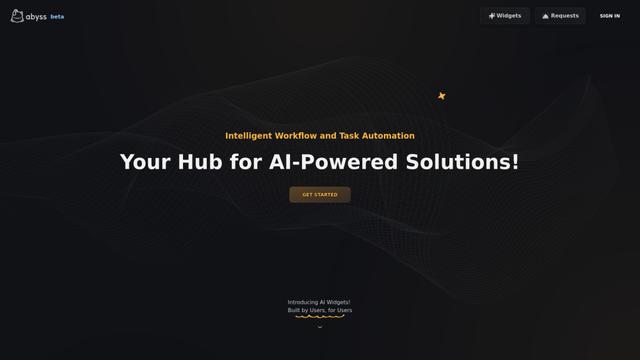
Abyss is an AI-powered platform that enables users to create, share and run automated task-specific Widgets without requiring technical expertise.
AppScape
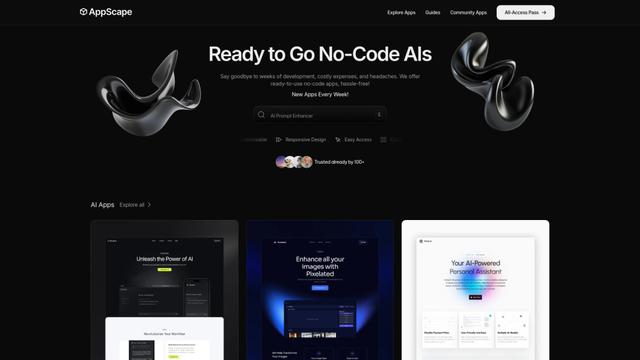
AppScape is a no-code platform offering ready-to-use AI-powered apps and customizable SaaS solutions, enabling quick deployment without traditional development costs and technical expertise.
Popular AI Tools Like Kadabra
GitHub MCP Server
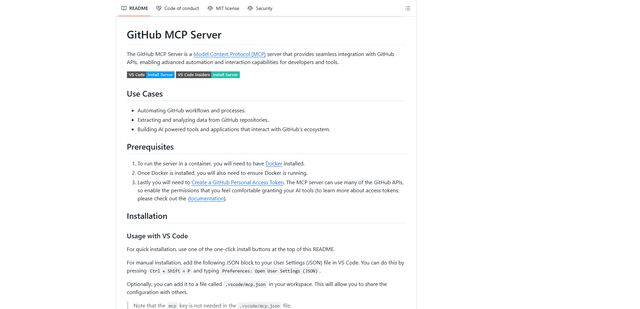
GitHub MCP Server is a Model Context Protocol server that enables seamless integration between AI models and GitHub APIs, providing standardized tools for repository management, issue tracking, and code operations.

GoCodeo SaaS Builder
GoCodeo SaaS Builder is an AI-native framework that automatically generates production-ready full-stack SaaS applications using autonomous AI agents, complete with authentication, real-time features, and TypeScript integration.

iBrowsy
iBrowsy is a modern, AI-powered web browser for macOS that combines intelligent features, privacy-first design, and seamless user experience with built-in GPT-4 assistance.
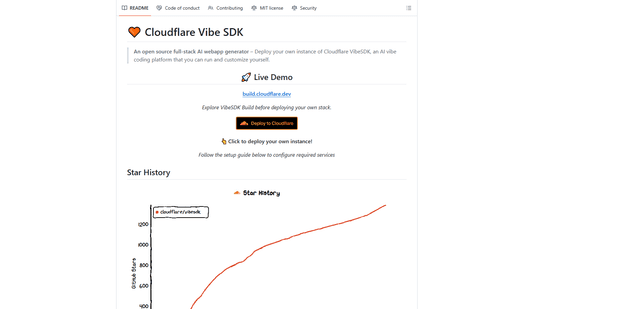
VibeSDK by CloudFlare
VibeSDK is an open-source AI-powered platform by Cloudflare that enables developers to deploy their own full-stack vibe coding environment with one click, allowing users to generate and deploy applications through natural language descriptions.