
JumprAI
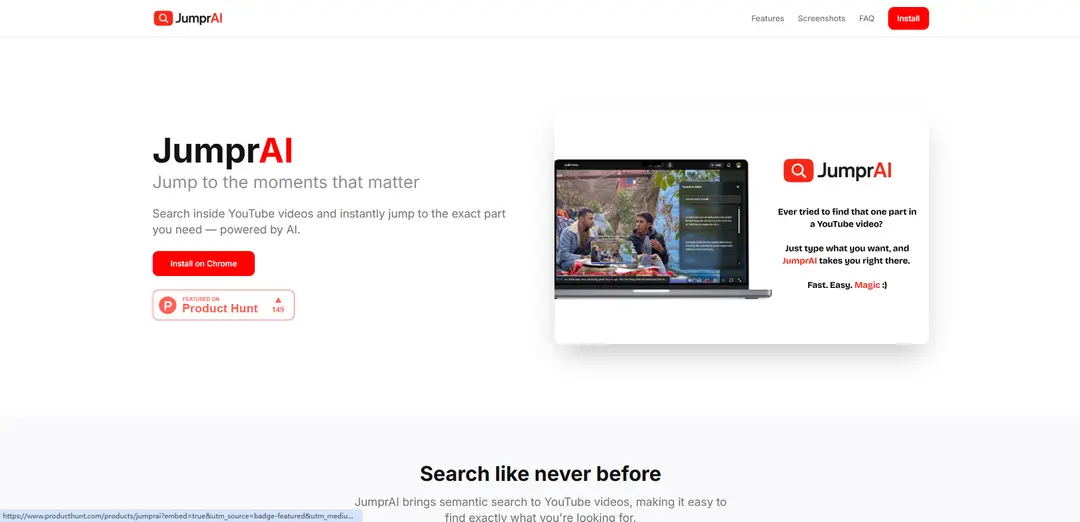
JumprAI is an AI-powered Chrome extension that enables semantic search within YouTube videos, allowing users to instantly jump to specific moments without manual scrubbing.
https://jumprai.vercel.app/?ref=producthunt
Product Information
Updated:Feb 15, 2026
What is JumprAI
JumprAI is an innovative tool designed to revolutionize how users interact with YouTube content. It integrates seamlessly with the YouTube player as a Chrome extension, providing an intelligent search functionality that helps users find exact moments within videos. Instead of spending time manually searching through video content, users can simply type what they're looking for in natural language and let the AI find the relevant segments.
Key Features of JumprAI
JumprAI is a Chrome extension that enables semantic search within YouTube videos, allowing users to instantly find and jump to specific moments without manual scrubbing. The tool processes video transcripts using AI technology, supports videos of any length, and operates with a privacy-first approach, only processing essential search queries and video IDs.
Semantic Search: Search through video content using natural language queries to find exact moments you're looking for
One-Click Integration: Simple search button integrated directly into the YouTube player interface for seamless user experience
Long Video Support: Handles transcripts automatically for videos of any length, from short clips to lengthy lectures
Privacy-Focused Design: Only processes necessary search queries and video IDs without additional data collection or tracking
Use Cases of JumprAI
Educational Content Navigation: Students can quickly locate specific topics or explanations within lengthy lecture videos
Research and Reference: Researchers can efficiently find relevant information within long-form video content or interviews
Content Creation: Content creators can easily locate specific moments in videos for reference or editing purposes
Pros
Simple and intuitive user interface
Privacy-focused approach
Works with videos of any length
Cons
Limited to YouTube platform only
Requires video to have captions/transcripts
How to Use JumprAI
Install the Chrome Extension: Visit the Chrome Web Store and install the JumprAI extension by clicking the 'Install on Chrome' button
Navigate to YouTube: Open any YouTube video that you want to search within
Locate the Search Button: Find the JumprAI search button (🔍) that is integrated directly into the YouTube video player
Enter Search Query: Click the search button and type what you're looking for using natural language to describe the moment you want to find
Jump to Results: Click on any of the search results to instantly jump to that specific timestamp in the video
JumprAI FAQs
JumprAI is a Chrome extension that allows users to semantically search inside YouTube videos and instantly jump to specific moments they're looking for, powered by AI technology.
JumprAI Video
Popular Articles

Vosko AI: Localize and Dub Videos for Global Audiences
Oct 15, 2026

Atoms: A Multi-Agent AI Platform That Transforms Ideas into Launch-Ready Products
Oct 13, 2026

Nano Banana SBTI: What It Is, How It Works, and How to Use It in 2026
Apr 15, 2026

Atoms Review — The AI Product Builder Redefining Digital Creation in 2026
Apr 10, 2026
Latest AI Tools Similar to JumprAI
SearchGPTool
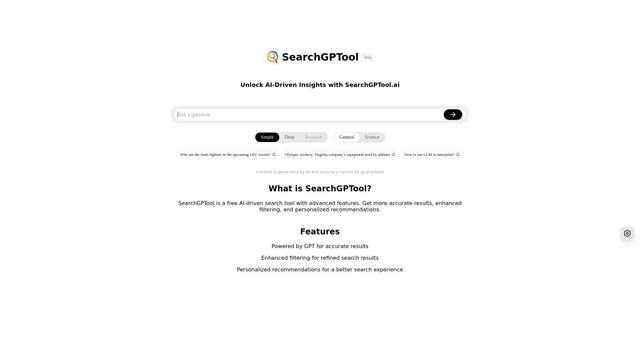
SearchGPTool is a free AI-powered search engine that combines Google search technology with ChatGPT's intelligent response capabilities to provide more accurate and personalized results.
Insights Tube
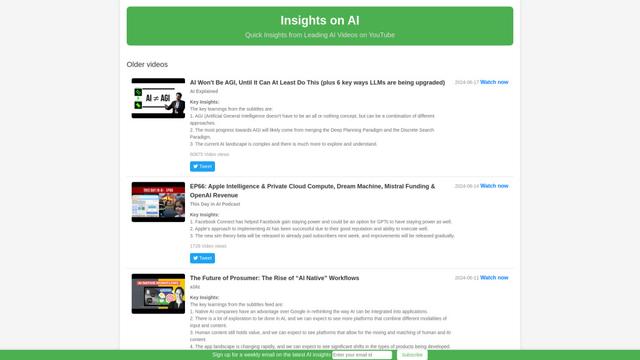
Insights Tube is a platform that provides AI-generated summaries and key insights from popular AI-related YouTube videos.

Imaginario.ai
Imaginario.ai is an AI-powered video curation platform that enables users to search, clip, and transform video content effortlessly using multimodal AI technology.
Ask Youtube
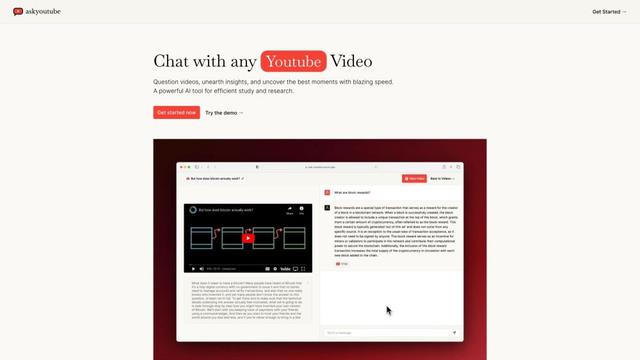
Ask Youtube is an AI-powered tool that allows users to ask questions, search for specific content, and get insights from YouTube videos without watching them entirely.
Popular AI Tools Like JumprAI

Edit Mind
Edit Mind is an open-source, AI-powered video indexing and semantic search platform that enables users to analyze and search through video content using natural language queries, with features including transcription, frame analysis, face recognition, and object detection.
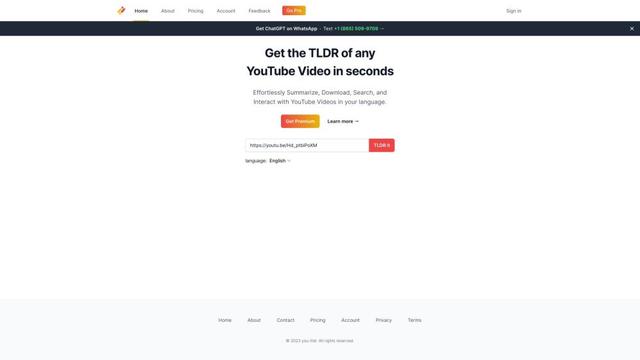
You-tldr
You-tldr is an AI-powered web application that automatically summarizes YouTube videos, allowing users to quickly grasp key points without watching the entire video.
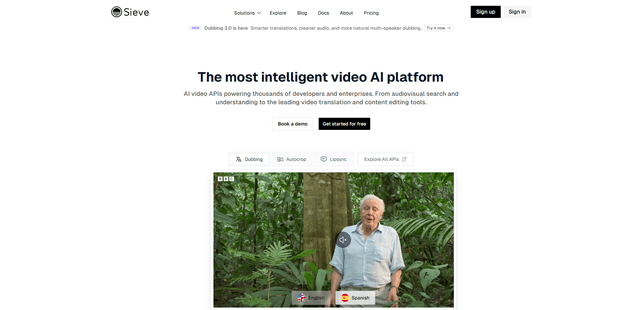
Sieve
Sieve is an AI infrastructure company providing high-quality APIs and tools for processing, analyzing, and managing video data at scale with built-in flexibility and enterprise-grade security.
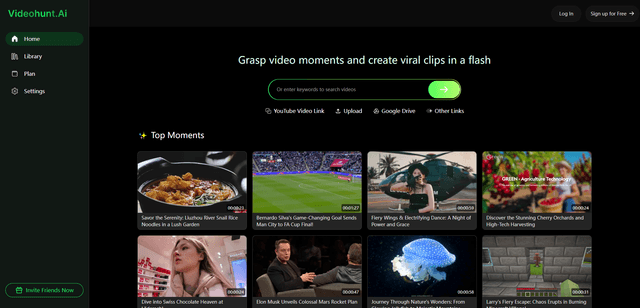
Videohunt.Ai
Videohunt.ai is an AI-powered platform that helps users explore diverse videos and capture significant moments quickly, enabling efficient creation of viral clips with ease and brilliance.