Image To Video AI
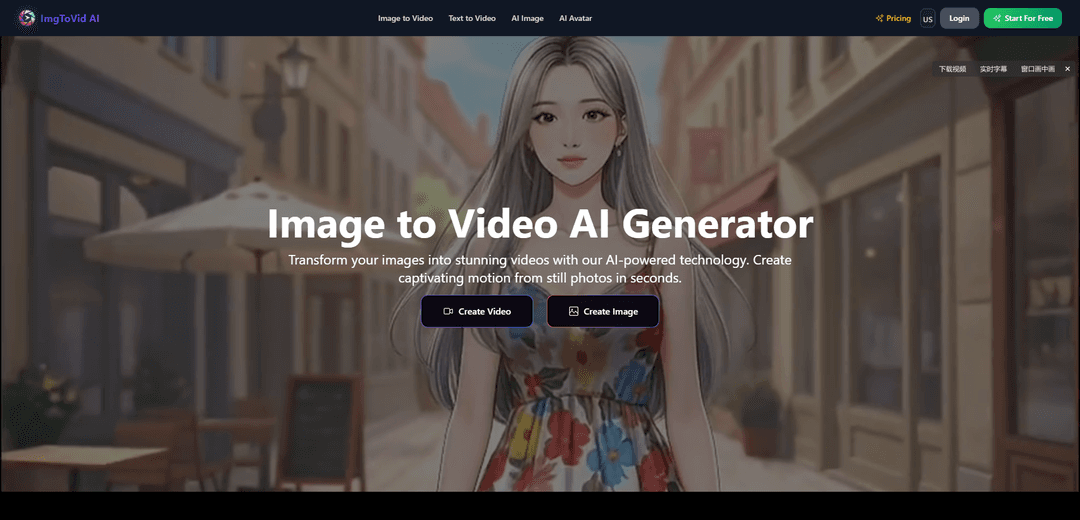
Image vers Vidéo IA est une plateforme avancée basée sur l'IA qui transforme des images statiques en vidéos dynamiques de haute qualité avec des mouvements, des effets et des transitions personnalisables grâce à de simples téléchargements et invites.
https://www.imgtovid.ai/?utm_source=aipure
Informations sur le produit
Mis à jour:Jan 6, 2026
Qu'est-ce que Image To Video AI
Image vers Vidéo IA est un service d'intelligence artificielle de pointe qui permet aux utilisateurs de convertir des images fixes en contenu vidéo attrayant sans nécessiter d'expertise technique ni d'équipement coûteux. Cette plateforme innovante prend en charge divers formats d'image (JPG, PNG, WEBP) et permet aux utilisateurs de générer des vidéos de qualité professionnelle avec des durées, des résolutions (jusqu'à 4K) et des styles créatifs personnalisables. Le service est conçu pour les créateurs, les spécialistes du marketing et les producteurs de contenu qui souhaitent donner vie à leurs visuels statiques grâce à des mouvements et des animations générés par l'IA.
Caractéristiques principales de Image To Video AI
Image To Video AI est un outil avancé basé sur l'IA qui transforme des images statiques en contenu vidéo dynamique à l'aide d'algorithmes d'apprentissage automatique. Il offre plusieurs modèles d'IA, prend en charge divers formats d'image (JPG, PNG, WEBP) et permet aux utilisateurs de personnaliser la sortie vidéo grâce à des invites, des mouvements de caméra, des transitions et des effets. Le système peut générer des vidéos de haute qualité en 30 à 120 secondes avec des résolutions allant jusqu'à 4K, rendant la création de vidéos professionnelles accessible sans compétences techniques approfondies ni équipement coûteux.
Prise en charge de plusieurs moteurs d'IA: Accès à divers modèles d'IA de pointe, notamment Kling, Pixverse, Wan et Veo, permettant aux utilisateurs de choisir le meilleur modèle pour leurs besoins spécifiques de création vidéo
Commandes de personnalisation avancées: Contrôle complet des paramètres vidéo, y compris les mouvements de caméra, les types d'objectifs, les techniques de mise au point, les transitions et la possibilité de définir les images de début et de fin
Sortie de haute qualité: Générer des vidéos dans des résolutions allant jusqu'à 4K avec 30 à 60 images par seconde fluides, prenant en charge plusieurs rapports hauteur/largeur pour différentes plateformes (16:9 pour YouTube, 9:16 pour TikTok)
Bibliothèque de modèles et d'effets: Accès à plus de 30 filtres et modèles vidéo d'IA, y compris des styles tels que Peinture à l'huile, Aquarelle, Style Pixar, Animation 3D et Cyberpunk
Cas d'utilisation de Image To Video AI
Marketing des médias sociaux: Créer du contenu vidéo attrayant pour les plateformes de médias sociaux à partir de photos de produits ou d'images de marque afin d'augmenter l'engagement et la portée
Présentations de produits de commerce électronique: Transformer des photos de produits statiques en présentations vidéo dynamiques pour améliorer les listes de produits et améliorer les taux de conversion
Création de contenu: Permettre aux créateurs de produire du contenu vidéo de qualité professionnelle à partir de leurs actifs photo existants sans compétences approfondies en production vidéo
Publicité numérique: Générer des publicités vidéo accrocheuses à partir d'images fixes pour diverses campagnes et plateformes de marketing numérique
Avantages
Temps de traitement rapide (30 à 120 secondes pour la génération de vidéos)
Alternative rentable à la production vidéo traditionnelle
Interface conviviale ne nécessitant aucune expertise technique
Sortie de haute qualité avec des fonctionnalités de qualité professionnelle
Inconvénients
La qualité des résultats dépend fortement de la qualité de l'image d'entrée
Contrôle limité des détails de mouvement spécifiques
Peut nécessiter plusieurs générations pour obtenir les résultats souhaités
Comment utiliser Image To Video AI
Télécharger l'image: Sélectionnez et téléchargez votre image dans les formats pris en charge (JPG, PNG, WEBP). Pour de meilleurs résultats, utilisez des images de haute qualité, bien éclairées, au format paysage (16:9) avec une résolution d'au moins 1280x720 pixels.
Ajouter une invite de texte: Rédigez une invite de texte détaillée décrivant le mouvement, le style, les mouvements de caméra et les effets souhaités dans la vidéo. Soyez précis sur le type d'animation et de transitions que vous souhaitez.
Choisir les paramètres: Sélectionnez vos paramètres vidéo préférés, y compris la résolution (jusqu'à 4K), la fréquence d'images, la durée et le style d'animation. Vous pouvez choisir entre le mode rapide pour des résultats plus rapides ou le mode studio pour une qualité supérieure.
Générer la vidéo: Cliquez sur le bouton 'Générer' et attendez que l'IA traite votre image. Cela prend généralement entre 30 secondes et 10 minutes selon la complexité et les paramètres choisis.
Personnaliser (Facultatif): Une fois générée, vous pouvez personnaliser davantage votre vidéo en ajoutant des superpositions de texte, de la musique de fond, en ajustant les vitesses de transition et en appliquant des effets supplémentaires à l'aide des outils d'édition.
Prévisualiser et télécharger: Passez en revue votre vidéo générée et effectuez les ajustements nécessaires. Une fois satisfait, téléchargez votre vidéo dans le format de votre choix sans filigrane (pour les utilisateurs payants) ou partagez-la directement sur les plateformes de médias sociaux.
FAQ de Image To Video AI
L\'IA Image en Vidéo prend en charge les formats d\'image courants, notamment les formats JPG, JPEG, PNG et WEBP.
Articles populaires

Vosko AI : Localisez et doublez vos vidéos pour une audience mondiale
Oct 15, 2026

Atoms : Une plateforme d'IA multi-agents qui transforme les idées en produits prêts à être lancés
May 22, 2026

Nano Banana SBTI : Qu'est-ce que c'est, comment ça marche et comment l'utiliser en 2026
Apr 15, 2026

Atoms : L'outil de création de produits IA qui redéfinit la création numérique en 2026
Apr 10, 2026
Derniers outils d'IA similaires à Image To Video AI
VisionStory AI
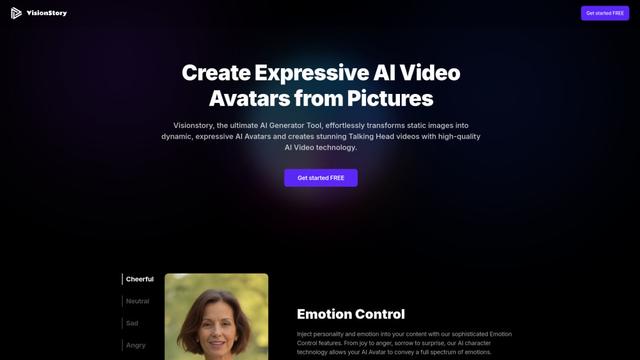
VisionStory AI est un outil d'IA avancé qui transforme des images statiques en avatars parlants dynamiques et expressifs avec des capacités vidéo et audio de haute qualité.
Shortd
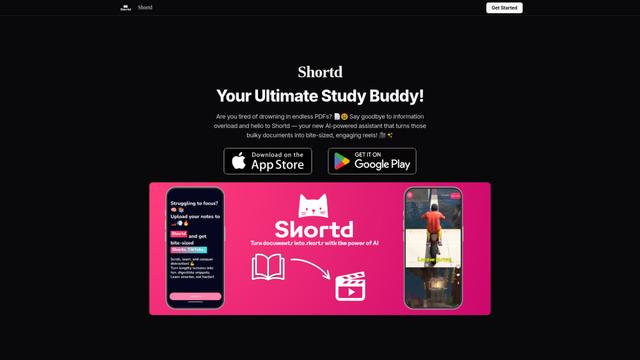
Shortd est une application alimentée par l'IA qui transforme des PDF et des images en bobines vidéo concises et engageantes pour augmenter la productivité et l'apprentissage.
Chromox
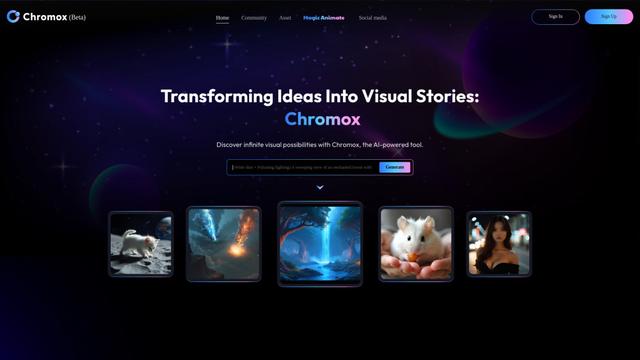
Chromox est une plateforme alimentée par l'IA qui transforme des idées en histoires visuelles captivantes et en vidéos en utilisant une génération avancée de texte à image et d'image à vidéo.

Vidu Studio AI
Vidu Studio AI est une plateforme de pointe alimentée par l'IA qui transforme rapidement le texte et les images en vidéos professionnelles de haute qualité.
Outils d'IA populaires comme Image To Video AI

HunyuanVideo-I2V
HunyuanVideo-I2V est un framework d'IA open source développé par Tencent qui transforme des images statiques en vidéos dynamiques de haute qualité avec des effets de mouvement personnalisables et une cohérence visuelle exceptionnelle.
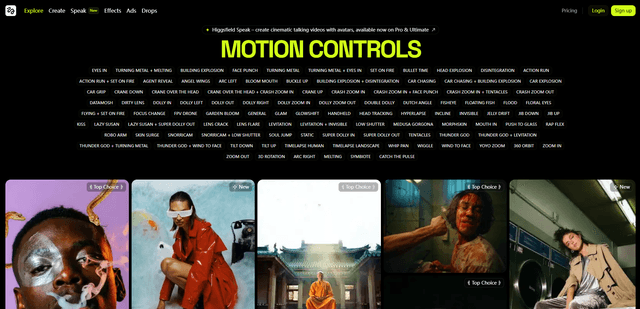
Higgsfield
Higgsfield est une plateforme de génération vidéo basée sur l'IA qui offre un contrôle cinématographique de la caméra et des effets de mouvement, permettant aux créateurs de produire du contenu vidéo stylisé de haute qualité avec des mouvements de caméra de qualité professionnelle à partir d'une seule image.
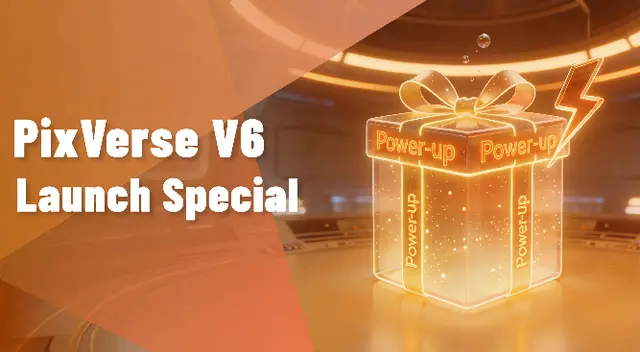
PixVerse V6
PixVerse V6 est une plateforme avancée de génération vidéo par IA qui peut créer des courts métrages multi-plans avec audio natif à partir d'une seule invite, avec un contrôle précis de la caméra, une performance expressive des personnages et une intégration transparente de texte multilingue.
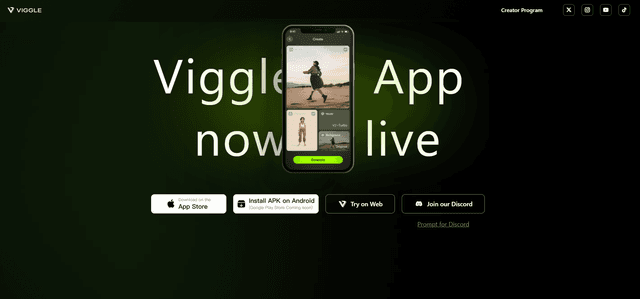
VIGGLE
Viggle AI est une plateforme innovante alimentée par l'IA qui transforme des images statiques en animations vidéo vivantes et personnalisables avec humour et créativité.