
Ideogram 4.0
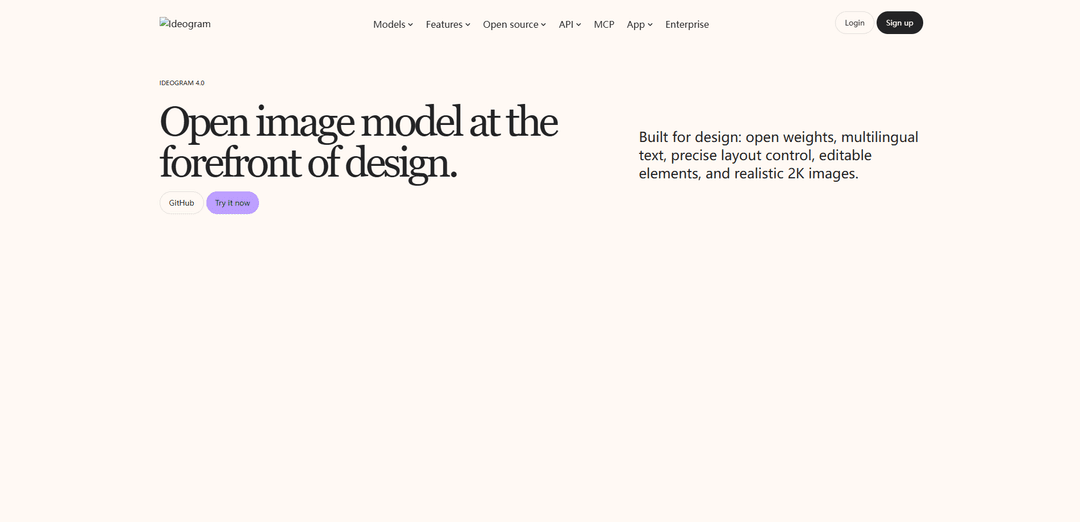
Ideogram 4.0 là mô hình chuyển văn bản thành hình ảnh trọng lượng mở 9.3B được xây dựng cho thiết kế, cung cấp kiểu chữ đa ngôn ngữ đáng tin cậy, JSON có cấu trúc + kiểm soát bố cục hộp giới hạn và đầu ra chân thực 2K gốc với các quy trình làm việc định hướng chỉnh sửa.
https://ideogram.ai/models/4.0?ref=producthunt&utm_source=aipure
Thông tin Sản phẩm
Đã cập nhật:Oct 16, 2026
Xu hướng Lưu lượng Truy cập Hàng tháng của Ideogram 4.0
Ideogram đã trải qua mức giảm nhẹ 3,2%, mất 159 nghìn lượt truy cập xuống còn 4,77 triệu, có thể phản ánh sự ổn định bình thường của thị trường sau làn sóng hào hứng ban đầu khi ra mắt mô hình Ideogram 3.0. Trong giai đoạn này, nền tảng chủ yếu tập trung vào triển khai thương mại và mở rộng hệ sinh thái cho các khả năng hiện có như tính chân thực như ảnh chụp và khả năng hiển thị văn bản, thiếu các bản cập nhật mới đáng kể để duy trì đà tăng trưởng trước đó.
Ideogram 4.0 là gì
Ideogram 4.0 là mô hình chuyển văn bản thành hình ảnh nền tảng trọng lượng mở đầu tiên của Ideogram, được định vị là một công cụ tạo hình ảnh tập trung vào thiết kế dành cho các nhóm cần hình ảnh để sử dụng trong quy trình làm việc sản xuất thực tế (quảng cáo, áp phích, bao bì, mẫu mạng xã hội và tài sản thương hiệu). Nó nhấn mạnh độ trung thực của lời nhắc, văn bản rõ ràng trong hình ảnh trên nhiều ngôn ngữ và khả năng kiểm soát bố cục, đồng thời tạo ra hình ảnh chân thực ở độ phân giải 2K gốc. Ideogram cung cấp nó dưới dạng trọng lượng có thể tải xuống (để chạy cục bộ và tinh chỉnh theo các điều khoản cấp phép của Ideogram) và dưới dạng API được lưu trữ với nhiều cấp độ chất lượng (Turbo, Default, Quality) để tích hợp thương mại.
Các Tính năng Chính của Ideogram 4.0
Ideogram 4.0 là một mô hình văn bản thành hình ảnh tập trung vào thiết kế, mã nguồn mở, được xây dựng để tạo ra các hình ảnh đáng tin cậy, chất lượng sản xuất – đặc biệt là các tài sản nặng về kiểu chữ. Nó nhấn mạnh sự căn chỉnh lời nhắc mạnh mẽ, hiển thị văn bản đa ngôn ngữ rõ ràng như pha lê và bố cục chính xác thông qua các lời nhắc JSON có cấu trúc với các hộp giới hạn và bảng màu tùy chọn. Nó hỗ trợ đầu ra 2K gốc và các quy trình làm việc thiết kế như loại bỏ độ trong suốt/nền và trích xuất văn bản có thể chỉnh sửa (phân lớp), và nó có sẵn dưới dạng trọng số có thể tải xuống để triển khai cục bộ (với các cân nhắc về cấp phép) và dưới dạng API được lưu trữ với nhiều cấp độ chất lượng/tốc độ.
Lời nhắc JSON có cấu trúc: Các lời nhắc có thể được thể hiện dưới dạng JSON đã được xác thực với các mô tả từng phần tử, cho phép tạo ra các thế hệ lặp lại hơn so với các lời nhắc văn bản tự do.
Kiểm soát bố cục hộp giới hạn: Các đối tượng và văn bản có thể được định vị bằng cách sử dụng các hộp giới hạn được chuẩn hóa (ví dụ: [y_min, x_min, y_max, x_max]), cải thiện độ tin cậy cho áp phích, quảng cáo và bố cục dày đặc.
Kiểu chữ độ trung thực cao (đa ngôn ngữ): Được tối ưu hóa để hiển thị văn bản trong hình ảnh chính xác trên các ngôn ngữ, nhắm mục tiêu các nhu cầu thiết kế chuyên nghiệp như tiêu đề, nhãn và bản sao quảng cáo.
Đầu ra hình ảnh 2K gốc: Tạo ra các hình ảnh sắc nét, chân thực ở độ phân giải 2K gốc phù hợp cho các tài sản sáng tạo cuối cùng, không chỉ là khái niệm.
Đầu ra quy trình làm việc thiết kế (độ trong suốt + lớp): Hỗ trợ nền trong suốt (và các quy trình làm việc loại bỏ nền) và có thể trả về các phần tử văn bản/lớp có thể chỉnh sửa để giữ cho kiểu chữ và bố cục có thể sửa đổi sau khi tạo.
Trọng số mở + tùy chọn API được lưu trữ: Các nhóm có thể chạy cục bộ (phát hành trọng số mở) để kiểm soát/bảo mật, hoặc sử dụng API được lưu trữ với các cấp độ Turbo/Mặc định/Chất lượng để cân bằng chi phí, tốc độ và độ trung thực.
Các Trường hợp Sử dụng của Ideogram 4.0
Tài liệu quảng cáo và tiếp thị: Tạo áp phích chiến dịch, quảng cáo xã hội và biểu ngữ trong đó yêu cầu bản sao dễ đọc và vị trí bố cục có thể dự đoán được.
Khám phá thương hiệu và nhận diện: Tạo các khái niệm logo/nhãn hiệu và định hướng hình ảnh cấp thương hiệu, tận dụng kiểu chữ mạnh mẽ và kiểm soát phong cách cho công việc nhận diện ban đầu.
Bao bì, nhãn mác và tài sản bán lẻ: Sản xuất các mô hình bao bì và thiết kế nhãn với văn bản dày đặc và vị trí được kiểm soát, giảm thiểu việc dọn dẹp thủ công từ kiểu chữ bị sai chính tả hoặc bị biến dạng.
Thương mại điện tử và trình bày sản phẩm: Tạo hình ảnh sản phẩm nổi bật và các tổng hợp quảng cáo với các đường cắt trong suốt để lặp lại nhanh chóng trên các nền và thị trường.
Thiết kế trang phục và in theo yêu cầu: Tạo các mô hình trang phục và tác phẩm nghệ thuật sẵn sàng in trong đó các khẩu hiệu dễ đọc và kiểm soát bố cục quan trọng đối với sản xuất.
Quy trình làm việc triển khai doanh nghiệp/riêng tư: Chạy trên phần cứng nội bộ cho nhu cầu bảo mật và lưu trú dữ liệu, và tùy chọn tinh chỉnh theo phong cách nội bộ để có đầu ra thương hiệu nhất quán.
Ưu điểm
Kiểu chữ mạnh mẽ và độ trung thực của lời nhắc cho công việc thiết kế thực tế (áp phích, nhãn, quảng cáo).
Khả năng dự đoán bố cục thông qua JSON + hộp giới hạn, cải thiện khả năng lặp lại trong các quy trình sản xuất.
Triển khai linh hoạt: API được lưu trữ để nhanh chóng đưa ra thị trường hoặc trọng số cục bộ để kiểm soát/bảo mật.
Nhược điểm
Lời nhắc JSON có cấu trúc làm tăng đường cong học tập so với các lời nhắc văn bản đơn giản.
Việc sử dụng thương mại các trọng số đã tải xuống yêu cầu cấp phép phù hợp; “trọng số mở” không tự động là quyền thương mại không hạn chế.
Một số khả năng “các phần tử có thể chỉnh sửa trực tiếp từ suy luận” được mô tả là sẽ có trong bản phát hành 4.0 trong tương lai, vì vậy tính khả dụng có thể phụ thuộc vào quy trình làm việc/điểm cuối.
Cách Sử dụng Ideogram 4.0
1) Thử Ideogram 4.0 trong ứng dụng web: Truy cập https://ideogram.ai/models/4.0/ và nhấp vào “Thử ngay” (hoặc sử dụng https://ideogram.ai/t/explore). Đăng nhập/đăng ký nếu được yêu cầu, sau đó chọn Ideogram 4.0 làm mô hình để tạo.
2) Tạo hình ảnh bằng lời nhắc ngôn ngữ tự nhiên (bắt đầu nhanh nhất): Trong hộp lời nhắc, mô tả những gì bạn muốn bằng ngôn ngữ đơn giản (cảnh + phong cách + bất kỳ văn bản nào bạn muốn xuất hiện trong hình ảnh). Ideogram sẽ sử dụng bước “Magic Prompt” của nó để mở rộng văn bản của bạn thành định dạng JSON có cấu trúc mà mô hình đã được đào tạo, sau đó tạo hình ảnh.
3) Lặp lại bằng cách sử dụng quy trình chỉnh sửa của Ideogram: Sau khi tạo, sử dụng các công cụ tích hợp của Ideogram để sửa đổi và tinh chỉnh: phối lại/biến thể để khám phá các hướng mới, chỉnh sửa để thay thế hoặc thêm đối tượng, mở rộng/vẽ ngoài để mở rộng canvas và nâng cấp để tăng độ phân giải khi cần.
4) Sử dụng Background Remover để cắt bỏ trong suốt: Nếu bạn cần một đối tượng trên nền trong suốt, hãy chạy hình ảnh đã tạo qua tính năng Background Remover của Ideogram để có được một đường cắt alpha sạch sẽ phù hợp để ghép vào các thiết kế khác.
5) Trích xuất văn bản có thể chỉnh sửa bằng Layerize (Lớp văn bản): Nếu bản tạo của bạn bao gồm kiểu chữ, hãy sử dụng quy trình lớp văn bản của Ideogram (“Layerize”) để tách văn bản thành các lớp có thể chỉnh sửa để tiêu đề/nội dung có thể được sửa đổi mà không cần tạo lại toàn bộ hình ảnh.
6) Sử dụng lời nhắc JSON có cấu trúc để kiểm soát bố cục chính xác (nâng cao): Khi bạn cần vị trí đáng tin cậy và bố cục dày đặc (áp phích, quảng cáo, bố cục giống UI), hãy viết một lời nhắc JSON có cấu trúc với: (a) high_level_description, (b) compositional_deconstruction.background và (c) compositional_deconstruction.elements[] trong đó mỗi phần tử được định kiểu (ví dụ: obj hoặc text). Đối với các phần tử văn bản, cung cấp cả chuỗi văn bản gốc và mô tả kiểu/vị trí.
7) Đặt các phần tử bằng hộp giới hạn (kiểm soát bố cục nâng cao): Đối với mỗi phần tử trong compositional_deconstruction.elements[], tùy chọn thêm một bbox trong tọa độ chuẩn hóa [y_min, x_min, y_max, x_max] bằng cách sử dụng thang đo 0–1000 (gốc ở trên cùng bên trái). Sử dụng điều này để kiểm soát nơi các đối tượng và vùng văn bản xuất hiện; mô hình được đào tạo để tuân thủ các hộp này để đảm bảo độ trung thực của bố cục.
8) Xây dựng với API được lưu trữ để sử dụng thương mại: Sử dụng API được lưu trữ cho các triển khai thương mại. Tạo khóa API thông qua bảng điều khiển API của Ideogram (liên kết từ trang mô hình) và làm theo tài liệu tham khảo API tại https://developer.ideogram.ai/ideogram-api/api-overview. Chọn một cấp độ chất lượng dựa trên nhu cầu tốc độ/độ trung thực của bạn (Turbo, Default, Quality).
9) Chọn giữa các chế độ nhập API: positivePrompt so với structuredPrompt: Trong API, gửi (a) một positivePrompt ngôn ngữ tự nhiên (Magic Prompt mở rộng nó ở phía máy chủ) hoặc (b) một đối tượng JSON settings.structuredPrompt để kiểm soát rõ ràng. Hai đầu vào này loại trừ lẫn nhau cho mỗi yêu cầu.
10) Sử dụng các điểm cuối chỉnh sửa API cho quy trình làm việc sản xuất: Đối với các quy trình đầu cuối, hãy sử dụng các quy trình làm việc API được đề cập trên trang mô hình: tạo hình ảnh cộng với các thao tác chỉnh sửa như nâng cấp, xóa nền và phối lại—để bạn có thể tạo, tinh chỉnh và cung cấp các tài sản sẵn sàng sản xuất theo chương trình.
11) Chạy cục bộ với trọng lượng mở (tự lưu trữ): Nếu bạn muốn suy luận hoặc tinh chỉnh cục bộ, hãy sử dụng bản phát hành trọng lượng mở được liên kết từ trang mô hình (bộ sưu tập GitHub và Hugging Face). Tải xuống trọng lượng, chạy mã suy luận được cung cấp và (nếu cần) tinh chỉnh trên dữ liệu của riêng bạn để hội tụ theo một phong cách riêng.
12) Lập kế hoạch cấp phép cho các triển khai tự lưu trữ thương mại: Nếu bạn có ý định triển khai trọng lượng mở thương mại ở quy mô lớn, hãy xem lại trang cấp phép của Ideogram (liên kết từ trang mô hình) và xin giấy phép thương mại phù hợp với nhu cầu triển khai của bạn.
Câu hỏi Thường gặp về Ideogram 4.0
Ideogram 4.0 là mô hình chuyển văn bản thành hình ảnh mã nguồn mở của Ideogram, được xây dựng cho quy trình thiết kế, nổi bật với khả năng tạo kiểu chữ mạnh mẽ, căn chỉnh lời nhắc, kiểm soát bố cục và đầu ra 2K chân thực.
Video Ideogram 4.0
Bài viết phổ biến

Vosko AI: Bản địa hóa và Lồng tiếng Video cho Khán giả Toàn cầu
Oct 15, 2026

Atoms: Nền tảng AI đa tác nhân biến ý tưởng thành sản phẩm sẵn sàng ra mắt
May 22, 2026

Nano Banana SBTI: Nó là gì, Cách thức hoạt động và Cách sử dụng nó vào năm 2026
Apr 15, 2026

Đánh giá Atoms — Trình tạo sản phẩm AI định nghĩa lại việc tạo nội dung số vào năm 2026
Apr 10, 2026
Phân tích Trang web Ideogram 4.0
Lưu lượng truy cập & Xếp hạng của Ideogram 4.0
4.8M
Lượt truy cập hàng tháng
#6686
Xếp hạng Toàn cầu
#188
Xếp hạng Danh mục
Xu hướng Lưu lượng truy cập: Nov 2024-Oct 2025
Thông tin chi tiết về Người dùng Ideogram 4.0
00:07:29
Thời lượng Truy cập Trung bình
13.84
Số trang mỗi lần Truy cập
29.52%
Tỷ lệ Thoát của Người dùng
Khu vực Hàng đầu của Ideogram 4.0
US: 15.95%
IN: 10.49%
BR: 5.99%
PK: 3.9%
FR: 3.29%
Others: 60.39%
Công cụ AI Mới nhất Tương tự Ideogram 4.0
Flux AI Lab
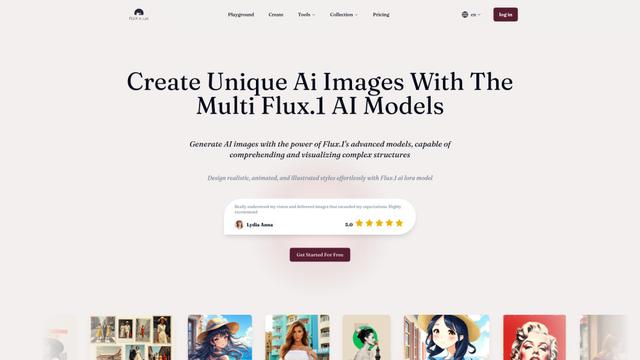
Flux AI Lab là một nền tảng tạo hình ảnh AI tiên tiến được hỗ trợ bởi loạt mô hình FLUX.1 của Black Forest Labs, cung cấp hiệu suất hiện đại trong việc tạo ra các hình ảnh chất lượng cao, đa dạng với khả năng theo dõi yêu cầu xuất sắc.
PixelHaha
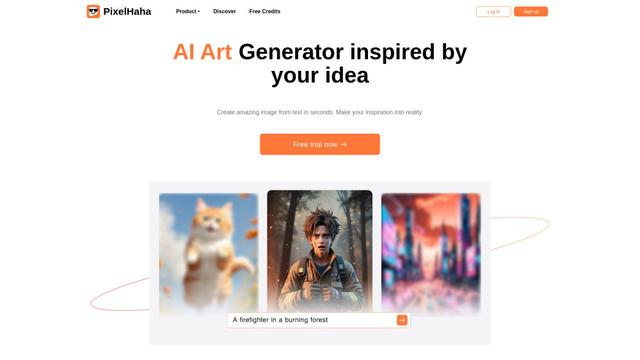
PixelHaha là một nền tảng tạo nghệ thuật được hỗ trợ bởi AI biến các lời nhắc văn bản thành các tác phẩm nghệ thuật kỹ thuật số chất lượng cao bằng cách sử dụng các mô hình AI tiên tiến.
BlogBud AI
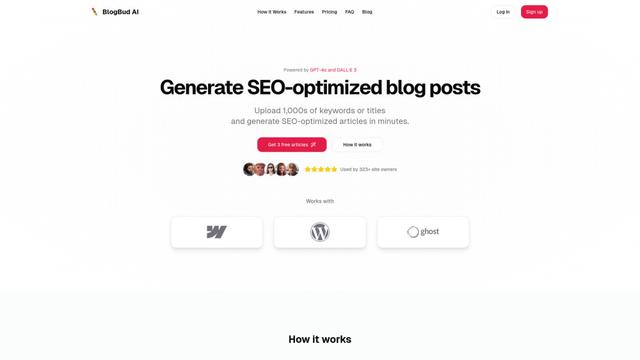
BlogBud AI là một nền tảng tạo nội dung mạnh mẽ được hỗ trợ bởi AI giúp người dùng tạo ra hàng nghìn bài viết blog tối ưu hóa SEO quy mô lớn bằng cách sử dụng công nghệ GPT-4o và DALL-E 3.
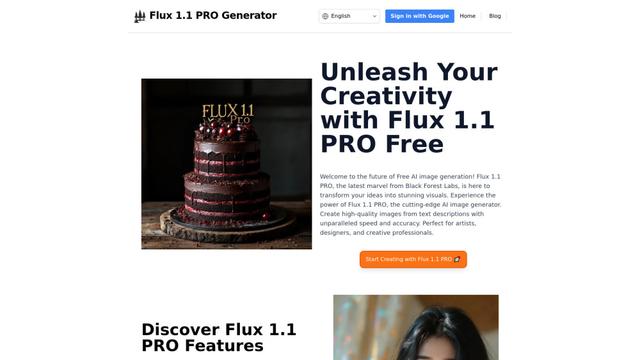
Flux 1.1 PRO
Flux 1.1 Pro là một mô hình AI chuyển đổi văn bản thành hình ảnh hiện đại, cung cấp tốc độ tạo hình nhanh gấp sáu lần so với phiên bản trước trong khi cung cấp chất lượng hình ảnh vượt trội, tuân thủ yêu cầu và sự đa dạng đầu ra, đạt được điểm Elo cao nhất trên đấu trường hình ảnh Phân tích Nhân tạo.
Công cụ AI Phổ biến Giống Ideogram 4.0
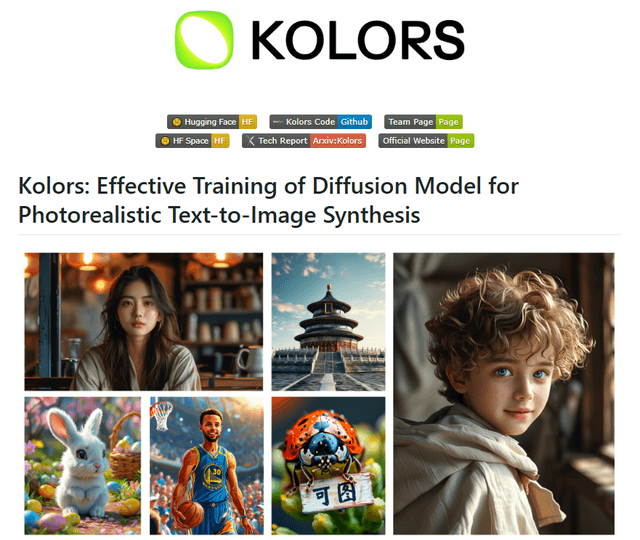
Kolors
Free TrialText to Image
Kolors là một mô hình tạo hình ảnh từ văn bản song ngữ quy mô lớn được phát triển bởi Kuaishou, nổi bật về chất lượng hình ảnh, độ chính xác ngữ nghĩa phức tạp và khả năng hiển thị văn bản cho cả nội dung tiếng Trung và tiếng Anh.
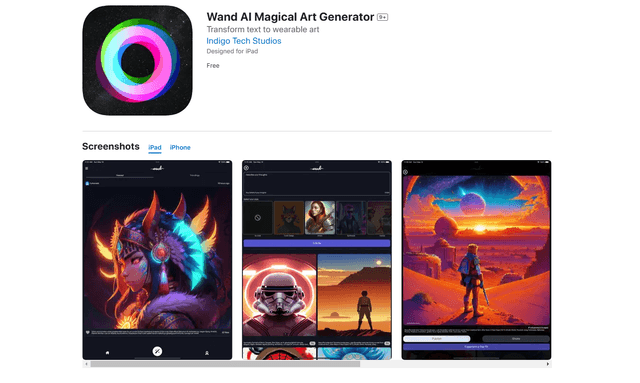
Wand AI
Wand AI là một công cụ sáng tạo được hỗ trợ bởi AI đổi mới, biến các lời nhắc văn bản và phác thảo thành các tác phẩm nghệ thuật kỹ thuật số có thể tùy chỉnh, được thiết kế đặc biệt cho các nghệ sĩ và chuyên gia sáng tạo trên iPhone và iPad.
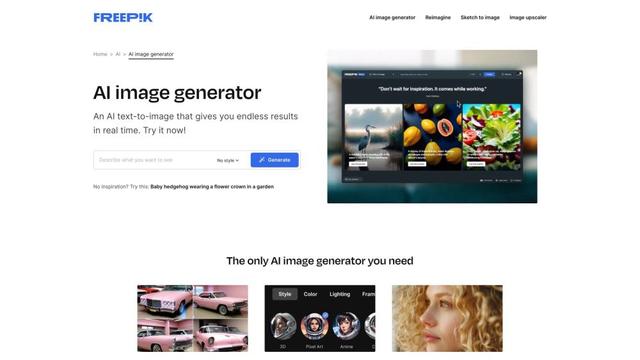
Freepik AI Image Generator
FreemiumText to Image
Trình tạo hình ảnh AI của Freepik là một công cụ mạnh mẽ chuyển đổi văn bản thành hình ảnh tạo ra hình ảnh chất lượng cao, chân thực trong thời gian thực với các phong cách tùy chỉnh và vô số biến thể.
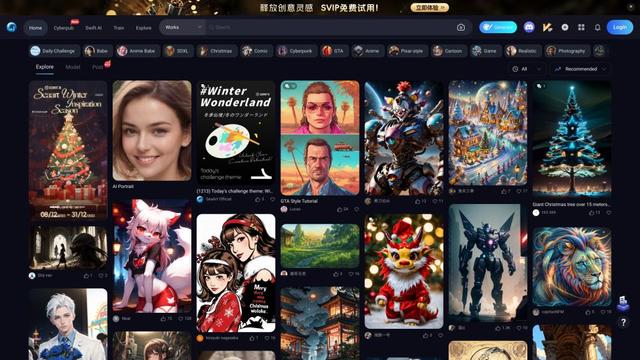
Seaart.ai
SeaArt.ai là một trình tạo nghệ thuật AI miễn phí cung cấp khả năng tạo hình ảnh từ văn bản, thiết kế nhân vật AI, các công cụ AI nhanh chóng và khả năng đào tạo mô hình tùy chỉnh.