
Graft AI
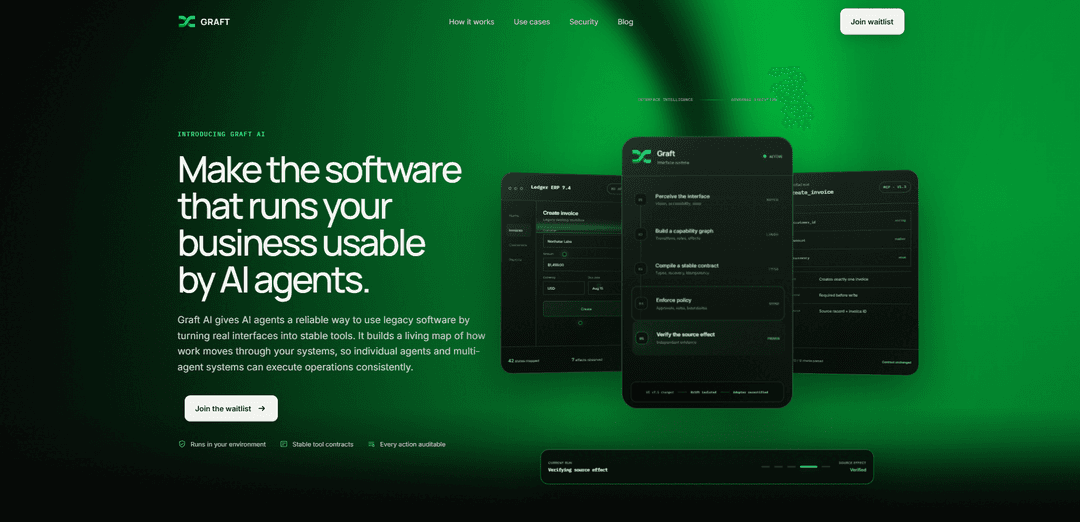
Graft AI turns legacy, internal, desktop, and browser-only software interfaces into stable, governed, auditable tools that AI agents can reliably call—running in your environment with versioned contracts and policy controls.
https://graft.axcelner.com/?ref=producthunt
Product Information
Updated:Aug 8, 2026
What is Graft AI
Graft AI is enterprise AI infrastructure designed to make the software that runs your business usable by AI agents, especially when that software has no APIs or is difficult to integrate (e.g., ERPs, mainframes, desktop apps, web portals, virtual desktops, and file-based workflows). Instead of requiring a replacement project or changes to the source systems, Graft creates a reliable “action layer” over real user interfaces so agents can execute business operations consistently. It is built with enterprise requirements in mind, including stable tool contracts, permission awareness, full auditability, and a security posture where it runs in your environment and keeps your data under your control.
Key Features of Graft AI
Graft AI is enterprise AI infrastructure that turns real user interfaces—especially legacy, internal, desktop, mainframe, and browser-only systems—into reliable, governed tools AI agents can call. It builds a “living map” of workflows (capability graph), compiles stable, versioned tool contracts with clear schemas and idempotent behavior, and adds policy enforcement, approvals, auditing, and verification of real source-system effects. Designed to run inside your environment, it aims to let agents execute multi-step operations consistently without replacing or rewriting existing systems.
Interface-to-tool conversion: Transforms legacy or UI-only workflows (desktop apps, web portals, VDI, internal tools) into callable agent tools without changing the source system or requiring a replacement project.
Capability graph (“living map”): Maps interface states, transitions, rules, and effects so single agents or multi-agent systems can execute operations consistently across complex workflows.
Stable, versioned tool contracts: Compiles workflows into typed, schema-based tools (e.g., MCP-compatible) with reliability properties like recovery behavior and idempotency to prevent duplicate effects on retries.
Governance: policy, roles, and approvals: Enforces boundaries such as least-privilege access, role-aware permissions, and approval requirements before write actions, helping agents operate safely in regulated environments.
Auditability and action logging: Provides a complete audit trail with full context for every step an agent takes, supporting traceability, monitoring, and operational oversight.
Effect verification & drift handling: Verifies outcomes with independent evidence (e.g., source record + ID), and isolates UI drift by recertifying adapters while keeping the tool contract stable across app versions.
Use Cases of Graft AI
Finance & operations automation (ERP without APIs): Enable agents to create invoices, create orders, retrieve invoices, or update customer records in legacy ERP systems that lack modern APIs, with approvals and audit logs.
Mainframe transaction execution: Let agents run mainframe queries and transactions through governed, stable tool interfaces, reducing manual terminal work while keeping actions traceable.
Customer service in internal portals: Automate repetitive portal tasks (log in, navigate, fill forms, extract status) so support agents can resolve cases faster across browser-only internal systems.
Back-office processing on virtual desktops/desktop apps: Turn complex, click-heavy desktop workflows (often accessed via VDI) into reliable agent actions for claims, onboarding, or account maintenance processes.
File-based and report workflows: Convert exports and file-driven processes into real-time agent tools—e.g., pulling data from reports and writing updates back into systems—without building new integrations.
Pros
Works with systems you cannot replace (legacy, internal, UI-only) without source rewrites or new APIs.
Enterprise-grade reliability and governance (stable contracts, idempotency, approvals, audit trail).
Runs in your environment with a strong data-control posture (data stays yours; no training on your data).
Cons
Requires workflow mapping/certification and ongoing adapter recertification when UIs change (operational overhead).
Best suited for well-defined, repeatable workflows; highly variable or ambiguous UI processes may be harder to tool reliably.
Private beta/early access positioning may limit immediate availability or breadth of supported scenarios.
How to Use Graft AI
1) Join the private beta / get access: Go to https://graft.axcelner.com/ and submit your work email to request access. Prepare one concrete workflow in a system your agents cannot currently operate (e.g., “Create invoice in Ledger ERP 7.4”).
2) Choose a target workflow in a real source system: Pick a single end-to-end task that is currently done through a UI (desktop app, web portal, virtual desktop, mainframe terminal, internal tool, or file/export workflow). Define the intended action (e.g., create_order, create_invoice) and the expected effect in the source system (e.g., “Creates exactly one invoice and returns invoice ID”).
3) Connect Graft to the system in your environment: Deploy/run Graft in your environment so the workflow can be observed and executed without changing the source system. The goal is a controlled connection where data stays under your control (no source-system rewrite required).
4) Let Graft perceive the interface: Have Graft observe the real UI using vision/accessibility/state signals so it can map the screens and relevant fields/buttons for the workflow. This produces a “mapped” understanding of the interface states involved.
5) Build the capability graph for the workflow: Graft links the workflow into a capability graph: the transitions between UI states, the rules/constraints, and the effects of each step. This creates a living map of how work moves through your system.
6) Compile a stable tool contract (schema + reliability guarantees): Graft compiles the workflow into a stable, versioned tool with a typed schema (inputs like customer_id, amount, currency enum), plus recovery behavior and idempotency so retries don’t create duplicate effects.
7) Define and enforce policy boundaries: Configure governance controls such as approvals for write actions, role/permission awareness, and boundaries/constraints. This ensures the tool respects roles, rules, and least-privilege access.
8) Verify the source effect with independent evidence: Run verification so the tool’s claimed effect is proven against the real application state. Graft uses independent evidence (e.g., source record + returned invoice/order ID). The adapter cannot certify itself.
9) Run conformance tests and certify the tool: Execute the conformance bundle for the generated tool to confirm behavior across supported application versions (e.g., “creates exactly one record,” “idempotency key reused on retry,” “unexpected UI state stops before submission,” “returned ID matches source system”). Mark the tool as certified once checks pass.
10) Expose the workflow as one stable MCP tool for agents: Publish the certified, versioned tool (e.g., [email protected]) so agents call a stable MCP tool instead of rediscovering the UI each time. Agents now use the typed schema and receive consistent outputs.
11) Execute the tool from your agent stack with approvals and audit logging: Have your agents invoke the tool for real work (e.g., create_order, update_customer, get_invoice, cancel_order). Ensure required approvals are obtained before writes. Review the complete audit trail/action log with full context for each step.
12) Handle UI drift via recertification (contract stays stable): When the source UI changes (e.g., UI v7.5 changed), isolate the drift and recertify the adapter. The stable contract/tool schema remains unchanged while Graft updates the mapping and re-verifies conformance.
Graft AI FAQs
Graft AI is enterprise AI infrastructure that turns legacy, internal, desktop, and browser-only software workflows into secure, stable tools that AI agents can call.
Popular Articles

Vosko AI: Localize and Dub Videos for Global Audiences
Oct 15, 2026

Atoms: A Multi-Agent AI Platform That Transforms Ideas into Launch-Ready Products
Oct 13, 2026

Nano Banana SBTI: What It Is, How It Works, and How to Use It in 2026
Apr 15, 2026

Atoms Review — The AI Product Builder Redefining Digital Creation in 2026
Apr 10, 2026
Latest AI Tools Similar to Graft AI

Hapticlabs
Hapticlabs is a no-code toolkit that enables designers, developers and researchers to easily design, prototype and deploy immersive haptic interactions across devices without coding.
Deployo.ai
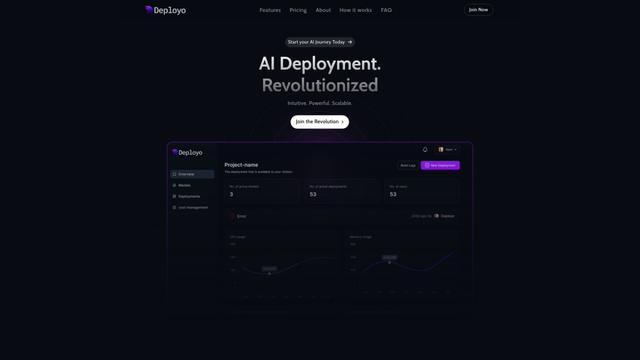
Deployo.ai is a comprehensive AI deployment platform that enables seamless model deployment, monitoring, and scaling with built-in ethical AI frameworks and cross-cloud compatibility.
CloudSoul
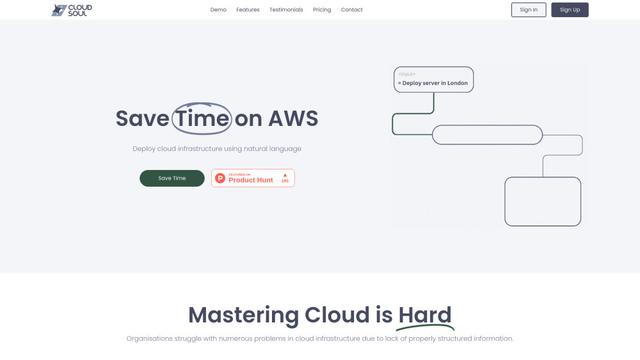
CloudSoul is an AI-powered SaaS platform that enables users to instantly deploy and manage cloud infrastructure through natural language conversations, making AWS resource management more accessible and efficient.

Devozy.ai
Devozy.ai is an AI-powered developer self-service platform that combines Agile project management, DevSecOps, multi-cloud infrastructure management, and IT service management into a unified solution for accelerating software delivery.
Popular AI Tools Like Graft AI

A2A Protocol
A2A (Agent2Agent) Protocol is an open interoperability protocol developed by Google that enables seamless communication and collaboration between AI agents across different frameworks and vendors, regardless of their underlying architecture.
VoltOps
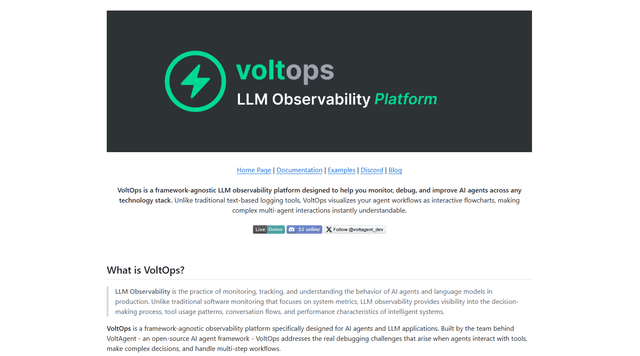
VoltOps is a framework-agnostic LLM observability platform that provides real-time visual monitoring, debugging, and optimization tools for AI agents across any technology stack.
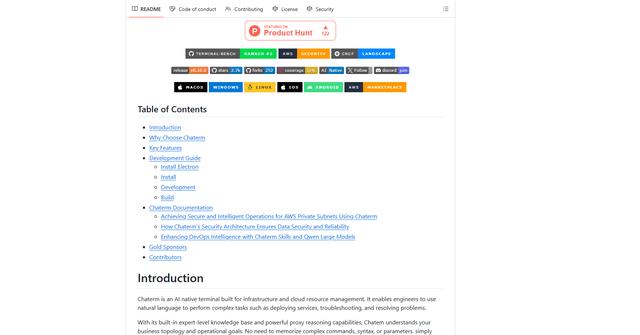
Chaterm
Chaterm is an open-source AI-native terminal and SRE copilot that enables engineers to manage complex infrastructure through natural language, automating deployment, troubleshooting, and operations without memorizing commands.
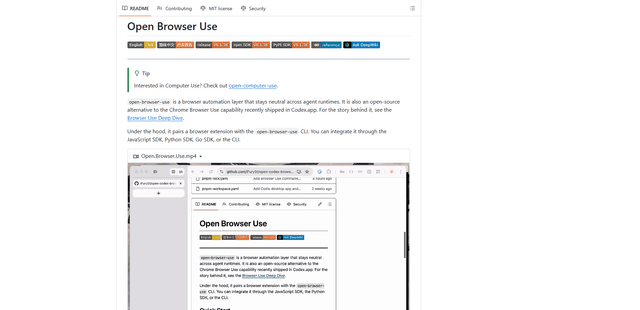
Open Browser Use
Open Browser Use is an open-source, agent-runtime-neutral browser automation layer that pairs a Chrome extension with a CLI/SDK/MCP to enable DOM-aware, CDP-powered tab control, navigation, and actions across different AI agent tools.