GPTProto
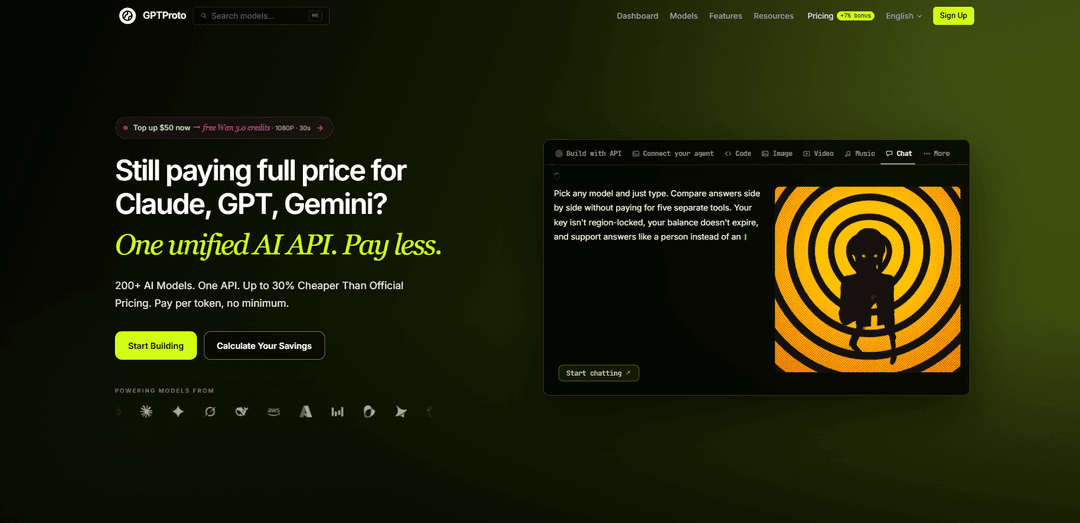
GPTProto is an OpenAI-compatible unified AI API platform that provides pay-as-you-go access to 200+ text, image, video, audio, and agent models through one API key, with model routing, monitoring, and automatic failover.
https://gptproto.com/?utm_source=aipure
Product Information
Updated:Nov 2, 2026
What is GPTProto
Designed for everyone from indie hackers to scaling SaaS teams, GPT Proto allows you to generate text, image, video, and audio content at a fraction of the official model costs. Enjoy pay-as-you-go flexibility, zero vendor lock-in, ultra-low latency, and high availability. With continuously updated models, we future-proof your product's innovation pipeline. Build faster, scale smarter, and slash your AI API bills today.
Key Features of GPTProto
GPTProto is a unified, OpenAI-compatible AI API platform that provides pay-as-you-go access to 200+ language, image, video, music, and speech models through one API key and shared balance. It is designed to reduce the integration, billing, and operational overhead of working with multiple AI vendors, while offering model routing, redundant upstream channels, automatic failover, prompt caching, and discounted pricing on selected model routes.
Unified multi-model API: Access 200+ supported AI models across text, image, video, music, and other modalities through a single endpoint, account, API key, and balance.
OpenAI-compatible integration: Uses an OpenAI-style API format, allowing many existing applications and SDK-based integrations to migrate primarily by changing the base URL and API key.
Model switching and routing: Teams can select different model IDs for different workloads without building separate provider integrations, making experimentation and model substitution simpler.
Auto-failover infrastructure: GPTProto states that major model routes use redundant upstream channels and automatic traffic shifting when a channel experiences an outage or degraded performance.
Multimodal generation tools: The platform supports workflows such as chat, text generation, image generation and editing, video generation, music generation, and related creator tools.
Usage-based pricing and consolidated billing: Customers pay for usage rather than a required subscription, with a shared credit balance, top-up bonuses, model-level price comparisons, and consolidated invoicing.
Use Cases of GPTProto
AI-powered SaaS products: Software teams can add chat assistants, document workflows, content features, image generation, or multimodal capabilities while managing providers through one API layer.
AI agents and coding assistants: Developers can connect agent frameworks, CLI tools, coding assistants, tool-calling workflows, and long-context models while retaining the option to change models by configuration.
Customer support automation: Businesses can power FAQ assistants, ticket triage, response drafting, translation, and knowledge-base workflows using models selected for cost, latency, or quality.
Creative content production: Creators and agencies can combine copywriting, product-image creation, image editing, storyboard creation, video generation, voice, and music workflows under one account.
Model evaluation and cost optimization: Teams testing providers such as OpenAI, Claude, Gemini, DeepSeek, Kimi, and others can compare outputs, swap routes, and centralize usage monitoring and spending.
Production resilience layer: Organizations using multiple AI services can use the gateway as a routing layer to reduce provider-specific integration work and configure fallback behavior for supported routes.
Pros
Single OpenAI-compatible endpoint can reduce multi-provider integration effort.
Broad multimodal catalog supports text, image, video, and creative workflows in one billing account.
Claims of discounted selected routes, pay-as-you-go billing, and top-up credits can lower costs for some workloads.
Redundant upstream channels and auto-failover may improve resilience compared with relying on a single route.
Cons
Using a gateway introduces an additional intermediary and potential single point of failure, so critical applications should maintain tested fallback plans.
Provider-specific capabilities, version controls, observability, fine-tuning, or advanced rate-limit controls may not always map fully through a unified API.
Pricing, model availability, route behavior, and claimed discounts can change, requiring ongoing verification before production commitments.
Sending requests through a third-party gateway may add data-governance, compliance, and vendor-risk considerations.
How to Use GPTProto
1. Create a GPTProto account: Go to https://gptproto.com/ and sign up. GPTProto provides access to 200+ text, image, video, audio, and other AI models through one account.
2. Add account credits: Open the Pricing or top-up page and add credits to your balance. GPTProto uses pay-as-you-go billing: credits can be spent across supported models, with no required subscription or minimum ongoing spend.
3. Create an API key: In the GPTProto dashboard, open the API Key section and create a key. Store it securely as an environment variable such as GPTPROTO_API_KEY. Do not expose the key in browser-side code, screenshots, public repositories, or client applications.
4. Set the GPTProto base URL: Use the OpenAI-compatible API base URL https://gptproto.com/v1. In an existing OpenAI-compatible application, typically replace the provider base URL and API key, then select a GPTProto-supported model.
5. Select a model and confirm its exact identifier: Browse https://gptproto.com/model to find a model for your task, such as text, image, video, or speech. Use the exact model identifier listed in its catalog or documentation page. Model availability, interfaces, capabilities, and pricing can vary by model.
6. Send a basic chat-completions request: For OpenAI-compatible text models, send a POST request to /chat/completions with a Bearer API key, model name, and messages. Example: curl --request POST 'https://gptproto.com/v1/chat/completions' --header 'Authorization: Bearer $GPTPROTO_API_KEY' --header 'Content-Type: application/json' --data '{"model":"claude-fable-5-1","messages":[{"role":"user","content":"Who are you?"}]}'.
7. Use an OpenAI SDK if preferred: Configure your OpenAI-compatible SDK with api_key set to your GPTProto key and base_url set to https://gptproto.com/v1. Keep the rest of your chat-completion workflow substantially the same, while changing the model field to a GPTProto model ID.
8. Use native provider formats when required: Although GPTProto supports an OpenAI-compatible endpoint, some models or features use provider-native request formats. Consult the specific model documentation at https://docs.gptproto.com/docs/api for the endpoint, required body fields, upload format, asynchronous-task behavior, and output schema.
9. Generate images, video, or other media: Choose an image or video model from the catalog, review its model-specific documentation, and submit the required prompt and media parameters. Many media generations are asynchronous: save the returned task or result URL, poll the documented task endpoint when necessary, and download the final output from the returned URL.
10. Optionally use the GPTProto CLI: Install the CLI with npm install -g @gptproto-ai/cli, then configure your key with gptproto key set --key YOUR_API_KEY. Discover available models with gptproto models list and inspect a model's expected format using gptproto model <provider/model> --json.
11. Make CLI requests: Use gptproto request for documented API paths and native JSON bodies. For example: gptproto request POST /v1/responses --json '{"model":"openai/gpt-4.1","input":"Hello"}'. For media generation, use the relevant custom-create command documented by the CLI and model schema; add --wait when supported to wait for an asynchronous result.
12. Enable streaming when appropriate: For text models that support streaming, use streaming in your SDK or API request. With the CLI, use --stream to extract text deltas from server-sent events; add --raw with --stream when you need the underlying SSE events.
13. Monitor cost, reliability, and fallback behavior: Track requests, model IDs, latency, and credit consumption in your integration and dashboard. GPTProto states that it offers redundant upstream channels and automatic failover for major models, but production applications should still implement appropriate timeouts, error handling, rate-limit handling, and validation of critical outputs.
14. Troubleshoot common connection errors: For a 401 response, verify that the API-key value contains only the key—without the word Bearer, quotes, spaces, or line breaks. For a 404 response, verify the complete base URL and endpoint; use https://gptproto.com/v1 as the base URL rather than a partial or incorrect route. Also confirm that the selected model ID is currently available.
GPTProto FAQs
GPTProto is a unified AI platform and OpenAI-compatible API that provides access to 200+ text, image, video, and other AI models through one API key and endpoint.
Popular Articles

How to Create Viral Talking Baby Podcast Videos with AI: Step-by-Step Guide
Nov 2, 2026

Proferex: A Cloud-Based Ad Tracking and Campaign Optimization Platform
Nov 2, 2026
Vosko AI: Localize and Dub Videos for Global Audiences
Oct 15, 2026
Atoms: A Multi-Agent AI Platform That Transforms Ideas into Launch-Ready Products
Oct 13, 2026
Latest AI Tools Similar to GPTProto
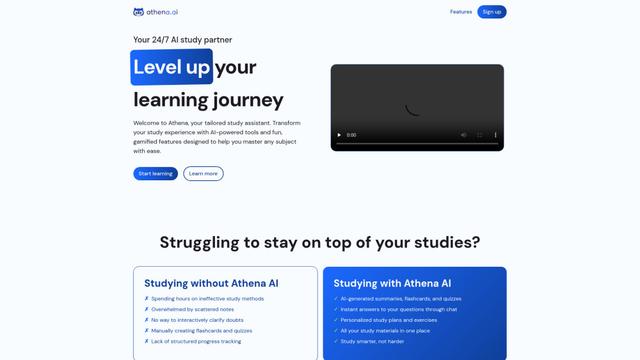
Athena AI
Athena AI is a versatile AI-powered platform offering personalized study assistance, business solutions, and life coaching through features like document analysis, quiz generation, flashcards, and interactive chat capabilities.
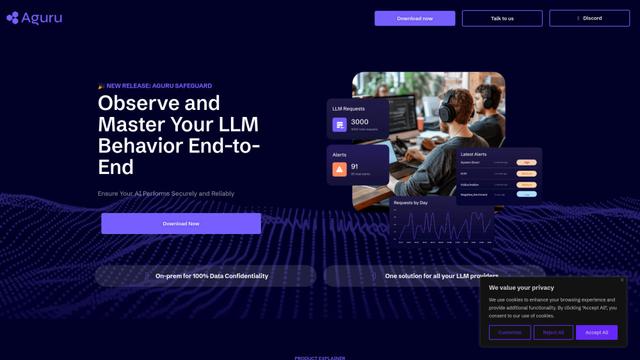
Aguru AI
Aguru AI is an on-premises software solution that provides comprehensive monitoring, security, and optimization tools for LLM-based applications with features like behavior tracking, anomaly detection, and performance optimization.
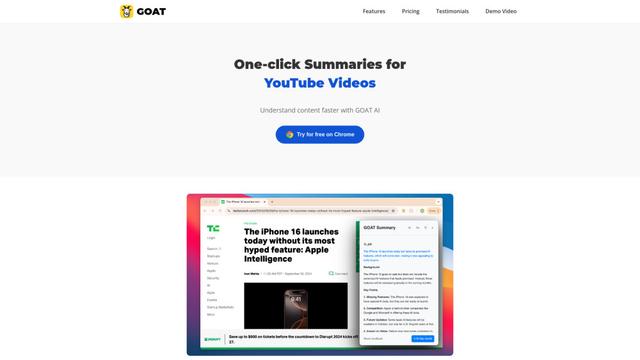
GOAT AI
GOAT AI is an AI-powered platform that provides one-click summarization capabilities for various content types including news articles, research papers, and videos, while also offering advanced AI agent orchestration for domain-specific tasks.
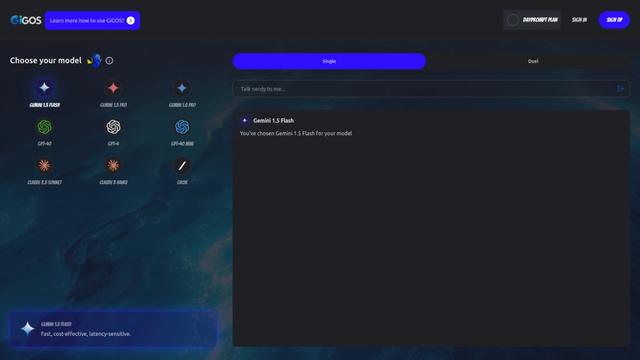
GiGOS
GiGOS is an AI platform that provides access to multiple advanced language models like Gemini, GPT-4, Claude, and Grok with an intuitive interface for users to interact with and compare different AI models.
Popular AI Tools Like GPTProto
GPT‑5.5 | ChatGPT Official
GPT‑5.5 in ChatGPT is OpenAI’s latest work-focused model designed to understand complex goals, use tools effectively, check its work, and carry multi-step tasks (coding, research, documents, spreadsheets) through to completion with stronger safeguards.
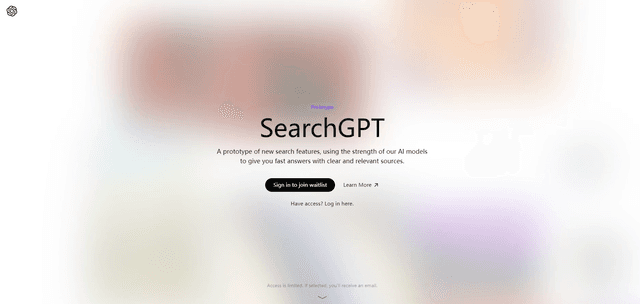
SearchGPT
SearchGPT is an AI-powered search prototype by OpenAI that provides fast, conversational answers with clear sources using GPT models.
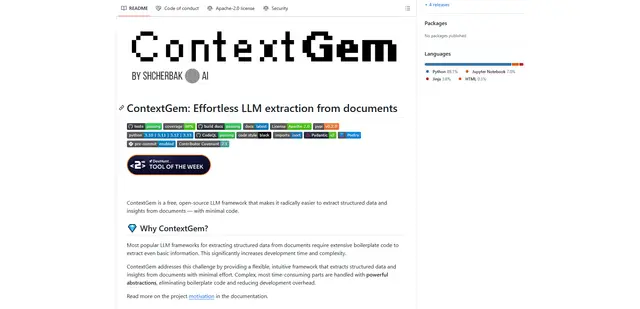
ContextGem
ContextGem is a free, open-source LLM framework that simplifies structured data and insights extraction from documents with minimal code through powerful built-in abstractions and automated features.
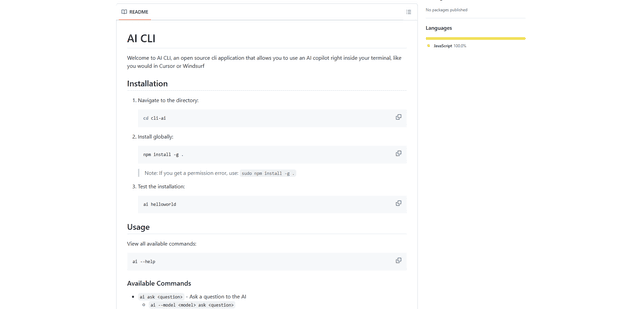
AI CLI
AI CLI is an open-source command-line interface tool that brings AI capabilities directly to your terminal, allowing you to interact with various AI models like OpenAI's GPT and Anthropic's Claude through simple commands.