
Goose Ads Remixer
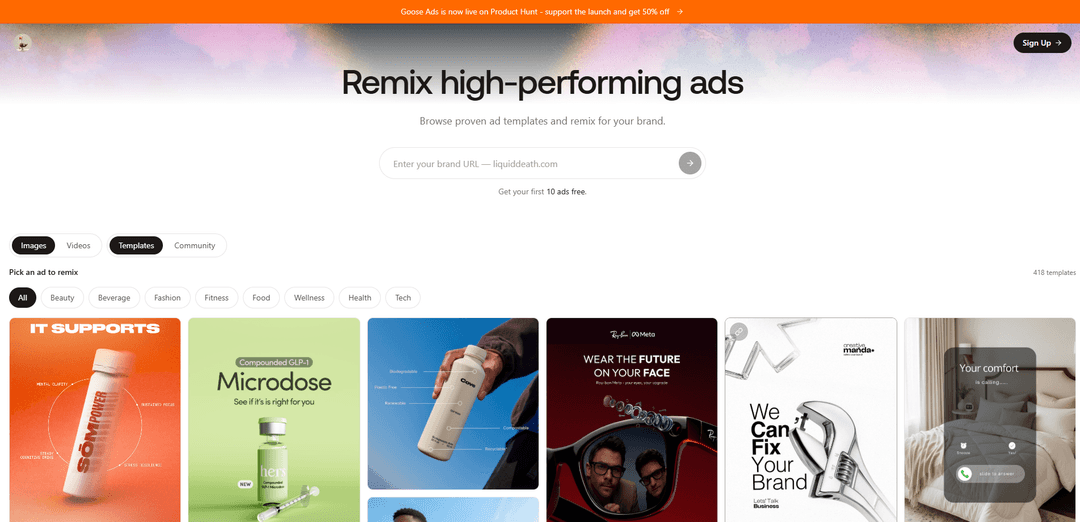
Goose Ads Remixer lets you browse proven ad templates and remix high-performing static or video creatives for your brand—swapping in your product, copy, and branding in minutes, free to start.
https://gooseworks.ai/ads?utm_source=aipure&utm_medium=launch&utm_campaign=ad-remixer&utm_content=2026-07-14&ref=producthunt
Product Information
Updated:Jul 16, 2026
What is Goose Ads Remixer
Goose Ads Remixer (by Gooseworks) is an ad creative tool built to help brands generate test-ready ads quickly by remixing formats and concepts that have already worked in the market. Instead of starting from a blank brief, you pick from a library of proven templates and have the system rebuild the creative for your own brand—matching your product, messaging, and visual identity. It’s available as a web experience (with a large template library and free credits to start) and can also be run directly inside agent environments like Claude/Claude Code, Codex, or Cursor via Gooseworks skills.
Key Features of Goose Ads Remixer
Goose Ads Remixer (Goose Ads by Gooseworks) is an ad-creative remix tool that lets brands browse a library of proven, high-performing ad templates and quickly regenerate them for their own brand—swapping in product visuals, brand palette, messaging, and copy while keeping the original layout/composition that made the reference ad effective. It supports both static graphics and video remixing workflows and can be run via a no-terminal web experience or directly inside agent environments (Claude/Claude Code/Codex/Cursor) through Gooseworks skills, enabling rapid batch generation of testable creative variants aligned to a brand’s existing site and assets.
Proven-template ad remix library: Browse a large wall of real ad creatives/templates (hundreds of references) and remix ads that already work, rather than generating from scratch prompts.
On-brand creative regeneration: Automatically adapts the remix to your brand by pulling cues from your website and assets (logo, messaging/positioning, palette), aiming to avoid generic “AI slop.”
Static graphic ad recreation from a reference: Recreates a static ad (IG/FB feed image, Pinterest pin, poster) from a reference image while swapping in a new product and new copy, preserving the original layout, composition, and visual energy; generated via GPT Image 2 edit-the-reference mode.
Video ad remix workflow: Remixes high-performing video ads into new brand-ready variants, designed as the video counterpart to the static graphic remix flow.
Agent/CLI integration (Gooseworks skills): Works as a skill inside AI agent tooling (e.g., Claude/Claude Code/Codex/Cursor) so teams can generate creatives with simple commands (e.g., install via `npx gooseworks install --all`, then run `/goose-ads ...`).
Fast batch generation + free starter tier: Produces multiple ad variants quickly (minutes) for creative testing velocity, with an entry offer such as “first 10 ads free.”
Use Cases of Goose Ads Remixer
D2C/e-commerce creative testing at scale: A skincare, supplements, apparel, or home-goods brand can remix winning layouts into dozens of product-focused variants to accelerate Meta ad testing without a full design pipeline.
SaaS demand-gen creative production: B2B SaaS teams can adapt high-performing SaaS ad patterns (UI screenshots, benefit callouts, report promos) into on-brand static/video ads for LinkedIn/Meta prospecting and retargeting.
Travel & hospitality promotions: Tour operators, hotels, or destination marketers can remix scenic, itinerary, or seasonal-offer templates into new ads that match their brand while keeping proven composition and headline structures.
Fintech and apps performance marketing: Fintech apps can remix UI-driven creatives (transaction lists, feature callouts, offers) into compliant, brand-aligned variants for acquisition and remarketing.
Agencies and freelancers delivering rapid iterations: Creative/performance agencies can use the template library and remix workflow to deliver many concept directions quickly, then refine winners based on performance data.
Competitor-inspired angle exploration: Growth teams can pair competitor ad research (e.g., via Meta Ad Library intelligence skills) with remixing to rapidly test similar hooks/structures while using original brand assets and copy.
Pros
Leverages proven ad structures/templates, reducing guesswork versus prompt-only generation.
Fast production of many on-brand variants, improving creative testing velocity.
Multiple access paths (web app + agent/CLI skills) fit different team workflows.
Supports both static and video remixing, covering key performance creative formats.
Cons
Template-based remixing can constrain originality and may lead to creative similarity across advertisers.
Quality and brand accuracy depend on available brand assets/website clarity and the suitability of the chosen reference template.
Static remixing relies on billed image generation (GPT Image 2 via FAL edit mode), which can add variable usage costs.
May require additional review for claims/compliance (especially in regulated categories like health/finance) even if generation is fast.
How to Use Goose Ads Remixer
1) Create a Gooseworks account: Go to https://gooseworks.ai/ads?ref=producthunt and sign up/log in so you can generate and save remixed creatives.
2) Prepare your brand inputs (optional but recommended): Have your brand website URL ready. Also gather logos, brand colors, and a product/offer page in case Goose can’t automatically pull everything it needs.
3) Open the Goose Ads template library: On the Goose Ads page, browse the wall of proven ad templates (static and video) that you can remix for your brand.
4) Pick a reference ad to remix: Select a template whose layout and “visual energy” you want to keep. This reference becomes the base that Goose will rebuild with your brand.
5) Drop in your brand (paste your URL): Provide your brand website URL so Goose can align the remix to your positioning, messaging, and available assets.
6) Generate the remixed creatives: Click generate (or the equivalent action in the UI). Goose will swap in your product and new copy while preserving the reference ad’s composition and layout.
7) Review outputs in your brand gallery: After generation, open the brand gallery link and inspect each creative. You should also have individual creative links you can approve or reject.
8) Estimate and manage credits: Before or during generation, check the credit estimate and ensure you have enough Gooseworks credits for a small test batch (the site advertises a free starter batch, e.g., first 10 ads free).
9) Approve, reject, and iterate on variants: Approve the strongest remixes, reject weak ones, and generate additional variants by choosing new templates or re-running with different copy angles.
10) (CLI option) Install Gooseworks skills to run from your agent: In a terminal, install the Gooseworks skills so you can run Goose Ads from Claude/Claude Code/Cursor/Codex: `npx gooseworks install --all` (or use the agent-specific flag like `--claude`, `--cursor`, or `--codex`).
11) (CLI option) Log in via the CLI: Run `npx gooseworks login` to authenticate; it opens a browser for sign-in and sets up the tools locally.
12) (CLI option) Generate ads with the Goose Ads skill: Inside your agent, run the Goose Ads command prompt format shown in the sources, e.g., `/goose-ads create ads for my brand <your-website>` to produce a batch of on-brand remixed creatives.
Goose Ads Remixer FAQs
Goose Ads Remixer (Goose Ads) is a tool that lets you browse a library of proven ad templates and remix them for your brand to quickly create on-brand static or video ads.
Goose Ads Remixer Video
Popular Articles

Vosko AI: Localize and Dub Videos for Global Audiences
Oct 15, 2026

Atoms: A Multi-Agent AI Platform That Transforms Ideas into Launch-Ready Products
Oct 13, 2026

Nano Banana SBTI: What It Is, How It Works, and How to Use It in 2026
Apr 15, 2026

Atoms Review — The AI Product Builder Redefining Digital Creation in 2026
Apr 10, 2026
Latest AI Tools Similar to Goose Ads Remixer
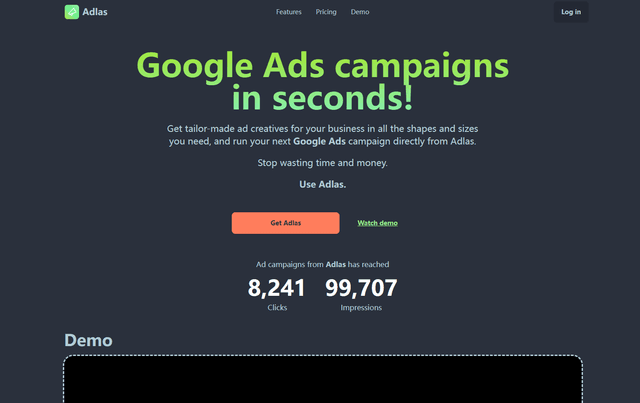
Adlas
Adlas is a streamlined platform that automates the creation of tailor-made ad creatives for Google Ads campaigns while providing comprehensive campaign management capabilities.
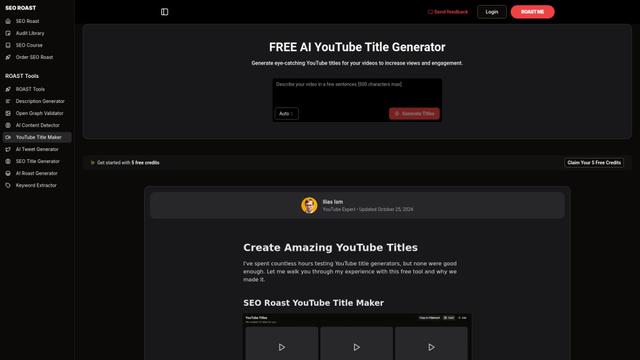
YouTube Title Generator
A free AI-powered tool that generates engaging, SEO-optimized YouTube video titles by analyzing trends, keywords, and competitor strategies to help content creators maximize their video visibility and click-through rates.
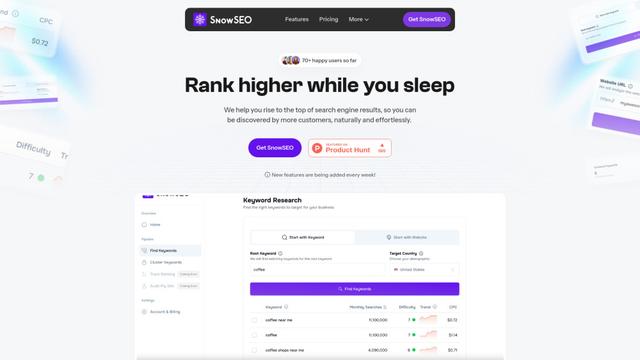
SnowSEO
SnowSEO is an all-in-one SEO platform that helps websites rank higher in search results by providing keyword research, clustering, rank tracking and optimization tools in an intuitive interface.
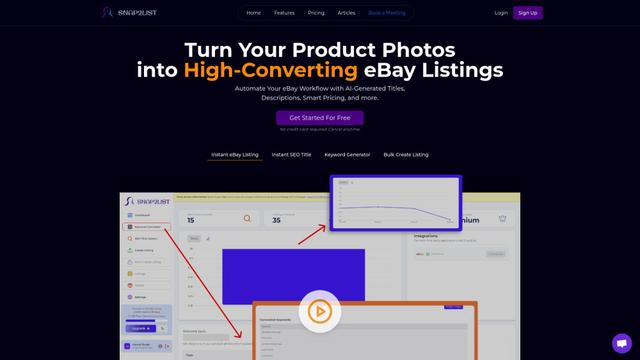
Snap2List
Snap2List is an AI-powered automation platform that helps sellers create optimized eBay listings by automatically generating titles, descriptions, and smart pricing from photos.
Popular AI Tools Like Goose Ads Remixer
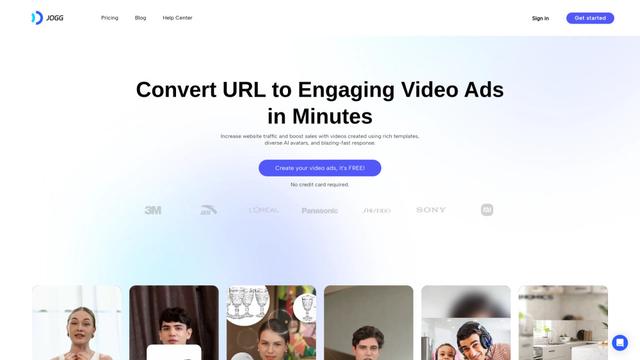
Jogg.ai
Jogg.ai is an AI-powered video ad generator that creates engaging video content from URLs using rich templates, diverse AI avatars, and fast response times.
nichesss
Nichesss is an AI-powered content generation tool that creates blog posts, ads, social media content, business ideas and more in seconds.
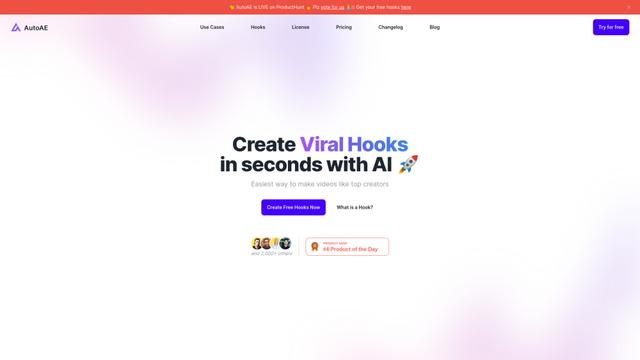
AutoAE: Viral Hooks & YouTube Video Online Generator
AutoAE is an AI-powered online video creation platform that helps creators easily make viral hooks and engaging content for YouTube and social media.
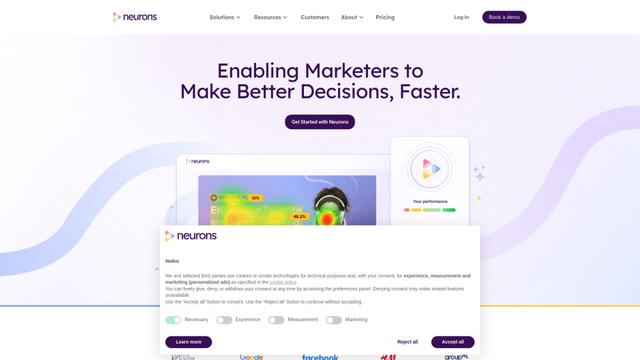
Neurons
Neurons is a consumer neuroscience company that uses AI and neuroscience to predict customer behavior and optimize marketing assets.