
GoldenRetriever.ai Public Beta
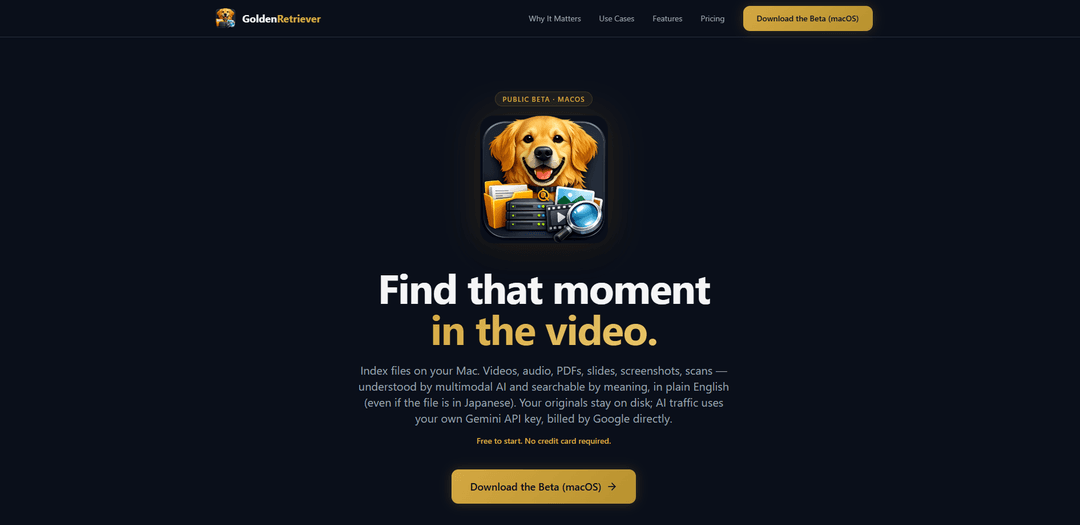
GoldenRetriever.ai Public Beta is a privacy-first macOS app that indexes your videos, audio, documents, and images with true multimodal AI so you can search by meaning and ask questions with sourced answers and timestamps—not just transcripts.
https://goldenretriever.ai/?utm_source=aipure&utm_medium=website&utm_campaign=launch&ref=producthunt
Product Information
Updated:May 18, 2026
What is GoldenRetriever.ai Public Beta
GoldenRetriever.ai Public Beta is an AI-powered video and audio (plus documents) search tool for your personal or team media library on macOS. It turns “opaque” files—recorded meetings, podcasts, lectures, demos, PDFs, slide decks, screenshots, scans, and more—into a searchable knowledge layer you can query in plain English, returning evidence-backed results with precise timestamps (and slide numbers where relevant). The product is free to start (no credit card required), runs on macOS 14+, and emphasizes user control: your files remain under your control while you connect it to your own cloud infrastructure for processing.
Key Features of GoldenRetriever.ai Public Beta
GoldenRetriever.ai Public Beta is a macOS app that turns your local media library (video, audio, PDFs, slides, documents, images, scans, screenshots) into a searchable, AI-questionable knowledge base. Unlike transcript-only tools, it uses true multimodal understanding to “see” video frames and “hear” audio directly, returning sourced answers with timestamps. It automatically indexes watched folders, stores embeddings in a local vector database, and runs processing through your own Google Cloud project so your files stay under your control, with the option to choose different LLM providers for Q&A.
True multimodal search (not just transcripts): Understands visual context in videos (slides, demos, whiteboards) and the full audio signal (tone/emphasis), enabling semantic search beyond what a transcript captures.
Ask in plain English with sourced timestamps: Lets you query your entire library conversationally and returns answers with source attribution, including exact timestamps for video/audio and slide references where applicable.
Automatic folder watching & indexing: Monitors selected directories and continuously indexes new/changed files so your knowledge base stays current with minimal manual work.
Privacy-first, bring-your-own-cloud processing: Runs AI processing via your own Google Cloud project; files don’t go to GoldenRetriever’s servers, supporting stronger control and GDPR-oriented design.
Local vector database for fast retrieval: Stores embeddings/search index locally (Qdrant on-device), improving speed and keeping the retrieval layer on your machine.
Model flexibility for Q&A: Choose your preferred model endpoint for answering questions (e.g., Gemini, OpenAI, Anthropic, Ollama, or OpenAI-compatible providers) to match cost/performance needs.
Use Cases of GoldenRetriever.ai Public Beta
Agency pitch & credentials assembly: Search across past decks, QBRs, and retros to quickly compile case studies and results, producing sourced draft materials with slide/timestamp references.
Client approval & dispute resolution: Locate the exact moment in a call where a stakeholder approved scope/budget, with timestamped evidence from both what was said and what was shown on screen.
Qual research & focus group analysis: Find moments of hesitation, sentiment shifts, or reactions that appear in tone and body language—insights often lost in transcripts—across many hours of recordings.
Engineering/operations decision recall: Ask “what did we decide about X” across meeting recordings and docs to retrieve the relevant segment and supporting artifacts without manual scrubbing.
Legal & compliance document discovery: Search across large PDF sets for clauses (e.g., indemnification) and jump to the exact source locations for faster review and verification.
Media & creative asset retrieval: For filmmakers/DITs and content teams, find specific shots or scenes by meaning (e.g., “red car at golden hour” or “wedding kiss”) across years of footage.
Pros
Multimodal understanding improves recall over transcript-only search (visual context + audio nuance).
Strong data-control posture: local index plus processing through your own GCP project; files stay under your control.
Sourced answers with timestamps make results verifiable and easy to jump to in long media.
Broad format coverage (video, audio, PDFs, slides, images, documents) with semantic search across all.
Cons
macOS-only public beta (Windows/Linux not yet available).
Requires a Gemini API key and uses your own GCP billing for processing costs.
Free tier is limited (e.g., up to 100 files and limited saved conversations/history).
Some advanced team/enterprise capabilities are listed as “coming soon” (e.g., SSO, EU residency guarantee).
How to Use GoldenRetriever.ai Public Beta
1) Check requirements and install: Use a Mac running macOS 14 or later. Download and install GoldenRetriever (Public Beta) from https://goldenretriever.ai/ and open the app.
2) Prepare your Google Cloud (Bring Your Own Cloud): GoldenRetriever runs processing through your own Google Cloud project (your files don’t go to GoldenRetriever’s servers). Create or choose a Google Cloud Project in Google Cloud Console and ensure you have billing enabled for that project.
3) Get a Gemini API key: Generate a Gemini API key in Google’s AI tooling for your Google Cloud project (the Free plan requires a Gemini API key). Copy the key for use in GoldenRetriever.
4) Connect GoldenRetriever to your cloud credentials: In GoldenRetriever settings/onboarding, provide the Gemini API key and point the app at your Google Cloud project so it can run the AI pipeline and bill GCP costs directly to your Google account.
5) Choose what to index (point at folders): Select the directories you want GoldenRetriever to watch (e.g., your Mac folders, external drives, shared volumes). This is where your videos, audio, PDFs, decks, screenshots, scans, and documents live.
6) Start indexing your library: Let GoldenRetriever scan and index the selected folders. It will process supported formats (videos, audio, PDFs, documents, slides, images, and text) and build a local knowledge base on your machine.
7) Wait for initial processing to complete: Indexing time depends on library size. GoldenRetriever uses multimodal AI to understand video visually and audio natively (not just transcripts) and stores embeddings/search index locally (powered by a local Qdrant vector database).
8) Search by meaning (semantic search): Use the search bar to find content by what it’s about (synonyms/intent), not just exact keywords. Example queries: “Find the shot of the red car at golden hour.” or “Find the clause about indemnification across 200 PDFs.”
9) Ask your library questions (AI Q&A): Ask questions in plain English across all indexed files. GoldenRetriever returns sourced answers and, for video/audio, includes timestamps so you can jump to the exact moment.
10) Open sources and jump to timestamps: From an answer, open the cited file(s) and navigate directly to the referenced timestamp (for video/audio) or location (e.g., slide/page) to verify context.
11) Use saved conversations and history (Free plan limits apply): Save and revisit AI conversations as needed. On the Free plan, you can save up to 5 AI conversations and access 7 days of search history.
12) Keep your index up to date with automatic folder watching: Leave folder watching enabled so new/changed files are indexed automatically in real time, keeping your knowledge base current without manual rescans.
13) (Optional) Choose your preferred Q&A model endpoint: If available in your build/settings, select the model provider for Q&A (Gemini, OpenAI, Anthropic, Ollama, or any OpenAI-compatible endpoint).
14) (Optional) Upgrade plans as your library grows: If you exceed Free limits (100 files) or need additional formats/features, upgrade when Pro/Business are available. Beta subscribers lock in founding-member pricing; GoldenRetriever subscription is separate from your Google Cloud costs.
GoldenRetriever.ai Public Beta FAQs
GoldenRetriever is a macOS app (public beta) that indexes your videos, audio, PDFs, documents, slides, and images so you can search them by meaning and ask questions in plain English, returning sourced answers with timestamps for video and audio.
GoldenRetriever.ai Public Beta Video
Popular Articles

Atoms: A Multi-Agent AI Platform That Transforms Ideas into Launch-Ready Products
May 22, 2026

Nano Banana SBTI: What It Is, How It Works, and How to Use It in 2026
Apr 15, 2026

Atoms Review — The AI Product Builder Redefining Digital Creation in 2026
Apr 10, 2026

Kilo Claw: How to Deploy and Use a True "Do‑It‑For‑You" AI Agent(2026 Update)
Apr 3, 2026
Latest AI Tools Similar to GoldenRetriever.ai Public Beta
SearchGPTool
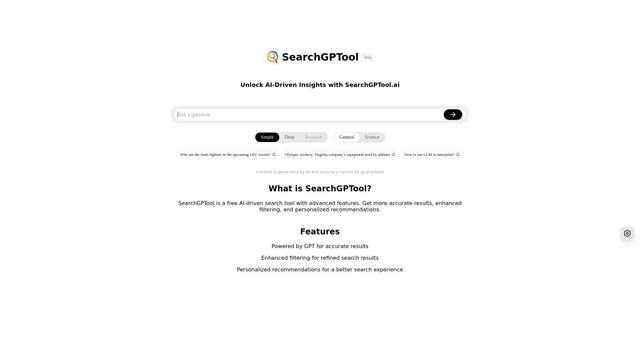
SearchGPTool is a free AI-powered search engine that combines Google search technology with ChatGPT's intelligent response capabilities to provide more accurate and personalized results.
Insights Tube
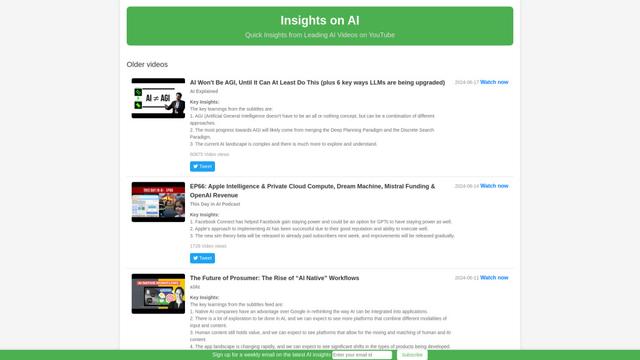
Insights Tube is a platform that provides AI-generated summaries and key insights from popular AI-related YouTube videos.

Imaginario.ai
Imaginario.ai is an AI-powered video curation platform that enables users to search, clip, and transform video content effortlessly using multimodal AI technology.
Ask Youtube
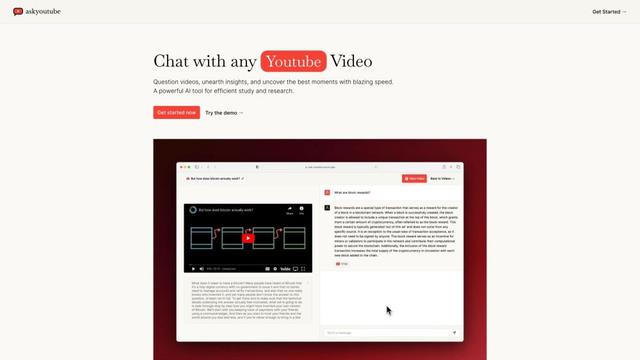
Ask Youtube is an AI-powered tool that allows users to ask questions, search for specific content, and get insights from YouTube videos without watching them entirely.
Popular AI Tools Like GoldenRetriever.ai Public Beta

Edit Mind
Edit Mind is an open-source, AI-powered video indexing and semantic search platform that enables users to analyze and search through video content using natural language queries, with features including transcription, frame analysis, face recognition, and object detection.
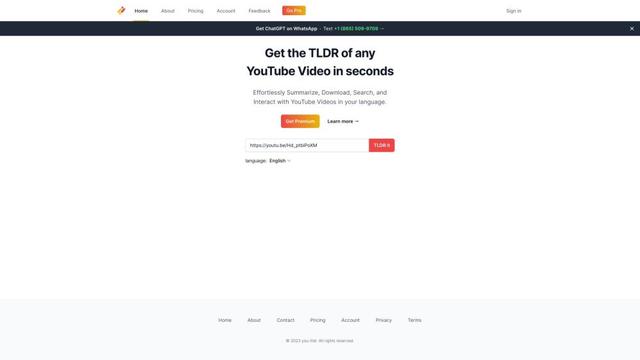
You-tldr
You-tldr is an AI-powered web application that automatically summarizes YouTube videos, allowing users to quickly grasp key points without watching the entire video.
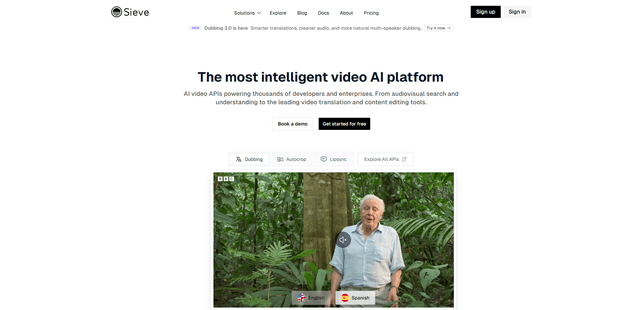
Sieve
Sieve is an AI infrastructure company providing high-quality APIs and tools for processing, analyzing, and managing video data at scale with built-in flexibility and enterprise-grade security.
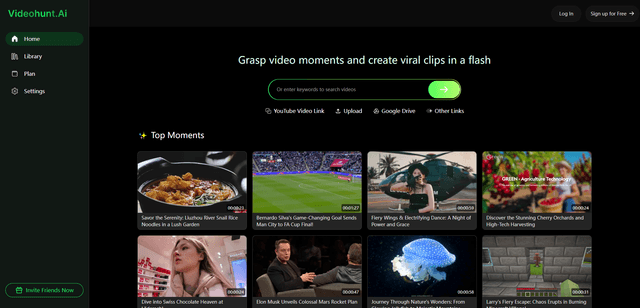
Videohunt.Ai
Videohunt.ai is an AI-powered platform that helps users explore diverse videos and capture significant moments quickly, enabling efficient creation of viral clips with ease and brilliance.