
Glance
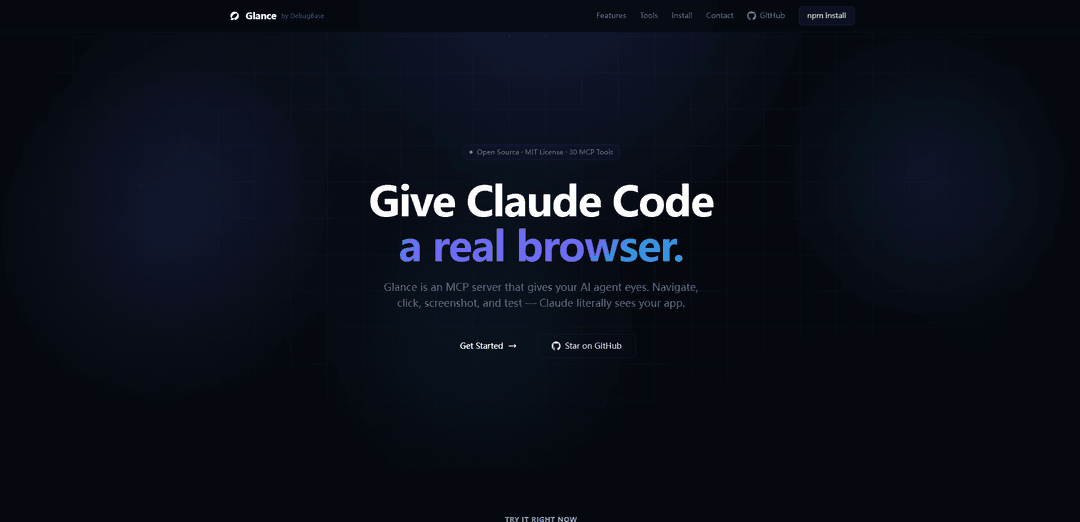
Glance is a self-hosted, open-source dashboard application that aggregates various feeds and content sources into a single, customizable interface for easy viewing and monitoring.
https://glance.debugbase.io/?ref=producthunt
Product Information
Updated:Apr 8, 2026
What is Glance
Glance is a flexible, lightweight dashboard system designed to provide users with a centralized view of their diverse information streams. It allows users to consolidate and display various types of content including RSS feeds, weather updates, calendars, bookmarks, site monitoring data, and more through a clean, minimal interface. The application is configured entirely through YAML files and can be easily deployed using Docker or as a standalone binary, making it accessible for both casual users and system administrators.
Key Features of Glance
Glance is a versatile self-hosted dashboard and browser automation tool that serves multiple purposes. As a dashboard, it aggregates various feeds and widgets including RSS feeds, weather updates, bookmarks, and site monitoring in a minimal interface. As a browser automation tool, it provides AI agents with visual capabilities to navigate, test, and interact with web applications through screenshots and accessibility snapshots.
Customizable Dashboard Interface: Features a flexible dashboard that can display multiple widgets including RSS feeds, weather, bookmarks, site monitoring, and custom API integrations
Browser Automation & Testing: Provides comprehensive browser control capabilities including navigation, clicking, typing, screenshots, and automated testing with 12 different assertion types
Visual Regression Testing: Offers pixel-level screenshot comparison capabilities to detect visual changes and maintain baseline comparisons
Security Profiles: Includes configurable security settings with three profiles (local-dev, restricted, open) for URL control and JavaScript execution policies
Use Cases of Glance
Personal Information Dashboard: Individuals can create a centralized dashboard to monitor their favorite feeds, weather updates, and bookmarks in one place
Web Application Testing: Development teams can automate testing workflows and validate web applications through visual regression testing and accessibility checks
AI-Powered Web Automation: AI agents can use Glance to interact with web applications, perform testing, and provide visual feedback through screenshots
Pros
Highly customizable with support for community-created widgets
Comprehensive browser automation capabilities
Strong security features with configurable profiles
Cons
Some features may have performance issues
Custom widgets may be visually inconsistent
Setup requires technical knowledge
How to Use Glance
Download and Install: Download the executable from the latest release (glance-windows-amd64.zip for 64-bit Windows systems) and place it in your desired folder. For Linux, place it in /opt/glance/
Create Configuration File: Create a glance.yml file in the same directory as the executable. This YAML file will contain your dashboard configuration settings
Configure Basic Dashboard: Add basic configuration to glance.yml including pages, columns and widgets. Example: pages with Home section, columns with different sizes, and widgets like calendar, RSS feeds etc.
Docker Installation (Alternative): Create a docker-compose.yml file with the glanceapp/glance image. Mount your glance.yml configuration file using volumes: - ./glance.yml:/app/glance.yml
Configure Environment Variables: Set up environment variables if needed using ${ENV_VAR} syntax in the config file. Variables can be used anywhere in the configuration
Start the Service: Run the executable directly or start the Docker container. By default it will look for glance.yml in the current directory
Access Dashboard: Access the Glance dashboard through your web browser, default port is 8080
Debug and Troubleshoot: Enable debug logging by setting LOG_LEVEL=debug. Use config:print command to validate configuration. Check system journal for logs
Customize Widgets: Add or modify widgets like RSS feeds, calendars, Twitch channels etc. by editing the glance.yml file. Changes will be loaded automatically
Configure Security: Set up SSL if needed by configuring ssl_keyfile and ssl_certfile in the configuration. Configure CORS headers if required
Glance FAQs
You can download the binary from the latest release page, place it in /opt/glance/, and set it up as a systemd service. By default, it looks for a glance.yml configuration file in the same directory as the binary.
Glance Video
Popular Articles

Vosko AI: Localize and Dub Videos for Global Audiences
Oct 15, 2026

Atoms: A Multi-Agent AI Platform That Transforms Ideas into Launch-Ready Products
Oct 13, 2026

Nano Banana SBTI: What It Is, How It Works, and How to Use It in 2026
Apr 15, 2026

Atoms Review — The AI Product Builder Redefining Digital Creation in 2026
Apr 10, 2026
Latest AI Tools Similar to Glance

MultipleWords
MultipleWords is a comprehensive AI platform offering 16 powerful tools for content creation and manipulation across audio, video, and image editing with cross-platform accessibility.
AiTools.Ge
FreemiumMulti-purpose Tools
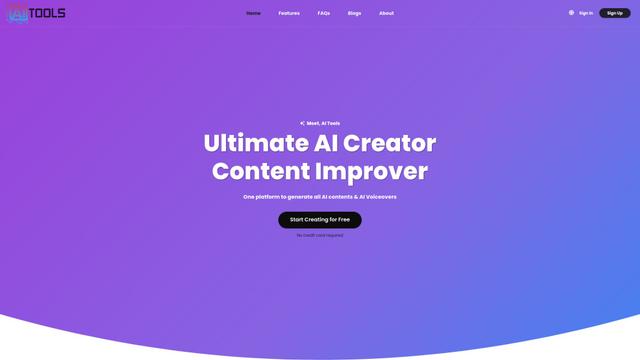
AiTools.Ge is an all-in-one AI content creation platform offering 70+ templates for generating text, images, voiceovers, code and more across multiple languages.
GiGOS
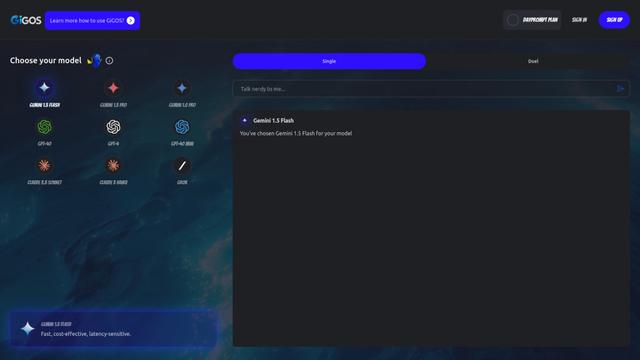
GiGOS is an AI platform that provides access to multiple advanced language models like Gemini, GPT-4, Claude, and Grok with an intuitive interface for users to interact with and compare different AI models.

Lynklet
Lynklet is an all-in-one social tool platform that combines bio link pages, URL shortening, QR code generation, digital business cards, and file hosting capabilities in one comprehensive solution.
Popular AI Tools Like Glance

Off-grid LLM over Radio
A platform that integrates Large Language Models (LLMs) with Meshtastic mesh communication networks to enable off-grid AI interactions and automated task execution through radio communication.
Pixelagent
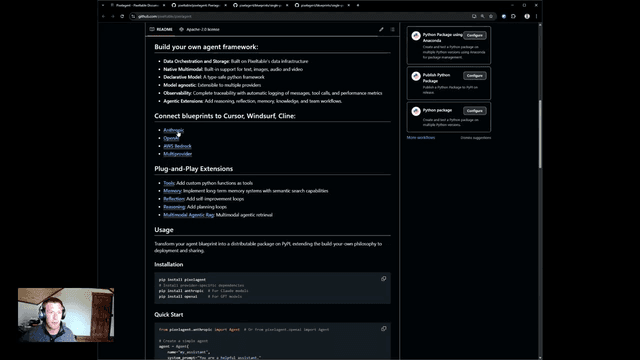
Pixelagent is a declarative Python framework for building custom AI agents that unifies LLM capabilities, storage, and orchestration with build-your-own functionality for memory, tool-calling, and multimodal data handling.

MulmoCast
MulmoCast is an AI-native multi-modal presentation tool that automatically generates videos, podcasts, slides, PDFs, and manga-style content from a single script using various AI technologies.
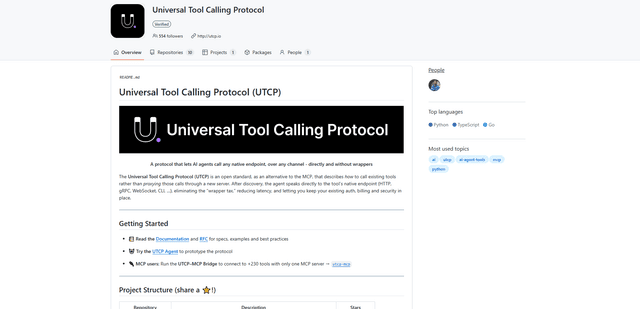
UTCP
UTCP (Universal Tool Calling Protocol) is an open standard protocol that enables AI agents to directly call any native API endpoint across different communication protocols without requiring middleware or wrapper servers.