
GesturePresent
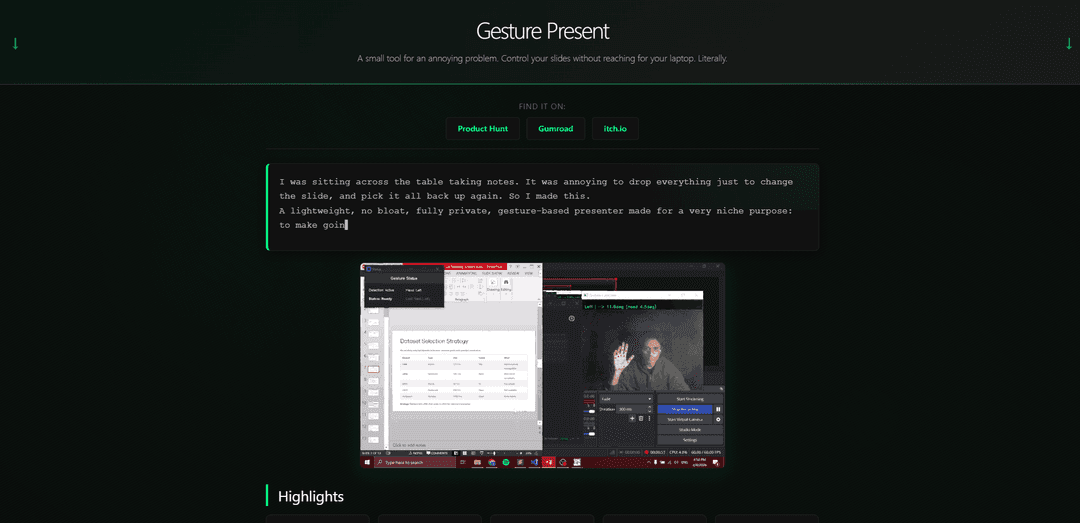
GesturePresent is a lightweight, privacy-focused presentation control tool that allows users to navigate through slides using simple hand gestures captured through a webcam.
https://gesture-present.vercel.app/?ref=producthunt
Product Information
Updated:Feb 10, 2026
What is GesturePresent
GesturePresent is an innovative presentation control application that transforms traditional slideshow interactions into a hands-free experience. Built with privacy in mind, it operates completely offline and processes all camera feed locally on your device without storing or transmitting any data. The application is designed to work seamlessly with PowerPoint and other presentation software, offering a modern solution for presenters who want to control their slides without being tethered to traditional input devices.
Key Features of GesturePresent
GesturePresent is an AI-based application that enables users to control presentations through hand gestures, utilizing webcam detection for hands-free navigation. It offers simple slide control through hand rotation, features a live camera feed with developer mode, works in various lighting conditions, and processes everything locally for privacy, making it an efficient alternative to traditional presentation clickers.
Gesture-Based Navigation: Control slides through intuitive hand rotation movements - rotate right for next slide, left for previous slide
Developer Camera Mode: Optional live camera feed window with 'Dev Cam' mode for debugging and visual feedback
Privacy-Focused Processing: All processing occurs locally on the user's device with no data storage or transmission
Status Overlay Display: Floating display showing real-time detection state for better user feedback
Use Cases of GesturePresent
Remote Presentations: Enable smooth, professional presentation control during virtual meetings and online conferences
Classroom Teaching: Allow educators to move freely while teaching and controlling their presentation materials
Sales Demonstrations: Enhance product demonstrations with hands-free control for more engaging client presentations
Student Note-Taking: Help students control presentation slides from a distance during study sessions or lectures
Pros
Cost-effective alternative to traditional presentation clickers
Works well in various lighting conditions and distances
Strong privacy features with local processing
Lightweight and simple to use
Cons
Limited to Windows 10/11 operating systems
Requires stable webcam setup
Currently limited gesture support
How to Use GesturePresent
Install GesturePresent: Download and install GesturePresent application on your Windows 10/11 system
Open PowerPoint: Open your PowerPoint presentation and enter slideshow mode by pressing F5
Launch GesturePresent: Launch GesturePresent.exe application and click the 'Start' button
Control Slides: Use hand rotation gestures: rotate hand right to move to next slide, rotate hand left to move to previous slide
Optional: Enable Camera Feed: Toggle 'Enable camera feed' option if you need to debug or verify gesture detection
Ensure Proper Setup: Make sure PowerPoint is in focus, your webcam is working, and you have proper lighting conditions
Calibration: Hold your hand steady during initial calibration for reliable gesture detection
GesturePresent FAQs
GesturePresent is a tool that lets you control presentations using hand gestures. It works by using your webcam to detect hand movements - rotating your hand right or left to move to next/previous slides in PowerPoint presentations.
Popular Articles

Vosko AI: Localize and Dub Videos for Global Audiences
Oct 15, 2026

Atoms: A Multi-Agent AI Platform That Transforms Ideas into Launch-Ready Products
Oct 13, 2026

Nano Banana SBTI: What It Is, How It Works, and How to Use It in 2026
Apr 15, 2026

Atoms Review — The AI Product Builder Redefining Digital Creation in 2026
Apr 10, 2026
Latest AI Tools Similar to GesturePresent
PPTalker
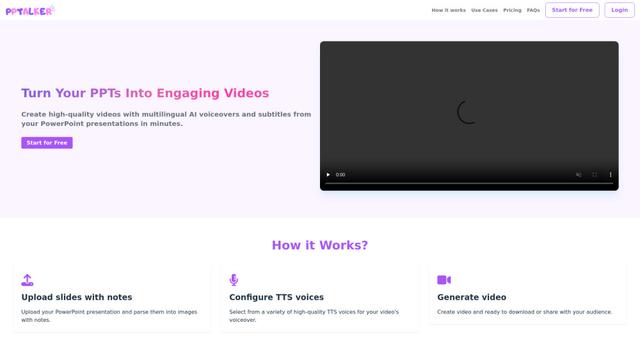
PPTalker is an online PowerPoint to video converter that transforms presentations into engaging videos with AI-powered multilingual voiceovers and subtitles.
Napkin
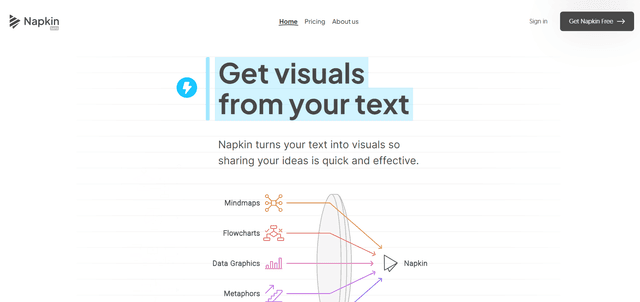
Napkin AI is an innovative AI-powered tool that automatically transforms text into visually appealing graphics, diagrams, and illustrations to enhance business communication and storytelling.
Aidocmaker.com
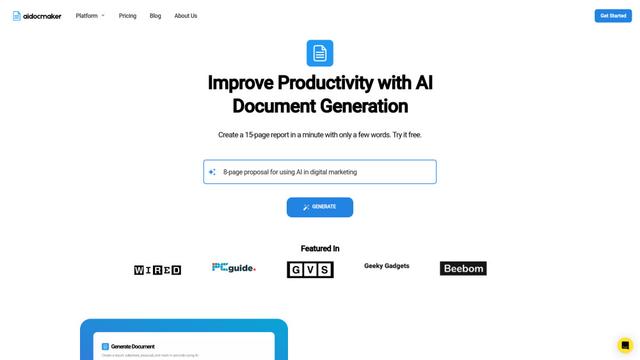
Aidocmaker.com is an AI-powered document creation platform that allows users to effortlessly generate professional documents, presentations, spreadsheets, and voiceovers in minutes.

Yanbi AI
Yanbi AI is a free AI-powered writing tool that generates high-quality content for various writing scenarios with one click.
Popular AI Tools Like GesturePresent

MulmoCast
MulmoCast is an AI-native multi-modal presentation tool that automatically generates videos, podcasts, slides, PDFs, and manga-style content from a single script using various AI technologies.
MulmoCast Vision
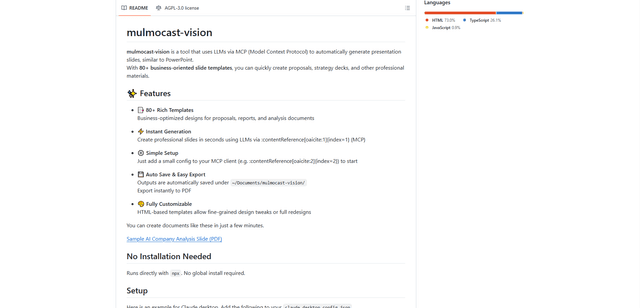
MulmoCast Vision is an AI-powered tool that automatically generates professional presentation slides through LLMs via Model Context Protocol (MCP), featuring 80+ business-oriented templates for various corporate needs.
Gamma
Free TrialAI Presentation Generator
Gamma App is an AI-powered tool for creating beautiful presentations, documents, and websites with no design or coding skills required.
SLIDESGO
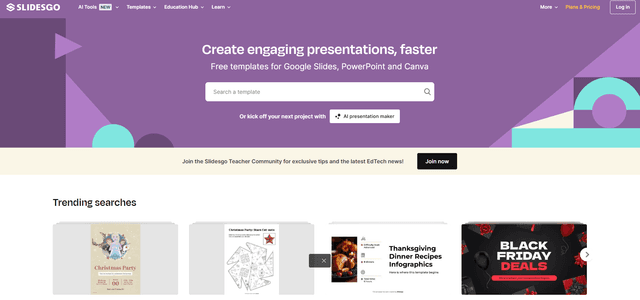
Slidesgo is a free online platform that provides professionally designed presentation templates for Google Slides and PowerPoint with customizable themes, infographics, and AI-powered tools to help create engaging presentations faster.