Fylia AI
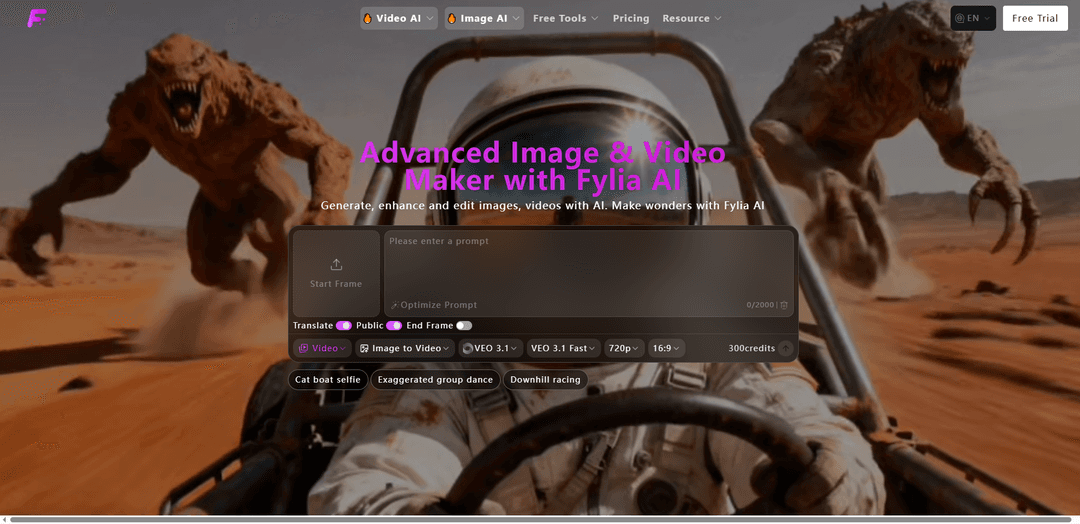
Fylia AI is a comprehensive all-in-one media creation platform that leverages advanced AI models to generate, enhance, and edit both images and videos with cutting-edge technology including Google Nano Banana Pro, Seedream, VEO, and Kling.
https://fylia.ai/?utm_source=aipure
Product Information
Updated:Apr 21, 2026
What is Fylia AI
Fylia AI is an advanced AI-powered creative studio developed by Hey Dream Tech Limited that serves as a complete solution for digital content creation. The platform integrates multiple industry-leading AI models including Google Nano Banana 2, Gemini 3.1 Flash, VEO 3.1, Kling, Seedream, and Higgsfield to provide creators, marketers, and developers with versatile tools for generating stunning visual content. Whether you need to create images from text prompts, transform photos into videos, or edit existing media with AI precision, Fylia AI offers a unified workspace that combines text-to-image, image-to-image, text-to-video, and image-to-video generation capabilities. The platform supports various creative styles ranging from realistic photography to anime, cyberpunk, and Studio Ghibli aesthetics, making it suitable for diverse applications including e-commerce product photography, social media content, marketing materials, and artistic projects.
Key Features of Fylia AI
Fylia AI is a comprehensive all-in-one media creation platform that leverages advanced AI models to generate, enhance, and edit both images and videos. It integrates industry-leading models including Google Nano Banana Pro, Gemini, Seedream, VEO, Kling, and Higgsfield to provide versatile creative tools. The platform offers text-to-image, image-to-image, text-to-video, and image-to-video generation capabilities with configurable resolutions and aspect ratios. Core features include image editing and inpainting, avatar and headshot generation, old photo restoration and animation, image upscaling, background removal, AI clothes changing, and prompt-driven enhancement. It serves as a centralized hub for high-fidelity visual content generation with both free tools and premium features for professional use.
Multi-Model AI Integration: Supports cutting-edge AI models including Nano Banana Pro, Seedream 4.0/4.5/5.0, VEO 3.1, Kling, Higgsfield, and Gemini for superior image and video generation with flexible style and quality options.
Comprehensive Image Editing Suite: Advanced tools including AI inpainting, background removal, image upscaling, old photo restoration, AI clothes changer, and avatar/headshot generation for complete image manipulation and enhancement.
Video Generation & Animation: Converts text and images into videos with features like image-to-video, text-to-video, music video creation, old photo animation, talking baby videos, motion control, and cinematic effects.
AI-Powered Specialized Generators: Includes niche generators for specific styles and purposes such as Ghibli-style content, action figures, anime, Halloween themes, Chinese New Year covers, and AI poster creation.
Free Creative Tools: Offers free utilities including image describer, image-to-prompt converter, background remover, image format converter, prompt generator, and image upscaler without requiring payment.
Flexible Resolution & Format Options: Configurable resolution settings (720p and higher), multiple aspect ratios (16:9 and more), and various output formats to match different platform requirements and creative needs.
Use Cases of Fylia AI
E-commerce Product Visualization: Create high-converting product images and short promo videos, automatically remove backgrounds, upscale to print-quality resolutions, and export batch-ready assets for online catalogs without hiring photographers.
Fashion & Virtual Try-On: Use AI clothes changer to swap outfits in photos for fashion styling, outfit planning, and creative photo edits with precise clothing detection and segmentation technology.
Social Media Content Creation: Generate engaging images and videos for social media platforms, create music videos, animated content, and viral-ready visuals with AI-powered tools designed for quick content production.
Family Photo Restoration & Preservation: Restore, colorize, and enhance vintage family photos, repair damage, fill missing areas via inpainting, animate old photos, and generate polished prints or digital galleries for sharing and archiving.
Marketing & Advertising Campaigns: Produce professional marketing materials including AI-generated posters, headshots, promotional videos, and branded content for campaigns without extensive design expertise or video production skills.
Creative Storytelling & Entertainment: Create cinematic videos, Ghibli-style animations, talking baby podcasts, action figure videos, and narrative-cohesive content for entertainment, education, and creative projects.
Pros
All-in-one platform combining multiple advanced AI models for both image and video generation in a single interface
Offers free tools and flexible pricing plans making it accessible for both beginners and professionals
Intuitive user experience with easy-to-use interface requiring no technical expertise or design skills
Wide range of specialized features including clothes changing, photo restoration, and style-specific generators
Cons
Credit-based system for premium features may require ongoing purchases for heavy users
Generated content retention period differs between free and paid users, limiting long-term access for free accounts
NSFW content restrictions may limit creative freedom for certain artistic projects
Multiple model options might be overwhelming for new users unfamiliar with AI generation capabilities
How to Use Fylia AI
1: Visit fylia.ai and sign up for an account. New users receive credits immediately upon registration.
2: Select a specific tool from the dashboard based on your needs, such as 'Text to Video', 'AI Image Generator', 'Image to Video', or other available options.
3: Choose an AI model that fits your project requirements, such as Nano Banana Pro, Kling, VEO 3.1, Seedream, or other supported models.
4: Input your text prompt or upload reference images. Keep prompts focused and describe what happens on screen rather than abstract ideas.
5: Adjust settings according to your needs, such as duration, resolution (e.g., 720p), aspect ratio (e.g., 16:9), and style preferences.
6: Use the 'Optimize Prompt' feature if needed to enhance your text description for better results.
7: Review the credit cost for your selected model and settings (lighter tools like Flux Schnell use fewer credits, while advanced video or high-detail options use more).
8: Click the generate button to create your image or video content.
9: Wait for the AI to process your request and generate the output.
10: Review the generated content and iterate in small steps if needed to refine the results.
11: Download your finished assets directly from the history gallery once you're satisfied with the results.
12: Export your content to common formats for use in your projects, social media, marketing campaigns, or other applications.
Fylia AI FAQs
Fylia AI is a comprehensive, all-in-one media creation platform that leverages advanced AI models to generate, enhance, and edit images and videos. It integrates industry-leading models such as Google Nano Banana 2, Gemini 3.1 Flash, VEO 3.1, and Kling to provide a versatile toolkit for creative workflows.
Popular Articles

Vosko AI: Localize and Dub Videos for Global Audiences
Oct 15, 2026

Atoms: A Multi-Agent AI Platform That Transforms Ideas into Launch-Ready Products
Oct 13, 2026

Nano Banana SBTI: What It Is, How It Works, and How to Use It in 2026
Apr 15, 2026

Atoms Review — The AI Product Builder Redefining Digital Creation in 2026
Apr 10, 2026
Latest AI Tools Similar to Fylia AI
Flux AI Lab
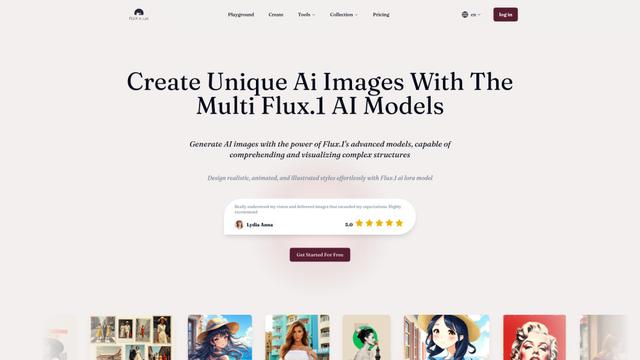
Flux AI Lab is a cutting-edge AI image generation platform powered by Black Forest Labs' FLUX.1 model series, offering state-of-the-art performance in creating high-quality, diverse images with exceptional prompt following capabilities.
PixelHaha
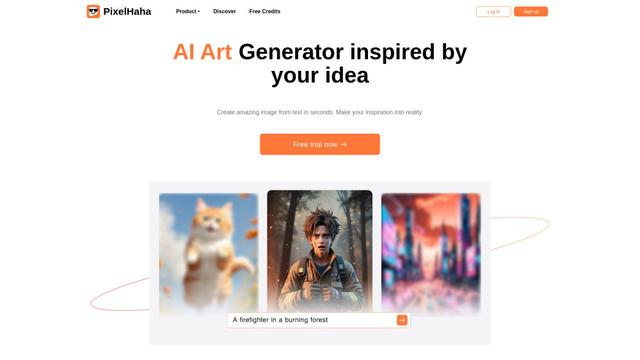
PixelHaha is an AI-powered art generation platform that transforms text prompts into high-quality digital artwork using advanced AI models.
BlogBud AI
BlogBud AI is a powerful AI-powered content generation platform that helps users create thousands of SEO-optimized blog articles at scale using GPT-4o and DALL-E 3 technologies.
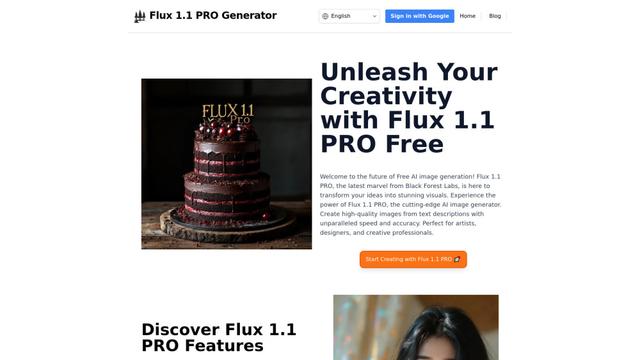
Flux 1.1 PRO
Flux 1.1 Pro is a state-of-the-art text-to-image AI model that offers six times faster generation than its predecessor while delivering superior image quality, prompt adherence, and output diversity, achieving the highest Elo score on the Artificial Analysis image arena.
Popular AI Tools Like Fylia AI
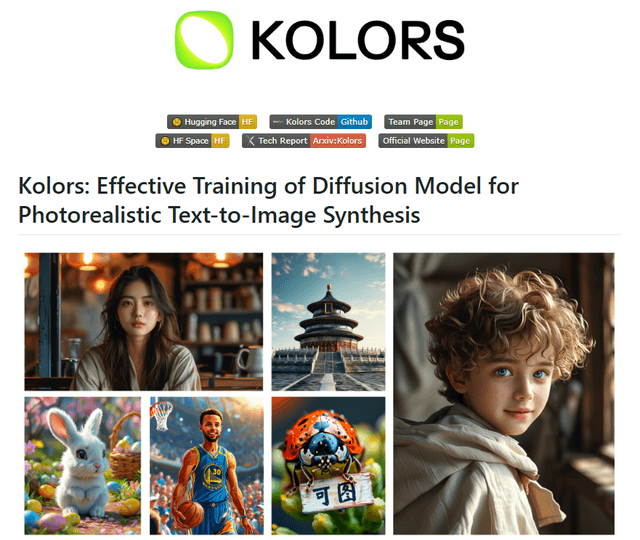
Kolors
Free TrialText to Image
Kolors is a large-scale bilingual text-to-image generation model developed by Kuaishou that excels in visual quality, complex semantic accuracy, and text rendering for both Chinese and English content.
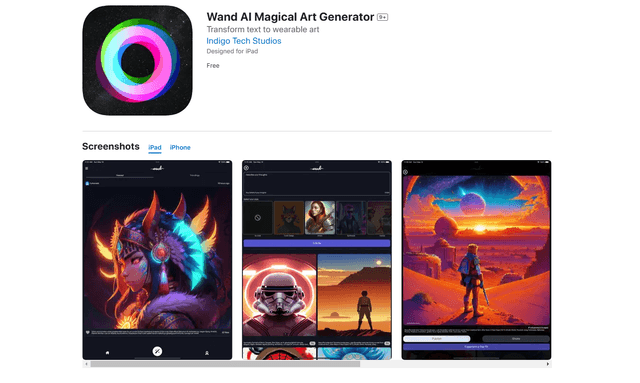
Wand AI
Wand AI is an innovative AI-powered creative tool that transforms text prompts and sketches into customizable digital artworks, designed specifically for artists and creative professionals on iPhone and iPad.
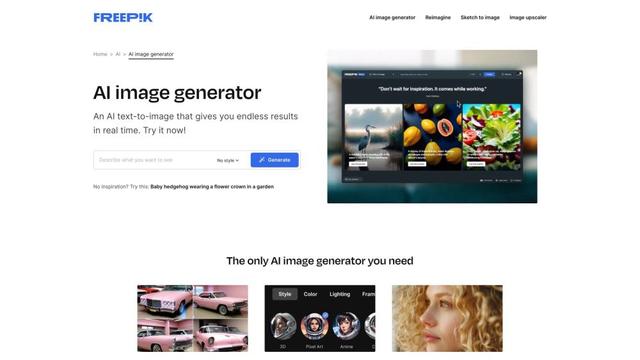
Freepik AI Image Generator
FreemiumText to Image
Freepik's AI Image Generator is a powerful text-to-image tool that creates high-quality, photorealistic images in real-time with customizable styles and infinite variations.
Seaart.ai
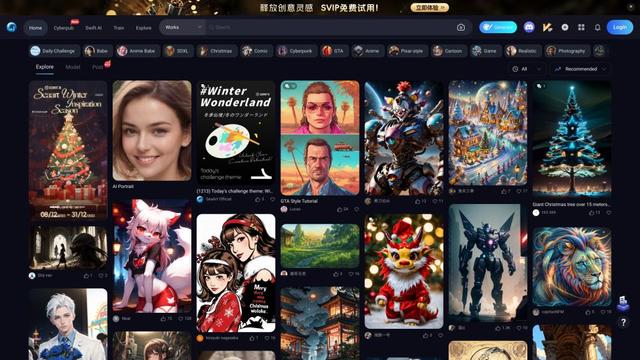
SeaArt.ai is a free AI art generator that offers text-to-image creation, AI character design, swift AI tools, and custom model training capabilities.