
Folio
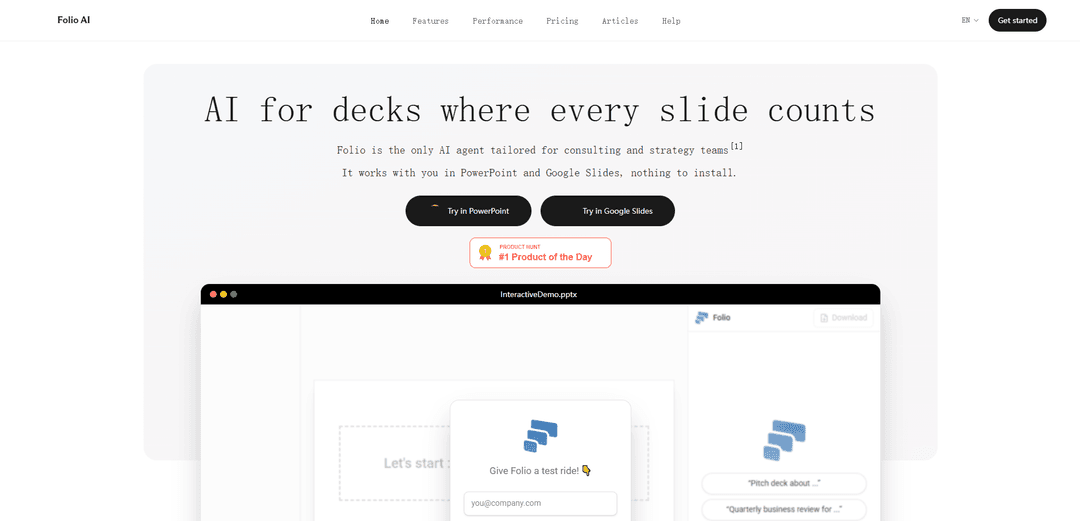
Folio is an AI agent for consulting and strategy teams that generates and edits fully editable PowerPoint and Google Slides decks using your existing templates, with secure enterprise features like GDPR compliance, SSO/MFA, and optional bring-your-own API keys.
https://get-folio.ai/?ref=producthunt
Product Information
Updated:Jul 8, 2026
What is Folio
Folio is an AI-powered copilot built specifically for high-stakes presentations where every slide needs to be polished, on-brand, and editable. Designed for consulting and strategy workflows, it works directly inside PowerPoint and Google Slides, enabling teams to create complete slide decks from scratch or transform existing decks through natural-language prompts. Unlike tools that output static slide images, Folio operates on real presentation objects (shapes, text, layouts), so the resulting slides remain fully editable and ready for final human refinement.
Key Features of Folio
Folio is an AI agent built for consulting and strategy teams to create and edit slide decks directly in PowerPoint and Google Slides. It can generate full decks from a prompt, iteratively modify existing decks, and apply your existing presentation template (fonts, colors, layouts) automatically while keeping every element fully editable as native shapes/objects (not flattened images). It also supports uploading supporting materials (logos, images, inspiration files) and offers enterprise-grade controls such as GDPR compliance, SSO/MFA, and bring-your-own API keys on enterprise plans, with an underlying “simplification harness” designed to improve speed and reliability when editing slides.
Direct PowerPoint & Google Slides integration: Works inside the tools teams already use, allowing you to prompt changes, make manual edits, and prompt again in an iterative workflow (nothing to install).
Prompt-to-deck generation: Generates a complete slide deck from scratch based on your description, then supports refinement through follow-up prompts.
Editable native slide objects: Edits real PowerPoint shapes and objects rather than exporting slides as images, so all elements remain fully editable.
Template-aware, on-brand output: Uses your existing PowerPoint template to automatically apply brand fonts, colors, and pre-set layouts.
Context file uploads for better results: Lets you upload relevant assets (e.g., logos, images, inspiration) for the AI to incorporate into the deck edits and generation.
Enterprise security & control options: Offers GDPR compliance, SSO and MFA, and (on enterprise plans) bring-your-own API keys with an emphasis that your data stays yours.
Use Cases of Folio
Consulting strategy decks: Rapidly draft and refine client-ready strategy presentations while maintaining strict brand templates and fully editable slides.
Internal executive updates: Turn outlines into polished leadership update decks quickly, then iterate on messaging and layout directly in PowerPoint/Slides.
Sales and pitch materials: Create and tailor pitch decks for different prospects by prompting targeted edits (industry angle, value props, competitive slides) without rebuilding from scratch.
Proposal and RFP response presentations: Accelerate proposal slide creation using uploaded assets (logos, references, inspiration) and refine structure and visuals through iterative prompts.
Marketing and product narrative decks: Build launch or positioning decks that match existing design systems, with fast revisions as messaging evolves.
Cross-team slide production at scale: Standardize output across teams by leveraging shared templates and quick AI-driven edits while keeping final human control via manual adjustments.
Pros
Works directly in PowerPoint and Google Slides, enabling a smooth AI + manual iteration loop
Maintains full editability with native shapes/objects rather than flattening slides into images
Automatically applies existing templates for on-brand decks
Enterprise-oriented security options (GDPR, SSO/MFA, BYO API keys on enterprise plans)
Cons
Best results may depend on having a well-structured existing template and clear prompts
Some advanced capabilities (e.g., bring-your-own API keys) appear limited to enterprise plans
How to Use Folio
1) Open Folio: Go to https://get-folio.ai (on a computer or tablet) and start a session (the site indicates you can start without a credit card).
2) Connect to your slide editor: Use Folio inside PowerPoint or Google Slides via its direct integration (so you can work on real, editable slide objects—not flattened images).
3) Start from an existing template (recommended): Open your existing PowerPoint template/deck so Folio can apply your on-brand fonts, colors, and preset layouts automatically.
4) Generate a new deck from scratch (option A): Prompt Folio with what you need (topic, audience, storyline, slide count, and any formatting constraints). Folio will draft a full deck in your template style, then you refine.
5) Modify an existing deck (option B): Open any existing deck and prompt Folio to make changes (e.g., rewrite a slide, restructure a storyline, create new slides, or adjust layouts).
6) Upload supporting materials: Upload anything relevant to your prompt—logos, images, or inspiration references—so Folio can incorporate them into the slides.
7) Refine iteratively with a human-in-the-loop workflow: After Folio generates or edits slides, make manual adjustments directly in PowerPoint/Google Slides, then prompt Folio again to continue—blending AI edits with your final touch.
8) Keep everything editable and presentation-ready: Ensure the output uses native PowerPoint/Google Slides shapes and objects so every element remains fully editable for last-mile polishing.
9) (Enterprise) Configure security and access controls: If on an enterprise plan, enable SSO and MFA, and (if needed) bring your own API keys. Folio states it is GDPR compliant and that your data stays yours.
Folio FAQs
Folio AI turns product details into share-link “smart stores” that can speak any language instantly. It’s tailored for SMEs, manufacturers, and distributors involved in B2B commerce.
Folio Video
Popular Articles

Atoms: A Multi-Agent AI Platform That Transforms Ideas into Launch-Ready Products
May 22, 2026

Nano Banana SBTI: What It Is, How It Works, and How to Use It in 2026
Apr 15, 2026

Atoms Review — The AI Product Builder Redefining Digital Creation in 2026
Apr 10, 2026

Kilo Claw: How to Deploy and Use a True "Do‑It‑For‑You" AI Agent(2026 Update)
Apr 3, 2026
Latest AI Tools Similar to Folio
PPTalker
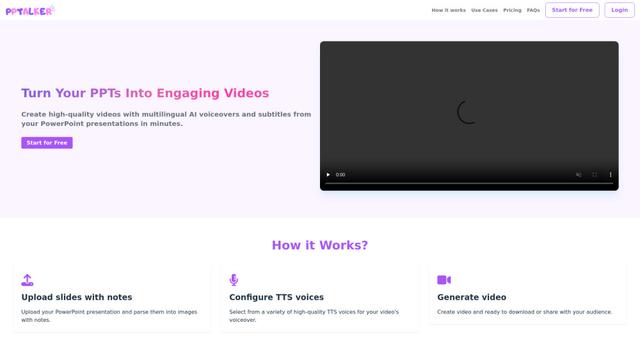
PPTalker is an online PowerPoint to video converter that transforms presentations into engaging videos with AI-powered multilingual voiceovers and subtitles.
Napkin
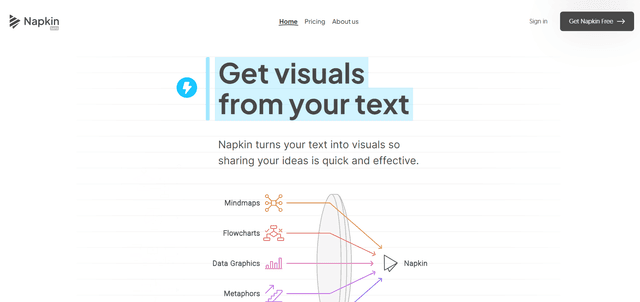
Napkin AI is an innovative AI-powered tool that automatically transforms text into visually appealing graphics, diagrams, and illustrations to enhance business communication and storytelling.
Aidocmaker.com
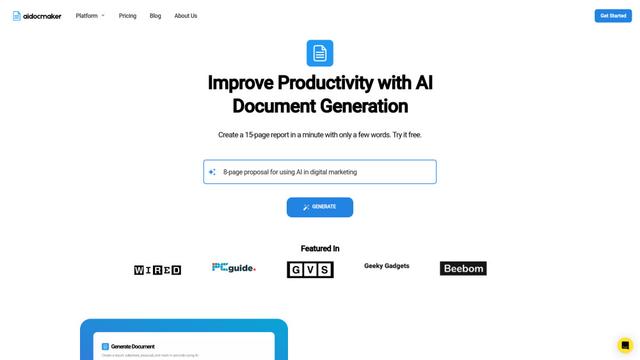
Aidocmaker.com is an AI-powered document creation platform that allows users to effortlessly generate professional documents, presentations, spreadsheets, and voiceovers in minutes.

Yanbi AI
Yanbi AI is a free AI-powered writing tool that generates high-quality content for various writing scenarios with one click.
Popular AI Tools Like Folio

MulmoCast
MulmoCast is an AI-native multi-modal presentation tool that automatically generates videos, podcasts, slides, PDFs, and manga-style content from a single script using various AI technologies.
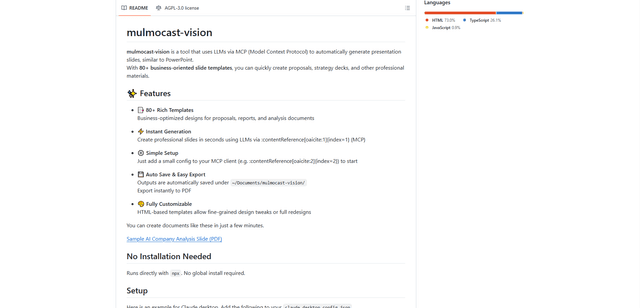
MulmoCast Vision
MulmoCast Vision is an AI-powered tool that automatically generates professional presentation slides through LLMs via Model Context Protocol (MCP), featuring 80+ business-oriented templates for various corporate needs.

Gamma
Free TrialAI Presentation Generator
Gamma App is an AI-powered tool for creating beautiful presentations, documents, and websites with no design or coding skills required.
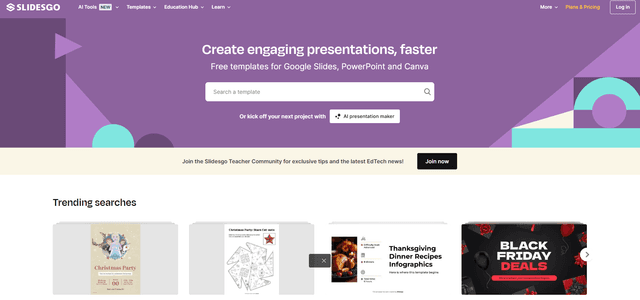
SLIDESGO
Slidesgo is a free online platform that provides professionally designed presentation templates for Google Slides and PowerPoint with customizable themes, infographics, and AI-powered tools to help create engaging presentations faster.