Ezmaker AI: Free All-in-One AI Photo editor
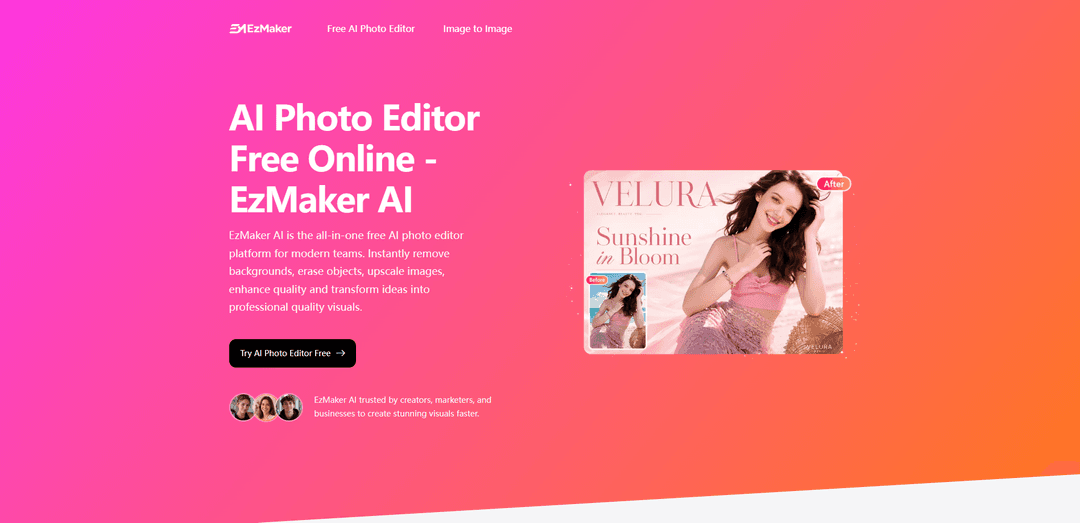
EzMaker AI is a free, no-signup, no-watermark all-in-one AI photo editor that removes backgrounds, erases objects, enhances/restores photos, and upscales images up to 8K in seconds.
https://ezmaker.ai/?utm_source=aipure
Product Information
Updated:Jun 16, 2026
What is Ezmaker AI: Free All-in-One AI Photo editor
EzMaker is a fully free, no-login AI photo editing platform that stands out by eliminating the usual barriers of traditional editing tools such as subscriptions, software installation, and complex learning curves. Instead of splitting features across multiple apps or paid plans, it brings essential AI editing capabilities—background removal, object erasing, image upscaling, and photo enhancement—into one simple, unified experience that works directly in the browser. EzMaker is designed for instant use, allowing anyone to start editing immediately and achieve professional-quality results in just a few clicks, making advanced image editing faster, more accessible, and more efficient for everyday users.
Key Features of Ezmaker AI: Free All-in-One AI Photo editor
EzMaker AI is a free, browser-based all-in-one AI photo editor that lets you edit and enhance images in seconds using simple clicks or text prompts—no sign-up required. It supports common formats (JPG/PNG/WebP), offers tools like object removal (magic eraser), background removal/replacement, image expansion, photo enhancement/restoration, and high-resolution upscaling (up to 8K). The platform emphasizes unlimited usage, no added watermarks, fast processing, and privacy protections with uploaded images deleted within 24 hours.
Magic Eraser (object removal): Brush over unwanted elements (people, clutter, wires, even embedded watermarks) and the AI fills the area naturally based on surrounding context.
Background remover & replacement: Instantly cut out subjects—including fine edges like hair—and replace backgrounds with solid colors (e.g., white for product photos) or custom scenes.
Image expander (outpainting): Extend images to new aspect ratios (e.g., square to widescreen/vertical) without stretching or cropping by generating coherent surrounding content.
AI enhancer & old photo restoration: Improves clarity on blurry, low-resolution, or vintage images by reducing noise, sharpening textures, and enhancing facial details.
High-resolution upscaling (2x/4x/8x): Upscale images for print, marketing, and large displays while maintaining quality, with downloads supported up to 8K.
Free, unlimited, no sign-up workflow: Runs in the browser with unlimited access to features, no account creation, and no added watermarks on output images.
Use Cases of Ezmaker AI: Free All-in-One AI Photo editor
E-commerce product imagery: Create clean product shots by removing backgrounds to white, erasing distractions, and upscaling images for marketplaces and ads.
Marketing & social media content: Quickly adapt creatives by changing backgrounds, expanding images to campaign aspect ratios, and enhancing quality for posts and banners.
Travel and personal photography cleanup: Remove photobombers or clutter from scenic photos and enhance clarity for sharing without needing complex editing software.
Restoring and modernizing old photos: Improve vintage or degraded images by restoring details, sharpening faces, and reducing noise for archiving or printing.
Design mockups and rapid iterations: Use prompt-based edits and fast processing to test variations (backgrounds, styles, compositions) for presentations and creative exploration.
Content repurposing for multiple formats: Expand and upscale a single image to fit different placements (stories, thumbnails, headers) without re-shooting or manual resizing.
Pros
Free and unlimited usage with no sign-up required
No added watermarks on outputs; supports high-resolution downloads up to 8K
Fast, simple prompt/click-based editing for non-designers
Privacy-focused: uploaded images are deleted from servers within 24 hours
Cons
Watermark removal may occasionally leave minor remnants of the original watermark
As a browser-based tool, performance and upload/download speed may depend on internet connection and device
How to Use Ezmaker AI: Free All-in-One AI Photo editor
1. Open EzMaker AI in your browser: Go to https://ezmaker.ai/ and access the AI Photo Editor (no sign-up required).
2. Launch the editor playground: Click the call-to-action such as “Try AI Photo Editor Free” to open the editing workspace/playground.
3. Upload your image: Click “Upload Image” (or drag and drop). EzMaker AI supports common formats like JPG/JPEG, PNG, and WebP (up to 20MB per the editor UI).
4. Choose your editing goal (what you want to change): Decide whether you want to remove a background, erase objects, enhance/restore an old photo, upscale resolution, change hair color, do style transfer, or replace the background.
5. Enter a text prompt with clear instructions: In the Prompt box, describe the edit you want (e.g., “remove background,” “erase the person behind me,” “enhance image quality,” “restore this old photo,” or “replace background with a clean white studio backdrop”).
6. (Optional) Use brush-based control for removals: For object removal, paint/brush over the unwanted area (e.g., strangers, clutter, watermarks). The AI will remove it and fill the area based on surrounding context.
7. (Optional) Set an aspect ratio before generating: Select an aspect ratio if needed (e.g., 1:1, 16:9, 9:16) to fit your intended use such as social posts, banners, posters, or product listings.
8. Generate the edit: Click “Generate” and wait a few seconds for the AI to process the image.
9. Refine by adjusting your prompt and regenerating: If the result isn’t perfect, tweak your instructions (be more specific about what to remove/keep, desired background, lighting, or style) and generate again until satisfied.
10. Use upscaling/enhancement when you need higher quality: Apply the enhancer/upscaler to fix blur/noise and increase resolution (the site mentions 2x/4x/8x upscaling and high-resolution downloads up to 8K).
11. Download your final image: Once satisfied, download the processed image in high quality for use in marketing, social media, presentations, printing, or e-commerce listings.
12. (Optional) Use Image-to-Image for restyling or multi-image blending: If you want to transform a photo into a new style or recreate it based on references, open the Image-to-Image tool, upload one or multiple reference images, describe the desired style/outfit/mood/background, then generate and download.
Ezmaker AI: Free All-in-One AI Photo editor FAQs
EzMaker AI is a free, all-in-one online AI photo editor that helps users create professional-quality visuals quickly, including background removal, object erasing, image enhancement, and upscaling.
Popular Articles

Vosko AI: Localize and Dub Videos for Global Audiences
Oct 15, 2026

Atoms: A Multi-Agent AI Platform That Transforms Ideas into Launch-Ready Products
Oct 13, 2026

Nano Banana SBTI: What It Is, How It Works, and How to Use It in 2026
Apr 15, 2026

Atoms Review — The AI Product Builder Redefining Digital Creation in 2026
Apr 10, 2026
Latest AI Tools Similar to Ezmaker AI: Free All-in-One AI Photo editor

AiSource
AiSource is a unified platform that allows users to generate and compare images using multiple leading AI text-to-image generators in one place without requiring separate subscriptions.
SampleFaces
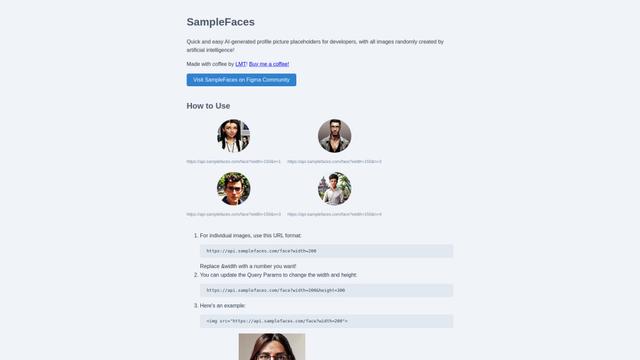
SampleFaces is a free web service that provides AI-generated profile pictures for developers and designers to use as placeholders in their projects.
ImageKit.io
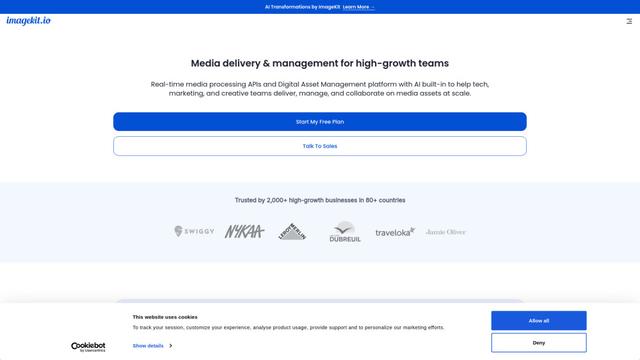
ImageKit.io is a comprehensive media management and delivery platform that provides real-time image and video optimization, processing APIs, and Digital Asset Management (DAM) solutions for delivering high-quality visual experiences on websites and apps.
FASHN
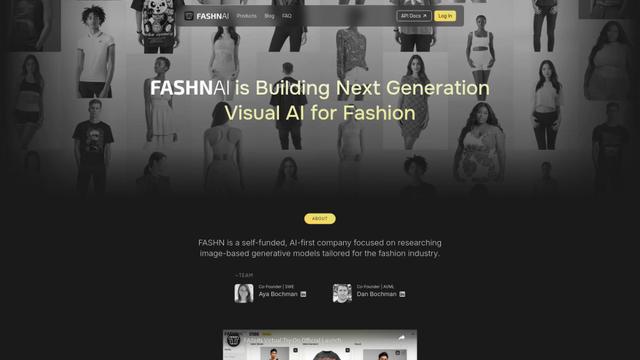
FASHN is a self-funded, AI-first company that develops cutting-edge virtual try-on technology and image-based generative models tailored specifically for the fashion industry.
Popular AI Tools Like Ezmaker AI: Free All-in-One AI Photo editor
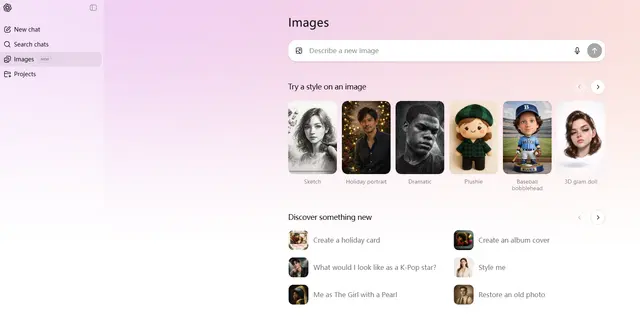
ChatGPT Images(GPT Image 1.5)
FreemiumAI Photo & Image Generator
ChatGPT Images, powered by GPT Image 1.5, is OpenAI's flagship image generation model that offers 4x faster processing, stronger instruction following, precise editing capabilities, and enhanced detail preservation for creating and editing high-quality AI-generated images.
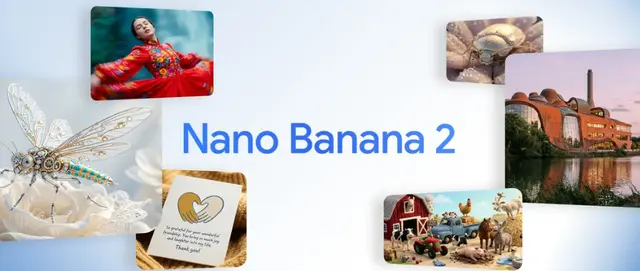
Nano Banana 2 (Gemini 3.1 Flash Image) - Official
FreemiumAI Photo & Image Generator
Nano Banana 2 (Gemini 3.1 Flash Image) is Google's latest state-of-the-art image generation model that combines Pro-level quality with Flash-speed performance, offering enhanced visual fidelity, real-world knowledge integration, and advanced editing capabilities.
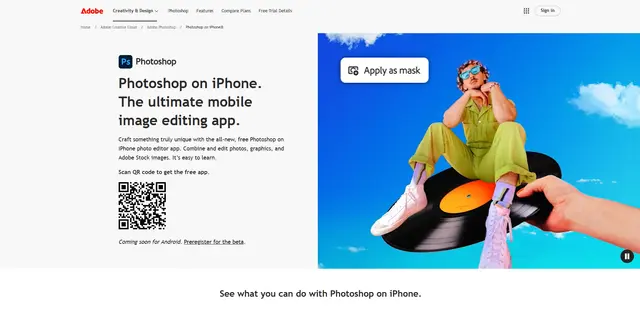
Adobe Photoshop App
Adobe Photoshop App is a free, powerful mobile photo editor that allows users to combine and edit photos, graphics, and Adobe Stock images with professional-grade tools and AI features optimized for touch devices.
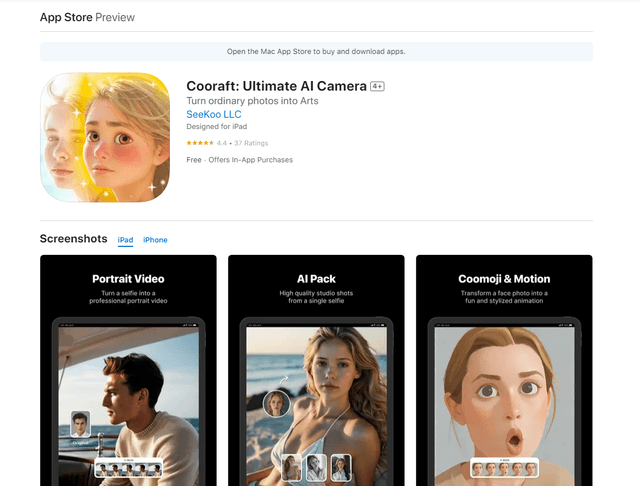
Cooraft: Ultimate AI Camera
Cooraft is an AI-powered camera app that transforms selfies and photos into stunning studio-quality videos, animations, and artistic renderings with just one tap.