
DropStories
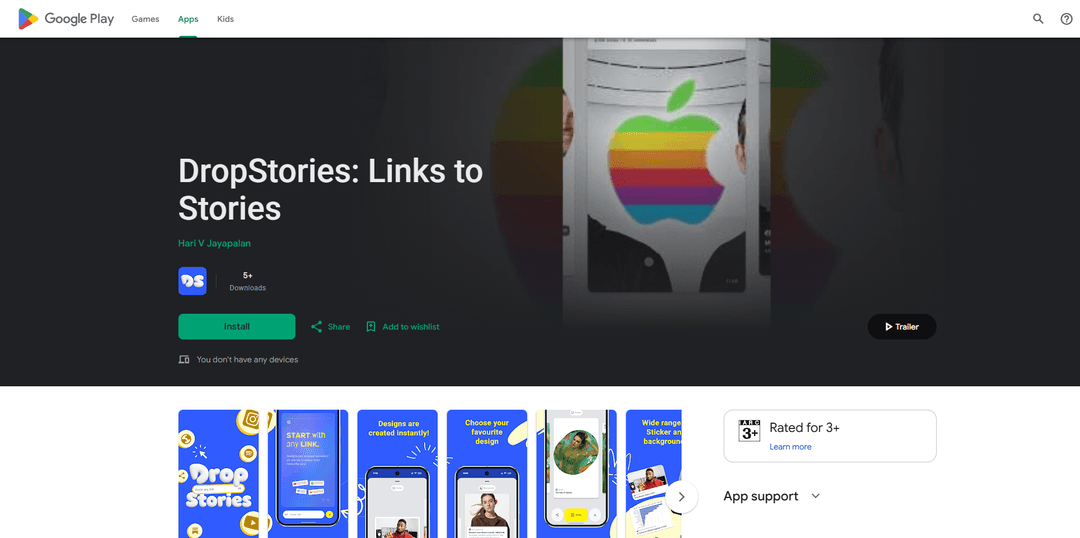
DropStories turns any URL into a polished, ready-to-share Instagram Story card by automatically pulling the page’s title, image, and description, with customizable templates and one-tap sharing.
https://play.google.com/store/apps/details?id=dev.harivignesh.tellstory&ref=producthunt
Product Information
Updated:Jun 8, 2026
What is DropStories
DropStories: Links to Stories is an Art & Design mobile app that makes sharing links on Instagram Stories fast and visually appealing. Instead of relying on screenshots, manual cropping, and text overlays, the app generates clean story templates from any public link—such as articles, product pages, recipes, podcasts, or videos—so creators and businesses can share content in a more professional, consistent way.
Key Features of DropStories
DropStories is an Android app that turns any pasted URL into a polished, ready-to-share Instagram Story template by automatically pulling the page’s metadata (title, image, description). It offers multiple story styles/layouts, optional customization, and one-tap sharing to Instagram Stories—eliminating the usual screenshot/crop/text-overlay workflow for sharing links in Stories.
Paste-a-link story generation: Paste any public URL (article, product page, recipe, podcast, video) and the app generates a clean Instagram Story card in seconds.
Automatic metadata extraction: Fetches the link’s title, description, and preview image to build a visually coherent story template without manual copy/paste.
Multiple templates and layouts: Choose from different styles and layouts to match your brand or aesthetic before sharing.
Optional customization: Adjust the generated story design if desired—without needing design skills or external editing tools.
One-tap Instagram Stories sharing: Share directly to Instagram Stories from the app, streamlining publishing and reducing steps.
Privacy-forward data posture (developer-declared): Play listing states no data collected and no data shared with third parties (note: also indicates data isn’t encrypted per the listing).
Use Cases of DropStories
Content marketing for blogs/media: Publish story-friendly link previews for new articles to drive traffic from Instagram to owned content.
E-commerce product promotion: Turn product links into attractive story cards for launches, sales, and featured items without screenshotting pages.
Podcast and video distribution: Share episode or video links as clean story templates that look consistent and clickable for audiences.
Creator/influencer link sharing: Quickly share affiliate links, recommendations, and resources as branded-looking stories with minimal effort.
Small business announcements: Promote booking pages, menus, event pages, or newsletters via story cards that look professional and on-brand.
Pros
Saves time by replacing screenshot/crop/text-overlay workflows with automated story card generation.
Works with many link types (articles, products, videos, recipes, podcasts) and supports quick sharing to Instagram Stories.
Developer-declared: no data collected and no data shared with third parties.
Cons
Play listing indicates data isn’t encrypted (per the app’s Data safety section).
Quality depends on the source URL’s metadata (missing/poor titles or images may reduce the card’s effectiveness).
Focused specifically on Instagram Stories link cards, so it may be less useful if you need broader social formats.
How to Use DropStories
1. Install DropStories from Google Play: Open the Google Play Store listing for “DropStories: Links to Stories” and tap “Install” to download the app to your Android device.
2. Open DropStories: Launch the DropStories app after installation.
3. Copy the link you want to share: Copy any public URL you want to post to Instagram Stories (for example: a blog post, article, product page, recipe, podcast, or video).
4. Paste the URL into DropStories: In DropStories, paste the copied URL. The app will automatically fetch the page metadata (title, image, and description).
5. Generate a story template: Let DropStories create a ready-to-share Instagram Story template from the link’s metadata.
6. Choose a style/layout: Pick from the available styles and layouts to match the look you want for your story.
7. Customize (optional): Make any optional adjustments offered by the app to better fit your vibe before sharing.
8. Share to Instagram Stories: Use the app’s one-tap sharing to send the generated story template directly to Instagram Stories.
DropStories FAQs
DropStories is an Android app that helps you share links on Instagram Stories by turning a pasted URL into a ready-to-share story template using the link’s title, image, and description.
Popular Articles

Atoms: A Multi-Agent AI Platform That Transforms Ideas into Launch-Ready Products
Oct 13, 2026

Nano Banana SBTI: What It Is, How It Works, and How to Use It in 2026
Apr 15, 2026

Atoms Review — The AI Product Builder Redefining Digital Creation in 2026
Apr 10, 2026

Kilo Claw: How to Deploy and Use a True "Do‑It‑For‑You" AI Agent(2026 Update)
Apr 3, 2026
Latest AI Tools Similar to DropStories
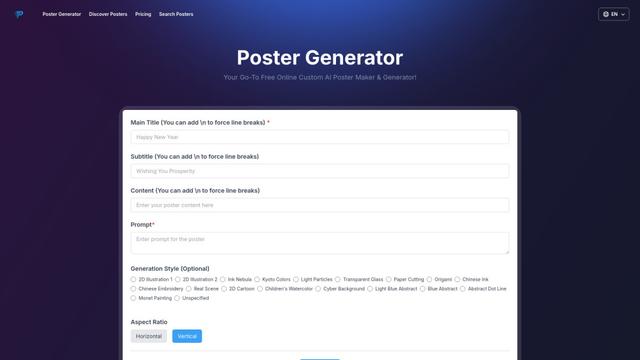
Poster Generator
An AI-powered online poster maker that enables users to effortlessly create stunning custom posters through templates, AI generation, and drag-and-drop editing tools without requiring design skills.
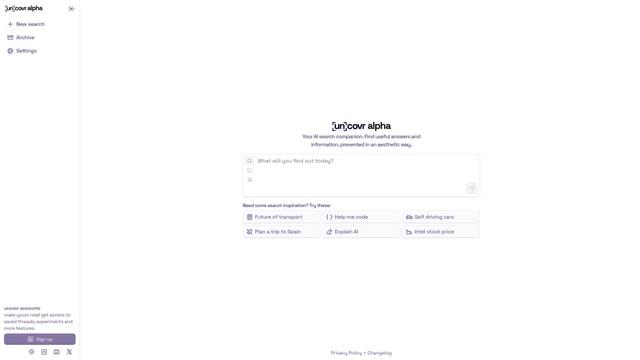
uncovr
Uncovr is an AI-powered search companion and augmented reality app that transforms printed content into interactive experiences while providing structured, helpful insights for any query.
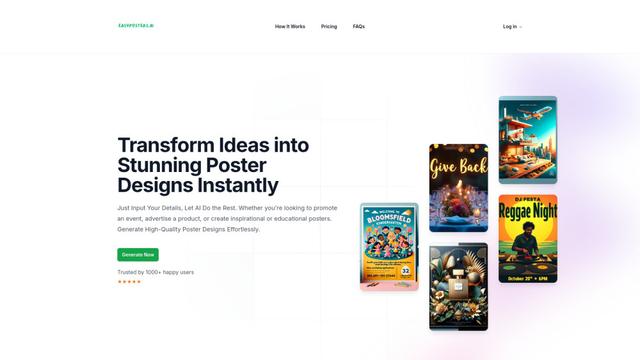
Easy Posters AI
Easy Posters AI is an AI-powered poster generator that transforms ideas into stunning professional poster designs instantly through simple text prompts, requiring no design experience.
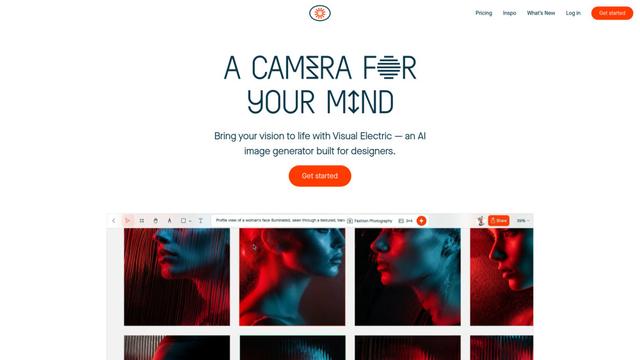
Visual Electric - AI Image Generator
Visual Electric is an AI-powered image generator built specifically for designers, offering a spatial creative canvas, custom styles, and advanced features like mockup creation and art direction.
Popular AI Tools Like DropStories
Visual Electric - AI Image Generator
Visual Electric is an AI-powered image generator built specifically for designers, offering a spatial creative canvas, custom styles, and advanced features like mockup creation and art direction.
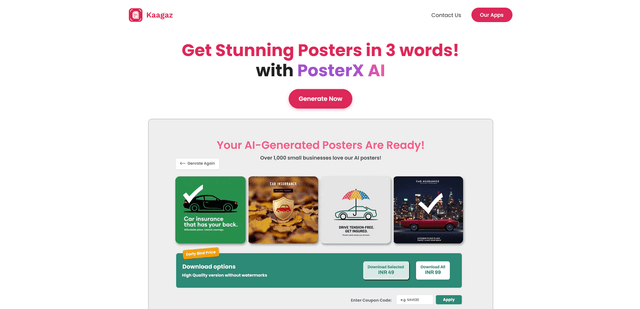
PosterX
PosterX is an AI-powered poster generator by Kaagaz that creates stunning marketing posters for businesses in seconds using just a few words of input.
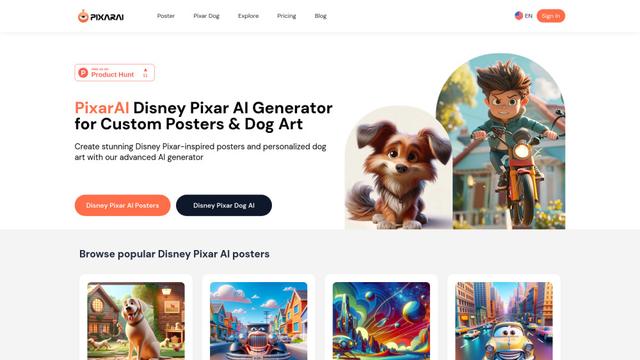
PixarAI
PixarAI is an advanced AI generator that creates custom Disney Pixar-inspired posters, personalized dog art, and memes using artificial intelligence.
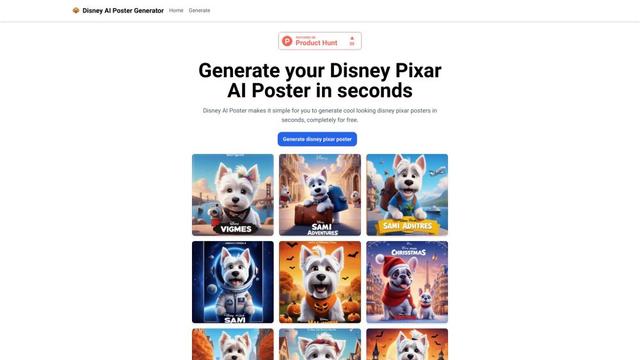
Disney AI Poster
Disney AI Poster is an AI-powered tool that allows users to easily create Disney and Pixar-inspired movie posters and artwork without artistic skills.