Doodles Ai
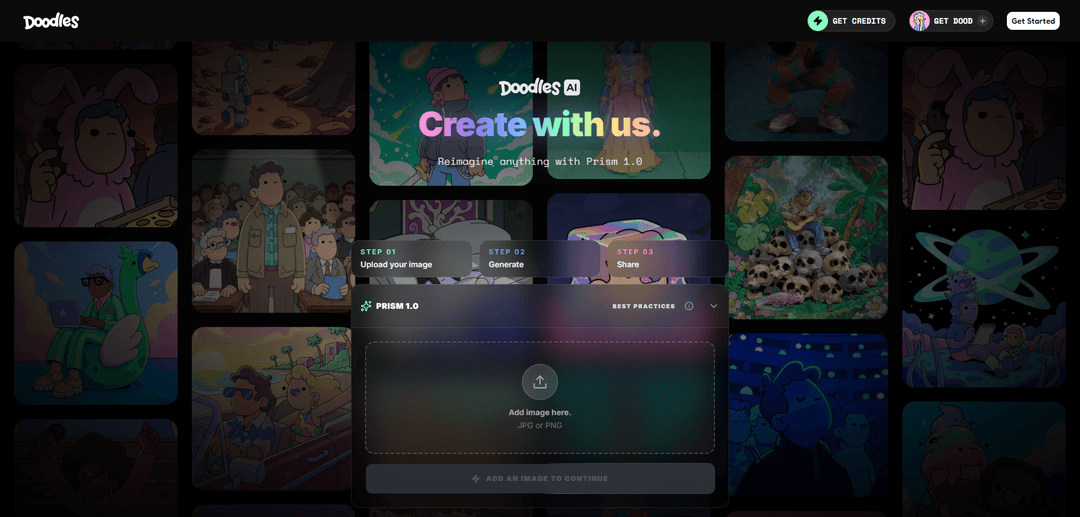
Doodles AI is a creative AI-powered platform that transforms text prompts and images into customizable doodle art, illustrations, and animations using advanced algorithms and neural networks.
https://makedoodles.ai/?ref=producthunt
Product Information
Updated:Apr 8, 2026
What is Doodles Ai
Doodles AI is an innovative creative platform that makes digital art creation accessible to everyone by leveraging artificial intelligence to generate doodle-style artwork. The platform allows users to turn simple text descriptions or existing images into whimsical doodles, illustrations, and animated content without requiring any artistic skills. It offers multiple AI art styles including mandalas, zentangle, kawaii doodles, and more, making it versatile for various creative needs from social media content to printable coloring pages.
Key Features of Doodles Ai
Doodles AI is a proprietary AI-powered creative tool that generates doodle-style illustrations and artwork based on text prompts. It uses a custom model trained exclusively on Doodles-owned IP to create visually consistent content across different formats while maintaining brand identity. The tool offers real-time generation, customization options, and the ability to create everything from simple sketches to complex animations, with features for both free and premium users.
Real-time Generation: Instantly transforms text prompts into doodle artwork with step-by-step visualization of the creative process
Style Consistency: Maintains consistent line weight, color palette, and texture across all generated variations while adhering to brand standards
Customization Options: Allows users to adjust settings, edit colors, change backgrounds, add text, and modify styles through a built-in editor
Multiple Export Formats: Supports various export options including PNG files with transparency and integration with video editing capabilities
Use Cases of Doodles Ai
Marketing and Social Media: Create engaging visual content for social media posts, ads, and marketing materials with consistent brand identity
Education and Training: Generate educational materials, worksheets, and visual aids for teaching and learning purposes
Entertainment Production: Support animation and content creation for entertainment projects, including potential feature-length animated films
Business Communications: Enhance internal announcements, presentations, and business documents with visually appealing doodle illustrations
Pros
Quick and efficient content generation without requiring artistic skills
Proprietary training data ensures original and legally compliant outputs
Consistent brand identity across all generated content
Cons
Limited to specific artistic style based on training data
Some advanced features require premium subscription
Complex layouts may require multiple regenerations to achieve desired results
How to Use Doodles Ai
1. Access the Tool: Visit the AI doodle generator through your web browser - no download or installation needed as it's cloud-based
2. Write Your Prompt: Type a clear, descriptive prompt of what you want to create. Be specific with details like size, style, colors, and characteristics (e.g., 'a smiling bluebird wearing a top hat' rather than just 'a bird')
3. Adjust Settings: Configure parameters like style, complexity, color palette, and image size to guide the AI's output. You can also select from various styles like whimsical, playful, or hand-drawn
4. Generate Doodles: Click the 'Generate' button to create your AI-generated doodle. The tool will produce multiple variations in seconds
5. Lock Style (Optional): If you find a variation you like, click 'Lock Style' to maintain the same line weight, texture, and color profile for future generations
6. Refine and Edit: Use the built-in editor to resize, add text, arrange elements, or adjust colors to perfect your doodle
7. Export Your Creation: Save your doodle in various formats including PNG, SVG, PDF, or HTML for different uses like social media, presentations, or print materials
8. Iterate if Needed: If the result isn't exactly what you want, try regenerating with slightly modified prompts or different settings until you achieve your desired outcome
Doodles Ai FAQs
Simply type your idea into the prompt box, being clear and specific about what you want. Enter text prompts describing your concept, choose desired style and dimensions, then click 'Generate' to create your doodle. The process takes only a few seconds to generate results.
Doodles Ai Video
Popular Articles

Atoms: A Multi-Agent AI Platform That Transforms Ideas into Launch-Ready Products
May 22, 2026

Nano Banana SBTI: What It Is, How It Works, and How to Use It in 2026
Apr 15, 2026

Atoms Review — The AI Product Builder Redefining Digital Creation in 2026
Apr 10, 2026

Kilo Claw: How to Deploy and Use a True "Do‑It‑For‑You" AI Agent(2026 Update)
Apr 3, 2026
Latest AI Tools Similar to Doodles Ai
Colorjoy
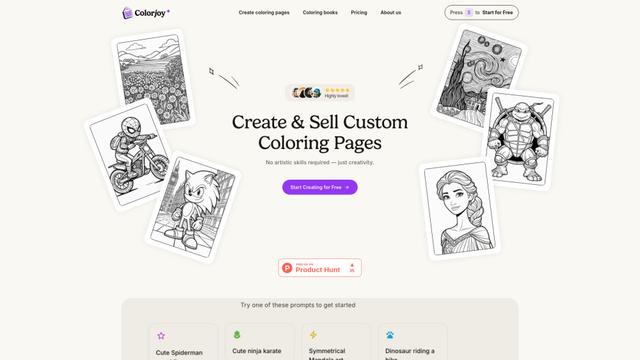
Colorjoy is an AI-powered coloring page generator that transforms text prompts into customizable, high-quality coloring designs suitable for both personal and commercial use.

AiSource
AiSource is a unified platform that allows users to generate and compare images using multiple leading AI text-to-image generators in one place without requiring separate subscriptions.
FLORA
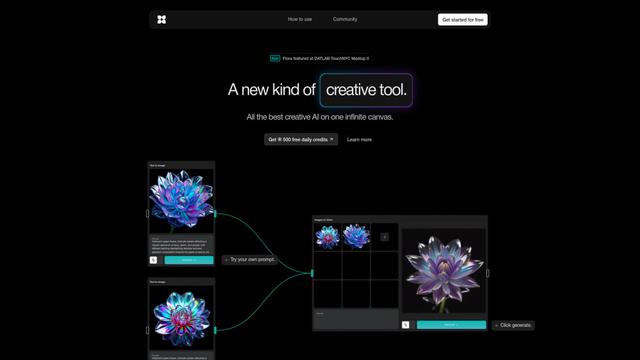
FLORA is an innovative AI-powered creative tool that combines multiple AI capabilities on an infinite canvas to enable personalized plant identification, creative design, and interactive botanical assistance.
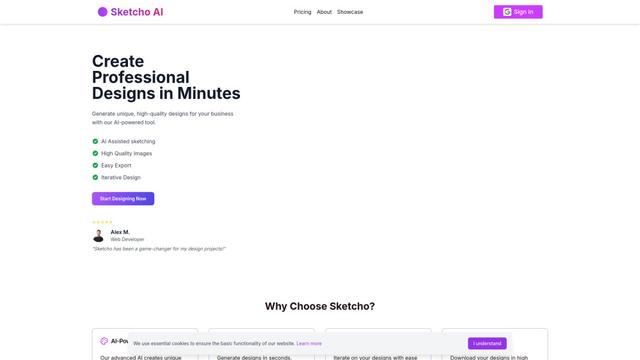
Sketcho
Sketcho is an AI-powered design tool that transforms sketches and ideas into high-quality professional designs through an intuitive interface.
Popular AI Tools Like Doodles Ai
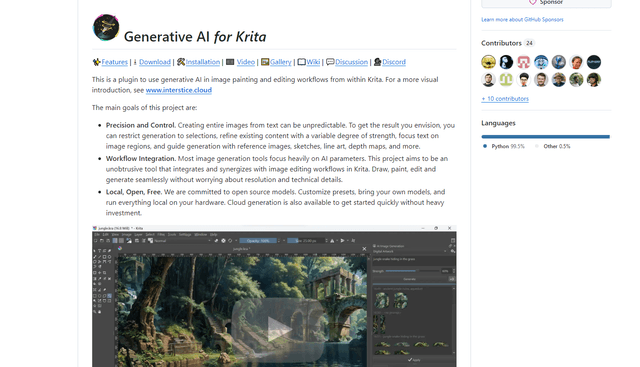
Krita
Krita is a free and open-source digital painting and illustration software that offers a wide range of professional-grade tools for artists and designers.
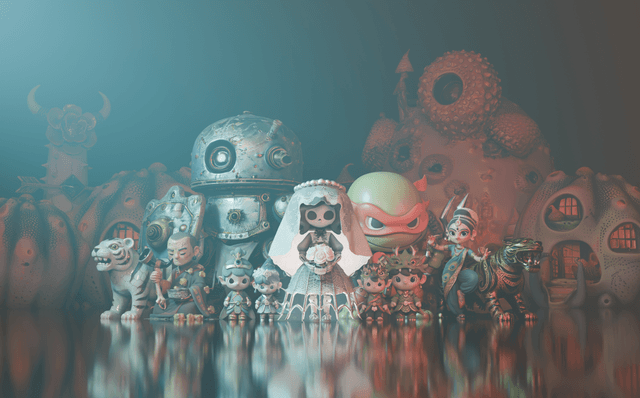
Hunyuan3D-2.1
Hunyuan3D-2.1 is Tencent's first production-ready 3D asset generation system that combines fully open-source framework with physically-based rendering (PBR) texture synthesis to create high-fidelity 3D models from images or text descriptions.
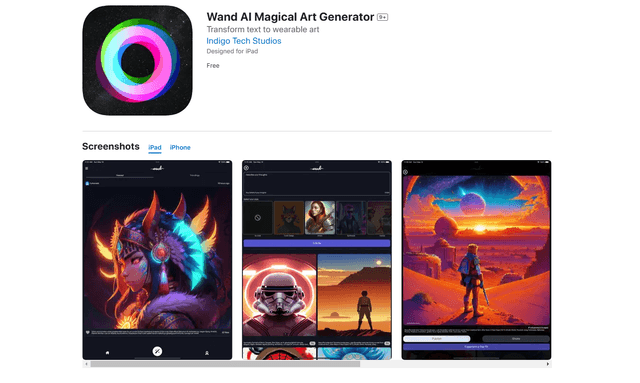
Wand AI
Wand AI is an innovative AI-powered creative tool that transforms text prompts and sketches into customizable digital artworks, designed specifically for artists and creative professionals on iPhone and iPad.
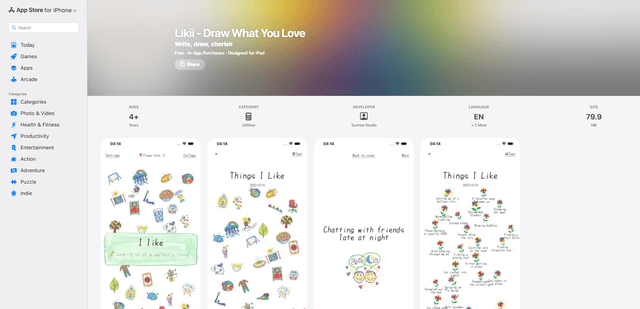
Likii
Likii is a creative journaling app that transforms written memories into beautiful crayon-style illustrations automatically.