
DocsAlot
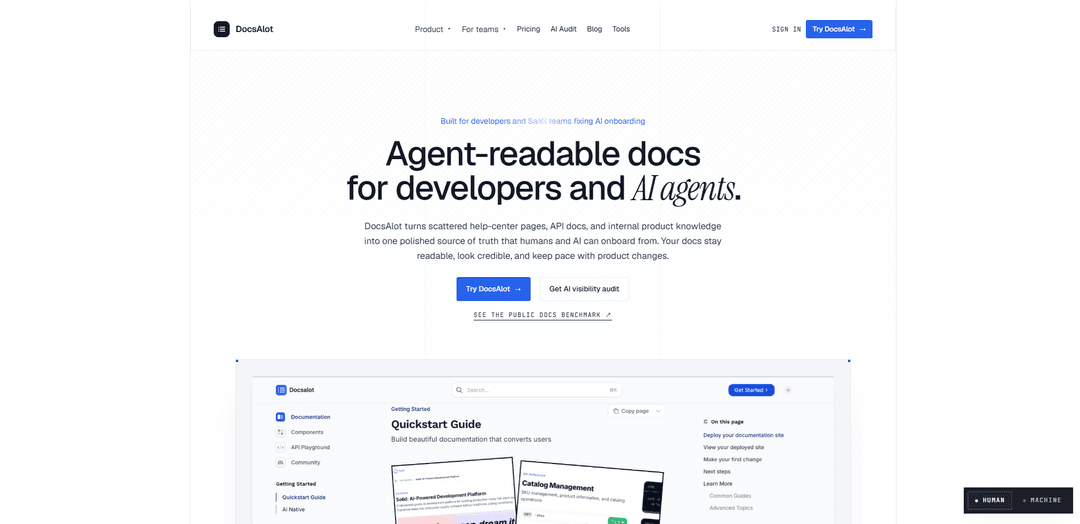
DocsAlot is an AI-readable documentation platform that unifies scattered help-center content, knowledge bases, and developer docs into a single source of truth, publishing hosted docs plus agent-ready outputs like llms.txt, skill.md, and a hosted MCP endpoint with search and page fetch tools.
https://docsalot.dev/?ref=producthunt
Product Information
Updated:Jul 8, 2026
What is DocsAlot
DocsAlot is a documentation platform built for SaaS teams and developers who want their docs to be both polished for humans and reliable for AI agents. It consolidates content from multiple places—such as GitHub/MDX docs, help centers, OpenAPI specs, and internal product notes—into one maintained documentation layer that stays current as the product evolves. From that same source, DocsAlot publishes a shareable documentation site and produces AI-facing surfaces that make it easier for tools like ChatGPT, Claude, Cursor, and other agents to find, cite, and follow your canonical documentation.
Key Features of DocsAlot
DocsAlot is an AI-readable documentation platform that consolidates scattered help-center articles, API references, and internal product knowledge into a polished, developer-grade docs site that stays in sync with product changes. It publishes both human-facing docs and agent-facing outputs (llms.txt, skill.md) and includes a hosted MCP endpoint for search, page fetch, and runnable examples—so teams can support AI onboarding and reduce documentation drift without building extra infrastructure. It also adds auditing/benchmarking to measure what AI assistants can actually find and cite, with deeper controls and services available on higher tiers.
Unified source of truth publishing: Turns multiple inputs (help center content, repo docs/MDX, OpenAPI specs, product notes) into one maintained documentation layer that is consistent for humans and AI agents.
Agent-readable outputs (llms.txt + skill.md): Automatically generates AI-facing files (including llms.txt routing and skill.md operating guides) so tools like ChatGPT/Claude/Cursor can locate canonical docs and follow product rules with less hallucination.
Hosted MCP endpoint (no infra): Every project gets a hosted mcp.docsalot.dev/* endpoint exposing tools like search, page fetch, and runnable examples—avoiding custom lambda wiring or separate retrieval services.
Interactive API Playground: Embeddable API playground that can be enabled per page via metadata, supports OpenAPI import, interactive try-it requests, and multi-language code generation for developer-friendly API docs.
AI visibility audits & benchmark reports: Provides a proof layer to assess what AI assistants cite, identify onboarding gaps, and track drift, producing shareable benchmark-style reports for documentation quality and discoverability.
Production-ready docs hosting & workflows: Hosted docs with clean navigation, markdown parity (e.g., .md negotiation), custom domains/subfolder hosting, private/authenticated help centers, review/preview workflows, and multilingual support (plan-dependent).
Use Cases of DocsAlot
SaaS developer onboarding & API adoption: Publish credible quickstarts, API references, and runnable examples while also shipping llms.txt/skill.md and MCP retrieval so AI assistants can reliably guide developers through setup and integration.
Support/help center modernization: Convert and normalize legacy help-center articles into a structured, searchable documentation hub with an AI help widget, reducing repetitive tickets and keeping answers consistent across channels.
Internal product and engineering knowledge base: Unify internal notes (e.g., Notion/Confluence) with repo docs into a single source of truth so engineers and agents can fetch accurate procedures, limits, and runbooks.
API-first companies managing spec drift: Use OpenAPI parsing plus an interactive playground and drift checks to ensure endpoint docs, examples, and SDK guidance stay current as APIs evolve.
Enterprises needing governance and migration: Adopt private docs, SSO, custom integrations, and done-for-you migration/audits to standardize documentation across teams and prove AI-readiness with visibility reviews.
Pros
Strong AI-native packaging (llms.txt, skill.md, hosted MCP) that reduces extra infrastructure and improves agent onboarding reliability.
Developer-focused documentation experience (polished hosted docs, interactive API playground, runnable examples, multi-language code generation).
Auditing/benchmarking layer helps teams measure what AI can actually find and cite, not just what’s published.
Cons
Some references suggest DocsAlot’s own backend API is mentioned but not fully documented, which may limit deeper custom integrations without sales/support help.
Advanced capabilities (SSO, audits, SDK maintenance, custom integrations, detailed analytics) are gated to higher tiers and may be overkill for very small teams.
How to Use DocsAlot
1) Create a new DocsAlot documentation site: Go to https://docsalot.dev/documentation and click “New documentation” to start onboarding and create a new docs project.
2) Choose how you want to author docs (web editor or GitHub repo): During onboarding, pick your documentation source. You can start with the built-in web editor, or select GitHub to connect an existing repository as the source of truth.
3) (Option A) Publish using the web editor: After creating the project, update a page in the web editor and publish your changes. Once published, DocsAlot deploys your documentation automatically.
4) (Option B) Connect a GitHub repository: If you prefer docs-as-code, select GitHub as your documentation source during onboarding, then choose the repository you want to use. DocsAlot will sync and deploy from that repo.
5) Find and open your hosted docs URL: Your site is deployed immediately at https://<your-project-name>.docsalot.dev. You can find the exact URL in the dashboard Overview page and use it for testing and sharing.
6) Use agent-readable outputs (llms.txt and skill.md): DocsAlot automatically serves agent-readable files from the same docs source: /llms.txt (a canonical map of your docs) and /skill.md (instructions for AI agents on how to use your docs effectively).
7) Install your docs as an agent skill (optional): To make your docs easy for tools like Claude Code/Cursor to use, install the skill with: npx skills add https://your-docs.docsalot.dev. This pulls your hosted /skill.md and sets it up for the agent.
8) Use the hosted MCP server for search and page retrieval (optional): DocsAlot provides a hosted MCP endpoint for your docs. The MCP server URL follows: https://<your-subdomain>-docs.docsalot.dev/api/mcp (example given: https://solid-docs.docsalot.dev/api/mcp). Use it in MCP-compatible clients to search docs and fetch full page content.
9) Control what content is searchable via MCP indexing (optional): By default, DocsAlot indexes pages included in your layout.json navigation for MCP search. Hidden pages (not in navigation) are excluded unless you enable indexing all pages. To exclude a page explicitly, add frontmatter noindex: true.
10) Add a custom domain (recommended before sharing broadly): In the custom domain settings, add the provided CNAME record in your DNS provider. Use Type=CNAME, Name=<your subdomain or @>, Value=docsalot.dev. If you use Cloudflare, set the CNAME to “DNS only” (proxy off/grey cloud) to avoid SSL/verification issues.
11) (Optional) Add API reference pages with an interactive playground: To set up API endpoint docs with a playground, add page frontmatter like: api: "POST https://api.example.com/v1/endpoint" (method + URL). DocsAlot can render an interactive environment to make requests and preview responses.
12) Iterate: update docs and republish: Continue editing pages (in the web editor or via GitHub) and publish updates. Each publish keeps your hosted docs and agent-readable surfaces (hosted site, /llms.txt, /skill.md, MCP) in sync.
DocsAlot FAQs
DocsAlot is an AI-readable documentation platform that turns scattered help-center articles, API docs, and internal product knowledge into one maintained source of truth for humans and AI agents. It publishes a polished hosted docs site and agent-facing outputs from the same source so onboarding answers can cite current documentation.
DocsAlot Video
Popular Articles

Proferex: A Cloud-Based Ad Tracking and Campaign Optimization Platform
Nov 4, 2026

How to Create Viral Talking Baby Podcast Videos with AI: Step-by-Step Guide
Nov 2, 2026

Vosko AI: Localize and Dub Videos for Global Audiences
Oct 15, 2026

Atoms: A Multi-Agent AI Platform That Transforms Ideas into Launch-Ready Products
Oct 13, 2026
Latest AI Tools Similar to DocsAlot

invoices.dev
invoices.dev is an automated invoicing platform that generates invoices directly from developers' Git commits, with integration capabilities for GitHub, Slack, Linear, and Google services.
Monyble
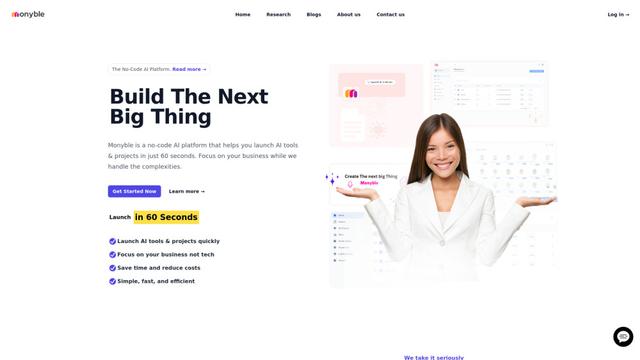
Monyble is a no-code AI platform that enables users to launch AI tools and projects within 60 seconds without requiring technical expertise.

Devozy.ai
Devozy.ai is an AI-powered developer self-service platform that combines Agile project management, DevSecOps, multi-cloud infrastructure management, and IT service management into a unified solution for accelerating software delivery.
Mediatr
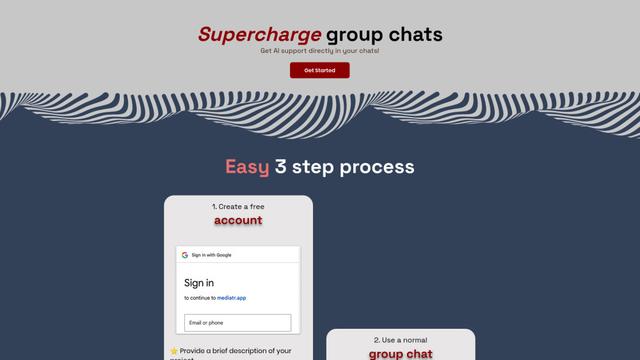
MediatR is a popular open-source .NET library that implements the Mediator pattern to provide simple and flexible request/response handling, command processing, and event notifications while promoting loose coupling between application components.
Popular AI Tools Like DocsAlot
Launch
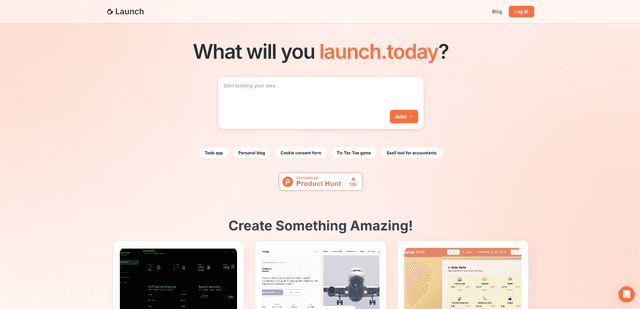
Launch is an AI-powered platform that enables users to build full-stack applications instantly while providing comprehensive tools for product launches, entrepreneurship programs, and customer acquisition.

GitHub Copilot Chat
GitHub Copilot Chat is an AI-powered coding assistant that provides natural language interactions, real-time code suggestions, and contextual support directly within supported IDEs and GitHub.com.
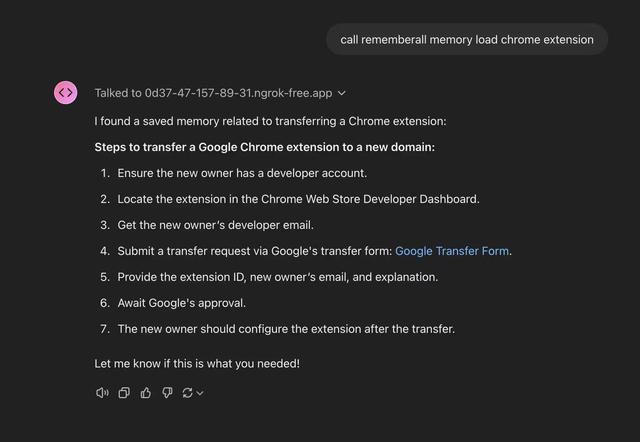
Rememberall
Rememberall is a secure, open-source long-term memory solution that enables AI applications and GPT models to maintain persistent memory across conversations through semantic search and vector storage capabilities.
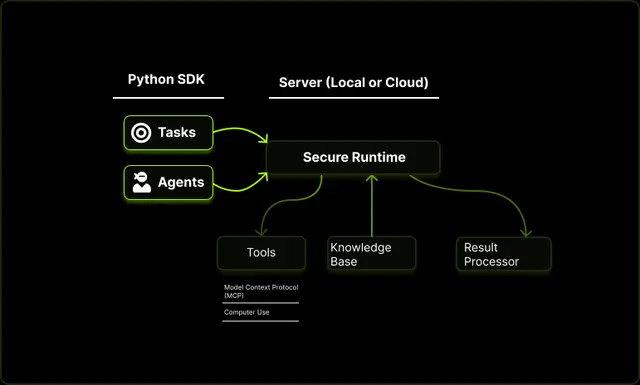
Upsonic
Upsonic is a reliability-focused AI agent framework with dockerized server-client architecture that enables trusted agent workflows through advanced features like verification layers, triangular architecture, and Model Context Protocol (MCP) integration.