
DexCode
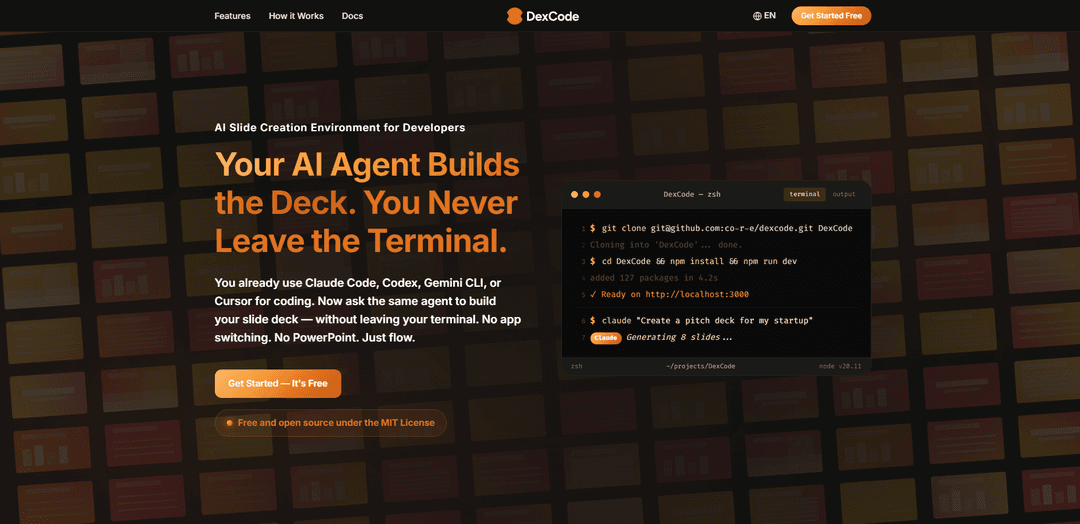
DexCode is an AI-first slide authoring tool that allows developers to create, revise, and share presentation slides directly from their terminal without leaving their coding environment.
https://co-r-e.github.io/dexcode-lp?ref=producthunt
Product Information
Updated:Apr 8, 2026
What is DexCode
DexCode is an innovative presentation tool designed specifically for developers who want to maintain their workflow efficiency. It integrates with existing AI coding assistants like Claude Code, Codex, Gemini CLI, or Cursor to enable slide deck creation and editing directly from the command line interface. This open-source, MIT-licensed tool eliminates the need to switch between different applications like PowerPoint, allowing developers to stay in their preferred terminal environment while creating professional presentations.
Key Features of DexCode
DexCode is an AI-first slide authoring tool that allows developers to create, revise and share presentation slides directly from their terminal without leaving their coding environment. It integrates with AI agents like Claude Code, Codex, and Gemini CLI to generate slide content, features over 100 built-in slide templates, supports parallel slide editing, and offers live preview, PDF export and Cloudflare Tunnel sharing capabilities.
Terminal-Based Slide Creation: Create and edit slides directly from the command line interface without switching to presentation software like PowerPoint
AI-Powered Content Generation: Leverage AI agents to automatically generate slide content, improve wording, adjust spacing, and fine-tune visual elements
Parallel Slide Editing: Edit multiple slides simultaneously using different AI agents to dramatically reduce revision cycles
Built-in Components Library: Access 100+ pre-built slide templates with charts, icons, code blocks, tables, math equations and other professional components
Use Cases of DexCode
Sprint Reviews: Quickly generate and update sprint review presentations while staying in the development environment
Technical Documentation: Create detailed technical presentations with code examples, architecture diagrams, and flowcharts using built-in components
Product Roadmaps: Build and maintain product roadmap presentations with timeline views, feature comparisons, and milestone tracking
Team Training: Develop training materials and documentation with multi-language code examples and step-by-step guides
Pros
Zero context switching between coding and presentation creation
Significant time savings through AI-powered content generation
Extensive library of professional templates and components
Real-time preview and collaborative sharing capabilities
Cons
Requires familiarity with command line interface
Limited to users who already use AI coding agents
May not offer all formatting options available in traditional presentation software
How to Use DexCode
Install DexCode: Clone the repository and install dependencies using:
git clone [email protected]:co-r-e/dexcode.git DexCode
cd DexCode
npm install
Start the development server: Run 'npm run dev' to start the local development server. This will make your slides available at http://localhost:3000
Generate initial slide deck: Use the Claude CLI to generate your first deck draft by typing a command like:
$ claude "Create a pitch deck for my startup" or "Create 5 slides for tomorrow's sprint review"
Review generated slides: The AI will create MDX files for each slide in your deck. These will appear in real-time in your browser preview thanks to hot reload functionality
Refine slides in parallel: Make revisions to multiple slides simultaneously by instructing the AI, for example:
"Update slides 04, 05, 08 in parallel: tighten copy, improve chart labels, fix spacing"
Fine-tune with AI: Use precise prompts to have AI adjust specific aspects like "Make slide 05 headline sharper" or "Align chart axis labels on slide 3"
Add visual elements: Utilize the 100+ built-in slide templates and components including charts, code blocks, layouts, dashboards, and other pre-built showcase components
Share and present: Choose from multiple sharing options:
- Present directly using Presenter Mode
- Share via Cloudflare Tunnel URL
- Export to PDF/PPTX
- Use hot reload for live editing during presentations
DexCode FAQs
DexCode is an AI-driven slide authoring tool that allows developers to create and edit presentation slides directly from their terminal/CLI without switching to PowerPoint or other presentation software. It integrates with AI agents like Claude Code, Codex, Gemini CLI, or Cursor.
Popular Articles

Atoms: A Multi-Agent AI Platform That Transforms Ideas into Launch-Ready Products
May 22, 2026

Nano Banana SBTI: What It Is, How It Works, and How to Use It in 2026
Apr 15, 2026

Atoms Review — The AI Product Builder Redefining Digital Creation in 2026
Apr 10, 2026

Kilo Claw: How to Deploy and Use a True "Do‑It‑For‑You" AI Agent(2026 Update)
Apr 3, 2026
Latest AI Tools Similar to DexCode
PPTalker
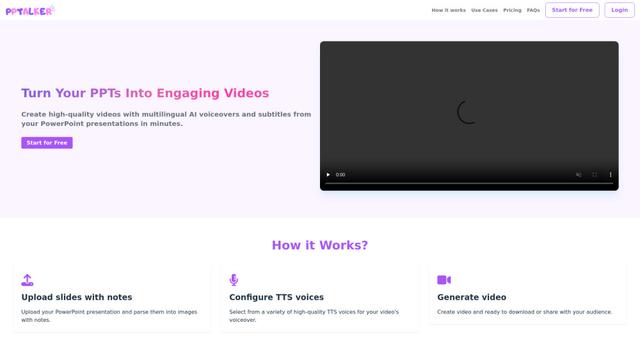
PPTalker is an online PowerPoint to video converter that transforms presentations into engaging videos with AI-powered multilingual voiceovers and subtitles.
Napkin
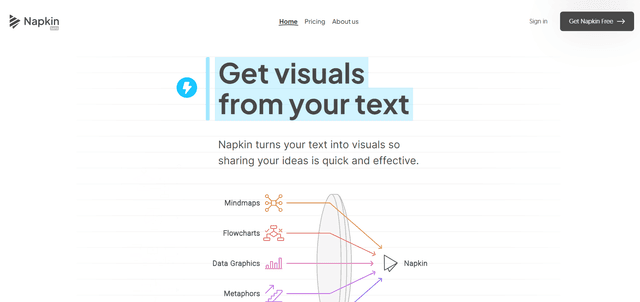
Napkin AI is an innovative AI-powered tool that automatically transforms text into visually appealing graphics, diagrams, and illustrations to enhance business communication and storytelling.
Aidocmaker.com
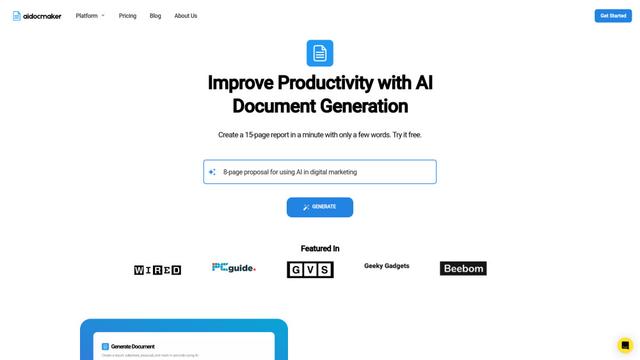
Aidocmaker.com is an AI-powered document creation platform that allows users to effortlessly generate professional documents, presentations, spreadsheets, and voiceovers in minutes.

Yanbi AI
Yanbi AI is a free AI-powered writing tool that generates high-quality content for various writing scenarios with one click.
Popular AI Tools Like DexCode

MulmoCast
MulmoCast is an AI-native multi-modal presentation tool that automatically generates videos, podcasts, slides, PDFs, and manga-style content from a single script using various AI technologies.
MulmoCast Vision
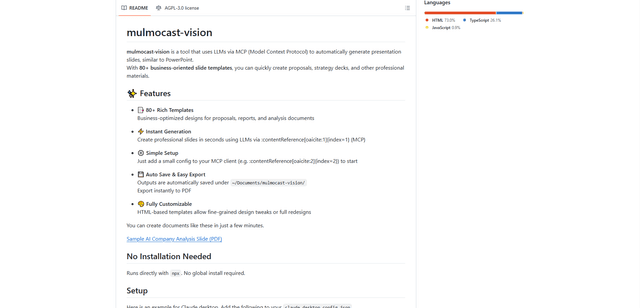
MulmoCast Vision is an AI-powered tool that automatically generates professional presentation slides through LLMs via Model Context Protocol (MCP), featuring 80+ business-oriented templates for various corporate needs.

Gamma
Free TrialAI Presentation Generator
Gamma App is an AI-powered tool for creating beautiful presentations, documents, and websites with no design or coding skills required.

SLIDESGO
Slidesgo is a free online platform that provides professionally designed presentation templates for Google Slides and PowerPoint with customizable themes, infographics, and AI-powered tools to help create engaging presentations faster.