DeepSearch Name
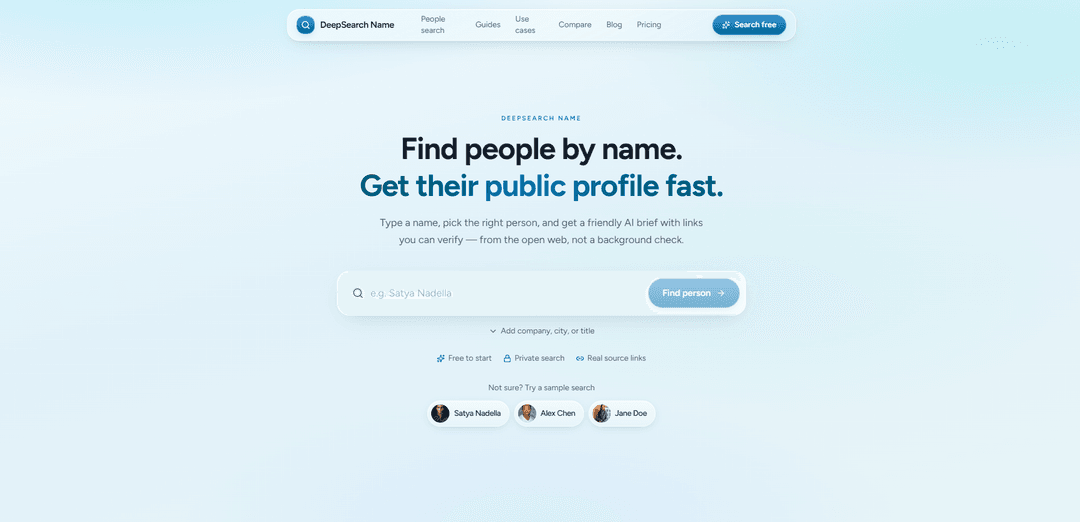
DeepSearch Name is a name-first public‑web people research tool that turns a person’s name into a sourced, verifiable profile by letting you confirm the right match, read an AI brief with links, and ask follow‑up questions in chat.
https://www.deepsearch.name/?utm_source=aipure
Product Information
Updated:Aug 4, 2026
What is DeepSearch Name
DeepSearch is an AI-powered people search engine that transforms a name into a complete, source-backed profile in seconds. Search across the public web to discover social profiles, professional history, education, web mentions, and more—all organized into a concise AI summary with verifiable sources. Whether you're researching a candidate, preparing for a meeting, or learning about someone, DeepSearch helps you find the right person faster and with confidence.
Key Features of DeepSearch Name
DeepSearch Name is a name-first people research tool that scans publicly available information on the open web to help professionals answer “who is this person?” It provides candidate matching to disambiguate common names, then generates an AI-enriched, structured profile and brief with source links you can open to verify each claim, plus a chat interface for follow-up questions. It focuses on public web sources (e.g., professional profiles, company pages, talks, blogs, news, public GitHub) and explicitly positions itself as private, non-notifying research—not an FCRA-compliant background check and not a pull from non-public databases.
Name-first search with optional context: Start with a person’s name and optionally add company, city, title, or other hints to reduce false matches and improve accuracy when names collide.
Candidate matching for identity confirmation: Shows likely matching profiles so you can confirm the correct person before generating or relying on a brief—reducing the risk of researching the wrong individual.
Source-linked, verifiable profiles: Builds structured profiles from open-web sources (e.g., LinkedIn pages, GitHub, articles, conference bios, company sites) and links each claim to supporting pages for manual verification.
AI-generated brief + follow-up Q&A: Produces a summarized, structured brief of someone’s public footprint and lets you ask iterative follow-up questions in chat to explore specific details.
Public-web only with clear scope boundaries: Designed for open-web research (professional profiles, news, talks, blogs, public repos) and explicitly excludes credit/court dossier products, non-public databases, and FCRA consumer reports.
Private lookups (no subject notification): Lookups are private and the subject is not notified, supporting discreet pre-meeting or pre-outreach research workflows.
Use Cases of DeepSearch Name
Recruiting and candidate screening (pre-interview research): Quickly compile and verify a candidate’s public work history, publications, talks, and public code/projects—without treating it as a formal background check.
Founder/investor meeting preparation: Create a sourced brief on investors, founders, or operators before meetings to understand past roles, public viewpoints, and relevant public mentions.
Sales and partnerships account research: Research prospects and partners by name to find role-confirming pages, company bios, and public posts—then tailor outreach based on verified context.
Journalism and media pre-interview verification: Confirm identity and gather source-backed context from public bios, talks, articles, and organizational pages before contacting or quoting someone.
Conference and event speaker due diligence: Validate speaker credentials using conference bios, company pages, and public web mentions, and resolve ambiguity when multiple people share a name.
OSINT-style public footprint mapping: Aggregate a person’s public profiles and mentions into one place with citations, reducing the need to manually open many tabs across platforms.
Pros
Source transparency: claims are backed by links so users can verify before acting.
Efficient workflow: compresses multi-tab manual research (LinkedIn, company sites, GitHub, articles) into a single name-first pipeline with follow-up Q&A.
Clear ethical/legal boundary: explicitly positioned as public-web research, not an FCRA consumer report or non-public database lookup.
Cons
Limited by public footprint: if someone has little public presence, results may be sparse and the tool cannot reliably fill gaps.
Name ambiguity risk remains: common names can still produce confusing matches, requiring careful human confirmation across sources.
Not suitable for formal background checks: excludes FCRA-compliant screening and non-public records, so it can’t replace regulated due diligence.
How to Use DeepSearch Name
1. Open DeepSearch Name: Go to https://www.deepsearch.name/ to start a name-first public web research lookup.
2. Enter the person’s name: Type the person’s full name. If the name is common, add extra context (e.g., company, city, title) to reduce mismatches.
3. Review the matching candidates: DeepSearch Name will surface possible matches. Use the available context to identify which candidate is the correct person before proceeding.
4. Confirm the right person: Select/confirm the correct match so the system builds a profile for the intended individual (this is the recommended pipeline: confirm identity before trusting the brief).
5. Read the sourced brief/profile: Explore the structured profile generated from publicly available open-web sources, presented as a brief with links you can open and verify.
6. Verify claims by opening source links: Click through citations to validate details directly on the original pages (e.g., professional profiles, team pages, news, talks, blogs, public GitHub, company sites, conference bios).
7. Ask follow-up questions in chat: Use the chat to request more detail or clarification about the person, using the sourced profile as the starting point.
8. Refine your search if results are weak or ambiguous: If you can’t find anything relevant (or there are too many similar matches), rerun the search with additional filters like employer, city, or title. Some people may have little public footprint, and the tool may indicate that rather than guessing.
9. Use within stated scope and limits: Use DeepSearch Name for public-web research only. It is not a background check, not an FCRA consumer report, and does not use non-public databases or provide credit/court dossier products.
10. Note privacy expectations: Lookups are private and the subject is not notified by DeepSearch Name when you research them.
DeepSearch Name FAQs
DeepSearch Name turns a person’s name into a sourced brief built from publicly available information on the open web, producing matching candidates to confirm and then a structured profile you can verify via links.
Popular Articles

Vosko AI: Localize and Dub Videos for Global Audiences
Oct 15, 2026

Atoms: A Multi-Agent AI Platform That Transforms Ideas into Launch-Ready Products
Oct 13, 2026

Nano Banana SBTI: What It Is, How It Works, and How to Use It in 2026
Apr 15, 2026

Atoms Review — The AI Product Builder Redefining Digital Creation in 2026
Apr 10, 2026
Latest AI Tools Similar to DeepSearch Name

MarketYap!
MarketYap! is an AI-powered investment news aggregation platform that simplifies stock research by gathering and summarizing articles from multiple reputable sources.

ArXiv Pulse
ArXiv Pulse is a platform that helps researchers stay updated with the latest research papers by providing personalized, easy-to-read summaries of arXiv preprints delivered directly to their inbox.
Zeli.app
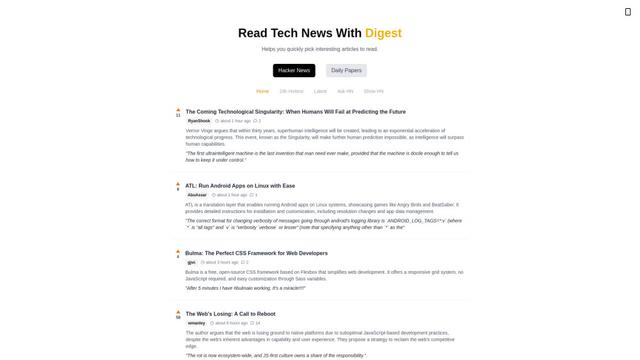
Zeli is an English-language platform that aggregates and provides digests of Hacker News articles and latest AI research papers to help tech enthusiasts stay updated with cutting-edge technology.
Gene
Gene is an AI-powered research and web assistant tool that helps users analyze, summarize and extract key information from articles and documents.
Popular AI Tools Like DeepSearch Name

Hierarchical Reasoning Model
The Hierarchical Reasoning Model (HRM) is a brain-inspired AI architecture that achieves exceptional reasoning capabilities with only 27 million parameters, using two interdependent recurrent modules for abstract planning and detailed computations.
Web Researcher MCP
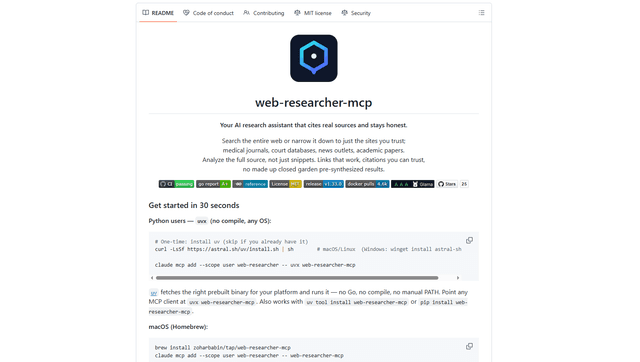
Web Researcher MCP is a local, production-grade MCP server that lets AI assistants search the web (optionally restricted to trusted “search lenses”), read full sources (including JS-rendered pages, PDFs, and YouTube transcripts), and return verifiable citations with multi-provider failover. [Source: https://github.com/zoharbabin/web-researcher-mcp?ref=producthunt]
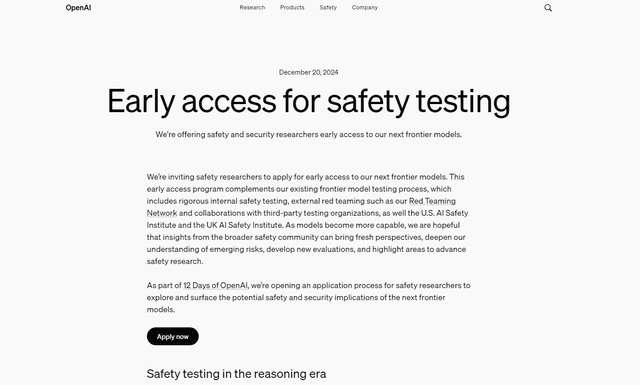
Open AI o3
OpenAI o3 is a next-generation AI reasoning model with enhanced capabilities in coding, mathematics, and problem-solving that achieves breakthrough performance on advanced benchmarks while prioritizing safety through deliberative alignment.

NextGenAI by OpenAI
NextGenAI is a first-of-its-kind consortium launched by OpenAI that unites 15 leading research institutions with $50M in funding and tools to advance AI research and education.